4 AI Workflows: Auto-Generated Drafts, Human Makes the Final Call

Four low-risk AI workflows follow one rule: AI drafts, humans decide, never auto-send.
Addressing the common worry that AI agents might make mistakes, the article presents four workflows built on the principle of "AI drafts, humans make the final call." From the free guide Roar Workflows, they cover customer support email drafts, meeting notes and action items, daily Slack channel recaps, and a small business bookkeeping assistant. Each spells out the pain point, tools, steps, and effectiveness, sharing low risk, measurable, read-before-write traits. The article stresses starting read-only to build trust, tracking draft edits to optimize prompts, and keeping AI advisory where errors are costly.
Many people who want to try AI agents share the same concern: what if it sends the wrong email to a customer? What if it messes up my books? After talking to a large number of users, the original author found this worry to be extremely common. So he put together four workflows built around a single principle — AI drafts, humans make the final call. Before anything is sent, booked, or filed, it has to pass your eyes.
These four workflows come from the free guide Roar Workflows, organized by role, each listing the problem, tools, steps, and approximate cost and difficulty. What they share: low risk, measurable, read-before-write.
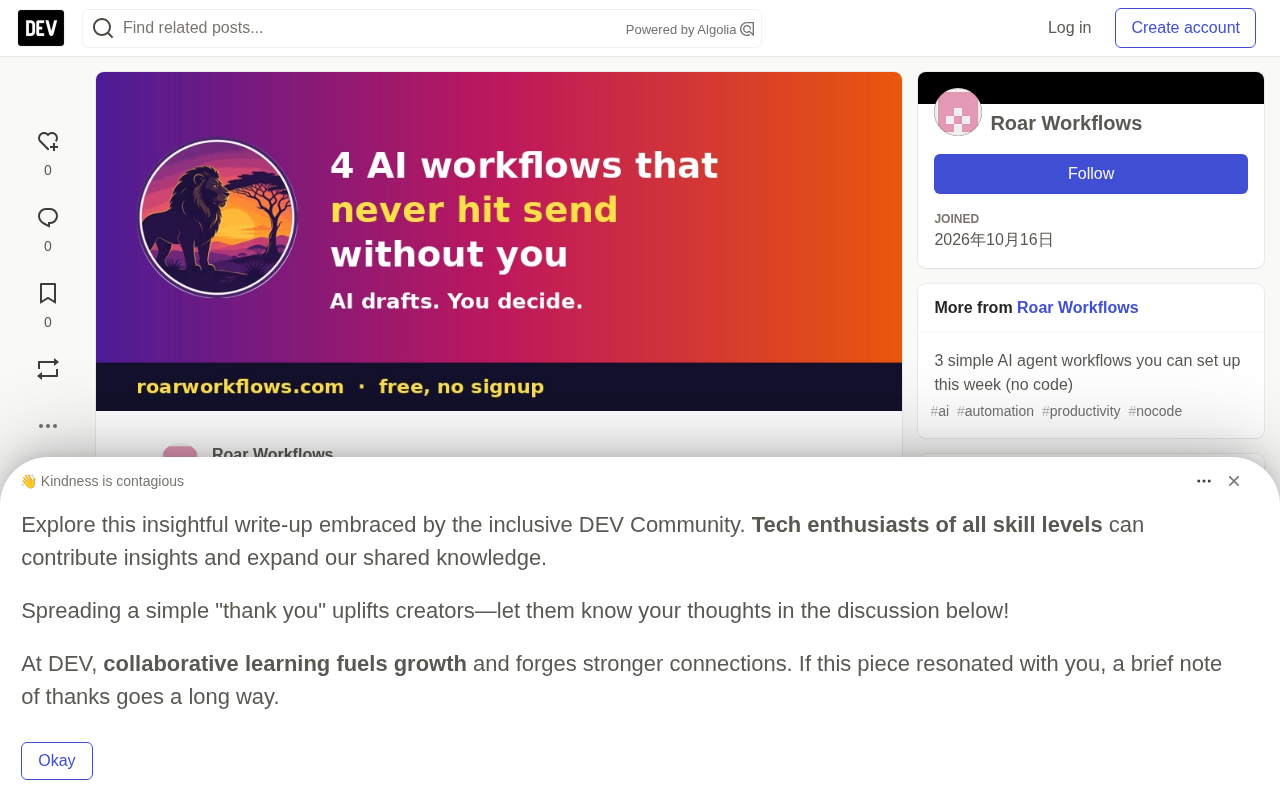
The Principle: AI Drafts, Humans Decide
Behind these four processes is one clear rule: never auto-send. AI can generate reply drafts, meeting summaries, channel recaps, and bookkeeping suggestions, but the final send, assign, and file actions are all done by a human. Another key point is start read-only. Low-risk operations like summaries and labels are a great way to build trust. If you find yourself rewriting every single draft, you should tune your prompts first rather than rushing to add more automation.
Workflow 1: Customer Support Inbox Draft Generation
Pain point: Small teams spend a lot of time every day writing similar customer support replies over and over.
Approach: Use n8n (self-hosted or cloud) to set up a Gmail trigger, match email-related help docs, send the email and docs together to an AI model, and save the generated answer as a Gmail draft — never auto-sent. At the same time, track how much you edit the drafts and use that to keep refining your prompts.
Why it works: You still have to read and send every reply, but the starting point shifts from a blank page to an 80%-complete draft. This "last mile" of human involvement ensures quality while boosting efficiency dramatically.
n8n is an open-source workflow automation tool that supports self-hosted or cloud deployment. It connects different apps (like Gmail, Slack, databases) through visual nodes to enable data passing and conditional logic — similar to IFTTT but more flexible. In customer support scenarios, n8n can listen for new Gmail messages, extract content, call an AI model to generate a reply, and write the result back to the Gmail drafts folder. Compared to pure code solutions, n8n lowers the barrier to automation, making it suitable for non-technical people to build complex flows.
Workflow 2: Meeting Notes and Action Items
Pain point: Action items from meetings are often missed or forgotten.
Approach: Connect Otter.ai to your calendar so it joins and transcribes meetings, then share the summary and action items to Slack — but you assign the owners yourself.
Why it works: AI handles the note-taking, but "who's responsible for what" — the part that actually drives things forward — is still decided by a human. This division of labor reduces cognitive load while keeping accountability clear.
Otter.ai is an AI meeting transcription tool that can automatically join video meetings on Zoom, Google Meet, and others, generate real-time text transcripts, and extract summaries and action items. It supports calendar integration to automatically start transcription based on scheduled meetings. Generated notes can be shared to collaboration platforms like Slack. Otter.ai's core value is turning speech into searchable text, reducing the burden of manual note-taking, but action item assignment still requires human confirmation to ensure clear responsibility.
Workflow 3: Daily Slack Channel Recap
Pain point: Important updates get buried in the flood of meetings and messages.
Approach: Open the Recap feature in the Slack sidebar, select the channels you want recapped and enable it, mute those channels to reduce interruptions, read the recap every morning, and click into the original messages when you need details.
Why it works: This is a purely read-only operation. AI only summarizes; it won't post anything on your behalf. For information-overloaded teams, this is a zero-risk way to bring AI in.
Workflow 4: Small Business Bookkeeping Assistant
Pain point: Uncategorized transactions pile up until tax season, when it's a mad scramble.
Approach: Connect your bank and Stripe to QuickBooks, turn on AI-assisted categorization, review its suggestions once a week, and then hand clean books to your accountant.
Why it works: Money is the area with the least tolerance for error, so AI only offers suggestions and you approve them. Fifteen minutes a week beats losing a weekend during tax season.
QuickBooks is Intuit's accounting software for small and medium businesses, offering transaction categorization, invoice management, report generation, and more. Its AI-assisted categorization feature can automatically suggest transaction categories based on historical data, reducing manual entry. After connecting bank and Stripe accounts, transaction records are imported automatically, and AI flags suspicious or uncategorized items. Users review and approve suggestions weekly to ensure accurate books. This "AI suggests, human approves" model is especially important in finance, where miscategorization can lead to tax problems.
Why These Four Workflows Are Worth Considering
The common logic across these four cases is clear: where the cost of error is high, keep AI in an advisory role. A wrong customer support email damages the brand; a bookkeeping error affects finances; assigning the wrong person a meeting action item delays the project. By contrast, even an imperfect Slack channel summary won't cause real damage. This risk-tiered design approach is far more practical than vaguely debating whether "AI can replace humans."
Another noteworthy detail is measuring edits. The original article recommends tracking how much you modify AI drafts — if every draft needs major rework, your prompts need optimizing. This feedback loop lets workflows improve continuously rather than running unchanged.
Tool prices and features change, so it's best to check each tool's official website before getting started.
One-line Summary
Four low-risk AI workflows follow the same principle: AI drafts, humans decide, never auto-send.
Paragraph Summary
Addressing the common worry that AI agents might make mistakes, the article presents four workflows built around the principle of "AI drafts, humans make the final call." Drawn from the free guide Roar Workflows, they cover customer support email draft generation, meeting notes and action items, daily Slack channel recaps, and a small business bookkeeping assistant. Each workflow spells out the pain point, tools, steps, and effectiveness, with shared traits of low risk, measurable, and read-before-write. The article stresses starting with read-only operations to build trust, tracking edits to drafts to optimize prompts, and keeping AI in an advisory role where the cost of error is high.
Related articles

DeepSeek V4.1 Pro Enters Testing, Gemini 4 Pro Benchmark Leaked
DeepSeek V4.1 Pro enters early per-account testing and is hidden from the public selector; MiniMax M3.1 Flash preview hits TokenPlan; Gemini 4 Pro benchmarks leak with 2M token context and pricing.

Qwen 4 First Test Leaks: Performance Rivals Opus 5.5, DeepSeek V4 Series Surfaces
Early Qwen 4 test outputs leak, with front-end generation said to rival Opus 5.5; DeepSeek V4 Mini, Flash, and Pro names appear in a code repo; Ant Group's Ling-3.1-flash surfaces too. Here's the latest on model tiering and on-device lightweight models.

OpenCode Makes DeepSeek V4.1 Flash Free, AI Daily Roundup
AI daily roundup: OpenCode makes DeepSeek V4.1 Flash free, StepFun Step5 Preview and Ling 3.1 Flash open-sourced, Grok Voice 3.0 tops speech leaderboard, Matrix Game 4.0 open-sourced, and the EU opens its first AI Act enforcement probe into OpenAI and Anthropic.