Ace Download and Installation Guide: Get Started with the AI Study Assistant in Minutes

Ace is a free desktop AI study assistant focused on lecture-to-notes and flashcards, real-time translation, and on-screen assistance.
Ace is a free desktop AI study assistant officially positioned to convert lectures into notes and flashcards, provide real-time translation, and offer help with on-screen content. Based on a demo video, this article covers its core features, the download and installation process (official entry at tryacee.com, completable in minutes), and its target audience. It notes that Ace's intended users are students, bootcamp attendees, and self-taught programmers, with value in reducing friction in organizing and reviewing during learning rather than replacing learning itself. The author suggests installing it first and testing generation quality with one real lecture before deciding whether to make it part of your daily routine.
Ace Download and Installation Guide: Get Started with the AI Study Assistant in Minutes
If you're teaching yourself to code, attending a bootcamp, or still grinding through lecture notes on campus, you might be interested in a certain category of tools: ones that don't write code for you, but instead make the act of absorbing a lecture easier to digest. Ace is one such desktop study companion. Its official positioning is straightforward — turn lectures into notes and flashcards, provide real-time translation, and offer help based on what's on your screen.
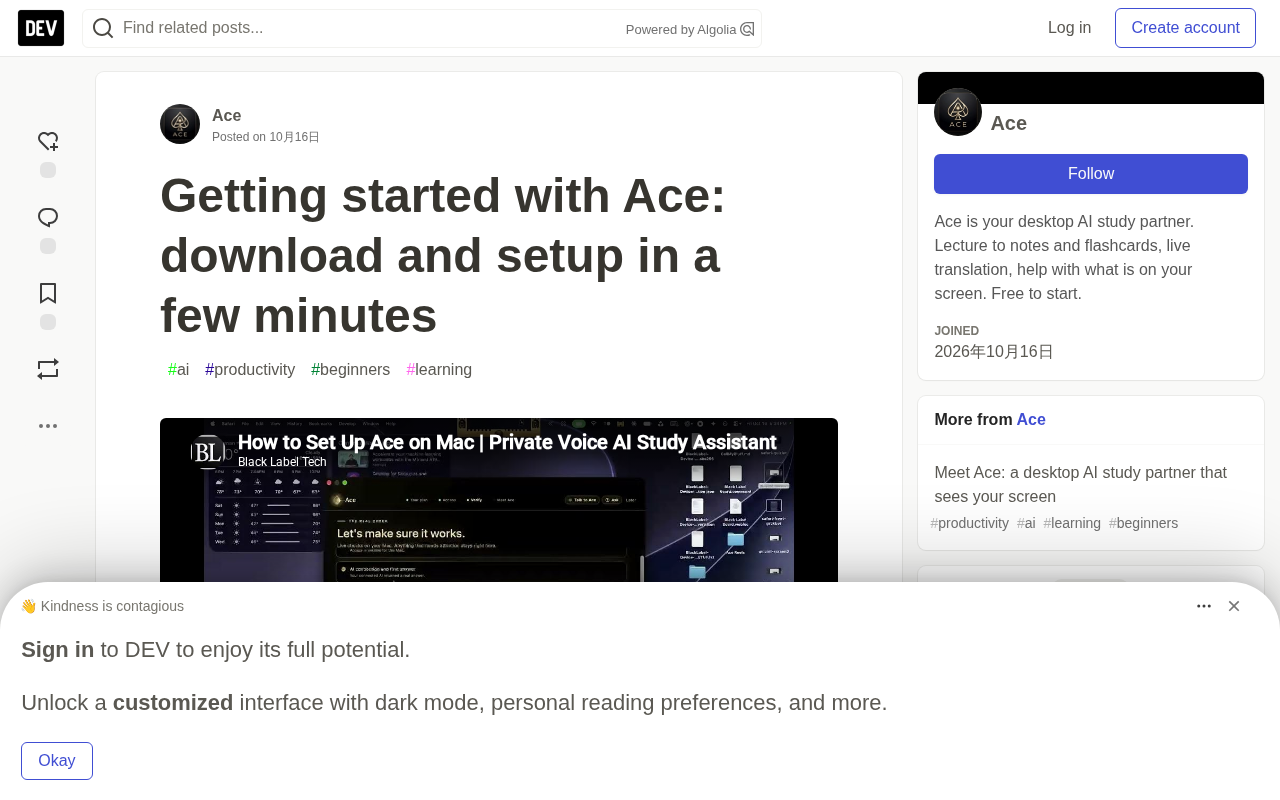
A recent demo video walked through the entire process from download to installation. This guide is based on that video, and is meant to help you decide whether it's worth adding to your study workflow.
What Problem Does Ace Actually Solve?
Traditional study tools tend to be siloed: note-taking apps handle recording, flashcard apps handle memorization, translation tools handle language barriers. Ace tries to pull these capabilities into a single desktop window, and makes them operate around "whatever you're currently looking at."
According to the official description, Ace's core capabilities span three areas:
- Lecture-to-notes and flashcards: Turn lecture audio or video content into structured, reviewable material, instead of leaving you staring blankly at a recording afterward.
- Real-time translation: Handle non-native-language lectures and lower the comprehension barrier.
- On-screen content assistance: Provide help with whatever is displayed on your screen — essentially an always-available Q&A entry point.
What these features have in common is that they "reduce friction in the learning process" rather than replace learning itself.
About "Flashcards"
Flashcards are a time-honored memory tool: a question or concept on the front, an answer or explanation on the back, with repeated self-testing to reinforce memory. The theoretical basis is "Active Recall" — compared to passively re-reading material, actively attempting to recall it significantly improves long-term retention. Modern digital flashcard tools (like Anki) also incorporate "Spaced Repetition" algorithms, dynamically scheduling the next review based on how well you've mastered each card, concentrating reviews at the points where you're most likely to forget. Ace claims to automatically convert lecture content into flashcards, which essentially means doing the work of "extracting knowledge points from raw material and designing question-answer pairs" for you — traditionally the most time-consuming step. It's worth noting that the quality of auto-generated flashcards depends on how clearly structured the content is; for lectures that jump around logically or are heavily conversational, manual filtering and adjustment may still be needed.
About the Role of "Real-Time Translation" in Learning
Real-time translation here doesn't mean word-for-word subtitle generation, but rather lowering the comprehension barrier for non-native-language lectures. For courses taught in English or another foreign language, learners often face a double burden: understanding the knowledge itself while simultaneously performing language conversion in their heads. The value of real-time translation is in lightening that second layer, so more attention stays on the content. However, machine translation still has limitations with technical terminology and contextual coherence, especially in terminology-dense fields like computer science and medicine, where the output may not be accurate enough. The pragmatic approach is to treat it as an aid to comprehension, not a complete replacement to rely on.
Download and Installation Process
Ace is a desktop application. The official download entry point is tryacee.com, and it's available for free. The demo video's title emphasizes "done in minutes," suggesting the installation process itself is designed to be as lightweight as possible.
For self-learners, the installation cost of such tools is one of the key decision factors. If a study assistant requires complex configuration, an additional account system, or a lengthy onboarding process, most people will give up at step one. Ace compressing the process to a few minutes is clearly deliberate.
For the specific installation steps, please refer to the video demo. This article won't recount every operation frame by frame — what's more interesting here is who it's suited for and who it isn't.
Why Desktop Rather Than a Pure Web Tool
Ace's choice of a desktop app rather than a browser extension or pure web service has practical reasoning behind it. The desktop environment can obtain more complete screen content permissions, enabling the "help based on what's on your screen" feature — browser environments have stricter restrictions on screen capture and cross-application content reading. Additionally, desktop apps are more flexible when it comes to handling audio/video, local file read/write, and background persistence. For lecture-listening scenarios that require long runtimes, desktop apps typically offer better stability and system integration than web tools. The trade-off, of course, is that users need to download and install rather than just opening a browser — which is part of why the official messaging emphasizes "installation done in minutes."
Who Ace Is Suited For
Official content explicitly names three types of users: students on campus, bootcamp attendees, and people teaching themselves to code. What these three groups share is a situation where they need to process large amounts of input-type content (lectures, course videos, documents) but lack a systematic method for converting that input into long-term memory.
If listening to lectures accounts for a large proportion of your learning, and the review stage always gets skipped, then tools like Ace offer fairly clear value — they automate the two steps of "organizing notes" and "generating review material."
Conversely, if your learning is mainly hands-on project work and reading source code, Ace's lecture-to-notes capability may see little use, and the on-screen assistance feature might be more relevant.
Free Strategy and Usage Suggestions
Ace is currently free to download and use, which is fairly friendly for the student demographic. At the end of the video, the official team posed an open question: which part of your study setup would you like to see made simpler?
That question itself reveals the product's direction — it doesn't intend to be an all-encompassing platform, but rather to cut into a specific pain point in the learning workflow. For users, the pragmatic approach is: install it first, run it through one real lecture's worth of content, and see whether the generated notes and flashcards reach a usable level. If it just sits idle after download, no amount of features matters.
A tool's value ultimately depends on whether it becomes embedded in your daily habits. Ace has already pushed the barrier very low. The remaining question is: are you willing to hand off "organizing notes" to it?
Related articles

GPT-Next Leak, Gemini 4 Argon Imminent: AI News Roundup
GPT-Next leak suggests extreme efficiency; OpenAI's 28-day shipping pledge boosts speed 50%; Gemini 4 Argon nears release; Anthropic subscription value report sparks debate.

GPT-Next Leaked, Gemini 4 Argon Speeds Up, Fable 5.5 May Launch Today
OpenAI's GPT-Next model leaks, expected to be extremely low-cost and possibly part of the 28-day release plan; Gemini 4 Argon internal testing accelerates, NanoBanana 2.1 is live; Semi Analysis tests show Claude Max's equivalent API value is about 5 times that of ChatGPT Pro; Fable 5.5 may launch today.

Gemini 4 Argon Launches Globally: Key Highlights from the AI Daily Brief
Google opens Gemini 4 Argon globally across Pro and Ultra subscriptions and the API, and demonstrates robot control. This article rounds up open-source models, Agent infrastructure, cost transparency, and safety governance updates.