Add Authentication to Next.js with One Command, No Account Required

WorkOS CLI adds auth to Next.js with one command, no prior registration, claimable later.
WorkOS offers a reverse auth integration flow: no account registration required. Run one CLI command to enable login in a Next.js app. The CLI auto-creates a temporary environment and writes keys into the project config, enabling zero-cost validation during prototyping or tech evaluation. When ready for long-term use, claim the environment to bind it to a formal account for persistent config and manageable keys without rewriting code. This "integrate first, sign up later" model minimizes upfront process cost—rare in the conservative auth category. Boundaries: temporary environments suit validation/prototyping only, formal products need claiming, and it currently targets Next.js.
Starting with a single command
Adding authentication to a Next.js app usually means first signing up with an auth provider, creating a project, configuring keys, and only then starting to write code. WorkOS offers a different approach: run one command, get authentication working, and claim the account later.
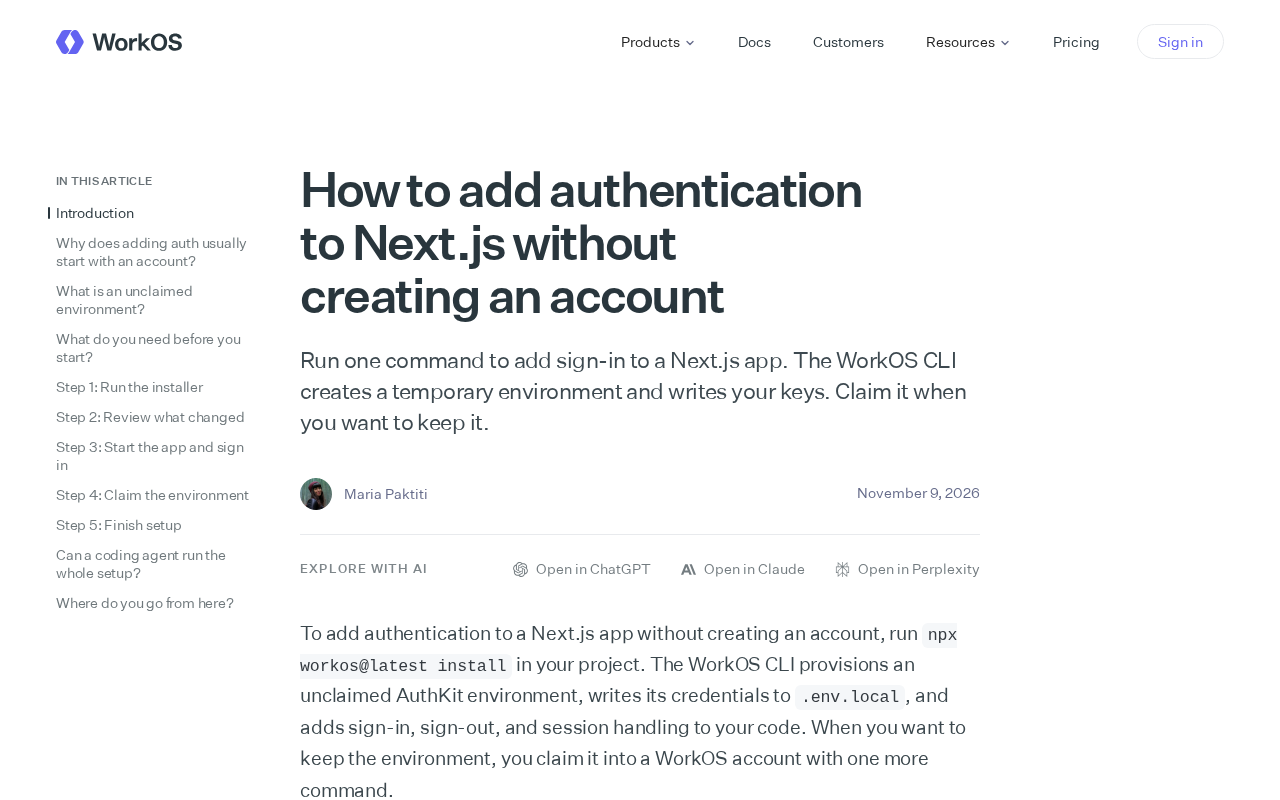
According to WorkOS's official description, its CLI creates a temporary environment and automatically writes the keys, so developers can enable login in a Next.js app without registering in advance. When you want to keep that environment, you run a "claim" operation to bind it to a formal account. This flow reduces the startup cost of auth integration to a minimum.
The logic behind the command
Traditional auth services follow a "sign up first, integrate later" path, but WorkOS reverses the order—integrate first, sign up later. The CLI generates a temporary environment locally, writes the keys directly into the project configuration, and developers can immediately get the login flow working.
This solves a real pain point: during prototyping or technology evaluation, developers often don't want to go through a full registration process just to validate a feature. A temporary environment makes "trying it out" essentially frictionless, while the "claim" mechanism ensures a smooth transition to formal use later without rewriting integration code.
An ephemeral environment is the key mechanism here: the CLI instantly creates an isolated authentication configuration instance locally or in the cloud, including independent API keys, callback URLs, and a user pool, decoupled from the formal account system. Its lifecycle is short and data is not guaranteed to persist, so it's suitable for prototype validation rather than production use. Claiming is the process of transferring ownership of that temporary instance to the developer's formal account. After migration, the keys become long-term manageable, rotatable credentials, and the configurations already created are preserved. This "create first, assign ownership later" design essentially defers the identity binding of resources until after the developer confirms the value, thereby eliminating registration as an upfront barrier.
Why the "zero-registration" experience matters
For indie developers and fast-iterating teams, the friction in auth integration isn't mainly technical difficulty—it's the upfront process cost. Filling in an email, verifying, creating an organization, configuring callback URLs—every step chips away at the willingness to get started.
WorkOS's command reduces this upfront cost to zero. It's more like making authentication a "local-first" developer experience: get it running on your machine first, then decide whether to use it long-term. This pattern isn't unfamiliar in the developer tools space, but in the relatively conservative authentication category, it's a fairly rare approach.
Local-first developer experience generally means tools prioritize initialization and running on the developer's local machine, then connect to cloud services as needed. In the authentication space, this approach requires keys, callbacks, and user data to be quickly ready locally, without waiting for remote account approval or organization configuration. Compared with traditional SaaS authentication, which requires creating a tenant, configuring domains, and setting redirect URIs first, local-first puts "runnable" before "manageable," lowering the cognitive burden of first contact and making comparative testing during technology evaluation lighter.
Boundaries worth noting
It should be noted that temporary environments are suitable for validation and prototyping, but formal products still need to complete the claim process to obtain persistent configuration and manageable keys. In addition, this solution targets the Next.js ecosystem; whether other frameworks are equally supported was not elaborated in the original article.
For developers who are evaluating technologies and want to quickly experience WorkOS authentication, this command provides a low-risk entry point: run it, see if it meets expectations, and then decide whether to continue.
One-line Summary
WorkOS CLI adds auth to Next.js with one command, no prior registration needed, claimable later.
Paragraph Summary
WorkOS introduces a reverse auth integration flow: developers don't need to register an account first—they just run a CLI command to enable login for a Next.js app. The CLI automatically creates a temporary environment and writes keys into the project configuration, letting developers validate the auth experience at zero cost during prototyping or technology evaluation. When they decide to use it long-term, they can "claim" the temporary environment to bind it to a formal account, obtaining persistent configuration and manageable keys without rewriting integration code. This "integrate first, sign up later" model minimizes the upfront process cost of auth integration, which is relatively rare in the conservative authentication category. The article also notes the boundaries: temporary environments are only suitable for validation and prototyping, formal products still need to complete the claim, and the solution currently targets the Next.js ecosystem.
Related articles

DiDi Open-Sources X-Helix: Making AI Coding Tools Truly Understand Enterprise Java Microservices
DiDi open-sources X-Helix, an AI coding engineering framework that adds a standards layer on top of Claude Code and Codex to solve compilation failures and missed internal method calls in enterprise Java microservice projects, with knowledge accumulation and team reuse.

From Vibe Coding to Enterprise-Grade: A Practical Guide to Engineering with Claude Code + Codex
A Bilibili hands-on tutorial: using Claude Code and Codex to go from Vibe Coding and Plan Mode to engineering enterprise e-commerce projects with Super Power, plus tool selection and model comparison.

LLM Interview Focus Shifts to Agents: Harness Engineering and Langfuse Tracing Become Must-Know Topics
2026 LLM application interviews now focus on AI agents: multi-agent systems, Harness engineering, Langfuse tracing/evaluation, and security mechanisms are must-know topics. This article covers interview trends and resume tips.