Adobe AI Assistant In-Depth: Driving Creative Software with Conversation
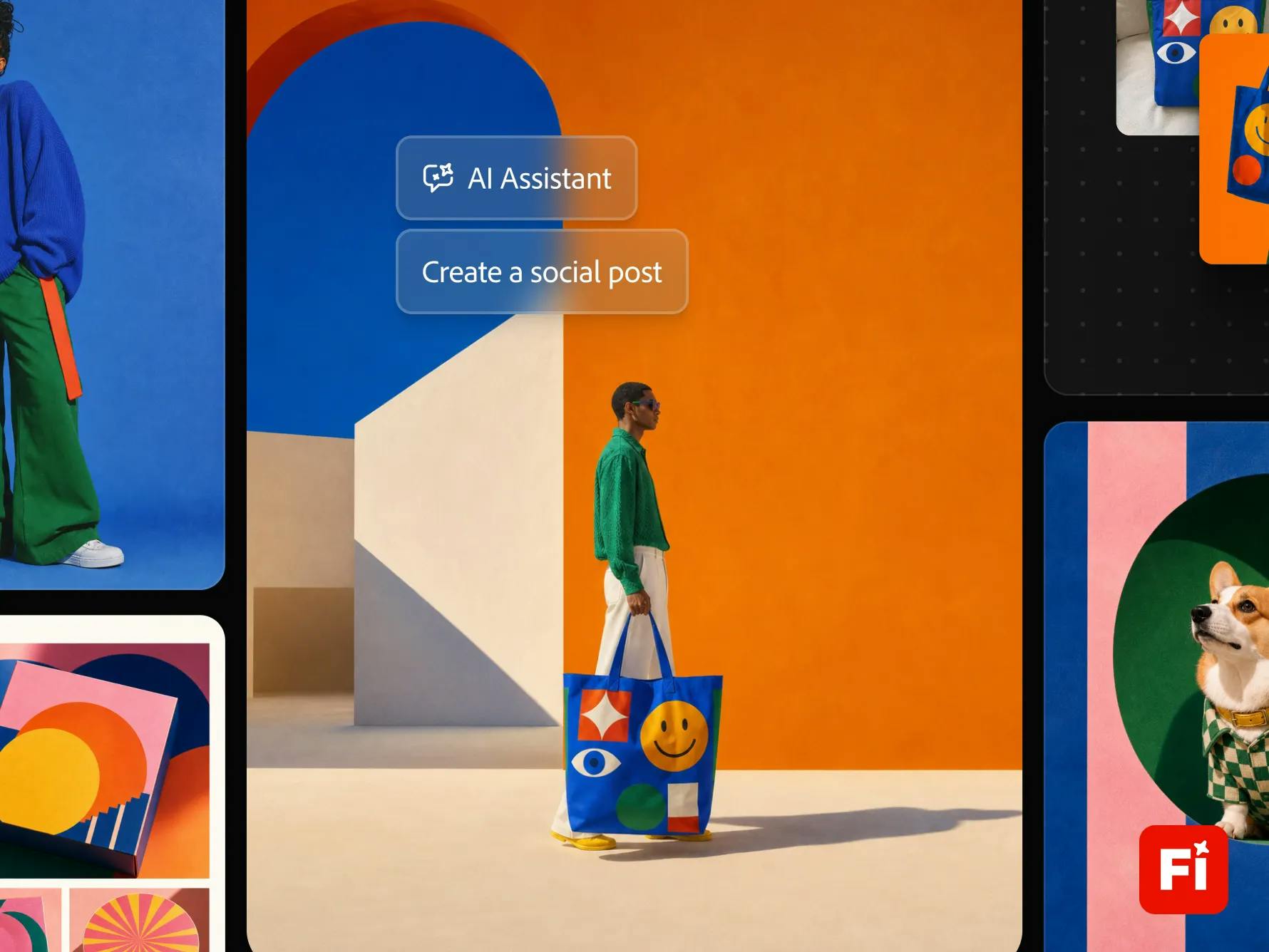
Adobe AI Assistant shifts creative software entry from menus to conversation, enabling cross-app multi-step task orchestration.
Adobe AI Assistant launched on Product Hunt with 90 upvotes and a #5 ranking. Its core proposition is describing goals in natural language, with AI decomposing and executing multi-step creative tasks across Photoshop, Premiere, Illustrator, InDesign, After Effects, and Firefly. The article views this as Adobe migrating the interaction entry point from menus and shortcuts to conversation and intent. Cross-app orchestration is its unique advantage over single-tool AI assistants, directly addressing creators' most time-consuming switching costs. Firefly's inclusion makes generative assets flow directly into editing workflows, with the Assistant acting as the orchestration layer. Still early-stage, error recovery and intent understanding are key to professional adoption—its role is closer to an efficient executor than a replacement.
From Menus to Conversation: Adobe's Interaction Paradigm Shift
Adobe AI Assistant debuted on Product Hunt with 90 upvotes and a #5 ranking. Although the comments section only has two messages, the buzz is not to be underestimated. Its core proposition is straightforward: describe your goal in natural language, and let AI execute multi-step creative tasks across Photoshop, Premiere, Illustrator, InDesign, After Effects, and Firefly. This is more than just stacking features—it signals that Adobe is migrating the interaction entry point of creative software from "menus and shortcuts" to "conversation and intent."
Cross-App Orchestration: What AI Assistant Can Actually Do
According to the official description, Adobe AI Assistant can handle "multi-step creative tasks." This means users no longer need to manually switch between multiple apps and repeatedly import and export files. Instead, they describe the final goal in a single sentence, and the AI breaks it down into steps and invokes the appropriate tools. For example, a workflow that originally required multiple manual operations and format conversions—from retouching in Photoshop to editing in Premiere to generating assets in Firefly—could potentially be compressed into a single conversational interaction.
This cross-app capability is a unique advantage of the Adobe ecosystem. Compared with AI assistants confined to a single tool, the value of AI Assistant lies in its understanding of the overall Creative Cloud workflow rather than handling an isolated step. For designers and video creators who frequently shuttle between multiple Adobe apps, this directly addresses the most time-consuming "switching cost."
Firefly's Role: The Bridge Between Generation and Editing
Among the supported apps, Firefly is listed separately and deserves attention. Firefly is Adobe's family of generative AI models. By including it in the range of callable tools, AI Assistant means that generated assets can flow directly into subsequent editing workflows instead of remaining in a standalone generation interface. This "generate-and-use" connection turns AI-generated content from an experimental gimmick into a practical workflow component.
From a product design perspective, AI Assistant plays the role of an orchestration layer: beneath it are Firefly and the AI capabilities of each app, above it is user intent, and in between the Assistant handles routing and step decomposition. This layered structure allows Adobe to rapidly expand the reach of AI without changing the core architecture of each app.
Firefly is Adobe's generative AI model family launched in 2023, starting with text-to-image (Firefly Image) and later expanding to vector graphics, video, audio, and 3D asset generation. Its key differentiator lies in the source of its training data—Adobe emphasizes the primary use of its own licensed content and public-domain materials, and has designed a "Content Credentials" mechanism for this purpose, embedding provenance metadata into generated results to address the creative industry's concerns about copyright and traceability. In addition, images generated by Firefly exist as generative layers in Photoshop, preserving non-destructive editing capabilities—this is also the technical foundation that enables AI Assistant to directly orchestrate them into subsequent editing workflows.
Real-World Experience and Current Limitations
The data of 90 upvotes and 2 comments indicates that the product is still in an early attention phase, with limited publicly available in-depth feedback. Judging from the Product Hunt description, the official messaging emphasizes "create and edit faster," but no specific performance data or upper limits on supported task complexity have been disclosed.
The difficulty of multi-step task orchestration lies in error recovery and intent understanding. When the steps decomposed by the AI do not match user expectations, whether users can easily intervene and adjust is the key to whether such assistants can truly integrate into professional workflows. Adobe needs to prove that AI Assistant is not just a demo-level "one-sentence completion," but reliable, intervenable, and traceable in real projects.
Multi-step task orchestration typically relies on a three-stage architecture of "task decomposition + tool invocation + state management": the model first breaks the user's one-sentence goal into ordered subtasks, then selects the corresponding app interface or tool function for each subtask, and finally passes intermediate artifacts (such as files, layers, and timeline clips) between steps. The main risk points in this chain are error accumulation—deviations in earlier steps are amplified by later ones—and limited awareness of the app's internal state. Therefore, commonly adopted mitigation measures in the industry include: presenting the plan for user confirmation before execution, supporting single-step rollback, and setting up human confirmation at key nodes. These designs determine whether the assistant is a usable tool in professional scenarios or merely a concept for demonstration.
Impact on Creative Workflows and Outlook
The direction of Adobe AI Assistant reflects a common trend in the creative tools industry: AI is evolving from an auxiliary button into a task agent. For veteran creators, the appeal of such tools lies in reducing repetitive operations; for beginners, it lowers the barrier to entry for cross-app workflows. But the core judgment of creativity remains in human hands—AI Assistant is positioned more as an efficient executor than a replacement.
What's worth watching next is how it handles permissions and file versions, how it performs in team collaboration scenarios, and whether the connection between Firefly-generated content and editing operations is smooth enough.
One-line Summary
Adobe AI Assistant shifts the entry point of creative software from menus to conversation, enabling cross-app multi-step task orchestration.
Paragraph Summary
Adobe AI Assistant debuted on Product Hunt with 90 upvotes and a #5 ranking. Its core proposition is to describe goals in natural language, with AI decomposing and executing multi-step creative tasks across Photoshop, Premiere, Illustrator, InDesign, After Effects, and Firefly. The article argues that this marks Adobe's migration of the interaction entry point from menus and shortcuts to conversation and intent. Cross-app orchestration is its unique advantage over AI assistants confined to a single tool, directly addressing creators' most time-consuming switching costs. Firefly's inclusion in the callable range allows generative assets to flow directly into editing workflows, while the Assistant serves as the orchestration layer for routing and step decomposition. However, the product is still early-stage with limited public feedback. Error recovery and intent understanding in multi-step orchestration are key to integrating into professional workflows, and its positioning is closer to an efficient executor than a replacement.
Related articles
How Cursor Indexes Codebases: Engineering Practices with Merkle Trees and Incremental Sync
How Cursor indexes codebases with Merkle trees: file SHA-256 hashes, top-down root comparison, Content Proofs validating results—median repo first query drops from 7.87s to 525ms.

Prompt Master: A Free Claude Skill That Generates Cross-Tool Prompts in One Click
Prompt Master is a free Claude skill available on GitHub (15,000+ stars) that installs in under a minute. Use the /Prompt Master slash command to generate detailed prompts for Midjourney, ChatGPT, Cursor, and video models—cutting back-and-forth clarification and token use.

Multiple Tech Giants' Services Collapse Within a Week: The Fragility Crisis of the AI Era
The Vergecast reviews a week of outages at the FAA, Microsoft, Chase, and iCloud, analyzing software fragility in the AI era, the Y2K-style talent gap, Nvidia's leadership shakeup, Google's product confusion, and Amazon's agentic shopping ambitions.