After Screen Cracks, Claude Helps Windows Fit the Usable Area
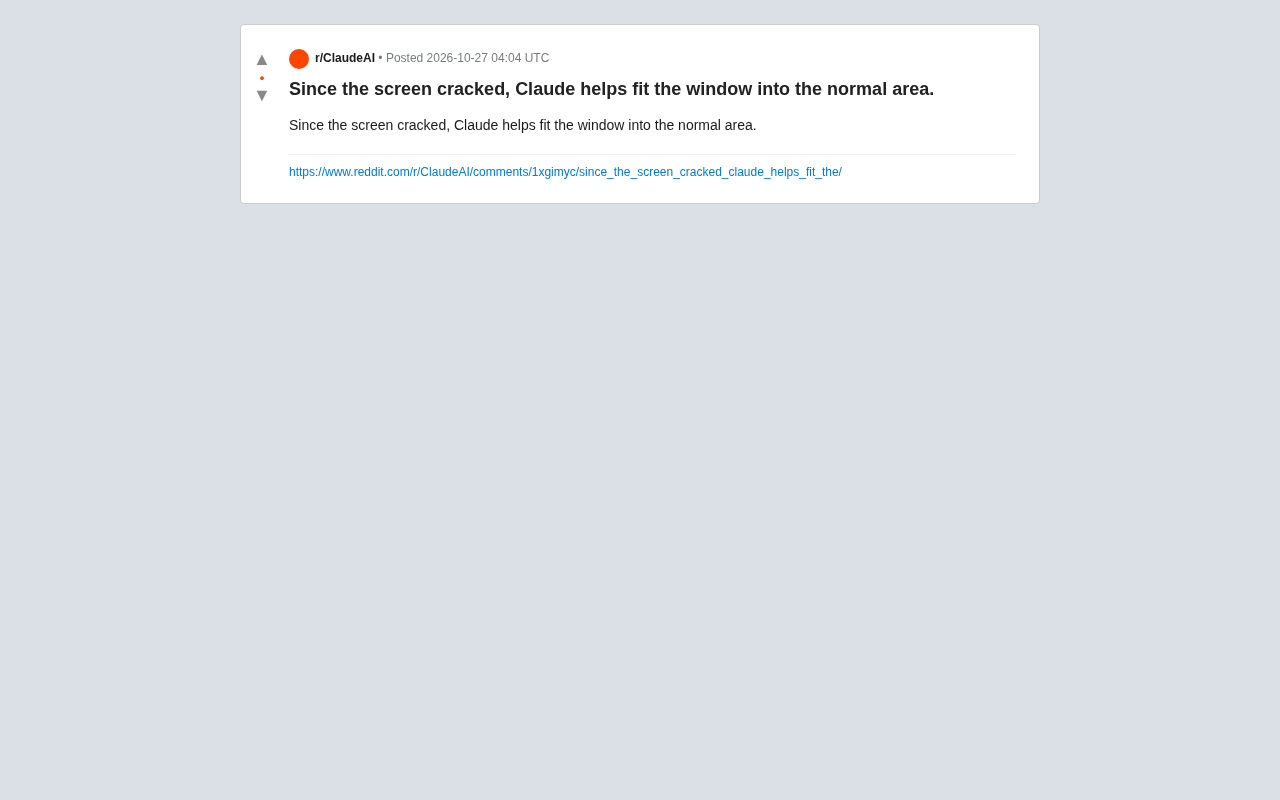
A Reddit user used Claude to generate a window layout plan so the interface avoids the cracked area of the screen.
The article introduces a Reddit user's new approach to dealing with a cracked laptop screen: describing the damaged area and usable space to Claude, and having the model suggest adjustments to window positions, sizes, or arrangements so that application interfaces avoid the obscured pixels. The article points out that the operating system's built-in window management only supports fixed split-screen and magnetic snapping, and cannot adapt to non-rectangular usable areas—this is the root of the problem. The author believes that this niche case reflects how large models are extending from content generation to local system configuration and failure workarounds, but there are also clear boundaries: layout suggestions depend on specific parameters such as operating system APIs, resolution, and scaling, and require users to verify them themselves; when the crack shape is complex, screenshots are also needed to help describe the spatial relationships.
Title
After Screen Cracks, Claude Helps Windows Fit the Usable Area
Meta Description
A Reddit user shares how they used Claude to adjust window layouts and avoid the damaged area after their screen cracked. This article analyzes the potential and limits of LLMs as system configuration assistants, and explores AI's practical use in working around hardware failures.
Article Content
When a laptop screen develops cracks and part of the display area is obscured, conventional window dragging and resizing often feels clumsy. A Reddit user shared a new approach: using Claude to adjust the window layout so that application interfaces avoid the damaged area and fall back within the usable portion of the screen.
The Problem: Interface Adaptation Challenges Caused by Physical Damage
Screen cracks typically obscure some pixels, causing window title bars, buttons, or content to be clipped. If users manually drag windows, it is difficult to precisely avoid the cracks without wasting usable area. The operating system's built-in window management features generally only support fixed split-screen or magnetic snapping, and cannot adapt to irregular display defects.
The original post did not reveal the specific operating system or the location of the cracks, but the core pain point is clear: the "normal area" of the screen becomes a non-rectangular usable space, and traditional window management methods struggle to utilize it efficiently.
Operating system window management is usually based on a rectangular workspace model: the display is divided into a rectangular desktop area, and windows are positioned, resized, and snapped within it using rectangular boundaries. Split-screen (such as Windows Snap or macOS Split View) and magnetic snapping all assume that the usable area is a complete rectangle, so they cannot express the constraint of "subtracting an irregular damaged region." When the screen cracks, the actual usable space becomes non-rectangular or even multiply connected, which exceeds the expressive capability of native window managers. To work around this limitation, it is usually necessary to use third-party window management tools that support custom layout rules (such as FancyZones, Rectangle, yabai, etc.), or to directly set window position and size parameters through scripts.
The Method: Using Claude to Generate Window Layout Adjustment Plans
Judging from the post title and screenshot, the user described the screen crack situation to Claude, and Claude provided suggestions for adjusting window positions, sizes, or arrangement, thereby constraining the windows to the undamaged area.
This approach essentially treats the large language model as a "configuration assistant": users do not need to manually calculate coordinates or repeatedly trial and error, but instead describe the constraints in natural language and let the model output actionable steps. Whether it specifically generated scripts, modified system settings, or suggested configurations for third-party window management tools, the original post did not elaborate.
When a large language model outputs window layout suggestions, it is essentially performing a "constraints to parameters" mapping: the user provides the screen resolution, scaling ratio, and the approximate pixel range obscured by the crack in natural language, and the model calculates the x/y coordinates and width/height of each window accordingly. This type of task does not require creativity from the model, but rather accuracy in spatial reasoning and parameter conversion. In practice, the model is better at providing directly executable scripts (such as PowerShell calling Windows APIs, macOS AppleScript, or shell commands based on wmctrl/xdotool) rather than having users manually drag each item. Since the model cannot directly read the screen state, users need to explicitly include key parameters in the prompt and check the generated results item by item before executing them.
Analysis: The Potential and Limits of LLMs as System Configuration Assistants
Although this case is niche, it reveals a trend worth noting—large models are extending from content generation to local system configuration and failure workarounds. Screen damage is a hardware-level accident, and conventional software is not designed with adaptation logic for it, but LLMs can provide personalized solutions instantly based on user descriptions.
However, this type of use also has clear boundaries. Window layout involves specific parameters such as operating system APIs, display resolution, and scaling ratio, and the model's suggestions need to be verified by the user. If the crack shape is complex, it is difficult for the model to accurately reconstruct the spatial relationships from text descriptions alone; images or screenshots would be more helpful.
The reliability of LLMs in system troubleshooting scenarios is constrained by two factors. The first is the risk of hallucination: the model may fabricate non-existent APIs, registry entries, or tool parameters, and scripts generated may produce unexpected side effects if executed directly, so they should be reviewed first and trial-run in a controlled environment. The second is missing context: window layout depends on implicit states such as display resolution, DPI scaling, taskbar position, and multi-monitor topology, which are easily omitted in text descriptions. A safer approach is to provide screenshots along with key parameters to the model and ask it to output verifiable step-by-step operations rather than a large script all at once. This also suggests a more general principle—treat the LLM as an assistant that proposes hypotheses, not as the final arbiter.
Summary
Screen cracks are a low-frequency but tricky problem, and using Claude to assist with window adaptation provides a low-cost approach that requires no specialized tools. It will not repair the hardware, but it can help users recover usable operating space under limited conditions. For users who frequently tinker with system configurations, incorporating LLMs into their daily troubleshooting toolbox may save a lot of time spent on manual trial and error.
One-line Summary
A Reddit user used Claude to generate a window layout plan so the interface avoids the cracked area of the screen.
Paragraph Summary
The article introduces a Reddit user's new approach to dealing with a cracked laptop screen: describing the damaged area and usable space to Claude, and having the model suggest adjustments to window positions, sizes, or arrangements so that application interfaces avoid the obscured pixels. The article points out that the operating system's built-in window management only supports fixed split-screen and magnetic snapping, and cannot adapt to non-rectangular usable areas—this is the root of the problem. The author believes that this niche case reflects how large models are extending from content generation to local system configuration and failure workarounds, but there are also clear boundaries: layout suggestions depend on specific parameters such as operating system APIs, resolution, and scaling, and require users to verify them themselves; when the crack shape is complex, screenshots are also needed to help describe the spatial relationships.
Related articles

Industrial Intelligence: The Next Growth Engine for Manufacturing
Industrial intelligence is becoming the next growth opportunity for manufacturing. This article analyzes the core connotation of industrial intelligence, explores three key implementation scenarios—changeover assistance, knowledge transfer, and anomaly tracing—and examines practical challenges such as data silos and knowledge modeling costs, providing decision-making reference for manufacturing enterprises.
The Most Comprehensive Jailbreak Collection on GitHub: A Deep Dive into togg53192-cmd/jailbreaks
A deep dive into the popular GitHub repository togg53192-cmd/jailbreaks: a jailbreak prompt collection with 4,842 stars, 775 forks, and 890 stars gained in a single day. We explore its content organization, community response, and AI safety implications.

CodeMode: Let AI Agents Write Code Instead of Calling Tools, Slashing Token Costs by 90%
Explore how CodeMode enables AI agents to execute code in a sandbox instead of calling tools one by one, reducing token consumption by up to 90%, and analyze its implementation key points and applicable scenarios.