AI Agent Beginner's Guide: Building a Creative Strategy Intelligent Assistant from Scratch
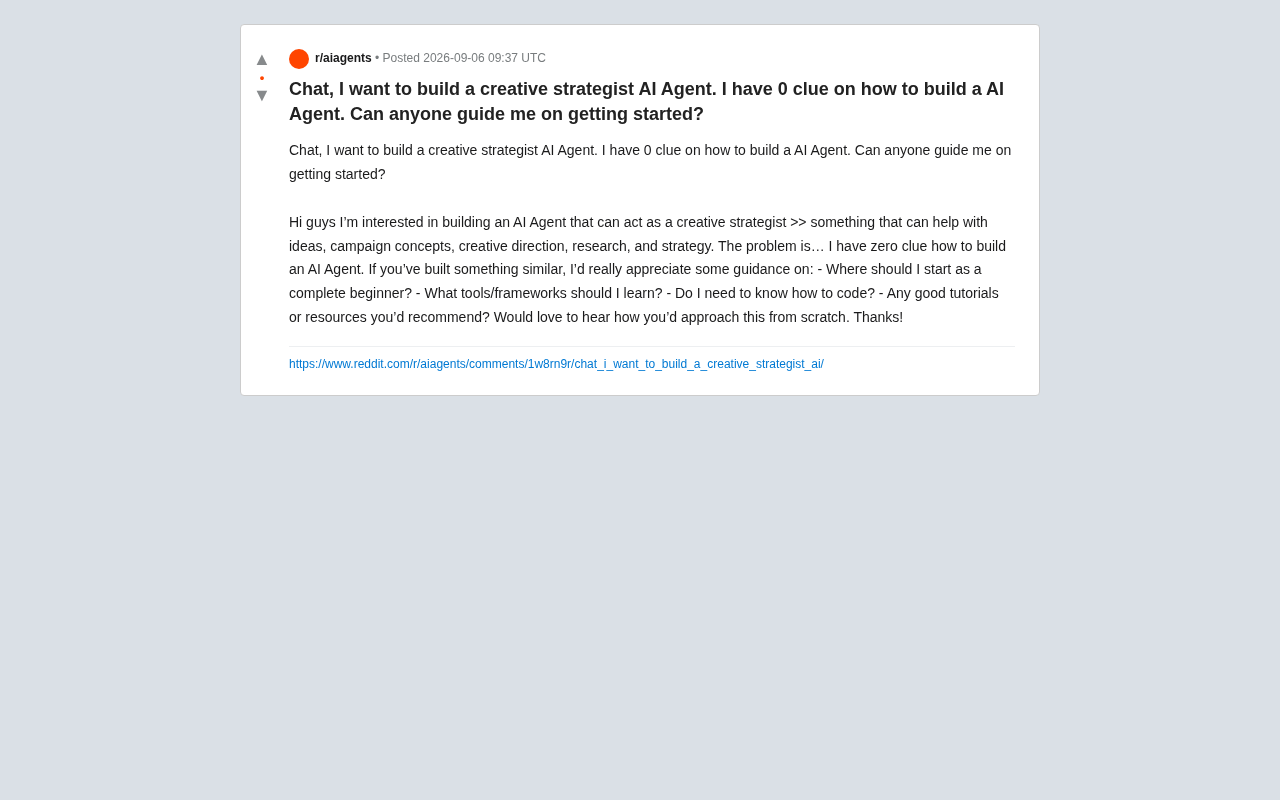
A step-by-step guide to building a creative strategy AI Agent with zero technical background.
This beginner-friendly guide walks non-technical creators through building a creative strategy AI Agent from scratch. It covers core concepts like AI Agents vs. chatbots, the ReAct framework, prompt engineering, RAG knowledge bases, and tool calling. With practical steps using no-code platforms like Dify and Coze, readers can quickly prototype an intelligent assistant that leverages their domain expertise for creative strategy work.
A Common Beginner's Dilemma
Recently on Reddit, a creator posed a very typical question: "I want to build an AI Agent that can serve as a creative strategist — helping me generate ideas, plan marketing concepts, guide creative direction, do research, and develop strategies. But the problem is — I have absolutely no idea how to do it. Zero experience."
Behind this question lies the real sentiment of a large number of non-technical professionals today: the concept of AI Agents is everywhere, everyone wants their own intelligent assistant, but between the idea and execution lies what seems like an insurmountable technical gap.
The good news is that today's AI tool ecosystem has made it entirely possible to build Agents with "no code" or "low code." This article will systematically outline a learning and implementation path from scratch, especially for thought-and-content-oriented Agents like a "creative strategist."
First Things First: What Is an AI Agent?
Before getting your hands dirty, you need to clear up a common misconception. Many people conflate "AI Agent" with "chatting with ChatGPT," but the two are fundamentally different.
How Agents Differ from Regular Chatbots
A regular chatbot operates in a passive "question-and-answer" mode — you ask, it responds. The core of an AI Agent, however, lies in autonomy and tool use:
- It can plan tasks, breaking down a complex goal into multiple steps
- It can invoke external tools, such as search engines, databases, and API endpoints
- It has memory, retaining context and interaction history
- It can self-iterate, adjusting its next action based on feedback
Behind these capabilities is an important technical paradigm — the ReAct (Reasoning + Acting) framework. In 2022, researchers from Princeton University and Google Brain proposed this approach: having large language models alternate between "reasoning" and "acting" while generating responses — first thinking about what to do, then calling external tools to execute, and then continuing to reason based on the results. This closely mirrors how humans solve complex problems. And the Function Calling API capability officially introduced by OpenAI in 2023 enables models to identify when external functions need to be called during a conversation and output the call parameters in a structured JSON format. The combination of these two capabilities is what turned AI Agents from concept into practice.
For the "creative strategist" use case, a true Agent should be able to: receive a task like "plan a summer marketing campaign for a brand," then automatically search for industry case studies, analyze the target audience, generate multiple creative directions, and compile everything into a structured strategy document — rather than simply chatting with you.
Do You Need to Learn to Code?
This is one of the original poster's biggest concerns, and the answer is: it depends on how far you want to go.
No-Code Path (Recommended for Beginners)
If your goal is to quickly validate ideas and build a working prototype, you can absolutely avoid writing code. There are plenty of mature visual tools available:
- Dify: An open-source LLM application development platform with drag-and-drop workflow building, knowledge base support, and Agent orchestration, backed by an active Chinese community
- Coze: Built by ByteDance, ideal for quickly building conversational bots and Agents, with a rich plugin ecosystem
- n8n / Make: Automation workflow tools that can connect AI capabilities with various business systems
- FlowiseAI: A visual LLM workflow orchestration tool, suitable for building complex Agent logic
The explosion of these no-code/low-code platforms is closely tied to the rapid maturation of the LLM ecosystem in 2023-2024. Take Dify as an example — it has earned over 100,000 stars on GitHub. Its core philosophy is to abstract common patterns in LLM application development — prompt orchestration, knowledge base retrieval, multi-model switching, and Agent workflows — into visual components, enabling non-programmers to assemble complex AI applications. Coze, backed by ByteDance's technology ecosystem, offers an end-to-end experience from conversation design to a plugin marketplace, with clear advantages in Chinese-language scenarios and integration with domestic business systems. n8n and Make (formerly Integromat) are broader automation platforms whose value lies in embedding AI capabilities into existing enterprise workflows — for example, automatically triggering an AI analysis and generating a report when a specific email is received. The common trend across these tools is: lowering the barrier to software development from "knowing how to code" to "knowing how to organize logic."
For applications like a creative strategist, using Dify or Coze with a large model (such as GPT-4 or Claude), along with your accumulated industry materials as a knowledge base, you can build a usable first version in just a few hours.
Code Path (For Deep Customization)
If you want your Agent to have highly customized logic, integrate with complex tool chains, or potentially commercialize it in the future, learning to code will open up a much broader landscape. The core tech stack includes:
- Python: The lingua franca of AI, with a relatively friendly learning curve
- LangChain / LlamaIndex: Mainstream Agent development frameworks offering modular components for memory, tool calling, Retrieval-Augmented Generation (RAG), and more
- OpenAI / Anthropic API: Direct access to large model capabilities
- Vector databases: Such as Pinecone and Chroma, used for storing and retrieving your domain knowledge
LangChain and LlamaIndex are currently the two most popular Python frameworks, but they have different focuses. LangChain is more of a "Swiss Army knife," providing a full suite of components including chain-based calls, Agent reasoning loops, memory management, and tool integration — ideal for building Agents that require multi-step reasoning and complex tool invocation. In 2024, it also launched the LangGraph sub-project, specifically designed for building stateful, multi-step Agent workflows. LlamaIndex, on the other hand, focuses more on data connectivity and retrieval scenarios. Its core strength is the ability to easily connect to dozens of data sources (databases, APIs, file systems) while providing granular indexing and retrieval strategies, making it the go-to choice for building RAG applications. In practice, the two are often used together: LlamaIndex handles knowledge retrieval while LangChain orchestrates the overall Agent logic. For beginners, if your primary need is knowledge-based Q&A, starting with LlamaIndex is more intuitive; if you need complex Agent behaviors, LangChain is the better fit.
Vector databases are a critical piece of infrastructure in the RAG technology stack. Unlike traditional databases that retrieve information through exact keyword matching, vector databases work on "semantic similarity" — even if the user's query uses completely different wording from the original document, it can still be retrieved as long as the meaning is similar. For example, searching for "summer beverage promotion campaign" could match a document titled "Brand X Ice-Cool Series Summer Campaign Review." Pinecone is currently the most popular cloud-hosted vector database, offering a managed, out-of-the-box service; Chroma is a lightweight open-source option suited for local development and small-scale applications; other choices include Weaviate and Milvus. For a personal creative strategy Agent, Chroma is typically more than sufficient.
A Practical Path to Building a Creative Strategy Agent
For the original poster's specific needs, here's an actionable four-step plan.
Step 1: Define a Clear Role and Capability Boundaries
Don't try to build an "all-purpose assistant" right away. First, clearly define what core problems your creative strategist Agent is meant to solve. Is it for brainstorming? Competitive analysis? Or writing complete briefs?
A great practice is to start by writing a well-crafted System Prompt that defines the Agent's identity, expertise, working style, and output format in plain text. For example: "You are a senior creative director with 15 years of experience, skilled at developing marketing strategies grounded in consumer insights..." This step alone often determines 70% of the Agent's quality.
The system prompt is essentially "role programming" for the large language model. A well-designed system prompt typically covers several key dimensions: identity definition (who you are), capability boundaries (what you're good at and what you don't do), workflow (the thinking steps when facing a task), output specifications (format, style, length), and constraints (what behaviors to avoid). The industry has gradually developed best practices, such as the "Role-Aim-Constraints-Examples" (RACE) framework and Anthropic's "Constitutional AI" approach — embedding explicit behavioral guidelines within the prompt. For a role like a creative strategist, including specific methodological frameworks in the prompt (such as SWOT analysis, consumer journey maps, creative brief templates) tends to be far more effective than simply stating "you are very creative," because it gives the model structured thinking scaffolding.
Step 2: Feed It Domain Knowledge (RAG)
General-purpose large models don't know about your industry experience and past case studies. Through Retrieval-Augmented Generation (RAG) technology, you can import your curated collection of classic advertising cases, industry reports, and methodology documents into a knowledge base, enabling the Agent to provide advice "standing on your experience" rather than offering generic responses.
RAG works in three steps: First, your private documents (PDFs, Word files, web pages, etc.) are converted into high-dimensional vectors using an Embedding Model and stored in a vector database. When a user asks a question, the system converts the question into a vector as well and retrieves the most relevant document fragments from the knowledge base through similarity calculations. Finally, these retrieved contents are sent to the large language model as context along with the user's question to generate an answer. RAG's core value lies in solving two major pain points of large models: first, the "hallucination" problem — with real documents as evidence, the model is less likely to fabricate information; second, knowledge timeliness — you can update the knowledge base at any time without retraining the model. For a creative strategist scenario, this means every classic case study and industry report you've accumulated can serve as "reference material" during the Agent's reasoning process.
Step 3: Equip It with "Tools"
Creative strategy can't live without real-time information. By connecting your Agent to web search tools (e.g., enabling it to call search engines for the latest trends), data analysis tools, and even image generation tools (if visual concept drafts are needed), its capabilities will multiply. This is precisely what sets an Agent apart from a regular conversation.
Step 4: Iterate and Test
The first version will almost never be perfect. Test it with real work tasks, observe the output quality, and continuously refine the prompts, expand the knowledge base, and optimize the tool-calling logic. Polishing an Agent is a process of continuous iteration.
Recommended Learning Resources
For absolute beginners, here's a suggested learning sequence:
- Understand the fundamentals: Start by reading a few introductory pieces on "What is an LLM" and "What is an AI Agent" to build a cognitive framework. The core principle of LLMs (Large Language Models) is learning to predict "the next word" through training on massive amounts of text data, from which the ability to understand and generate natural language emerges. Understanding this helps you grasp the model's capability boundaries — it is essentially an incredibly powerful "language pattern recognition and generation engine," not something that truly possesses human-like understanding.
- Get hands-on with no-code tools: Sign up for Dify or Coze directly, follow the official tutorials to build a demo, and get that sense of accomplishment
- Dive deep into prompt engineering: This is the highest-ROI skill — learning to write good prompts yields immediate, visible improvements
- Advanced framework learning: When no-code tools can no longer meet your needs, move on to learning frameworks like LangChain and Python basics
Conclusion: Get It Running First, Then Optimize
For the question "I have zero experience and want to build an AI Agent," the most important advice is: don't get paralyzed by technology choices — just build a working version with the simplest tools first.
The value of a creative strategist Agent ultimately doesn't depend on how sophisticated your technology is, but on how well you "inject" your professional judgment, industry experience, and methodologies into the Agent. Technology is the lever; your domain knowledge is the fulcrum. Starting today — signing up for a no-code platform and writing your first system prompt — you've already set foot on this path.
Related articles

Coinbase Engineer: How to Determine Whether an AI Agent Can Operate Unattended
Coinbase engineer Evan Kormos shares an engineering method for judging whether an AI agent can run unattended: model processes with DAG/DCG, replace output comparison with statistical evaluation, and hand over control in three phases—supervision, sampling, and exception handling.

WorkBuddy Beginner's Guide: How AI Agents Automate Office Tasks
WorkBuddy tutorial: learn how this desktop AI agent workbench automates files, organizes data, and generates documents, compared with LLMs and Codex, plus a beginner path and cost analysis.

Doubao Work in Practice: Three Modes That Let AI Actually Get Work Done
Doubao Work practical tutorial: from chat mode to Work Mode Lite and Pro, explaining the logic for choosing among three modes with real office task demonstrations. Even complete beginners can learn to use an AI agent to handle local files, organize materials, and generate documents.