AI Coding Always Guessing? Diagnose the Cause First, Then Write Code
Repeated AI fix failures come from blind guessing—diagnose before you treat.
The article points out that the root cause of repeated AI coding fix failures is that the AI keeps guessing at patches without knowing the root cause of the error, so the same error still appears on the ninth attempt. The core advice from the video: after two consecutive fix failures, stop having the AI directly change the code, and instead ask it to paste the full error message, list three possible causes, and explicitly forbid writing code. This prompt forces the AI into reasoning and diagnostic mode, transferring the software debugging principle of "diagnose first, treat second" into human-AI collaboration. The author says that after switching to this method, the tenth attempt succeeded—showing that changing the structure of the question is more effective than switching models.
Why Does AI Keep "Guessing" at Fixes?
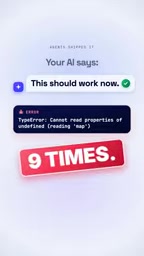
When you ask AI to write code, you've probably run into this scenario: the AI confidently says "this should work now," but the same error shows up when you run it. Once, twice, all the way to the ninth time—the error hasn't budged. A popular short video on YouTube nails the problem with one sharp observation: when the AI doesn't know the root cause, it just keeps guessing at fixes.
The video shows it clearly: attempt one, same error; attempt five, same error; attempt nine, same error. It's not that the AI isn't smart enough—it's that its working method has gone off track. When the model lacks a deep understanding of the error, it can only generate "plausible-looking" changes based on surface patterns, and those changes often treat the symptom, not the disease.
The autoregressive generation mechanism of LLMs is the underlying clue to understanding the "guessing at fixes" phenomenon. A large language model is essentially predicting the most likely next token, one at a time, given the context. It has no independent "execute–observe–verify" loop and can't truly run code in its head and observe the results like a human engineer. So when the error information is insufficient or context is missing, the model can only rely on patterns seen in its training data to generate code snippets that statistically "look like fixes." This generation method naturally favors surface similarity over causal reasoning. Asking the model to "list the causes" works precisely because it shifts the generation target from "the next patch token" to "a list of possible causes," thereby changing the model's internal attention allocation and reasoning path.
Root Cause Analysis is a systematic method in software engineering for locating the underlying cause of a fault, with common techniques including reading stack traces, binary search troubleshooting, and reproducing minimal cases. Its fundamental difference from "guessing at fixes" is this: the former first builds a causal model of the fault mechanism and then designs changes accordingly, while the latter directly generates patches based on symptom similarity. AI's default interaction mode easily slides into the latter because the feedback loop for generating patches is short and looks like fast progress, but in reality it may iterate repeatedly in the wrong direction. The video's suggestion to "list three causes first" is essentially forcing a root cause analysis phase into the conversation, compensating for the model's lack of a habit of self-diagnosis.
Stop the Futile Loop: Change Strategy After Two Failures
The video's advice is very direct: if two consecutive fix attempts fail, stop.
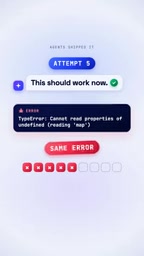
Letting the AI keep blindly trial-and-error only wastes time and tokens, and may introduce new unrelated changes. At this point you should switch modes—from "have the AI directly change the code" to "have the AI analyze the cause first." This turning point is the core of the whole suggestion: turn the AI from an executor into a diagnostician.
One Key Prompt: List the Causes First, Then Write Code
How exactly do you do it? The prompt given in the video is:
Paste the full error message, then ask: "List three possible causes. Don't write any code for now."
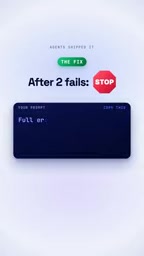
This prompt works by forcing the AI into reasoning mode instead of reflexively outputting a patch. When the model is asked to enumerate causes, it focuses its attention on the error itself, analyzing the stack, context, and triggering conditions, making it more likely to reach the real fault point.

The video's author says that after using this approach, the tenth attempt fixed it. From "still guessing on the ninth try" to "solved on the tenth," the difference isn't in the model's capability but in the structure of the conversation.
The "constrain the output format" technique in prompt engineering plays a key role here. Explicitly asking it to "not write any code for now" actually suppresses the model's best-honed behavior—patch generation—forcing it to spend its reasoning budget on error analysis. Similarly, "list three possible causes" provides a concrete output structure, preventing the model from speaking in generalities. The effectiveness of this approach comes from a fact: LLMs are quite sensitive to negative constraints and enumeration requirements in instructions, and constraints on output format significantly change their internal reasoning path. In practice you can refine it further, for example by asking it to rank by likelihood and attach a verification method to each cause, making the diagnostic results more actionable.
The Engineering Mindset Behind It
This method works because it transfers a classic principle from software debugging into AI collaboration: diagnose first, treat second. In traditional development, when engineers see an error they first read the logs and locate the root cause before making changes; AI's default interaction mode tends to skip this step and generate code directly. Forcing it to "list the causes first" via a prompt is like adding a diagnostic step to the AI's workflow.
Another implicit benefit: once the AI lists three possible causes, you can quickly judge which one is most credible based on your own domain knowledge, and then have the AI dig deeper in that direction. That's far more efficient than searching for a needle in a haystack of nine bad patches.
Everyday Usage Tips
- After two consecutive failed fixes, immediately stop letting the AI change the code
- Paste the full error message (including stack trace and context), not just a one-line summary
- Ask the AI to list possible causes first, and explicitly say "don't write code"
- Once you've picked a direction from the cause list, have the AI generate a targeted fix
- Keep a record of each attempt's conversation for easy retrospective review
This method doesn't require switching models or tools—what changes is how you ask. For developers who use AI to assist with coding day to day, it's a low-cost, high-return adjustment.
Related articles
One Prompt, One Brand Video: A Hands-On Test of Synthesia Siren
Hands-on with Synthesia Siren: one prompt and 12m47s to generate a brand pitch video without opening a timeline editor, covering style learning, storyboard review, and three rounds of chat revisions.
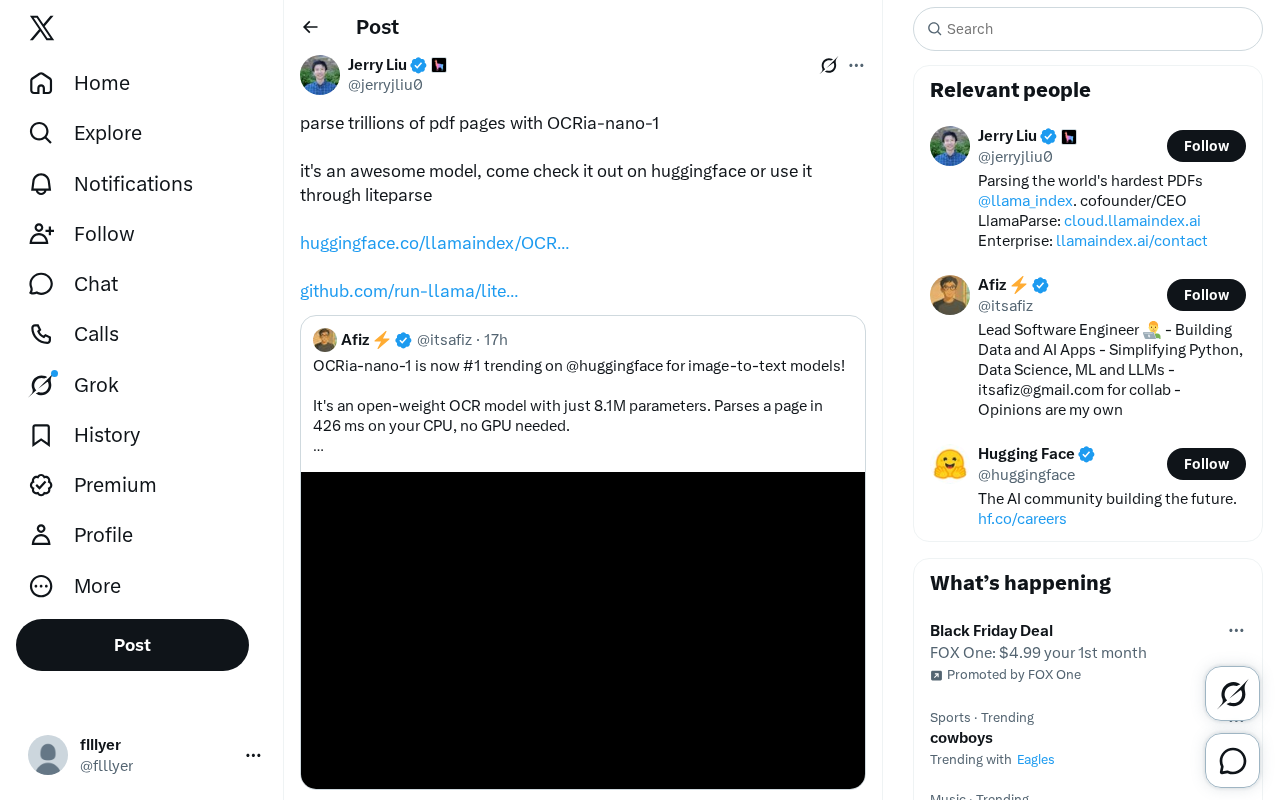
OCRia-nano-1: A Lightweight OCR Model for Parsing Massive PDF Documents
OCRia-nano-1 is a lightweight OCR model for parsing massive PDF documents, released on Hugging Face and invocable via the liteparse tool. This article covers its features, use cases, and how to get started.
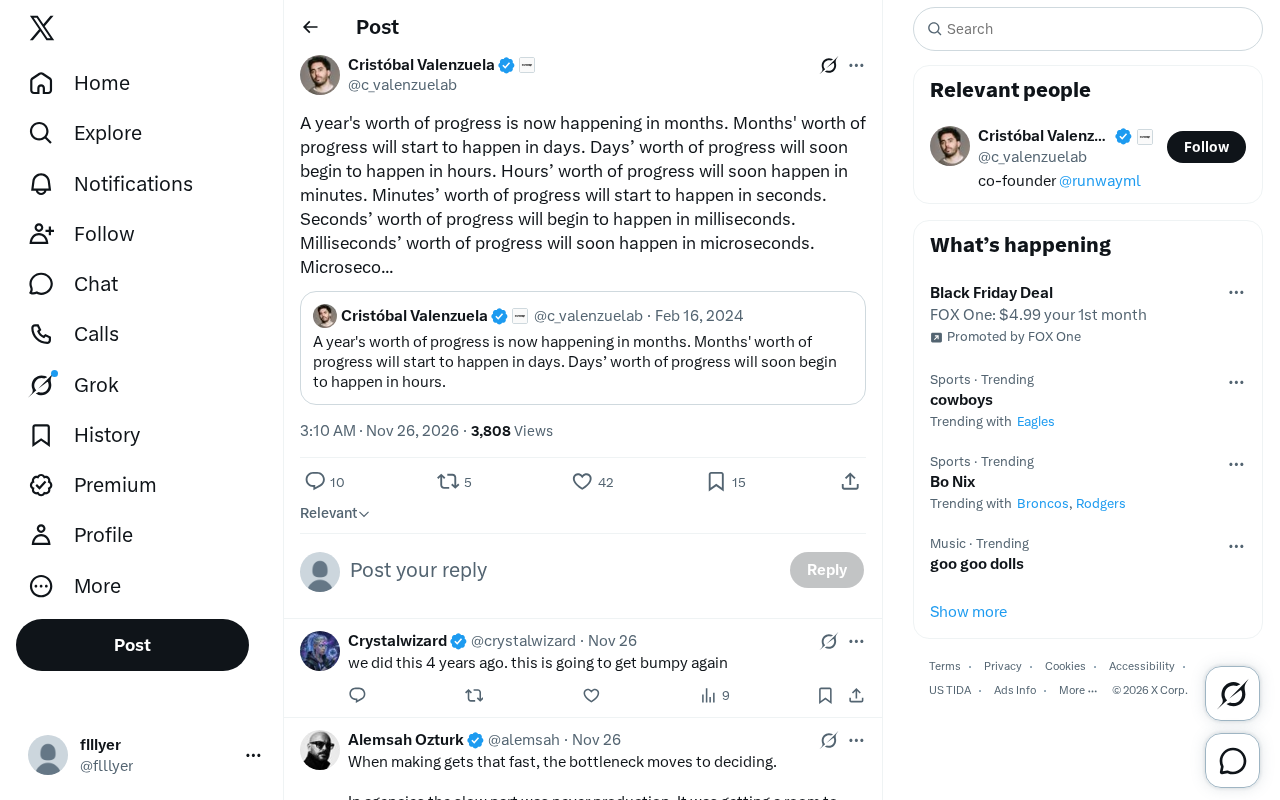
AI Progress Compressed Exponentially: Recursive Acceleration from Years to Milliseconds
Decoding the viral AI acceleration manifesto: is recursive compression from years to milliseconds real? Analyzing model iteration, toolchain shifts, and information spread as sources of the felt acceleration, plus the real boundaries set by compute, verification costs, and human absorption speed.