AI Comic Series Production for Beginners: 3 Methods to Generate Scripts Using Doubao + Jimeng + CapCut
Learn 3 AI script generation methods using a simple identity+requirement+format prompt framework for comic video production.
This article covers Lesson 1 of a beginner AI video (comic series) production course using Doubao, Jimeng, and CapCut. The foundation is a three-element prompting framework — role identity, requirement description, and format specification — which significantly improves AI output quality. Three script generation methods are covered: direct storyboard output (fast but prone to logic gaps), story-first then convert to script (best for beginners), and adapting existing story frameworks (best for commercial work). The core idea across all methods is decomposing tasks and constraining outputs so the AI truly understands what you need.
Why Do Some People Get Great Results from AI Tools While Others Just Waste Credits?
Same tools, wildly different results. This Bilibili tutorial series has a clear answer: the gap isn't in the tools themselves — it's in how you prompt AI and how you structure your creative workflow. This article breaks down Lesson 1 of a beginner-level AI comic series (AI video) production course: script generation. We'll focus on the prompting framework and three methods for producing scripts.
Tools and Course Structure
This tutorial series is built around three principles: simple, free, and beginner-friendly. It uses three core tools: Jimeng (also referred to as "极梦/吉梦" in the course) for AI image and video generation, Doubao for scriptwriting, and CapCut for editing and export. The full AI video production workflow is broken into seven modules: script, character design, image generation, motion effects, audio/video creation, CapCut editing, and finally, taking client orders and publishing.
For beginners or anyone looking to quickly monetize their work, this kind of end-to-end breakdown — from creating a new folder to publishing a finished video — is far more practical than tutorials that only cover individual tool features. This article focuses on the first module: the script, because script quality directly determines the success of everything that follows in image and video generation.
The Universal Prompting Framework: Identity, Requirement, Format
The tutorial repeatedly emphasizes that writing great scripts starts with learning how to ask AI the right questions — and that means structuring every prompt around three core elements.
The first is role/identity setup. Give the AI a professional label, such as "a 3D film director with three years of experience" or "a seasoned feel-good screenwriter." The identity shapes the AI's perspective and depth of expertise — you need to make it "genuinely feel like it is that character."
The second is requirement description. Define the creative scope clearly: genre, length, style, and core elements. The more specific your description, the more precise the AI's output.
The third is format specification. Specify the output format — number of shots, duration per shot, required content — so the result is immediately usable.
The tutorial uses a clear example to demonstrate this framework: "If you were a car salesperson (identity), explain why people love Tesla so much (requirement), and give three main reasons (format)." Send that to Doubao and you'll get three sharp, on-target reasons. In the author's words, this is the "what it is, what to do, how I do it" universal framework — it works for writing scripts or asking any other kind of question, and it's far more precise than a vague, open-ended prompt.
This three-element framework has solid theoretical backing in the field of Prompt Engineering. Role Prompting — assigning a specific professional identity to a large language model — is a well-validated technique: giving the model a defined role significantly improves the professionalism and consistency of its outputs. This works because different occupational contexts in training data carry distinct expression patterns; the identity label effectively activates a corresponding "knowledge subspace." The requirement description maps to Task Constraints, and the format specification maps to Output Formatting. Using all three together increases information density, which compresses the AI's output space. The vaguer the prompt, the more the model defaults to statistically common, mediocre answers. The more precise the constraints, the closer the output gets to your actual needs. This also explains why experienced users can quickly extract usable material from the same AI tools that leave beginners frustrated with inconsistent results.
Three Methods for Generating Scripts
Once you understand the prompting framework, the tutorial offers three paths to producing a script — each suited to different use cases.
Method 1: Direct Script Output
This is the fastest, most efficient approach — best for urgent needs. The process: first prepare reference materials (e.g., sample storyboards from a feel-good short film, color palette documents) so the AI understands the style you want, then use the three-element framework to lay out all your requirements in one prompt and have the AI output a full storyboard script directly.
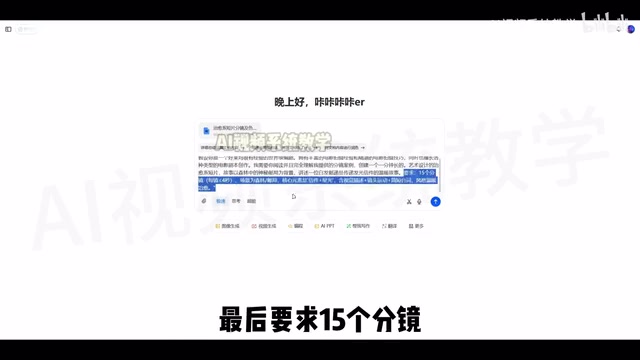
The tutorial's example prompt sets the AI's identity as "a top Hollywood screenwriter," asks it to read uploaded storyboard samples, then instructs it to write a feel-good short set in "a post office in the forest" — 15 shots, each under 4 seconds, with visual descriptions, camera movement, and brief dialogue. The resulting script does include duration, style, core theme, foreground shots, camera movement, and scene descriptions — all of which come in handy when generating images and video later.
The downside is clear though: when AI generates a script directly, it tends to introduce logical gaps or shots that are nearly impossible to execute. The tutorial gives an example: one shot described "a letter pressed against the bark as starlight spread along the tree trunk in an instant" — a scene that's extremely difficult to produce with current AI image/video generation tools.
Method 2: Generate a Story First, Then Convert to a Script
The tutorial calls this "the most beginner-friendly method" because it produces smoother logic. The core idea is to split the scriptwriting process into two steps, reducing complexity while ensuring narrative coherence.
Step one: generate a complete story of 400–500 words with a closed narrative arc and internal logic. Step two: convert that story into a storyboard-format script with shot durations, scene breakdowns, and camera movement.
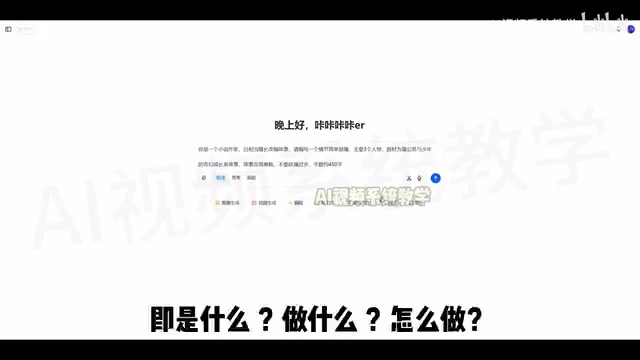
The example story: "When Ah Shu was 10, he discovered a dandelion that refused to fly." The dandelion wouldn't release its seeds because it feared separation; Ah Shu, afraid of growing up and of his parents leaving for the city, formed a bond with it. In the end, Ah Shu blows with all his might and learns that "it's not about holding on — it's about letting go." The tutorial notes that this two-step approach produces stories with clear logic and satisfying structure, noticeably better than going straight to a script template.
One practical tip for the conversion step: require that "a single shot should not switch between different shot scales." If one shot includes 3–4 different framings (wide, medium, close-up, etc.), the AI struggles to generate a coherent image. Adding this constraint makes each shot's visual description simple and precise, and far easier for the AI to execute.
This "high-level structure first, then execution details" approach is fundamentally a Task Decomposition strategy. When handling complex, multi-constraint tasks, large language models are prone to "constraint drift" — earlier requirements get diluted as the model generates longer text. By splitting scriptwriting into a "narrative logic layer" and a "storyboard format layer," each step has far fewer constraints, the model's attention stays focused, and output quality becomes more consistent. The "no shot scale switching within a single shot" rule follows the same logic: shot scale (wide shot, medium shot, close-up, extreme close-up, etc.) is a fundamental cinematography concept describing shooting distance and frame scope. Switching between multiple scales within one shot implies a sequence of continuous cuts — something AI image generation tools, which typically work on a single static frame at a time, simply can't express in one generation. Constraining shot scale is therefore a key detail for aligning your prompts with the tool's actual capabilities.
Method 3: Adapt an Existing Story Framework
This is the method the tutorial considers best suited for commercial client work. By borrowing from proven classic story structures (e.g., "ordinary person saves the day," "searching for something lost," "old vs. new contrast"), you avoid the AI going off in random directions. The result better fits client needs and market expectations, while balancing creative quality with efficiency.
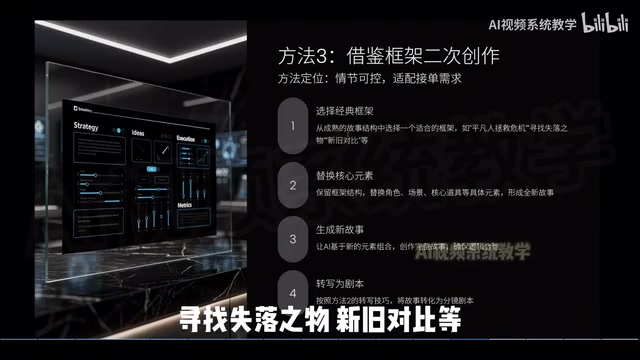
The approach: keep the story framework, swap out the characters, settings, and key props, then have the AI generate a new story and convert it to a script. The tutorial takes the "Ah Shu and the dandelion" story from Method 2, formats it as a document, and asks the AI to replace the core elements. The result is a new story about "8-year-old Xiaoman discovering a small carp that can't swim beside an old well" — same structural framework, but with a completely different cast and scenario.
The author is candid about the method's weakness: in the rewritten story, the central tension — "the carp fears strangers" mirroring "Xiaoman fears change" — is resolved by a single line from a grandmother, with no buildup beforehand. This makes the connection between the two feel forced. The tutorial notes this script revision issue will be addressed in a later video.
Which Method Should You Use?
Looking at all three methods together, the logic is straightforward: choose Method 1 for speed, but accept the risk of narrative gaps; choose Method 2 as a beginner who wants clean, reliable output — the two-step story-then-script approach keeps the logic solid; choose Method 3 for commercial work where you need to manage both risk and efficiency, using a proven framework as a creative starting point.
For anyone just getting into AI comic series production, the real value of this course isn't in how powerful the tools are — it's in how clearly it explains "how to make AI understand you." The three-element prompting framework (identity, requirement, format), combined with the story-to-storyboard breakdown process, is a transferable methodology that applies to all kinds of AI-assisted creative work. The script is just the first of seven modules — character design, image generation, and editing are what ultimately determine the quality of the final video.
Related articles

AI Daily Briefing: Qwen3-Omni Full-Modality Model Launches, Huawei Ascend 960 and Grok's New Model Surface
AI Daily: Qwen3-Omni Flash launches with full-modality support and 93% cost cuts; Huawei unveils million-processor AI architecture; Ascend 960 rumored; Grok spotted on GCP; N8N hits CVSS 10 vulnerability.
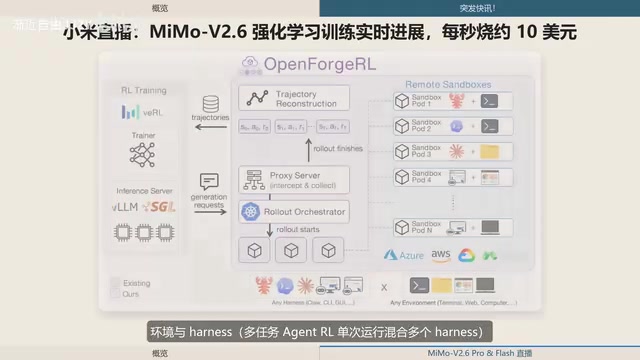
Xiaomi MiMo-V2.6 Live Training: ¥8.55M Spent in One and a Half Days, ~$10 per Second
Xiaomi's MiMo team live-streams MiMo V2.6 Pro/Flash RL training, spending ¥8.55M (~$1.28M) in 1.5 days — ~$10/sec. Covers compute scaling, open-source plans, and DeepSWE benchmarks.
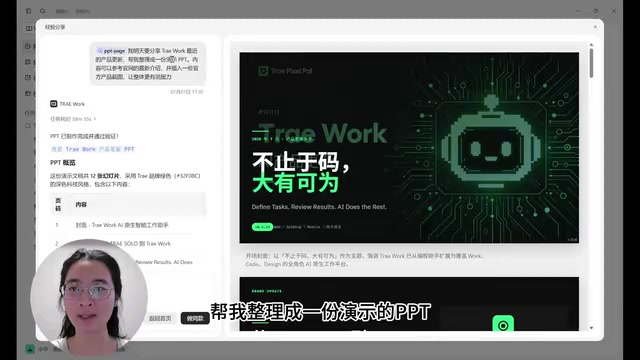
ByteDance Trae Work Getting Started Guide: 11 Use Cases Explained
A hands-on guide to ByteDance's Trae Work AI agent — covering Work, Code, and Design sections across 11 use cases including PPT generation, data analysis, coding, and more.