AI Gateway Launches Extraction Models: Precisely Pull Structured Fields from Invoices and Contracts
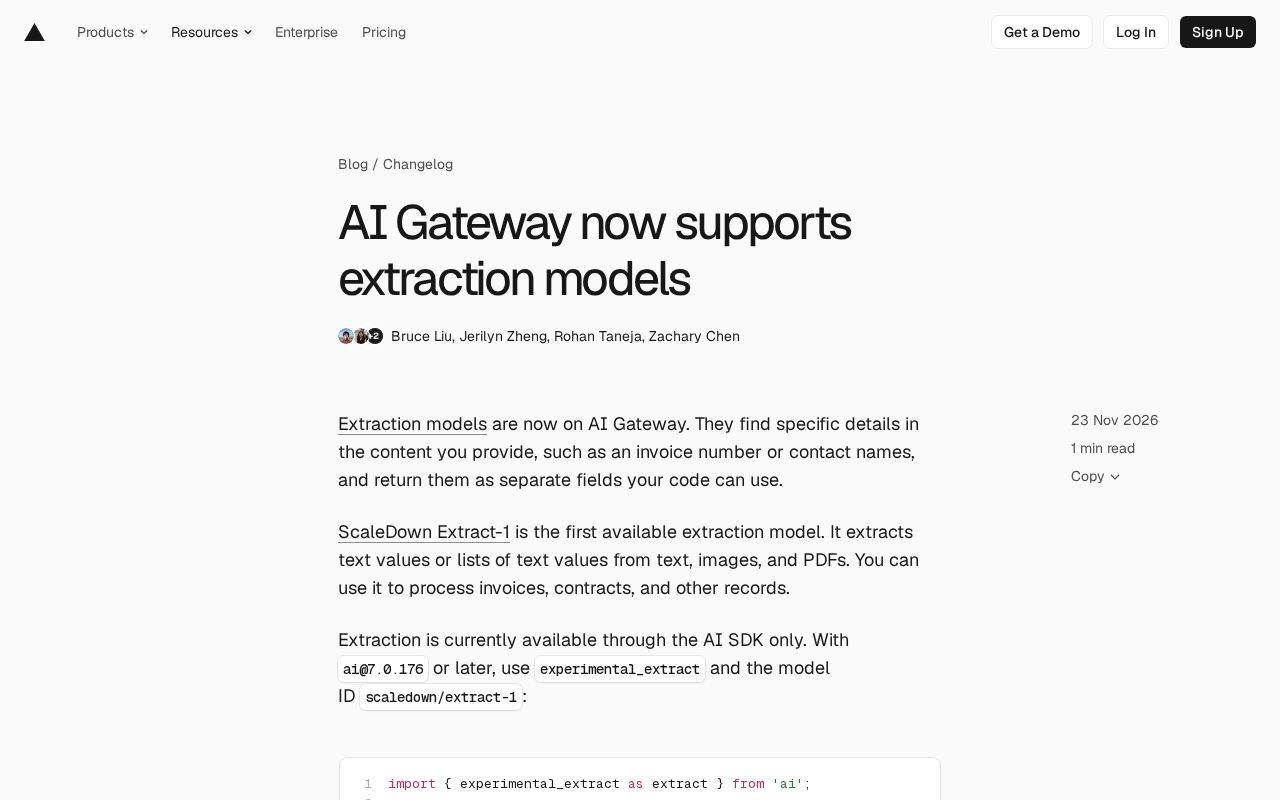
AI Gateway launches ScaleDown Extract-1, bringing non-generative structured extraction into a unified entry point.
AI Gateway adds "extraction models" to its capabilities, debuting with ScaleDown Extract-1, which extracts text values or lists of text values from text, images, and PDFs for record-type documents like invoices and contracts. Unlike prompting general LLMs for JSON, extraction models use a contract-style interface: declare field names, types, and instructions, and the model returns per-field results, with unmatched fields returning null rather than failing entirely, making results predictable. Currently available only via AI SDK's experimental_extract, requiring ai@7.0.176 or higher, with files passed as file parts into state. The model also returns 0-to-1 confidence scores (including per-list-item), supports character offsets for text input for traceability, and requests are tracked in gateway logs and cost tracking.
AI Gateway has recently added "extraction models" to its capability list. These models don't do conversation or generation—they do exactly one thing: find specific details in the content you provide, such as invoice numbers or contact names, and return them as discrete fields that can be fed directly into your code.
The first extraction model available is ScaleDown Extract-1. It can extract text values or lists of text values from text, images, and PDFs, with officially cited use cases being invoices, contracts, and other record-type documents. This signals that AI Gateway's positioning is expanding from a "model invocation gateway" toward a "structured data entry point."
What Problem Do Extraction Models Solve?
In the traditional approach, to get an invoice number from a block of text, you'd typically have a general-purpose LLM output JSON and then pray it doesn't add extra commentary, miss fields, or use curly quotes. Extraction models turn this into a contract-style interface: you declare field names, types, and extraction instructions, and the model returns results on a per-field basis.
The benefit of this design is predictable results. Every key in fields has a corresponding entry in result.answers; when a field isn't found, value is null rather than the entire response failing or returning explanatory text. For businesses that need to write to databases, reconcile accounts, or route through approval workflows, this determinism is more valuable than "the model is smart."
The difference between a "contract-style interface" and general LLM JSON output: When asking a general model to output JSON, constraints typically exist only at the prompt level—the model may add explanatory text, omit fields, use illegal quotes, or write numbers as strings, and parse failures can only be fixed through retries or post-processing. Extraction models move constraints forward into the interface definition: every key declared in fields forms an explicit schema, and the server organizes the decoding process according to that schema, so "field existence" and "type" are guaranteed by the interface rather than hoped for via prompts. This lets downstream code consume result.answers directly without defensive parsing. The trade-off is reduced flexibility—you can't ask it to return undeclared fields, nor have it do reasoning or rewriting along the way; for tasks with fuzzy field boundaries requiring multi-step judgment, you still need to fall back to general models.
How to Use It: experimental_extract and Field Declarations
Currently, extraction capabilities are only available through the AI SDK. You need ai@7.0.176 or higher, call experimental_extract, and use the model ID scaledown/extract-1.
The minimal example extracts an invoice number and contacts:
import { experimental_extract as extract } from 'ai';

const result = await extract({
  model: 'scaledown/extract-1',
  state: 'Invoice INV-2041 from Acme Corp. Contacts: Ana, Bo.',
  fields: {
    invoiceNumber: { type: 'text', instructions: 'The invoice number' },
    contacts: { type: 'list', items: 'text', instructions: 'Contact names' },
  },
});
From the returned result, you can read result.answers.invoiceNumber.value as 'INV-2041' and result.answers.contacts.value as ['Ana', 'Bo']. The difference in field types is crucial: text gets a single value, list with items: 'text' gets an array, and extraction instructions are used for disambiguation—the same document may contain several numbers, and instructions is the primary means of telling the model "which one is the one you want."
What the experimental_ prefix means: In the AI SDK, exports with the experimental_ prefix indicate that the interface has not yet entered a stable semantic versioning commitment—naming, parameter structure, and return types may all change in minor version upgrades, and such changes don't necessarily follow the usual breaking-change process. This is separate from "usable at version 7.0.176 or higher"—the latter is merely the minimum version threshold. For production integration, it's recommended to pin exact versions (rather than ^ ranges) and wrap reads of result.answers in an adapter layer, centralizing field access into a single module so that only one place needs changing when the interface shifts.
Handling PDFs and Images: Putting Files into state
For document scenarios, simply pass the file as a file part into state. The following extracts vendor, total, and line items from a PDF:
import { readFile } from 'node:fs/promises';
import { experimental_extract as extract } from 'ai';

const result = await extract({
  model: 'scaledown/extract-1',
  state: [
    {
      type: 'file',
      data: await readFile('./invoice.pdf'),
      mediaType: 'application/pdf',
    },
  ],
  fields: {
    vendor: { type: 'text', instructions: 'The company that issued the invoice' },
    total: { type: 'text', instructions: 'The total amount due' },
    lineItems: { type: 'list', items: 'text', instructions: 'The line items' },
  },
});
The same field declaration structure stays consistent between text and file inputs, so migration cost is low. For teams already doing text extraction, extending to scanned documents and e-invoices is just a matter of switching state from a string to a file array.
Confidence Scores and Character Offsets: Leaving Room for Human Review
Extract-1 returns confidence scores from 0 to 1 for matched results, with each individual item in a list also carrying its own score. This directly supports a very practical workflow: flagging fields below a threshold and routing them to human review, rather than blindly trusting all output.
For text input, it can also return character offsets indicating where in the original text the matched content appears. This is very useful in audit and traceability scenarios—not just telling you "what the total is," but also "which sentence this number was read from."
Note that the official documentation explicitly marks experimental_extract as still an experimental interface with possible API changes, so version-pinning strategy should be evaluated before production integration.
Correct use of confidence scores: A score from 0 to 1 is the model's relative certainty estimate for a matched result, not a calibrated probability, and scores across different document types or fields shouldn't be compared directly. In practice, a more reliable approach is to set thresholds per field, measure the score distribution for that field using a batch of labeled samples first, and then decide the cutoff; per-item scores on list fields can be used to review only low-scoring items rather than rejecting the entire record. Regarding character offsets, offsets typically correspond to positions in the original input text; for PDF and image inputs they may not be available, because text after OCR or layout parsing doesn't map one-to-one to source file coordinates—traceability should reference the parsed text layer.
Observability: Logs and Costs Recorded Together
Extraction requests appear in AI Gateway's logs and cost tracking. For teams already managing multiple models centrally through the gateway, this means extraction calls won't become a billing blind spot—token consumption and call volume can be compared under the same view as generation-type requests.
Looking at the product direction, AI Gateway is bringing "non-generative narrow-task models" into a unified entry point. Extraction is a typical example: single-purpose task, structured output, high determinism requirements—precisely where general conversational models fall short. Whether more similar models will follow is worth watching.
Related articles

Developer Naming Woes: The Technical Names That Drive Us Crazy
Why is technical naming so maddening? From Nginx and Vite to Qt and Sudo, a YouTube creator rants about the chaos of developer naming and pronunciation, revealing the tug-of-war between creators' intentions and community habits, and the cultural roots behind spelling traps like PyPI and GNOME.

Figma Workplace Scandal: Employee Sues CEO for Forcing Confrontation with Harasser
Figma and its CEO are sued by a current employee alleging sexual harassment and discrimination, and forcing the victim to confront her harasser. This article outlines the background, potential impact, and industry reflection.

Jensen Huang and Nvidia: Elite Privilege Behind the Revolving Door of Business and Politics
An opinion piece uses Jensen Huang's reappointment as Nvidia CEO to examine business-government ties and elite impunity, questioning free-market ideals and AI industry governance.