AI Hybrid Workflow in Practice: Auto-Generating 3D Creatures with Astra + Blender + MiniMax
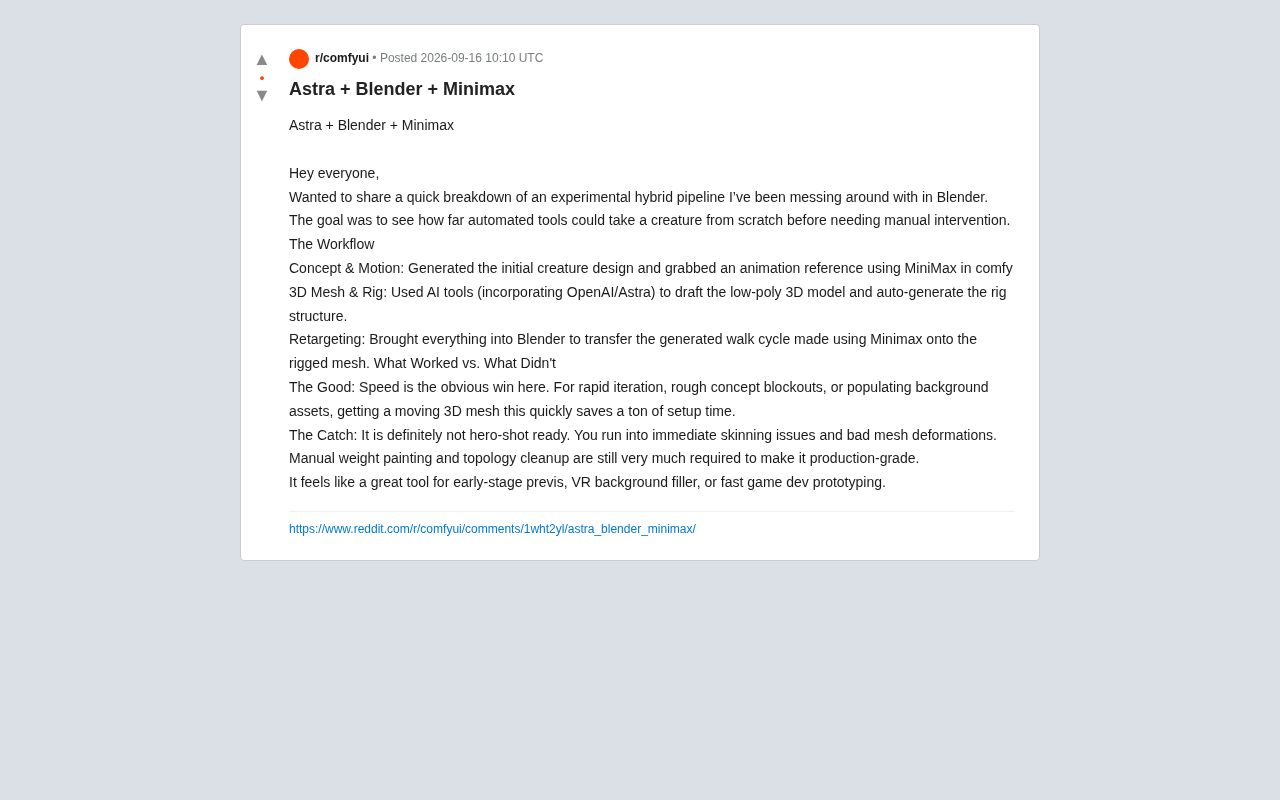
AI hybrid pipeline automates 3D creature creation from concept to animation, but skinning and topology still need human polish.
A creator built an experimental AI hybrid workflow in Blender, chaining ComfyUI+MiniMax, OpenAI/Astra, and Blender to cover the full pipeline from concept design and low-poly modeling to auto-rigging and animation retargeting. The biggest win is speed — AI produces a moving rough draft in a fraction of the time, making it ideal for previs, VR background fill, and game prototyping. But it falls well short of hero-shot quality: auto-generated skinning and poor weight distribution require manual cleanup before reaching production standards. The case clearly maps the current capability boundary of AI 3D tools — strong at compressing upfront setup time, but final-quality polish still demands human intervention.
A Zero-to-Animation AI Hybrid Pipeline
A Reddit creator recently shared an experimental hybrid workflow he built inside Blender, with one clear goal: see how far automated tools can take a 3D creature from scratch before human intervention becomes necessary.
The pipeline chains multiple AI tools together, covering the full loop from concept design and modeling to rigging and animation retargeting. For anyone tracking how AI is landing in real 3D production, this is a genuinely useful case study — it showcases a real leap in efficiency while being completely honest about where the current technology hits its ceiling.
Pipeline Breakdown: Three Steps to a Creature Animation
The entire process breaks down into three key stages, each handled primarily by a different AI tool.
Concept and Motion Generation
The creator started in ComfyUI, using MiniMax to generate the initial creature design and obtain an animation reference. This step tackles the most mentally taxing part of the creative process — the leap from nothing to something. No hand-drawn sketches, no hunting through motion libraries; AI delivers a usable visual starting point and movement reference directly.
ComfyUI is an open-source, node-graph-based AI image generation workflow tool that lets users visually chain together inference steps for models like Stable Diffusion and connect them to external APIs or plugins. MiniMax is a Chinese AI company whose multimodal models support image and video generation, capable of producing short video clips with temporal motion information from text or reference images. In this workflow, MiniMax doesn't output a static concept image — it generates an animation reference video containing motion trajectories. That video later serves as the motion data source for animation retargeting, making it both a visual design reference and a raw carrier of movement data.
3D Mesh and Skeleton Rigging
Next, he used an AI tool (with OpenAI/Astra integrated) to draft a low-poly 3D model and automatically generate a skeleton rig. In a traditional pipeline, modeling and rigging are two separate disciplines that can each take hours or days of specialized work. Here, they're compressed into a single automated step.
Animation Retargeting
The final step brings everything into Blender, retargeting the walk cycle generated by MiniMax onto the rigged mesh. Retargeting itself is a well-established feature in Blender; AI's value here is in supplying ready-made skeleton and animation data, making the assembly process smooth.
Animation retargeting refers to the technique of converting animation data created for one skeleton structure and applying it to a different skeleton. Because different characters have varying bone proportions, joint counts, and naming conventions, directly reusing animation data often causes limb misalignment or distortion. Blender's built-in Rigify system and Action constraints offer a relatively mature retargeting solution, allowing users to "translate" rotation and translation data from a source skeleton to a target skeleton via a bone mapping table. In an AI-generated pipeline, the prerequisite for retargeting is that the skeleton hierarchy output by the AI tool is sufficiently well-structured — if naming is chaotic or joint orientations are inconsistent, the mapping step itself introduces significant manual alignment work, negating the efficiency gains of automation.
Results Assessment: Speed Is the Clear Winner
The creator gave a candid, measured evaluation of the results, split into what works and what doesn't.
Obvious Strengths
Speed is an overwhelming victory. For rapid iteration, rough concept blockouts, or batch-generating background assets, getting a moving 3D mesh in such a short time saves enormous amounts of upfront setup time. At the creative validation stage, fast matters more than precise — and this pipeline hits that need squarely.
Unavoidable Problems
But it "absolutely doesn't reach hero-shot quality." The creator is blunt: skinning issues and poor mesh deformation show up immediately. Getting a model to production-ready quality still requires manual weight painting and topology cleanup. In other words, AI can hand you a moving rough draft, but the polish work still has to be done by a human.
Skinning is the process of associating mesh vertices with bones and assigning "bone weights" to each vertex to determine which bones drive their movement. Weight painting is the manual adjustment of those weight distributions to eliminate interpenetration, collapse, or abnormal stretching when joints bend. AI-generated skinning typically relies on heat diffusion or distance-based algorithms for initial weight assignment, which works reasonably well for simple characters but struggles with clothing folds, multi-joint fingers, or unusual creature body shapes — the algorithm can't understand the intent of the form, and tends to produce a "melting" deformation effect. Topology cleanup involves converting the irregular triangulated mesh output by AI into a quad-based loop structure suitable for animation, allowing joints to deform evenly when bent. This is the foundational factor that determines the upper limit of final animation quality.
Use Cases: Previs and Prototyping, Not Final Output
Based on hands-on testing, this workflow has a very clear positioning:
- Early previs: Quickly validate shot composition and motion feasibility before full production
- VR background fill: Scene elements that won't be scrutinized up close
- Game dev rapid prototyping: Placeholder assets for validating gameplay and visual direction
What these scenarios share is a high tolerance for imprecision and strong sensitivity to speed. The AI pipeline functions here as an accelerator, not a replacement.
A Note on AI in 3D Production
The value of this case isn't in showing off — it's in clearly drawing the boundary of what current AI 3D tools can actually do. Automated modeling and auto-rigging, once considered near-magical capabilities, are genuinely being unlocked. But between "it moves" and "it's ready for a final render," there are still two traditional technical hurdles standing in the way: skinning quality and topology structure.
For 3D artists and game developers, the most pragmatic stance right now is probably this: treat AI as a tool for compressing upfront time, use it to rapidly produce iterable base versions, and then focus human effort on the refinement work that actually determines final output quality. The technology is evolving fast, but "human-AI collaboration" remains the most reliable production paradigm for the moment.
Related articles

9 AI Subscription Plans Compared: The Real Cost Per 100M Tokens Revealed
Bilibili creator tests 9 AI subscription plans from Volcano, Alibaba, Tencent, Baidu, Zhipu, Xiaomi, MiniMax and more, converting them all to real cost per 100M tokens, breaking down fixed-quota vs. three-tier coefficient billing and how caching, time-of-day discounts, and window limits affect actual quota.
Vibe Coding for Beginners: Expressing Intent Instead of Handwriting Code
What is Vibe Coding? A 137-episode Bilibili course defines it: the core is expressing intent, not writing code. This article analyzes Vibe Coding's productivity logic, target audience, and entry expectations to help beginners decide if it's worth learning.

LangChain Beginner's Guide: An Agent Development Roadmap from LangGraph to Deep Agents
Clarify the encapsulation relationship among LangChain, LangGraph, and Deep Agents, and master the learning path and selection logic for agent development frameworks—suitable for beginners in large model development.