awesome-design-md: Use Markdown to Make AI Coding Agents Generate Brand-Level UI
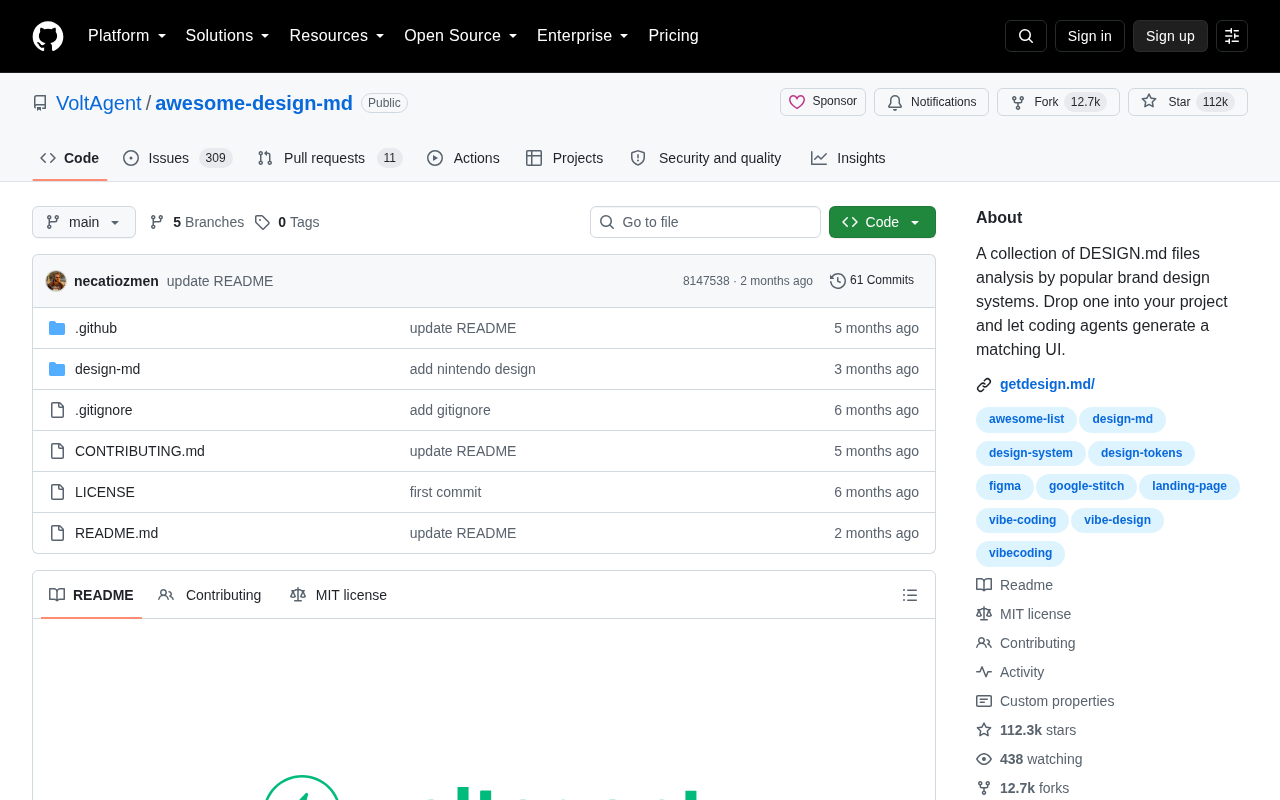
Open-source DESIGN.md files that help AI coding agents generate brand-consistent UI interfaces.
awesome-design-md is an open-source project that curates DESIGN.md files from well-known brand design systems like Stripe, Linear, and Vercel. By placing these structured Markdown files in a project's root directory, AI coding agents such as Cursor and Claude Code can automatically read design specs and generate UI that matches specific brand aesthetics—solving the pervasive problem of generic-looking AI-generated interfaces.
A New Approach: Hand Your Design Specs to AI
As AI coding agents like Cursor, Claude Code, and GitHub Copilot become standard tools for developers, a long-overlooked problem has surfaced: these agents can write functionally correct code, but they tend to generate cookie-cutter UI that lacks brand identity and aesthetic appeal.
Under the hood, these AI coding agents are powered by large language models (LLMs) trained on massive code corpora. They generate code snippets or complete modules by understanding natural language instructions and code context. However, these models primarily learn code logic and common patterns during training—not the visual design language of specific brands. When a model lacks specific design context, it defaults to the most common UI patterns in its training data—which is why AI-generated interfaces always seem to have the same blue-purple color schemes and standardized layouts.
The open-source project awesome-design-md by the VoltAgent team was created to solve exactly this pain point. Its core concept is elegantly simple—collect and curate DESIGN.md files from well-known brand design systems. Developers just drop one of these files into their project's root directory, and AI coding agents automatically read it to generate style-matched UI.
The project quickly gained community traction after launch. According to GitHub data, it has surpassed 110K stars (112,225 stars), with 487 new stars in a single day and 12,746 forks—a clear testament to the strong developer demand for "making AI understand design."
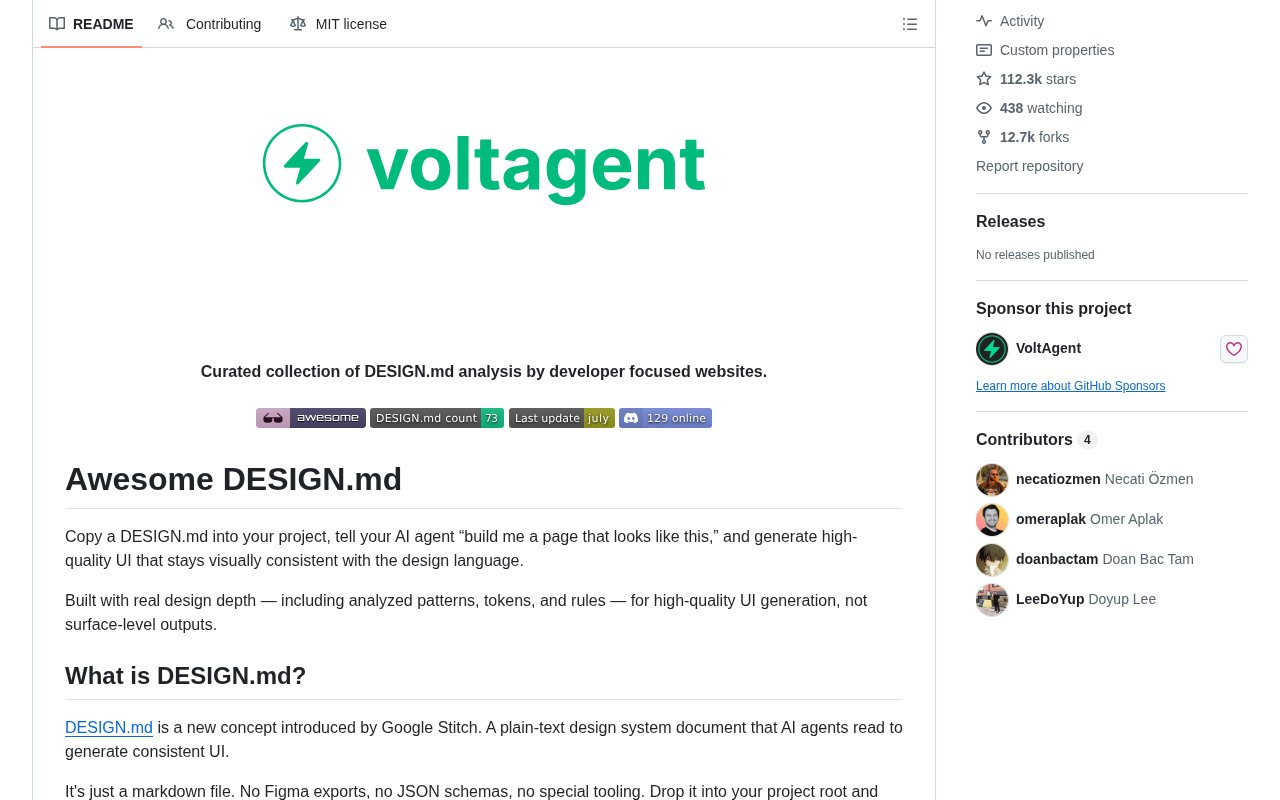
What Is DESIGN.md?
From README.md to DESIGN.md
Anyone familiar with the open-source ecosystem knows README.md—it's a project's instruction manual. DESIGN.md is an emerging convention: a structured Markdown document that describes a product's or brand's design language.
In industry context, the "design language" referenced here corresponds to a core concept in modern enterprise product development—Design Systems. A design system is a collection of reusable component libraries, design specifications, and guiding principles. Google's Material Design, Apple's Human Interface Guidelines, and IBM's Carbon Design System are all industry benchmarks. A mature design system encompasses not only visual specifications but also interaction patterns, accessibility standards, and brand voice. Traditional design system deliverables include Figma component libraries, Storybook documentation, or design token JSON files, while DESIGN.md transforms this information into a format that's far more consumable for large language models.
A typical DESIGN.md usually contains the following elements:
- Color System: Primary colors, secondary colors, semantic colors (success/warning/error) with their hex values
- Typography: Font families, size hierarchy, line heights, font weights
- Spacing & Layout: Grid systems, border radius, shadow levels
- Component Styles: Visual rules for basic components like buttons, cards, and forms
- Design Principles: Brand tone, interaction philosophy, and other high-level guidelines
Why Markdown Instead of Figma or JSON?
The choice of Markdown over Figma files or design token JSON is a deliberate one. Current AI coding agents are fundamentally large language models, and their ability to understand natural language and structured text far exceeds their ability to parse binary design files.
It's worth noting that design tokens—a technical approach that abstracts design decisions into key-value pairs (e.g., defining a brand's primary color as --color-primary: #0066FF)—are typically stored in JSON or YAML format and can be compiled by toolchains like Style Dictionary into CSS variables, iOS/Android native styles, and other platform-specific code. However, tokens only capture "what" but not "why" or "how to use them in combination." The unique advantage of DESIGN.md is its ability to describe design intent and usage context in natural language—for example, "Error states should use red #E53E3E, but this color must not be used to emphasize positive actions." This kind of semantic information is precisely what LLMs need to understand design specifications. The two formats aren't replacements for each other but complementary: tokens handle precise numerical definitions, while Markdown conveys the logic and constraints behind design decisions.
A well-written DESIGN.md is essentially a "design brief" for AI. When you ask an agent to "build a login page," it first reads this document to understand what colors, fonts, and border radii your brand should use, then generates an interface that conforms to your design spec—instead of randomly applying a generic style.
The Practical Value of awesome-design-md
Solving the "All AI-Generated UIs Look the Same" Problem
Developers who've used AI to generate frontend code share a common experience: the functionality works, but the interface screams "AI-generated"—blue-purple gradients, rounded cards, identical layouts. The root cause is that the model lacks project-specific design context.
awesome-design-md offers a plug-and-play solution by providing pre-made design specifications from well-known brands. Developers can directly reference specs from design-acclaimed products like Stripe, Linear, and Vercel to quickly give their projects a professional visual quality.
These three companies are frequently cited as design benchmarks, each for different reasons. Stripe is renowned for its masterful use of gradients, precise typographic systems, and elegant data visualizations—its design language conveys "financial-grade professionalism." Linear represents the design direction of modern SaaS tools—high-contrast dark themes, minimalist information hierarchy, and fluid motion systems—earning it the reputation as the "most beautiful project management tool" among developers. Vercel's design system Geist is built on a black-and-white minimalist foundation, making extensive use of monochrome and whitespace, paired with its open-source fonts Geist Sans/Mono, to create the kind of technical aesthetic unique to developer tools. Once these design systems are converted into DESIGN.md files, indie developers can build on the foundation that these design teams have refined over years.
Dramatically Lowering the Design Barrier for Indie Developers
This project is especially significant for indie developers and small teams who lack professional design resources. In the past, making a product look polished typically required hiring a designer or purchasing UI kits. Now, simply placing a well-crafted DESIGN.md in your project root and pairing it with AI coding agents like Cursor or Claude Code can largely compensate for a lack of design expertise.
The Underlying Trend: Context Engineering
AI-Assisted Programming Enters the Context Engineering Era
The popularity of awesome-design-md is not an isolated event—it reflects an important evolution in AI-assisted development: Context Engineering.
From the early days of Prompt Engineering to today's community-adopted convention files like .cursorrules, CLAUDE.md, and AGENTS.md, developers have gradually come to realize a key principle: rather than repeatedly telling AI your preferences in every conversation, it's better to codify those rules into project files that agents read automatically.
From a technical evolution standpoint, Context Engineering is the natural progression of Prompt Engineering. Early prompt engineering focused on optimizing instructions within a single conversation, while Context Engineering takes a systematic approach to managing all the background information available to AI. Technically, this involves managing the LLM's context window—current mainstream models have context windows ranging from 128K to 200K tokens, and how to efficiently inject the most relevant information within that limited window has become a critical challenge. .cursorrules defines coding style preferences, CLAUDE.md describes project conventions, AGENTS.md specifies multi-agent collaboration rules, and DESIGN.md fills the design dimension gap. Together, these files form a persistent context layer that gives AI agents automatic access to project-specific knowledge in every interaction, without requiring developers to repeat themselves.
DESIGN.md is the natural extension of this approach into the design dimension. Together with README.md (project description) and ARCHITECTURE.md (architecture description), it forms a "project knowledge base" tailored for AI agents.
The Path Toward Standardization
Notably, if DESIGN.md can evolve into a community-agreed format standard, future coding agents could even offer native support for it—as naturally as today's IDEs automatically recognize .gitignore. This would significantly improve the consistency and controllability of AI-generated UI.
A Reality Check: It's Not a Silver Bullet
Despite its promising outlook, we should be realistic about this tool's limitations:
First, document quality directly determines output quality. A vague DESIGN.md won't produce good results, and writing a high-quality design specification document itself requires a certain level of design literacy.
Second, AI execution capability still has a ceiling. Even with clear design specs, current coding agents can still make mistakes with complex interactions, micro-animations, and responsive adaptations. Human review and adjustment remain indispensable.
Third, brand consistency doesn't equal design excellence. Adopting someone else's design system can guarantee your product "won't look bad," but truly outstanding product design still requires original thinking and differentiated expression.
Conclusion
awesome-design-md uses a minimalist approach—a single Markdown file—to tackle one of the thorniest problems of the AI programming era: how to make machine-generated interfaces both functionally correct and aesthetically on-brand. Its popularity on GitHub proves that as AI agent capabilities rapidly improve, efficiently communicating design intent and project context to AI is becoming a new core competency for developers.
For every engineer using AI-assisted development, now might be the perfect time to add a DESIGN.md to your project.
Related articles
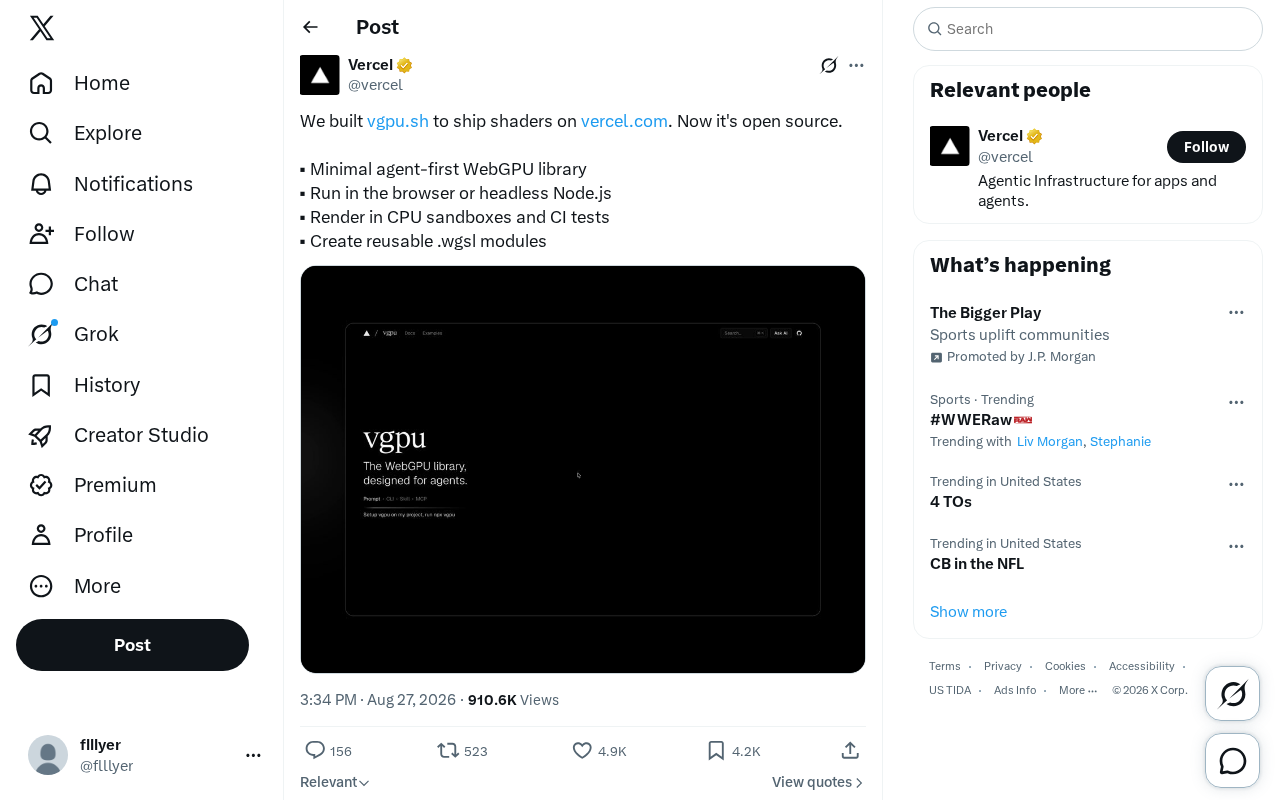
Open-Source WebGPU Library: A Lightweight Shader Solution for Browsers and Node.js
A lightweight, open-source WebGPU library supporting browsers and Node.js, with CPU sandbox rendering, reusable WGSL modules, and CI integration. Production-ready for web graphics and GPU compute.
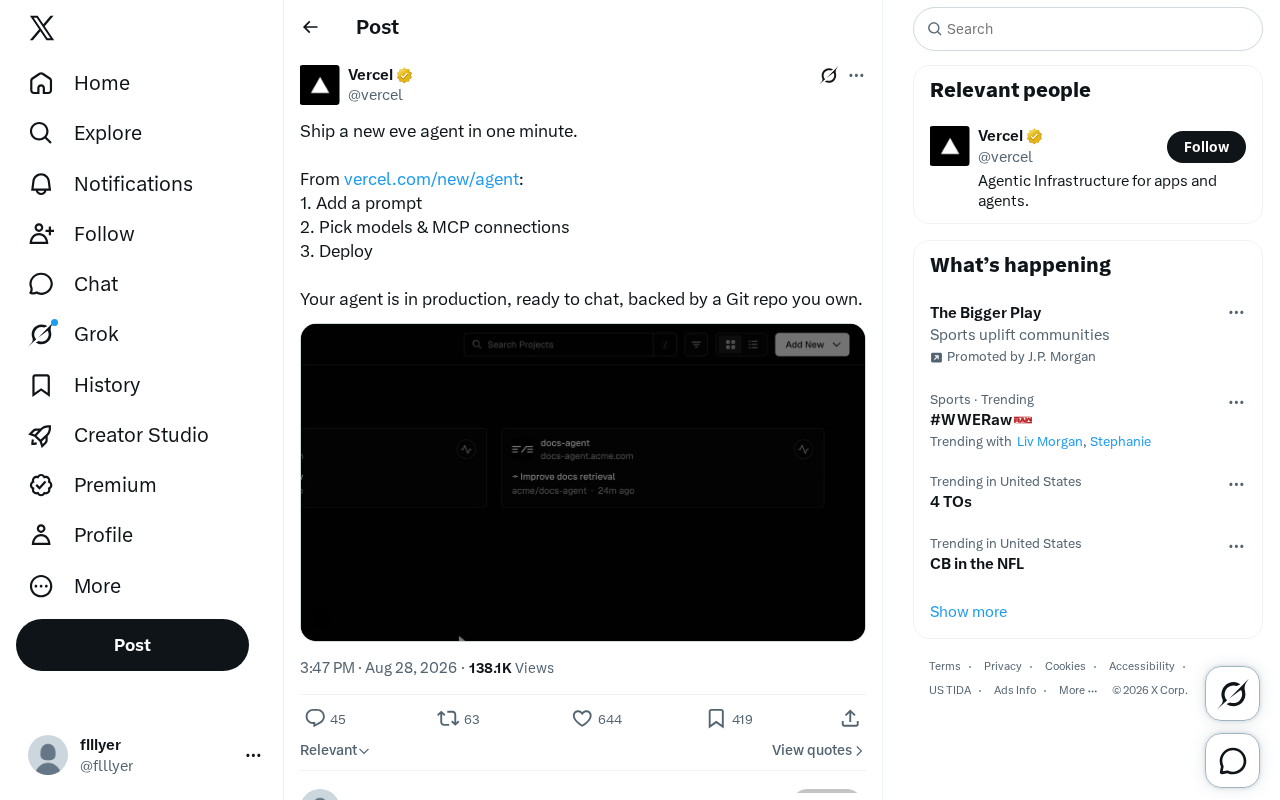
Deploying AI Agents on Eve Platform in Three Steps: A Minimalist Solution from Prompts to Production
Deep dive into how Eve platform achieves one-minute AI Agent deployment through prompt configuration, model selection, and MCP connections. Covers Git repo code ownership, MCP protocol integration advantages, and production challenges behind rapid deployment.

Codex Beginner's Guide: Installation, Registration, and Subscription for Users in China
A complete guide to OpenAI Codex: four installation methods (desktop, IDE plugin, CLI, web), ChatGPT Plus subscription via WeChat Pay, permissions, and model selection.