Beam.win: Control AI Agent Windows Remotely Across Macs, Tops Product Hunt Daily Chart

Beam.win lets AI agents run on one Mac while another Mac accesses their terminal and browser as native windows.
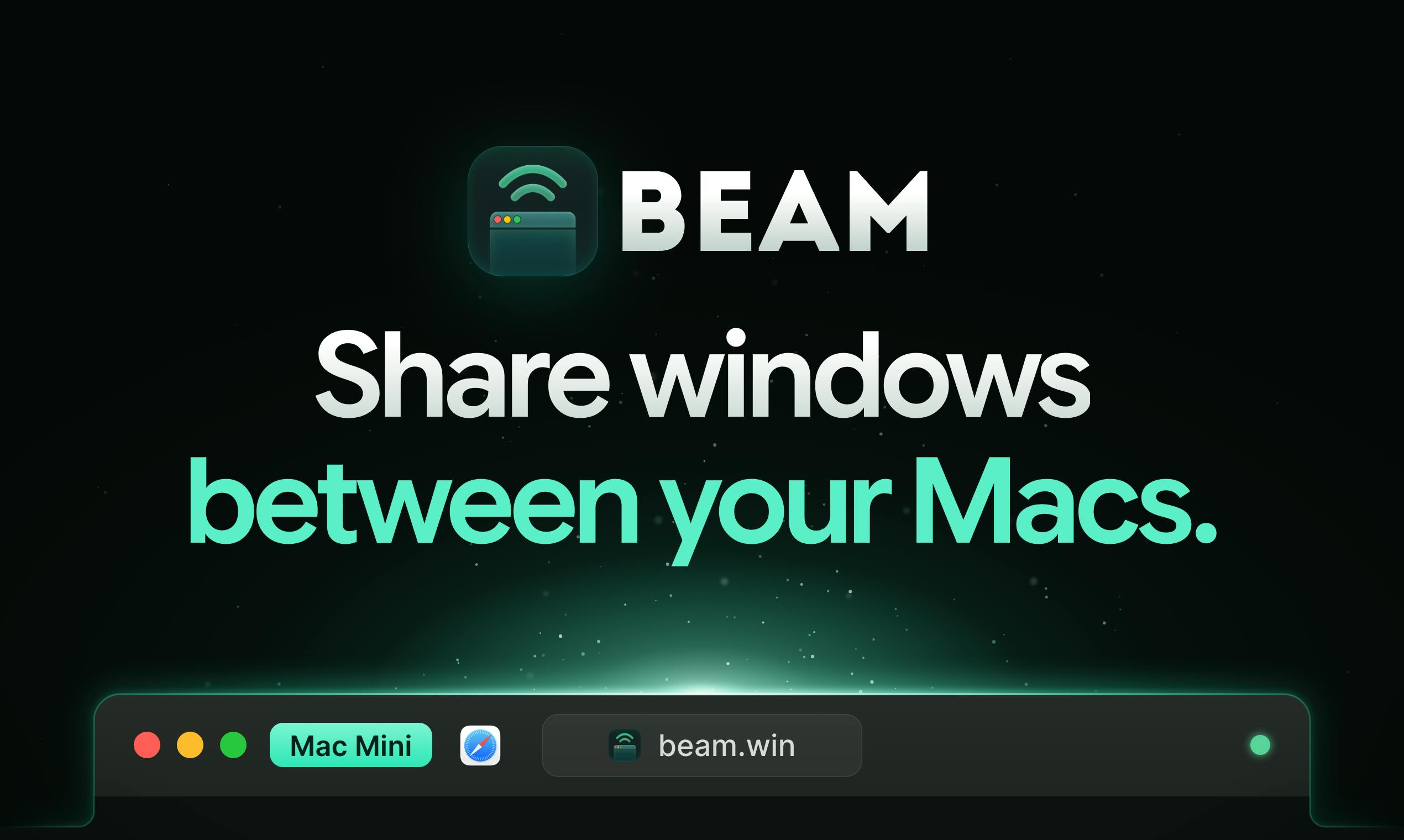
Beam.win is the #1 product on Product Hunt today. It lets developers continuously run AI agents and build tasks on one Mac, then use Beam to access the agent's Terminal, browser, and other apps as native windows on another Mac. Unlike VNC or screen sharing, Beam transmits individual application windows as units, each with its own Dock icon and ⌘Tab switching. Data is encrypted between Macs, and a free trial is available. It targets AI developers with idle Mac minis or Mac Studios; value is limited for single-device users.
Developers running AI agents locally often face an awkward problem: the agent needs to occupy a machine for long periods, while you want to stay productive on another Mac. Beam.win, today's #1 product on Product Hunt, tries to solve this pain point—it lets you run AI agents on one Mac and access their terminal, browser, and other application windows as native windows on another Mac.
Product Positioning and Core Mechanism
Beam.win's tagline states its value plainly: "Run AI agents on one Mac and use its windows on another." Specifically, you can keep AI agents and build tasks running continuously on a Mac mini or Mac Studio, then use Beam to "move" the agent's Terminal, browser, and other application windows over to the Mac in front of you.
The key point is that these remote windows are not simple screen sharing or streaming. Each window has its own Dock icon and ⌘Tab switching capability, making it nearly indistinguishable from local apps at the system level. This means developers don't need to constantly switch to a remote desktop or jump back and forth between the terminal and browser, resulting in a more coherent workflow.
According to the Product Hunt page, Beam encrypts data transferred between Macs and offers a free trial. The product currently has 159 votes and 30 comments, ranking first for the day, with categories covering productivity, developer tools, and artificial intelligence.
macOS Dock and ⌘Tab app switching: The Dock is the app launcher and status area at the bottom of macOS, with each running app typically corresponding to an icon; ⌘Tab is the system-level app switcher, where holding Command and repeatedly pressing Tab cycles through running apps. The system maintains this framework through the ownership relationship between processes and windows, so whether a window can get an independent Dock icon and ⌘Tab entry depends on whether the system recognizes it as a standalone app rather than a sub-region of some remote picture. Beam's emphasis on "independent Dock icons and ⌘Tab switching capability" essentially means registering an independent app identity for each remote window at the system level, integrating it into local window management, Mission Control, and focus-switching logic—rather than just pasting remote pixels onto the local screen.
Why AI Agents Need "Window-Level" Remote Access
Traditional remote desktop solutions (such as VNC or screen sharing) transmit the entire machine's desktop as a single image, resulting in high latency and the inability to mix remote apps with local ones. Beam takes a different approach: it treats each application window as an independent unit, integrating remote windows into the local Dock and ⌘Tab system.
This design is particularly well-suited to AI agent scenarios. Agents often need to operate the terminal, browser, and various development tools simultaneously while running, and developers need to check agent status, intervene in debugging, or copy results at any time. Window-level access makes "monitoring the agent" as natural as switching between ordinary apps, rather than opening a clunky remote desktop session.
In terms of product categories, Beam is classified under productivity, developer tools, and AI, indicating that its target users include both AI developers who need to run agents for long periods and power users who want to leverage idle Mac computing power.
Limitations of remote desktop protocols and screen sharing: Traditional solutions like VNC and Apple Screen Sharing operate at the "framebuffer" level, encoding and transmitting pixel changes across the entire screen, with the receiving end seeing only a complete desktop image. This approach is simple to implement and highly compatible, but has several inherent shortcomings: full-screen encoding incurs high bandwidth overhead, interaction latency fluctuates noticeably with network conditions; the remote image is confined to a single window and cannot be used side-by-side with local apps; and experiences like clipboard, keyboard shortcuts, and multi-monitor support are difficult to make native. Window-level solutions differ by capturing and transmitting the window content of individual applications, rendering them as independent windows locally, thus enabling per-window control of resolution and refresh rate and reusing the local window management and input method systems—this is the architectural dividing line between Beam and full-screen streaming.
Hardware Reuse and Workflow Restructuring
An implicit use case of Beam is worth noting: many developers may have idle Mac minis or Mac Studios—devices with ample computing power but no interactive interface. Beam turns these machines into "agent hosts" that continuously run build tasks and AI agents, while developers interact using their everyday MacBook.
This division of labor improves resource utilization. Agents no longer compete with the developer's daily operations for CPU and memory on the same machine, and build tasks won't be interrupted when the laptop lid is closed or it goes to sleep. Meanwhile, encrypted transmission ensures the security of remote window content across devices.
Of course, the actual experience of this solution depends on network quality and connection stability between the two Macs. Product Hunt comments may cover related discussions, but the original material does not provide specific feedback details.
Mac mini / Mac Studio as headless compute nodes: The Mac mini and Mac Studio are desktop form factors without batteries or built-in displays, requiring an external monitor for interaction, and are therefore often used as always-on servers or build nodes. They use different power and thermal designs from laptops, making them suitable for prolonged high-load operation, and unlike MacBooks, they won't interrupt tasks when the lid is closed or the device sleeps. Using them as "agent hosts" means agent processes always run on a machine that never sleeps, while developers remotely access their windows from another device; this is essentially a common practice of separating compute from interaction, similar to running tasks on a headless server and using a laptop as the front end—except Beam upgrades the access method from SSH or web terminals to a native window experience.
Competitive Landscape and Observations
Window-level remote application access is not an entirely new concept, but products that combine it with AI agent workflows are rare. Beam's differentiation lies in decoupling the "agent runtime environment" from the "interaction environment" and using a native window experience to reduce switching costs. For AI developers who own multiple Macs, this is a tool worth trying; for users with only a single device, its value is relatively limited.
The product is built by Hiten Shah and Sam Asante and currently offers a free trial. Whether it can continue to improve window synchronization stability, multi-monitor support, and agent type coverage will determine whether it can transform from a fleeting Product Hunt trend into a long-term developer tool.
One-line Summary
Beam.win lets AI agents run on one Mac while another Mac accesses their terminal and browser as native windows.
Paragraph Summary
Beam.win is the #1 product on Product Hunt today. Its core is to let developers continuously run AI agents and build tasks on one Mac, then use Beam to access the agent's Terminal, browser, and other apps as native windows on another Mac. Unlike full-screen streaming solutions like VNC and screen sharing, Beam transmits individual application windows as units, with each remote window having its own Dock icon and ⌘Tab switching capability, bringing it close to local apps at the system level. Data transferred between Macs is encrypted, and the product offers a free trial. Its target users are AI developers with idle Mac minis or Mac Studios who want to reuse computing power and isolate agent operations from daily work; its value is limited for users with only a single device, and future performance depends on improvements in window synchronization stability and multi-monitor support.
Related articles

GPT-Next Leak, Gemini 4 Argon Imminent: AI News Roundup
GPT-Next leak suggests extreme efficiency; OpenAI's 28-day shipping pledge boosts speed 50%; Gemini 4 Argon nears release; Anthropic subscription value report sparks debate.

GPT-Next Leaked, Gemini 4 Argon Speeds Up, Fable 5.5 May Launch Today
OpenAI's GPT-Next model leaks, expected to be extremely low-cost and possibly part of the 28-day release plan; Gemini 4 Argon internal testing accelerates, NanoBanana 2.1 is live; Semi Analysis tests show Claude Max's equivalent API value is about 5 times that of ChatGPT Pro; Fable 5.5 may launch today.

Gemini 4 Argon Launches Globally: Key Highlights from the AI Daily Brief
Google opens Gemini 4 Argon globally across Pro and Ultra subscriptions and the API, and demonstrates robot control. This article rounds up open-source models, Agent infrastructure, cost transparency, and safety governance updates.