Blind Entrepreneur Uses Claude to Build Accessible Product, Sells It for $1,700
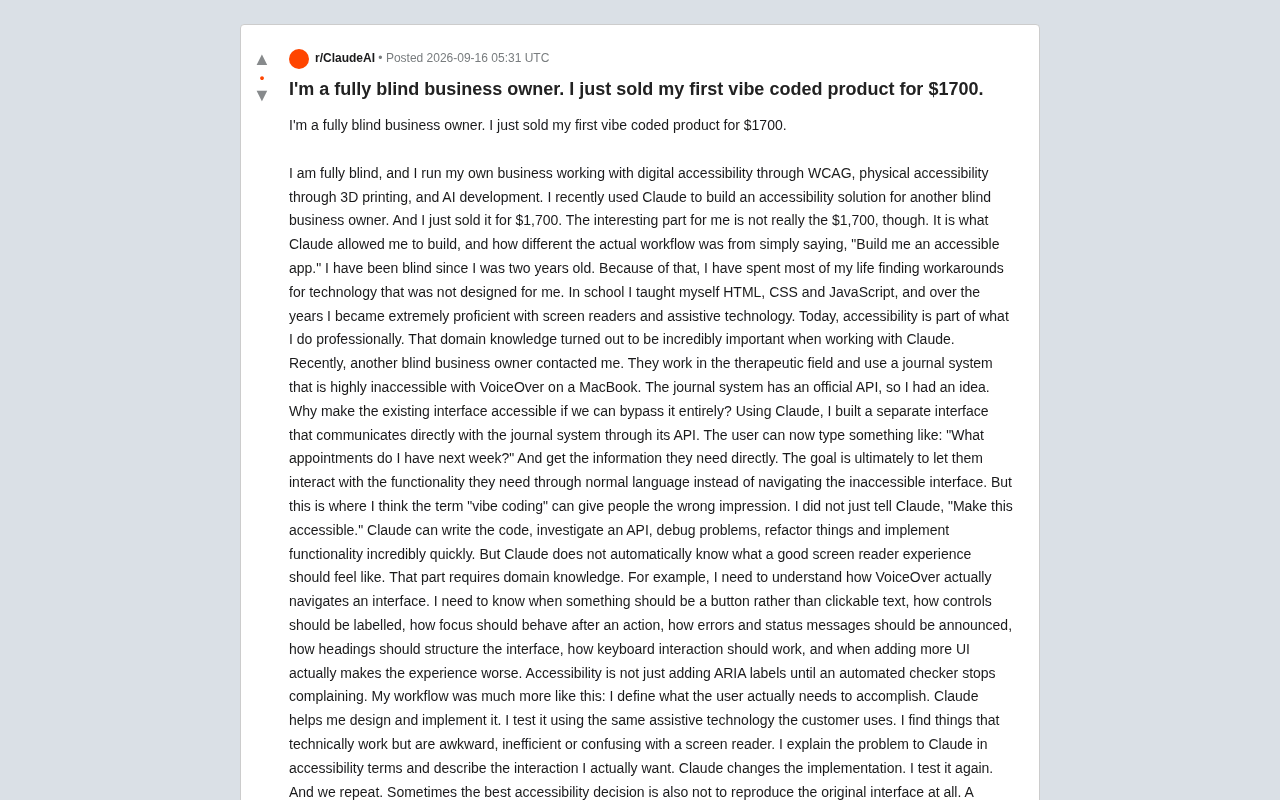
Blind founder uses Claude to bypass inaccessible UI via API, sells accessible tool for $1,700, proving domain expertise is irreplaceable in AI collaboration.
A founder who has been blind since age two shared how he used Claude to build an accessible journaling interface for another blind business owner, selling it for $1,700. His core argument: Vibe Coding is widely misunderstood — AI can write, debug, and refactor code rapidly, but judging whether a screen reader experience is truly good requires human domain knowledge. His workflow is a continuous human-AI loop: Claude produces implementations, he tests with assistive technology, explains issues in accessibility terms, and drives revisions. Most tellingly, he reframed the problem entirely — bypassing the inaccessible UI and building a fresh interaction layer directly via API. The deeper implication: AI is shifting disabled users from passively waiting for vendors to fix things, to actively building their own solutions.
A fully blind entrepreneur recently shared his story on Reddit: he used Claude to build an accessible solution for another blind business owner and sold it for $1,700. The dollar amount isn't the remarkable part — the real value of this story lies in what it reveals about a commonly misunderstood aspect of "Vibe Coding." Writing code with AI is only half the work. What makes a product actually usable is the domain knowledge behind it.
A Blind Developer's Real Workflow
The author has been blind since age two and has spent years working across digital accessibility (WCAG), physical accessibility via 3D printing, and AI development. He taught himself HTML, CSS, and JavaScript from childhood, and over the years became highly proficient with screen readers and assistive technologies. This accumulated expertise became a critical asset in his collaboration with Claude.
The project started when another blind business owner — who works in therapy — reached out for help. The journaling system she used was nearly impossible to navigate with VoiceOver on her MacBook, but the system did offer an official API. That's when the author had an insight: rather than struggling to retrofit the existing interface for accessibility, why not bypass it entirely?
With Claude's help, he built a standalone interface that communicated directly with the journaling system via its API. Users could simply type natural-language queries like "What appointments do I have next week?" and get the information they needed — no painful navigation through an inaccessible UI required.
The Vibe Coding Misconception: AI Doesn't Know What a Good Experience Feels Like
The author was careful to push back on the term "Vibe Coding" and the false impression it creates. He didn't simply tell Claude to "make this accessible." Claude can write code quickly, research APIs, debug issues, refactor logic, and implement features — but it has no intuition for what a good screen reader experience actually feels like.
This is exactly where domain knowledge becomes irreplaceable. The author listed a range of details that require human judgment: when an element should be a button rather than clickable text, how controls should be labeled, where focus should move after an action, how errors and status messages should be announced, how headings should structure the interface, how keyboard interactions should be designed — and crucially, when adding more UI elements actually makes the experience worse.
He put it plainly: "Accessibility isn't about piling on ARIA labels until automated checkers stop flagging errors." That line cuts right to the shallow understanding many developers have of accessibility.
WCAG (Web Content Accessibility Guidelines) is an international standard developed by the W3C that defines accessibility requirements for websites and applications across visual, auditory, and cognitive dimensions. The current mainstream version is WCAG 2.1. ARIA (Accessible Rich Internet Applications) is a set of HTML attribute specifications that allow developers to add semantic information to dynamic content and complex components, helping screen readers correctly interpret interface structure. But as the author points out, improper use of ARIA can actually create noise or confusion — for example, adding redundant attributes to elements that already have native semantics, or labeling elements extensively when the underlying focus management logic is broken. Real accessibility development requires understanding how screen readers work: they traverse the DOM tree node by node in a linear fashion, and users rely on heading hierarchy, form element labels, and live region announcements to build a mental map of the interface. These interaction details can't be recovered from automated audit reports — they can only be judged by someone with lived experience using assistive technology.
The Human-AI Iteration Loop
The actual workflow the author describes looks more like an ongoing conversation:
- He first clarifies what the user actually needs to accomplish;
- Claude helps design and implement a solution;
- He tests it using the same assistive technology as his client;
- He identifies the parts that are technically functional but feel awkward, inefficient, or confusing under a screen reader;
- He explains the problem to Claude using accessibility terminology, describing the interaction he actually wants;
- Claude revises the implementation, he tests again — and the cycle repeats.
In this loop, AI handles rapid output; the human handles quality judgment. Neither works without the other.
Reframing the Problem, Not Just Patching the Interface
The most instructive moment in this story is how the author reframed the problem itself. A sighted developer looking at that journaling system might ask, "How do I make these menus and tabs accessible?" The author's perspective was different: "Why does a blind user need to navigate these menus and tabs in the first place?"
Since the API already exposed the underlying functionality, Claude gave him the ability to build an entirely different kind of interaction. Sometimes the best accessibility decision isn't to replicate the original interface — it's to rethink the approach entirely.
What AI Gives Disabled People Is Choice
The tech industry has discussed at length what AI will do to software development. But the author raises a perspective that's often overlooked: AI is giving disabled people the ability to build tools around their barriers themselves, rather than waiting for others to remove those barriers.
He explains that as a blind person, when a piece of accounting software, a website, or an app was inaccessible, his options were usually limited: find a workaround, find an alternative, ask for help, or hope the vendor would eventually fix it. Claude has changed that equation. Now he finds himself increasingly able to ask: "If I were designing this, what would an accessible version look like?" — and then actually build it.
The closing lines of his post are particularly moving. He writes that he's been blind since age two and doesn't know what it feels like to see again, but from a technical standpoint, this is probably the closest thing he's experienced — "not because Claude lets me see, but because it gives me choice."
There's a key technical prerequisite underlying this shift: API availability. When software vendors expose their underlying functionality through interfaces, developers can bypass the official UI and build something new — a common practice in enterprise integration and automation scenarios. But for disabled users, APIs represent a different kind of freedom. The accessibility shortcomings of the original interface are no longer an insurmountable obstacle; as long as the underlying data is accessible via an interface, the interaction layer can be redesigned to meet individual needs. In the past, this path was only open to people with significant coding ability. Generative AI has dramatically lowered that barrier, making domain knowledge — not coding skill — the decisive factor. This also explains why the author's case matters beyond a single transaction: it signals the possibility of a new class of "self-service accessibility tools" — defined and built by the people who understand their own needs best, rather than waiting for accessibility to be added to a product roadmap.
Closing Thoughts
This story's significance goes far beyond a $1,700 sale. It's a grounded correction to the hype around "Vibe Coding" — a reminder that domain experts remain essential in AI collaboration — and it demonstrates the distinctive value of generative AI in accessibility: transforming a passive stance of waiting for others to help into an active ability to solve problems yourself. For disabled communities that have long been overlooked by mainstream technology, this may be one of the most important threads running through the AI wave.
Related articles
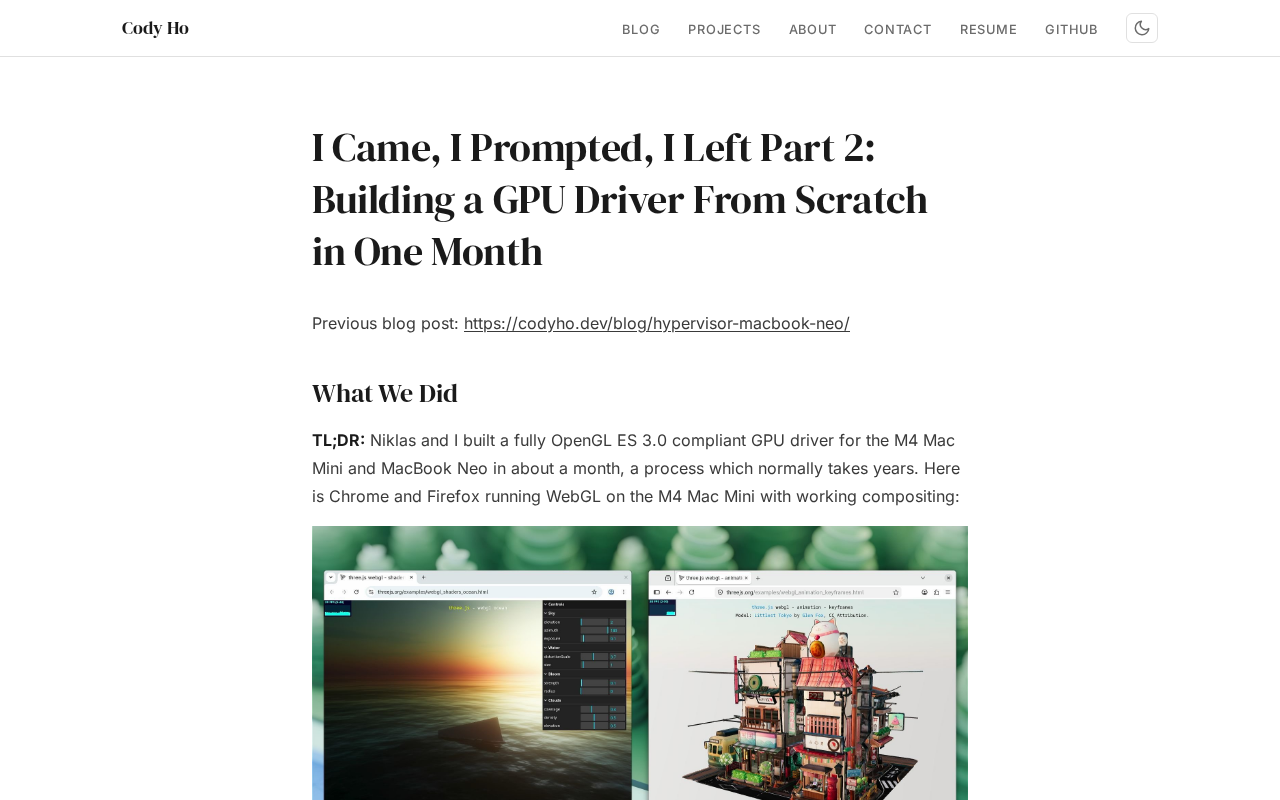
The Technical Challenges of Developing a Linux GPU Driver for the M4 Mac Mini in One Month
Developer Cody Ho built a Linux GPU driver for the M4 Mac Mini in one month. We break down the core challenges of reverse engineering Apple Silicon's closed GPU architecture.
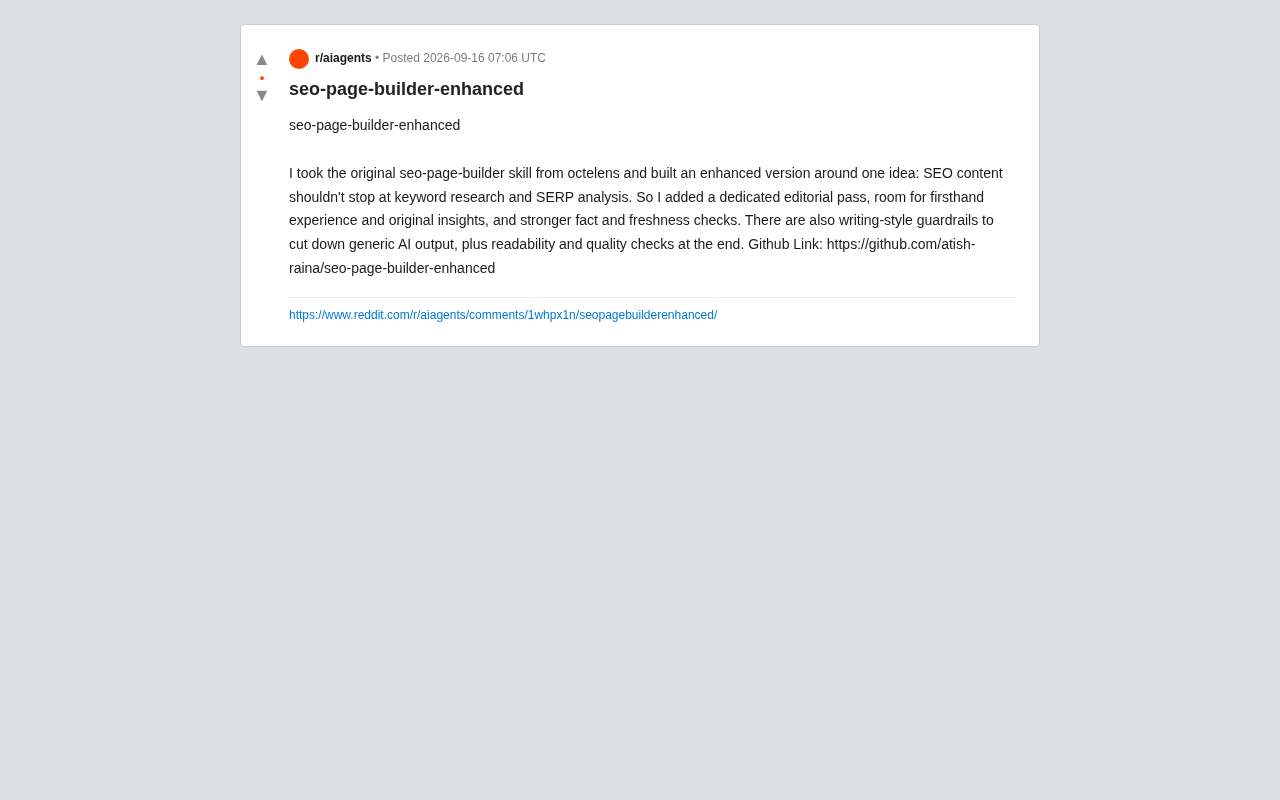
SEO Page Builder Enhanced: Breaking Free from Generic AI-Generated SEO Content
An open-source enhanced SEO content tool that adds editorial review, firsthand experience, fact-checking, and writing-style guardrails to combat generic AI content.
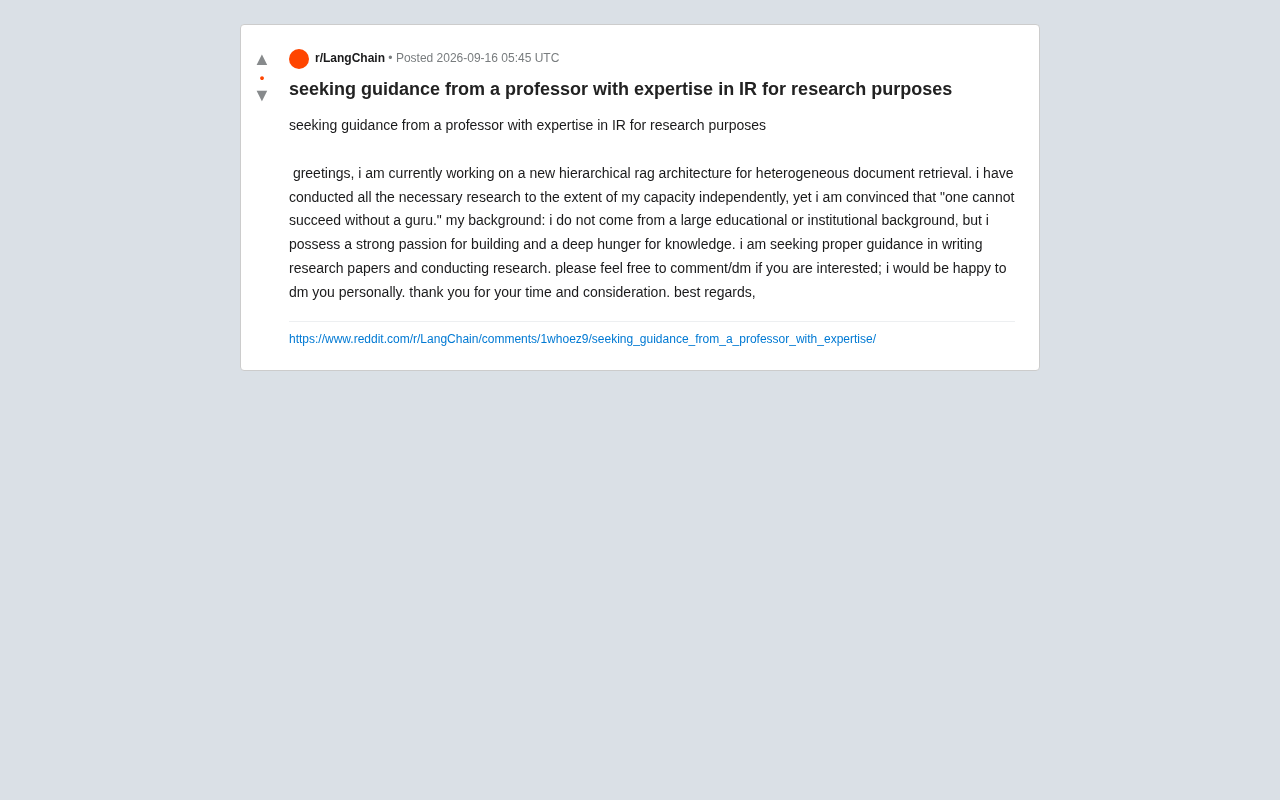
Hierarchical RAG Architecture Research: How Independent Developers Can Break Into Academic Research
An indie developer on Reddit seeks IR professor guidance for hierarchical RAG research. This article explores the technical background and practical advice for independent AI researchers facing academic barriers.