Building an Automated Meal Planning System with Claude + Muse: How AI Can Replace HelloFresh

A no-code user built a full meal planning and auto-ordering system with Claude and Muse, replicating HelloFresh's core value at a fraction of the cost.
A Reddit user with no coding experience combined Claude and Muse to build a complete home meal automation system: Claude generates two-week menus and Walmart shopping lists based on taste preferences and meal feedback, while Muse reads the lists and completes the online order automatically, with payment confirmation left to the user. The system also runs a kiosk-mode interface on a cheap kitchen tablet, integrating recipes, thawing reminders, and feedback entry. The setup replicates the "planning + shopping" value of services like HelloFresh at minimal cost — bypassing subscription premiums entirely. The real takeaway: AI tools are bringing personalized workflow automation within reach of everyday users.
A No-Code User's AI Kitchen Experiment
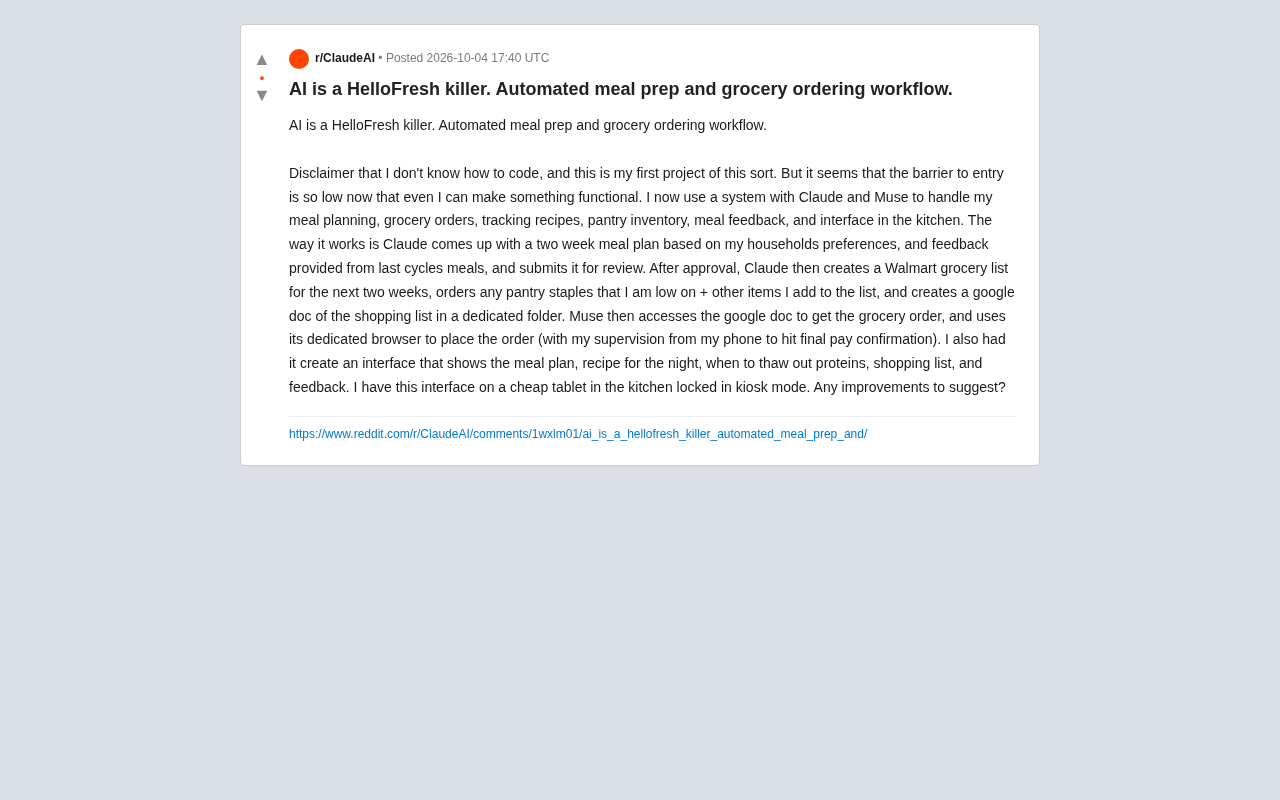
A Reddit user shared their AI-powered meal planning system, boldly describing it as a "HelloFresh killer." What makes the story interesting is that the poster freely admitted to having zero coding experience — this was their very first project of this kind. Yet they argued that the barrier to entry for AI tools has dropped low enough that "even someone like me can build something that actually works."
This case is worth examining not because of any technical sophistication, but because it illustrates a real personal workflow: how off-the-shelf AI tools can be chained together to automate the meal-planning pain points that subscription services like HelloFresh were built to solve.
How the System Works
The entire setup relies on two core AI tools working in tandem: Claude handles the "brain" — planning and decision-making — while Muse handles the "hands" — actually carrying out operations.
Claude: Meal Planning and Shopping List Generation
Claude generates a two-week meal plan based on household taste preferences and feedback collected after previous meals, then submits it to the user for review. Once approved, Claude takes care of several things:
- Creates a Walmart shopping list for the next two weeks
- Automatically tops up pantry staples that are running low, plus any items the user adds on the fly
- Generates a Google Doc shopping list saved to a dedicated folder
This design connects "what to eat" with "what to buy." Meal feedback feeds back into the next planning cycle, creating a closed-loop learning system rather than a one-time static menu.
Muse: Automated Order Execution
Muse reads the Google Doc generated by Claude, retrieves the shopping list, and uses its own dedicated browser to complete the order on Walmart. The critical step: the final payment confirmation is still handled manually by the user — the poster kept the "confirm payment" tap on their phone for themselves.
This "AI executes, human confirms the critical node" design is refreshingly pragmatic. It captures the convenience of automation while preserving a human brake at the point where real money is involved.
Muse is a category of AI agent tool designed specifically for browser automation — it can operate a browser the way a human user would, performing clicks, filling out forms, and searching for products. Tools like this are typically built on "computer use" capabilities, where the core idea is to have the AI directly "see" screenshots and generate mouse and keyboard commands, rather than relying on APIs provided by websites. The advantage of this approach is versatility — in theory, any webpage interaction a human can do manually, AI can simulate. The downside is that stability depends on the target website's page structure: if an e-commerce platform redesigns its layout, the automation script may break. This is one of the real-world challenges mentioned at the end of this article.
A Physical Interface in the Kitchen
Beyond the backend planning and procurement, the user also had AI generate an interactive kitchen interface displaying:
- The current meal plan
- That evening's recipe
- When to take proteins like meat out of the freezer to thaw
- The shopping list
- A meal feedback entry point
This interface is deployed on a cheap tablet locked into kiosk mode and permanently stationed in the kitchen. That means the whole system doesn't just live in the background on a screen — it's genuinely embedded in the physical space of everyday cooking, forming a complete chain from planning and procurement to cooking prompts.
Kiosk mode is an operating system feature that locks a device into running a single application full-screen, commonly seen in mall information kiosks, ATMs, and other public terminals. Once kiosk mode is enabled on an Android device or iPad, users can't exit the current app, access the home screen, or change system settings — the device effectively becomes a dedicated display. Deploying a kiosk interface on a cheap tablet at home is a low-cost alternative to a dedicated smart home panel. No need to buy a specialized smart screen; an old budget tablet can handle fixed information display. This makes the hardware cost of the entire system essentially negligible.
Why Call It a "HelloFresh Killer"?
The core value proposition of meal kit subscription services like HelloFresh is solving "decision fatigue" and "shopping hassle": they decide what you eat and deliver pre-portioned ingredients to your door. This user's AI system replicates exactly those two value points through automation — while bypassing the subscription fees and the premium on pre-packaged meal kits.
From a cost structure perspective, meal kit services typically cost significantly more than buying groceries yourself, and that premium comes directly from the "planning + delivery" service. When AI can handle planning, list generation, and even automated ordering at near-zero marginal cost, users only pay for the ingredients themselves and still get a similarly hassle-free experience. That's the logic behind calling it a "killer."
That said, it's worth keeping perspective: meal kit services also offer precisely portioned ingredients, reduced food waste, and standardized recipes. Whether an AI system can fully replace them depends on individual needs. The poster is also soliciting suggestions for improvement, indicating the system is still in an iterative stage.
What This Case Tells Us
Setting aside the slightly clickbait-y "killer" framing, the genuinely valuable signal from this project is: AI tools are enabling ordinary people to build personalized automated workflows.
In the past, integrating meal planning, inventory management, online ordering, and a physical interface into a single cohesive system would almost certainly have required development skills and considerable engineering effort. Now, someone who claims to have no coding ability — armed with Claude, Muse, and a cheap tablet — just built it.
This kind of "life process automation" may well be one of the most grounded directions for AI adoption. It doesn't chase impressive demos; it concretely reduces the cognitive load of everyday decisions. As AI agent execution capabilities improve, personalized systems like this will become increasingly common.
Of course, there's plenty of room for improvement: the security boundaries around payment, the accuracy of AI product selection, controlling food waste, and the stability of browser automation when e-commerce pages get redesigned are all real challenges. But as a no-code starting point for a personal project, it makes a compelling case for how much the barrier to entry has shifted.
An AI Agent refers to an AI system capable of autonomously perceiving its environment, forming plans, and continuously executing multi-step tasks — distinct from traditional conversational models that can only handle single-turn question-and-answer exchanges. In this system, Claude plays the role of a "planning agent" — it doesn't just generate one-off text, but dynamically adjusts the menu based on historical feedback and coordinates the actions of downstream tools. Muse is the "execution agent," responsible for translating plans into real-world actions. This division of labor between planning and execution agents is a typical pattern for how AI applications are evolving from "conversational assistants" toward "autonomous workflows." As major model providers continue strengthening function calling and long-task execution capabilities, the barrier to building these kinds of multi-agent collaborative architectures will keep falling.
Related articles

Free Unlimited Claude Code Solution: Agnes AI + CC Switch Setup Guide
No paid subscription needed — pair the free AI platform Agnes AI with the open-source tool CC Switch to provide a backend for Claude Code, enabling unlimited free calls to text, image, and video models. This guide covers the full setup, test results, and usage boundaries.

A Complete Zero-Cost Guide to Getting Started with Claude Code for Beginners in China
A beginner's guide to Claude Code for users in China: two installation methods (command line and IDE plugin), full configuration steps for replacing the official API with the free domestic LongCat model, and a hands-on demo of building a small tool with natural language, plus tips.

When the NSA Gets Involved: The AI Supply Chain Crisis Behind Open-Source CVEs and API Key Hijacking
Multiple open-source projects disclosed severe CVEs in one day, PHP flaws alarmed the FBI, and Railway and OpenCode were breached with API keys stolen. This article breaks down the vulnerability window, AI-accelerated exploitation, and the AI supply chain crisis behind the API key black market, with a developer defense checklist.