ChatGPT Can Now Read Your Chrome Tabs

ChatGPT's Chrome extension adds @Chrome tab-reading, signaling AI assistants evolving into a persistent browser layer.
ChatGPT's Chrome extension now lets users mention @Chrome to have ChatGPT read open browser tabs, enabling direct summarization or comparison of multiple pages without copy-pasting. This follows the shutdown of OpenAI's standalone Atlas browser, reflecting a strategy shift from pushing migration to embedding into users' existing Chrome workflow. The feature boosts AI context awareness but exposes one of users' most private browsing spaces to the model, with key details on training use, encryption, and authorization granularity still undisclosed. The article notes this is part of a broader trend of AI assistants becoming a persistent layer embedded in everyday browser environments.
OpenAI's ChatGPT Atlas browser has shut down, but the ChatGPT extension for Google Chrome is getting a round of feature upgrades. According to OpenAI's official documentation, when you mention the browser via @Chrome in ChatGPT's web version or desktop app, ChatGPT can now view your open browser tabs. This change may seem like a minor iteration on a convenience feature, but it actually marks another key shift in the relationship between AI assistants and browsers.
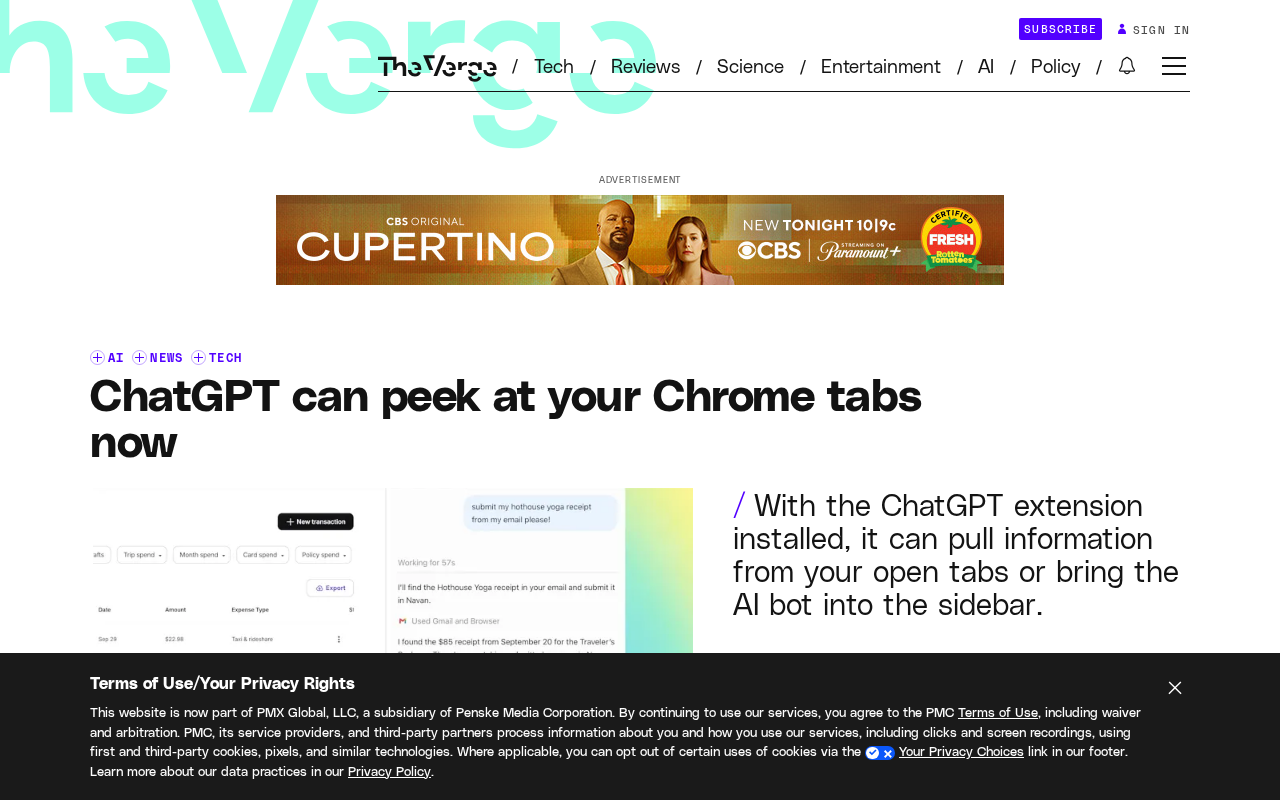
From Atlas to Chrome extension: OpenAI's browser strategy pivot
To understand this update, you need to first review the logic behind OpenAI's positioning in the browser space. ChatGPT Atlas was once positioned as a standalone AI-native browser, attempting to redefine how people interact with web pages. However, the product didn't stay in operation, and OpenAI shifted its focus to a lighter-weight approach: embedding ChatGPT as an extension into the Chrome browser users already use.
The reasoning behind this strategic adjustment isn't hard to grasp. Browser migration costs are extremely high, and users won't easily switch their default browser just for AI features. Rather than persuading users to migrate, it's better to enter their existing workflow directly. The Chrome extension is a product of this thinking, and this new ability for ChatGPT to read tabs is a key step in pushing the extension from a "sidebar tool" toward a "context-aware assistant."
The technical architecture differences between browser extensions and standalone browsers determine fundamental differences in privacy boundaries and user control. Standalone browsers are fully controlled by the vendor over rendering engines, network requests, and local storage, so AI features can deeply intervene in every page load. Chrome extensions, however, run under the Manifest permission framework set by Google, and must explicitly declare required permissions (such as tabs, activeTab, scripting). Users can see the permission list during installation or updates and choose whether to grant them. This means the extension form is naturally constrained by the browser vendor's sandbox mechanism when it comes to permissions, giving users clearer "informed-consent" checkpoints. On the other hand, the tab information an extension can read (titles, URLs, and sometimes page DOM content) can still constitute sensitive data, and where it ultimately flows still depends on the extension developer's own server-side handling strategy. Understanding this framework is necessary to accurately assess the real magnitude of privacy risk in OpenAI's feature upgrade.
What this feature can actually do
Specifically, when you reference the browser via @Chrome in ChatGPT, the extension passes information about currently open tabs to the model. This means you can directly ask ChatGPT: "Help me summarize the content of these tabs" or "Compare the viewpoints of the two articles I have open," without manually copying and pasting URLs or body text.
Based on the demo, this interaction builds on the existing @ mention mechanism, and the operation requires almost no learning curve for existing ChatGPT users. OpenAI also released a demo video showing how the feature works in real scenarios.
However, it should be made clear that the officially disclosed information currently focuses on the "view tabs" capability, and doesn't detail whether it reads the full page content, whether it requires user authorization each time, or the specific handling of data during transmission and storage. These details are crucial for evaluating the feature's practicality and privacy implications.
From a technical implementation perspective, Chrome extensions typically rely on the chrome.tabs API to get tab titles and URLs. If reading the page body content is needed, it further requires injecting a content script into the page DOM to extract text. The two differ significantly in permissions and privacy sensitivity: reading only titles and URLs only lets the model know "what topics the user is browsing," while reading the full body is equivalent to passing the entire page content to the model. OpenAI hasn't clearly stated which granularity it uses, and this directly determines the feature's capability ceiling and risk floor. Additionally, mention mechanisms like @Chrome typically require an explicit user trigger action rather than silent background collection. This "user-initiated" design can somewhat alleviate concerns about continuous monitoring, but only if the extension doesn't pre-cache tab data when not mentioned.
The old convenience-versus-privacy problem resurfaces
Letting AI read browser tabs essentially means exposing one of the user's most private digital spaces — the web pages they're browsing — to the model. Tabs may contain work documents, personal emails, medical information, banking pages, or unreleased project materials.
The core tension in such features is: the richer the context, the higher the quality of the AI assistant's responses; but the richer the context, the larger the privacy exposure surface. The Chrome extension approach, compared to a standalone browser, can theoretically give users more fine-grained control over authorization scope, but only if OpenAI provides sufficiently transparent permission management and data handling disclosures.
For enterprise users and privacy-conscious individuals, before enabling such features, it's worth clarifying a few questions first: Will tab data be used for model training? Is transmission encrypted? Is data immediately deleted after the extension is disabled? There are currently no complete public answers to these questions.
When assessing the privacy impact of such features, the industry typically focuses on three dimensions: data collection scope (which fields are read), data processing purposes (whether used for training or analysis beyond inference), and data retention period (whether deleted immediately after the session ends). Take the enterprise scenario as an example: an employee's browser may have internal ticketing systems, customer contracts, and undisclosed financial data open simultaneously. Once these tabs are read by the model, it could cross the enterprise's data compliance red lines (such as GDPR, CCPA, or industry regulatory requirements). As a result, many enterprises adopt whitelist strategies for browser extensions, only allowing extensions that have passed security audits to run. For individual users, similar judgment criteria apply: if OpenAI doesn't provide fine-grained authorization by tab or by site, and doesn't have clear data handling disclosures, then the safest approach is to disable the extension when handling sensitive matters, or use a separate browser profile to isolate work and personal browsing.
AI assistants are becoming part of the browser
Putting this update in a broader trend context, it reflects AI assistants transforming from "a tool you actively visit" into "a persistent layer embedded in your daily environment." The browser is the hub of most people's digital lives, and AI entering the browser means entering almost all online activity scenarios.
OpenAI isn't the only company that sees this opportunity. Browser vendors, operating system vendors, and various AI startups are all competing for this entry point. Whoever can become the default AI layer when users browse the web — with the lowest trust cost and most natural interaction — will control the key position in next-generation internet interaction.
ChatGPT reading Chrome tabs may appear to be an extension feature upgrade on the surface, but it's essentially a move in this battle for the entry point. For ordinary users, the feature itself can indeed save a lot of copy-paste hassle; but while enjoying the convenience, attention to permission boundaries shouldn't be diluted by the sense of convenience.
Related articles

Free Unlimited Claude Code Solution: Agnes AI + CC Switch Setup Guide
No paid subscription needed — pair the free AI platform Agnes AI with the open-source tool CC Switch to provide a backend for Claude Code, enabling unlimited free calls to text, image, and video models. This guide covers the full setup, test results, and usage boundaries.

A Complete Zero-Cost Guide to Getting Started with Claude Code for Beginners in China
A beginner's guide to Claude Code for users in China: two installation methods (command line and IDE plugin), full configuration steps for replacing the official API with the free domestic LongCat model, and a hands-on demo of building a small tool with natural language, plus tips.

When the NSA Gets Involved: The AI Supply Chain Crisis Behind Open-Source CVEs and API Key Hijacking
Multiple open-source projects disclosed severe CVEs in one day, PHP flaws alarmed the FBI, and Railway and OpenCode were breached with API keys stolen. This article breaks down the vulnerability window, AI-accelerated exploitation, and the AI supply chain crisis behind the API key black market, with a developer defense checklist.