ChatGPT Client Widespread Outage: Why the App Fails While the Web Version Works
Why ChatGPT's iOS/macOS apps failed globally while the web version kept working.
A global ChatGPT outage hit iOS and macOS clients with preauth_cookie_device_check_failed and 403 errors, while the web version stayed online. This article explains the authentication differences between native apps (Apple Device Check) and browser sessions, and offers practical workarounds.
Incident Overview
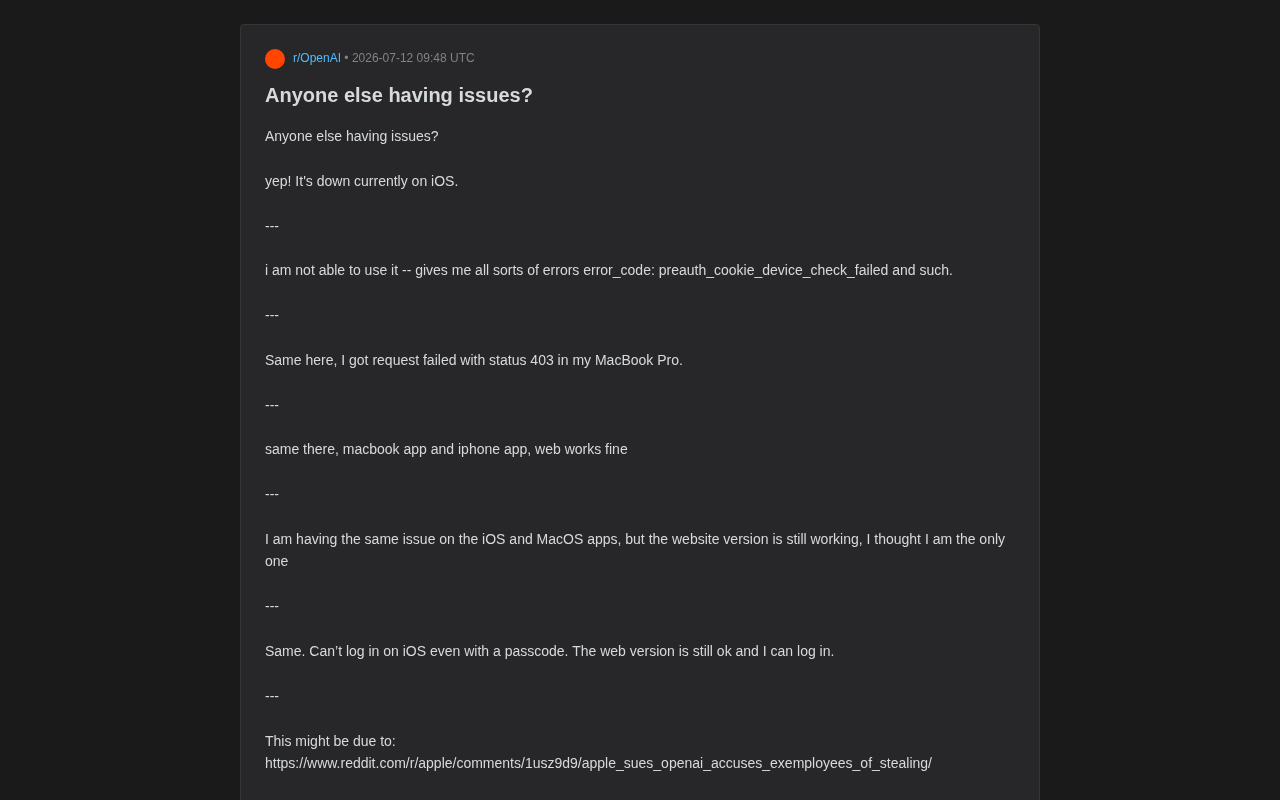
Recently, a large number of users on Reddit reported service anomalies with ChatGPT. Based on descriptions from multiple users, this was not an isolated case but a global client-side outage. One user directly stated: "Same, in Japan, worldwide problem."
Notably, this outage exhibited a clear platform divergence: the iOS App and macOS desktop application widely reported errors and became unusable, while the web version remained largely operational. This phenomenon provided a key clue for tracing the root cause.
Symptoms: A Clear Split Between the Client and Web Versions
From the error messages reported by the community, the following typical symptoms can be identified:
Authentication and Permission Errors
Several users reported authentication-related error codes. One user mentioned:
"i am not able to use it -- gives me all sorts of errors error_code: preauth_cookie_device_check_failed and such."
preauth_cookie_device_check_failed (pre-authorization cookie device check failed) is the core signal of this outage, pointing to an anomaly in the device-level identity verification stage rather than the conversational inference service itself.
To understand the severity of this error code, it's necessary to grasp the underlying technical mechanism. The preauth cookie is a token mechanism used by modern mobile applications to pre-verify device identity before formal login. Apple's platform Device Check is a device-level security framework introduced by Apple in 2017 (iOS 11), allowing developers to verify through Apple's servers whether a device has ever been marked as trusted, and to generate an unforgeable device token. Its core working principle is: developers generate a temporary token via the DeviceCheck API, which is signed by Apple's servers and carries two persistent boolean status flags (per-device bits)—even if the user wipes the device and reinstalls the App, these two status bits are retained by Apple's servers. In 2018, Apple further introduced App Attest, which added verification of the App binary's integrity on top of Device Check, ensuring the running App has not been tampered with.
The call chain of this mechanism completely relies on the real-time reachability of Apple's backend servers—the developer's server must hold a valid Apple-issued JWT (JSON Web Token) key and maintain communication with Apple's api.devicecheck.apple.com endpoint. This mechanism deeply depends on real-time communication with Apple's backend services—should any deviation occur in OpenAI's server-side verification logic, certificate validity (for example, timing issues during key rotation), or the configuration of calls to Apple's Device Check API, all iOS and macOS native App users would be affected simultaneously. This is precisely the structural reason why this outage had such a wide reach and exhibited a "globally synchronized failure" characteristic.
HTTP 403 Access Denied
Another MacBook Pro user encountered the following error:
"I got request failed with status 403 in my MacBook Pro."
HTTP 403 stands for "Forbidden," but its meaning is more precise than many people understand. It differs fundamentally from the common 401 (Unauthorized): 401 indicates that no authentication information was provided and the server requires you to log in first; whereas 403 means the server has already identified you but actively rejected the request for permission or policy reasons.
From the perspective of Zero Trust Architecture (ZTA), this distinction is especially critical. The core principle of the zero trust model is "Never Trust, Always Verify"—every access request must undergo real-time authentication across multiple dimensions such as identity, device state, and network location. Under this architecture, HTTP 403 represents a clear Policy Denial decision: the server has completed Authentication but, during the Authorization stage, actively rejects the request because the device failed the trust evaluation. While this design greatly enhances security depth (for example, preventing a stolen token from being replayed on an unknown device), it also means the device verification microservice itself becomes a heavily weighted single point of dependency. In the context of this outage, the combination of 403 and device check failure implies that the server received the request but refused to let it through because it could not pass device-level verification—combined with the device check failure error, the two are very likely different manifestations of the same underlying problem.
Login Completely Blocked
More troublesome still, the failure even spread to the login process itself. One user stated:
"Can't log in on iOS even with a passcode. The web version is still ok and I can log in."
Even with a passcode, login could not be completed on iOS, while the web version worked perfectly. This further confirms that the problem was concentrated in the native App's authentication chain.
Why Did the Web Version Escape Unscathed?
The most worthwhile aspect to investigate in this outage is the stark difference in behavior between the web version and the native App. Multiple users cross-verified this point:
- "same there, macbook app and iphone app, web works fine"
- "I am having the same issue on the iOS and MacOS apps, but the website version is still working"
From a technical standpoint, native Apps and the web version have fundamental structural differences in their authentication mechanisms:
The web version follows the standard cookie specification defined by RFC 6265, where identity state is stored in the browser sandbox as session cookies marked HttpOnly and Secure. The server only needs to verify the legitimacy of the cookie signature, and the entire chain involves no device-level API calls. By contrast, the authentication chain of an iOS native App typically comprises three layers:
- Layer One—OS-level Keychain: used to persistently store OAuth access tokens and refresh tokens, protected by the Secure Enclave hardware encryption chip;
- Layer Two—Platform Device Attestation Service: i.e., Device Check/App Attest, which attaches device trust attestation during token refresh (the corresponding mechanism on Android is the Play Integrity API, formerly SafetyNet Attestation);
- Layer Three—Application-level Business Authentication: the application's own pre-authorization flow and session management.
This layered design far surpasses the web version in security, but it also introduces more single-point-of-failure risks—if any layer fails, the entire chain is broken. Once the native App's device verification mechanism malfunctions—whether due to certificate expiration, backend verification service anomalies, or configuration errors—the App fails entirely. The web version, by contrast, relies entirely on the browser's standard HTTP session management (session cookies), inherently possessing a simpler authentication path unaffected by device verification service failures.
It's worth noting that Android's Play Integrity API exhibits a failure mode highly similar to Apple's Device Check—which also explains why such failures often affect iOS and macOS clients simultaneously (both belonging to Apple's ecosystem) rather than presenting an identical damage boundary spanning the Android platform.
This also explains why many users initially thought the problem was with their own devices, until they saw a large number of identical reports in the community and realized it was a systemic server-side failure.
A Rational Assessment of the Cause
Some users in the community attempted to link this outage to certain industry news, but it must be emphasized: such speculation lacks any official evidentiary support.
From a technical standpoint, preauth_cookie_device_check_failed and 403 errors align more with a typical backend service anomaly or configuration failure, with no direct technical connection to external factors. Readers should maintain a cautious attitude toward such associations.
Worth further reflection is that this outage reflects the distributed authentication architecture challenges that large AI services face during multi-platform expansion. Although the OAuth 2.0 (RFC 6749) and OpenID Connect (OIDC) protocols provide a standard framework for cross-platform identity federation, in actual engineering implementation, the differing security requirements of various platforms force service providers to layer numerous platform-specific extensions on top of the standard protocols. As ChatGPT expands from a single web application to iOS, Android, macOS, Windows, API, and other multi-endpoint forms, its authentication system must simultaneously maintain vastly different token lifecycle management, certificate rotation cadences, and failure recovery paths, with complexity growing exponentially.
Under a microservices architecture, authentication capability is typically decomposed into an independent Auth Service. When this service fails due to a regression in the adaptation code for a particular platform, the impact often exhibits precise platform boundaries—just as in this incident, where iOS/macOS were affected while the web version remained normal. OpenAI's outage is a concrete embodiment of this challenge: a service that hundreds of millions of users rely on had its stability tied to a relatively peripheral device verification microservice, whose redundancy and circuit-breaking strategies may have had oversights.
What Should You Do When ChatGPT Reports an Error?
When the ChatGPT App displays similar authentication errors, consider the following approaches:
Temporary Workarounds
The most direct method is to switch to the web version. As many users verified, during the period when the App was reporting errors en masse, accessing chat.openai.com often still worked normally—making it the quickest "emergency" solution for such client-side failures.
Determine the Source of the Problem
- Check the official status page (status.openai.com) to confirm whether it's a widespread outage
- Review community feedback on Reddit and elsewhere; if many users report errors simultaneously, it can essentially be determined to be a server-side issue
- Avoid repeatedly uninstalling and reinstalling the App during a server-side outage—since the root cause lies in the backend device verification service rather than the local client, such actions are usually futile
Wait for the Official Fix
For backend failures such as device verification and authentication services, there is very little users can do on their end. The most rational approach is to patiently wait for OpenAI's official fix rather than repeatedly tinkering locally.
Conclusion
This ChatGPT outage is a classic case for observing the fragility of large AI service architectures. It reveals a reality: even for a top-tier service provider like OpenAI, a failure in any single component of its complex multi-platform authentication system could instantly cut off access for millions of users.
The web version's "survival" also reminds us: the value of multi-endpoint redundancy at critical moments must not be overlooked. For users who rely on AI tools for daily work, understanding the technical differences between various access points—especially the fundamental distinction that native Apps depend on platform-level device verification (such as Apple's Device Check and Android's Play Integrity API) while the web version relies on standard browser sessions—may buy valuable buffer time for business continuity when the next outage strikes.
Key Takeaways
Related articles
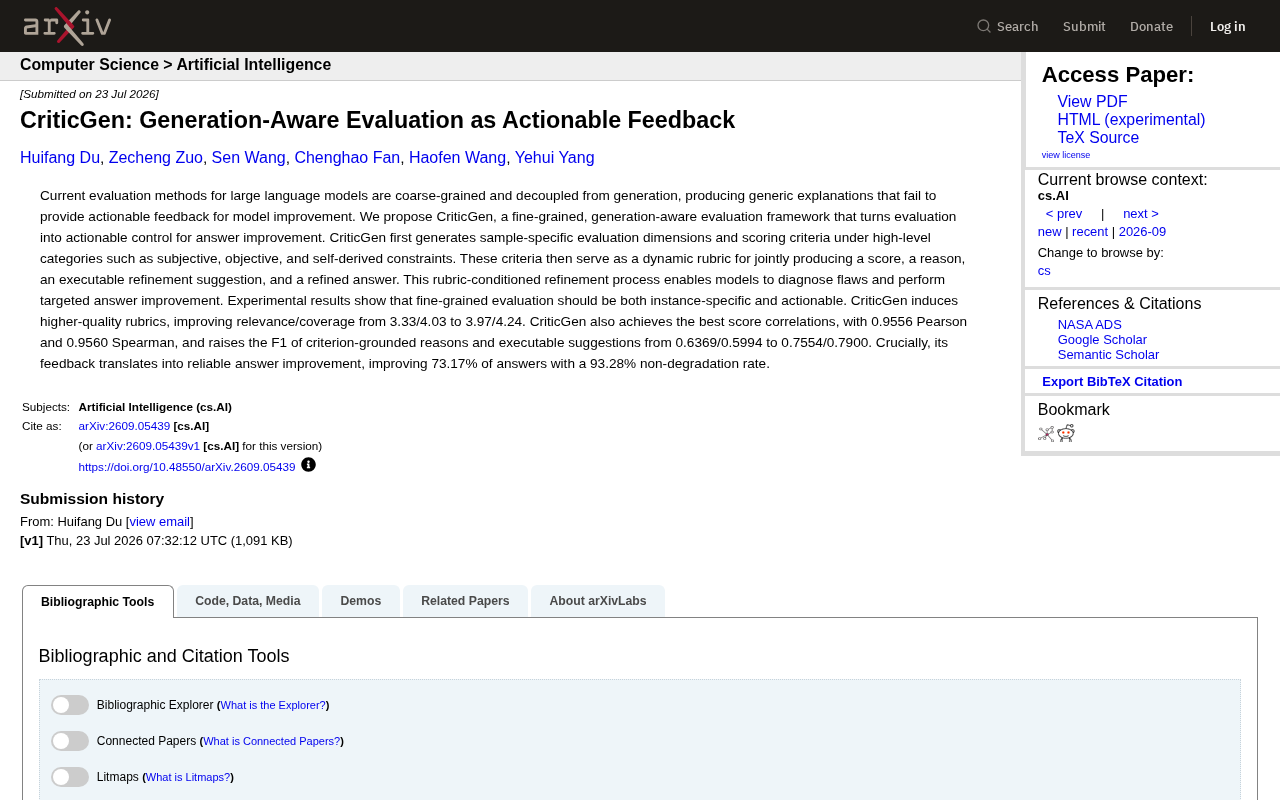
CriticGen: A New Framework That Transforms AI Evaluation into Actionable Improvement Feedback
CriticGen proposes a generation-aware evaluation framework that transforms AI assessment from passive scoring to an active optimization loop, achieving 73.17% answer improvement and 93.28% non-degradation rate.
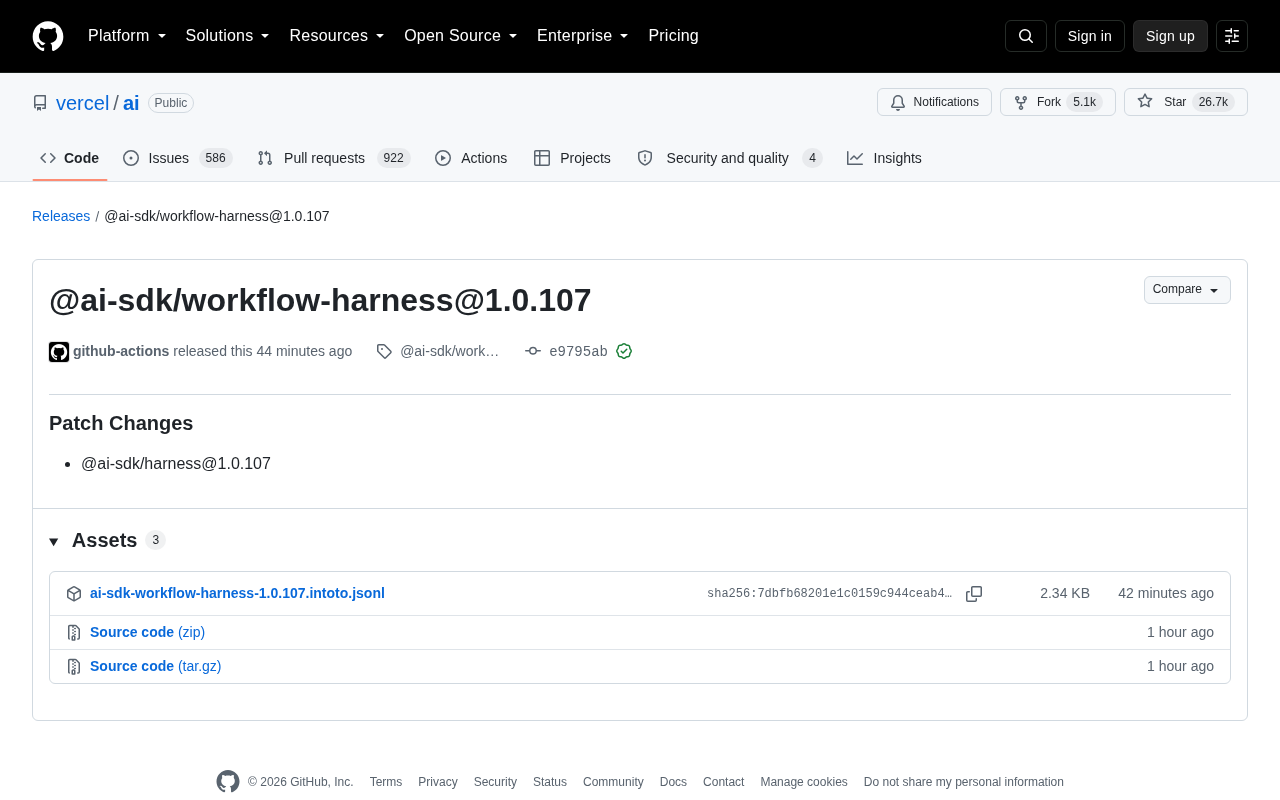
Vercel AI SDK workflow-harness Update Analysis
Deep analysis of Vercel AI SDK workflow-harness 1.0.107 update: architecture design, engineering practices, and developer value for building reliable AI apps.
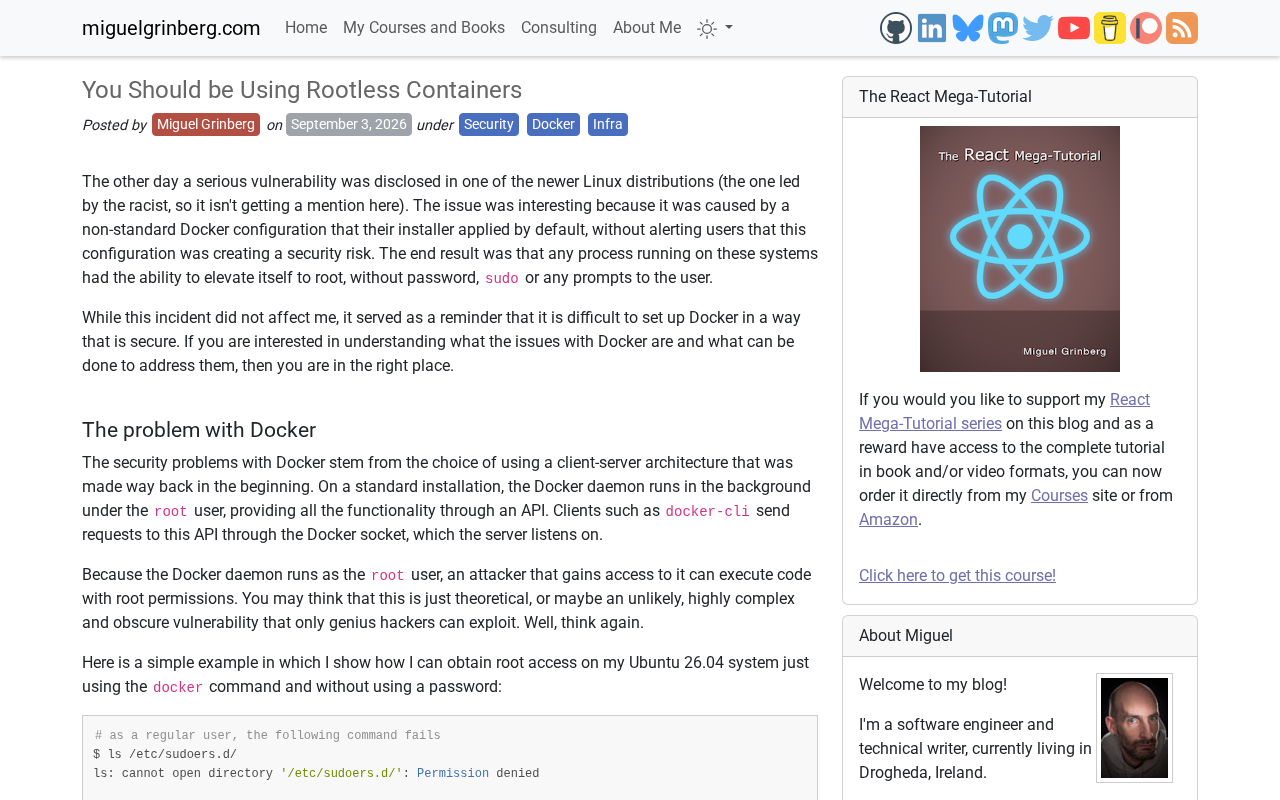
Rootless Containers Explained: Principles, Benefits, and Leading Implementation Approaches
A deep dive into rootless container principles and security benefits, comparing Podman, Docker Rootless mode, and Kubernetes integration with practical migration advice.