ChatGPT Plugins Get a Major Upgrade: From Conversational Tool to Workflow Hub

ChatGPT's upgraded plugin system transforms it from a chatbot into a cross-app workflow hub.
ChatGPT's revamped Plugins Directory lets users connect email, documents, calendars, and tools like Canva and Slack directly into conversations. With built-in skills, cross-application context aggregation via OAuth 2.0 and RAG, and role-specific workflows for sales, finance, and more, ChatGPT evolves from a conversational tool into a central workflow platform — following a universal "gather, process, output" pattern that dramatically reduces context switching and information fragmentation for knowledge workers.
From Conversational Tool to Workflow Platform
ChatGPT is undergoing a pivotal transformation — evolving from a purely conversational AI into an intelligent assistant deeply embedded in everyday workflows. According to OpenAI's latest demo, users can now connect ChatGPT to their email, documents, calendars, and other commonly used tools, enabling AI to help individuals and teams accomplish more real work.
At the heart of this shift is a brand-new Plugins Directory. Unlike the earlier, simpler third-party integrations, today's plugins don't just securely link external applications to ChatGPT — they also come with built-in "skills" tailored for specific tasks. Think of these as standardized playbooks that guide the AI on how to systematically complete report writing, meeting preparation, or repeatable workflows.
From a technical architecture perspective, ChatGPT's Plugins Directory is similar to a smartphone's app store, but the underlying logic is fundamentally different. In a traditional app store, each app runs as an independent sandboxed program. ChatGPT plugins, by contrast, "inject" the capabilities of external services into the large language model's reasoning pipeline through standardized API protocols (typically based on the OpenAPI specification). The so-called "skills" are essentially combinations of predefined prompt templates and workflow orchestration logic that tell the model how to break down problems step by step, which interfaces to call, and what format to use for output when facing specific types of tasks. This design borrows from the "declarative programming" paradigm in software engineering — users simply declare their goals, and the system automatically orchestrates the execution path.
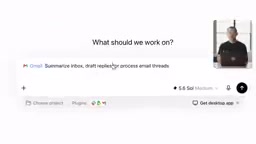
In other words, plugins enable ChatGPT to go beyond just "knowing what to say" to "knowing what to do." This mechanism bridges AI capabilities with users' existing software ecosystems, consolidating fragmented information into a unified conversational interface.
ChatGPT and Canva Plugin Collaboration: Rapidly Generating Design Assets
One intuitive example from the demo involved a design scenario. When a user needs to create materials for an upcoming event — say, an event flyer — there's no need to switch to complex design software. They can simply describe their requirements in the conversation.
The presenter gave ChatGPT the following instruction: "Help me use Canva to make a flyer for a student science fair next week. It's on Friday, and use a 1950s retro futuristic style."

ChatGPT immediately invoked the Canva plugin and generated a design that met the requirements. Canva, an online design platform with over 170 million users worldwide, derives its core competitive advantage from "templatizing" and "democratizing" professional design capabilities. When ChatGPT calls the Canva plugin, the technical process that actually takes place is this: the large language model first parses the user's natural language description into structured parameters (such as theme, style, color palette, text content, dimensions, etc.), then matches the most suitable template through Canva's API and populates it with content. The "1950s retro futuristic style" mentioned here involves visual semantic understanding in the design domain — the AI needs to map this abstract concept to concrete design elements: atomic-age geometric shapes, soft pastel color palettes, space-themed illustration elements, and so on.
Interestingly, this collaboration isn't a "black box" one-shot process — users can jump into Canva at any time for manual fine-tuning. This "AI drafts, humans refine" division of labor leverages AI's speed in generation while preserving human control over the final product, lowering the barrier to entry for creative work.
Role-Specific Plugins: Sales as a Case Study
Beyond general-purpose tools, ChatGPT also offers plugins tailored for specific job functions, covering sales, finance, marketing, design, and more. This means plugins aren't just simple functional interfaces — they're deeply customized workflow packages designed for different professional scenarios.
Take sales as an example. In the demo, the presenter had an important client meeting to prepare for and invoked the sales plugin.

His instruction was quite representative: "Use the sales plugin to help me prepare for tomorrow's Aster Peak review meeting. Pull up related emails, the latest proposal from Drive, and recent decisions from Slack. Give me a meeting agenda, risk breakdown, and a list of open questions."
Cross-Application Information Aggregation
What lies behind this instruction is the plugin system's true value proposition: cross-application context aggregation. ChatGPT simultaneously pulls emails from Gmail, reads documents from Google Drive, and extracts team discussion records from Slack, then consolidates and analyzes this information scattered across different platforms to produce a structured meeting brief.

At the technical level, this cross-application information aggregation relies on a combination of the OAuth 2.0 authorization protocol and Retrieval-Augmented Generation (RAG) architecture. OAuth 2.0 allows users to authorize ChatGPT to access data in their Gmail, Google Drive, Slack, and other services with limited scope — without exposing their passwords. After obtaining the data, the system uses vector embedding technology to transform unstructured information like emails, documents, and messages into searchable semantic representations, and then the large language model performs relevance ranking and content synthesis based on the user's query. The challenge here isn't in making individual API calls, but in intelligently selecting the most relevant information fragments within a limited context window while maintaining logical consistency across different sources.
For knowledge workers, pre-meeting preparation often means repeatedly switching between multiple applications and manually organizing scattered information. According to the McKinsey Global Institute, knowledge workers spend an average of nearly 20% of their work week searching for and organizing information, with another roughly 28% spent handling email. Research from Harvard Business School further shows that frequent context switching not only consumes time but also increases cognitive load, degrading the quality of deep thinking. A typical enterprise employee now uses more than 10 SaaS tools daily — this "tool fragmentation" phenomenon is exactly the core pain point that ChatGPT's plugin system aims to solve. By compressing this tedious process into a single natural language instruction, the system significantly reduces preparation time and lets users focus their energy on the decision-making that truly requires their judgment.
The Universal Workflow Pattern: "Gather — Process — Output"
The generated meeting brief isn't the end of the road. ChatGPT can also save it as a new document and share it directly with team members, completing the loop from information input to deliverable output.
During the demo, OpenAI specifically highlighted a universal pattern for how plugins work: gathering context — doing some work — producing an output. This paradigm isn't limited to sales or design; it can be applied to virtually any type of task, all completed entirely within ChatGPT.
This design philosophy reveals OpenAI's product ambition — it's not content with making ChatGPT just one tool among many. Instead, it aims to build it into an "orchestration layer" or "central hub" that integrates all tools. Users no longer need to remember how each application works; they simply express their intent in natural language, and the AI coordinates resources across platforms to complete the task.
It's worth noting that this platform strategy isn't unique to OpenAI. Microsoft's Copilot is deeply integrated with the Microsoft 365 ecosystem, Google's Gemini is tightly bound to the Workspace suite, and Salesforce's Einstein focuses on CRM scenarios. The essence of this competition is the battle for "operating system of the AI era" — whoever becomes the default interaction layer between users and digital tools captures enormous platform advantages. Historically, from Windows in the PC era to iOS/Android in the mobile era, the outcome of platform wars has often been determined by ecosystem richness rather than any single technological advantage. This explains why every major player is actively expanding their plugin and extension ecosystems.
Data Security and Future Outlook
From an industry perspective, this plugin upgrade signals that generative AI is moving from the "capability showcase" phase to the "productivity deployment" phase. What truly determines the value of an AI tool is often not how powerful the model itself is, but whether it can seamlessly embed into users' existing workflows.
Of course, this deep integration also brings new considerations. Authorizing AI to access sensitive data such as emails, documents, and team communications means that data security and privacy boundaries will become core concerns for enterprise adoption. The security concerns enterprises face when adopting deep AI integration solutions are multi-layered: first, there's the data residency issue — whether sensitive business information will be transmitted to third-party servers or used for model training; second, there's the permission granularity issue — whether the AI can adhere to the principle of least privilege, accessing only the minimum data necessary to complete a task; and third, there's the audit trail issue — whether there are complete logs available for compliance review when AI acts on behalf of users. According to a Gartner 2024 survey, over 60% of enterprise CIOs rank "AI governance and security" as the top barrier to adopting generative AI, with zero-trust architecture and data anonymization technologies becoming key technical directions for addressing these issues.
OpenAI repeatedly emphasized "securely link" during the demo, which is a direct response to these concerns. However, the actual granularity of permission management and transparency of data handling still await validation by users in real-world scenarios.
Overall, the evolution of ChatGPT plugins paints a clear picture of the future: AI is no longer a standalone application you need to deliberately open, but an invisible assistant that permeates every aspect of daily work. For individuals and teams, figuring out how to restructure workflows to fully leverage these capabilities may well be the key challenge for boosting productivity in the next phase.
Related articles
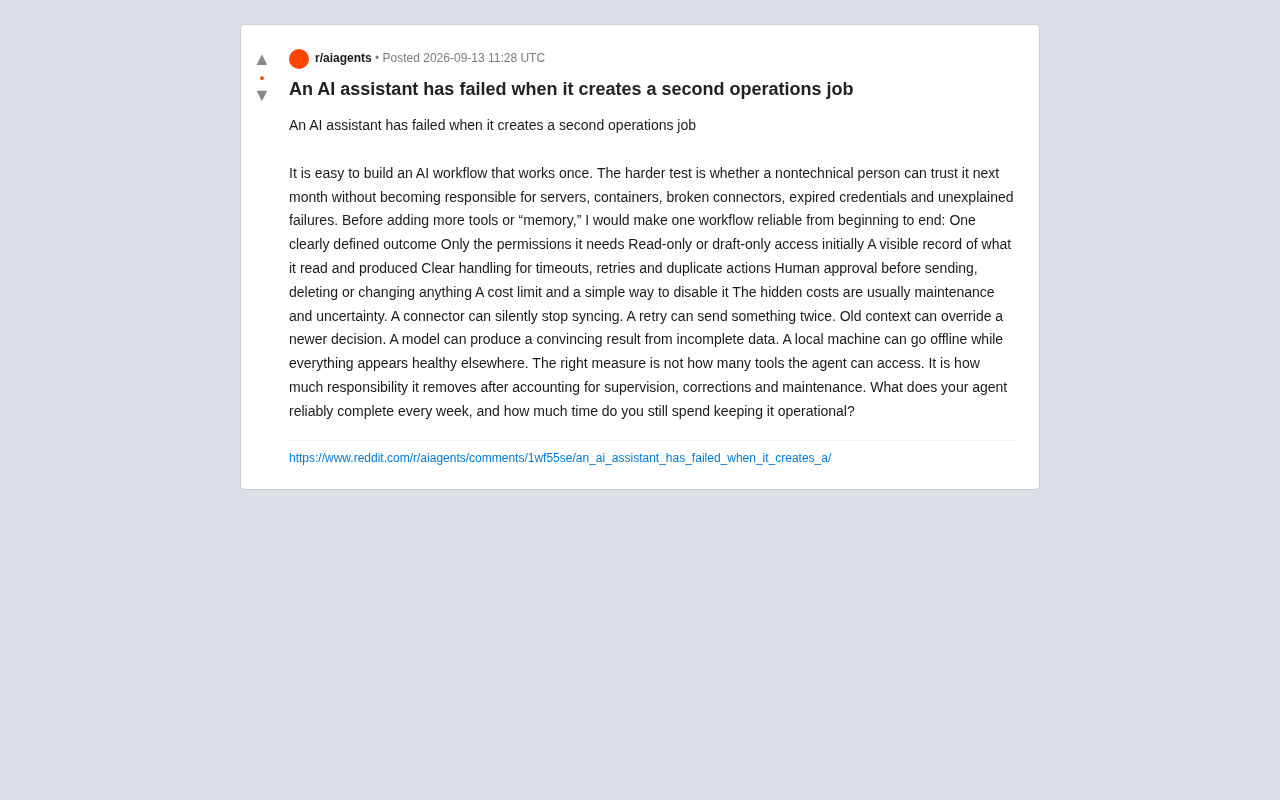
The True Failure of an AI Assistant: When It Creates a Second Operations Job
A Reddit user reframes how to judge AI assistants: they fail when they create a second ops job. Learn how to build end-to-end reliable workflows and measure Agent value by net benefit, not tool count.
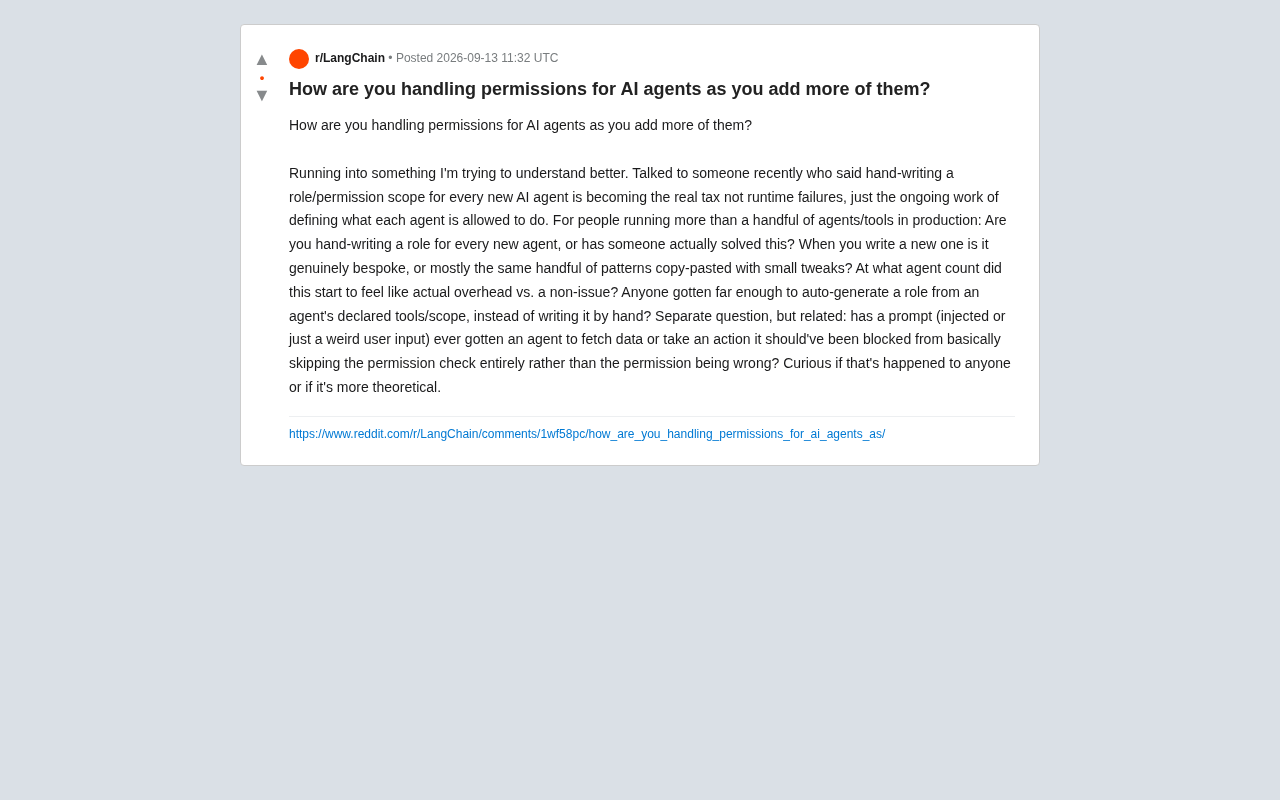
AI Agent Permission Management: Is Writing Roles Manually the New Hidden Tax?
As AI Agent counts grow, manually defining permission roles is becoming a hidden operational burden. This article explores scalability challenges, auto-generated roles, and the security risk of prompt injection bypassing permission checks.
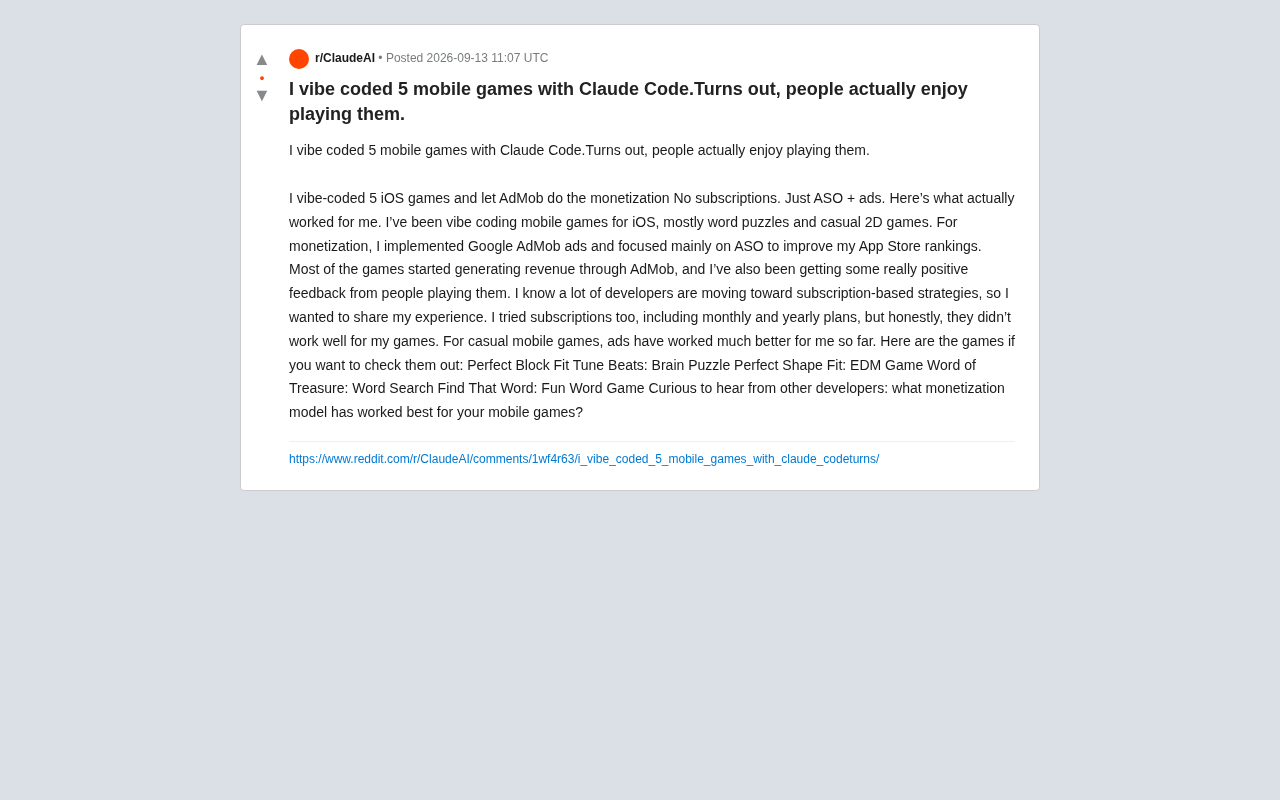
Vibe Coding 5 Mobile Games with Claude Code: Ad Monetization Beats Subscriptions
An indie dev built 5 iOS casual games with Claude Code vibe coding. His verdict: AdMob ads plus ASO optimization outperform subscriptions for casual games.