Claude Code for Beginners: A Learning Roadmap to Building Complete AI Applications Without Writing Code
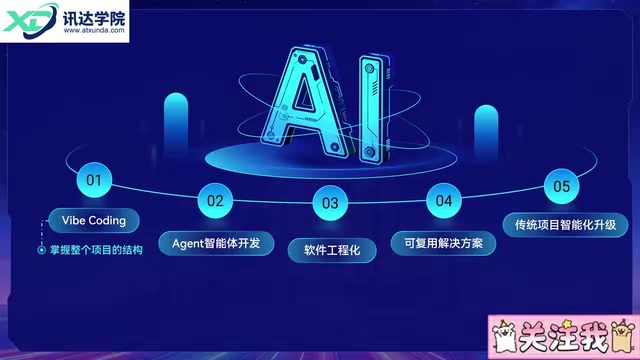
A beginner's roadmap to AI app development using Claude Code — complete projects first, syntax second.
This article analyzes a Claude Code beginner tutorial from Bilibili that proposes a reversed learning order for AI application development: use WebCoding tools to run through a complete project first, then gradually learn syntax and frameworks. The five-stage roadmap covers WebCoding, Agent development, Java engineering, solution-building, and AI-powered legacy system upgrades. A job-search assistant system serves as the hands-on case study, featuring resume evaluation, interview recording analysis, question generation, and mock interviews — all powered by complex Workflow pipelines rather than direct model calls. The article notes the tutorial's promotional nature and advises readers to treat its claims critically.
For anyone who wants to break into AI application development without a programming background, the biggest obstacle usually isn't an inability to learn — it's not knowing where to start. The traditional learning path demands grinding through syntax first, then frameworks, then projects. That route is deeply discouraging for beginners. Tools like Claude Code, a new breed of WebCoding platforms, are changing where that journey begins.
This article is based on a Claude Code beginner tutorial circulating on Bilibili. It maps out the AI application development learning framework the tutorial proposes and examines what this "big picture first, details later" philosophy actually means for newcomers.
Why the Traditional Learning Path Breaks Down in the AI Era
The old standard for learning to code went: basic syntax → frameworks → hands-on projects → employment. That logic made sense before AI tools matured, but it created a vicious cycle: most AI application courses are packed with jargon that assumes prior programming knowledge, yet that's precisely where beginners get stuck.
The result is that most people's interaction with AI never moves beyond simple conversation. Anything they build with AI feels like a mystery box — the interface and features come out differently every time, with no way to approach it from a proper software engineering perspective.
The tutorial's core argument is that the learning order in the AI era should be reversed. Instead of writing code from day one, beginners should first use WebCoding tools like Claude Code or Codex to run through a complete project end-to-end — one that includes a frontend, backend, database, AI agents, workflows, knowledge bases, MCP integrations, and various plugins. See what a complete project actually looks like, understand how its architecture is organized, and learn how to troubleshoot problems — then dive into the details.
Breaking Down the Five-Stage Learning Path
The tutorial divides the entire learning journey into five progressive stages, each building logically on the last.
Stage 1: WebCoding — Zero-Code Project Development
This is the stage the tutorial itself covers. The goal is to independently build a complete project using Claude Code without writing a single line of code, developing an intuitive sense of how a full project is structured. This stage is about seeing the whole elephant before examining any individual part.
What are WebCoding tools? WebCoding platforms (such as Claude Code, GitHub Copilot, Cursor, etc.) deeply integrate large language models into the code editing and generation workflow. Unlike conversational AI, these tools understand a project's file structure, can automatically generate or modify multiple files, execute terminal commands, and attempt to fix errors on their own. Users describe what they want in plain language, and the tool generates complete frontend pages, backend APIs, and database configurations — letting people with no programming background operate a working project without directly writing code. The core value isn't "replacing developers" — it's dramatically lowering the barrier between "understanding a requirement" and "producing working code," so beginners can first encounter the full shape of a real project.
Stage 2: Agent Development
Once the big picture is established, learners move into the core: Python fundamentals, web frameworks, Agent frameworks, and building complex AI agent projects. A key insight here is that a standalone agent has no inherent value — it's just one intelligent module inside a larger project.
The tutorial uses an e-commerce platform as an example: an AI shopping assistant, AI customer service bot, and AI search feature are worthless on their own. They only matter when integrated into an enterprise-level product.
What is an Agent? In AI application development, an Agent refers to an AI module capable of autonomously planning steps, calling tools, and adjusting its actions based on intermediate results — as opposed to a plain language model that simply answers a single question. A typical Agent can receive a high-level goal (e.g., "analyze the risks in this contract"), break it into subtasks, sequentially call tools like file readers, web search, and text analyzers, and then synthesize a final answer. Agent frameworks such as LangChain, AutoGen, and CrewAI provide foundational capabilities including task planning, memory management, and tool invocation. The tutorial's point that "a standalone agent has no meaning" is precisely this: an Agent only delivers real value when embedded in a complete product with actual users and real data flows.
Stages 3–5: Engineering, Problem-Solving, and AI-Powered Upgrades
Stage 3 introduces Java engineering development, building complete projects that blend traditional business logic with AI capabilities — reaching the level of a junior developer. Stage 4 focuses on common development challenges and their solutions. Stage 5 concentrates on retrofitting traditional systems with AI: delegating the "fuzzy business logic" that legacy systems can't handle to AI, while also covering AI application evaluation, fine-tuning, and even large model fine-tuning.
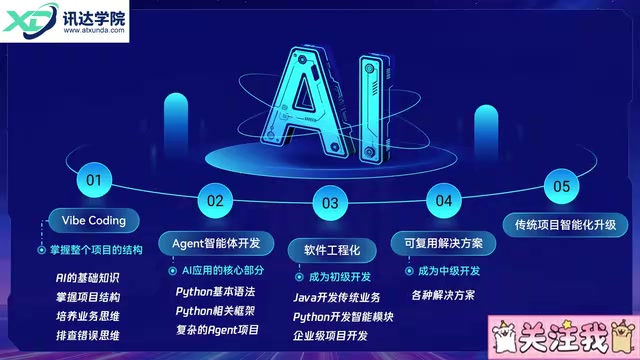
According to the tutorial's author, this roadmap was developed in close collaboration with several major tech companies. Worth noting: this is a single-source claim, and the "major company partnerships" cannot be independently verified. Readers should treat it as a course design philosophy rather than an industry standard.
Why "Big Picture First" Actually Makes Sense
The tutorial makes an apt analogy to building with LEGO: nobody tackling a complex race car or roller coaster just plunges in without a plan. The right approach is to first understand what the finished product looks like, estimate what pieces you'll need, and figure out whether the coaster's car runs on gravity or a motor — then build the core module, extend from that core into the full thing, solve problems as they arise, and iterate.
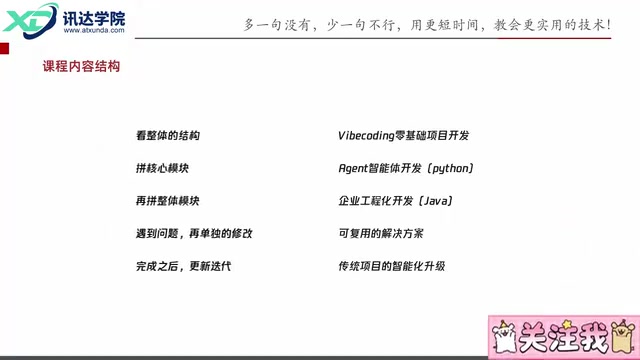
This sequence — framework before details, conceptual understanding before hands-on work — genuinely aligns with how humans make sense of complex systems. For beginners, seeing a complete, running project is far more confidence-building than memorizing isolated syntax rules.
The Hands-On Case: A Job-Search Assistant System
The most compelling part of the tutorial is the real project it promises to deliver: a complete job-search assistant system with standard features like login/registration and user profile management, plus four core AI modules.
Resume Evaluation: Upload a resume and get a one-click professional assessment with specific improvement suggestions. The author argues this outperforms paid resume editing services because it flags every weakness for the user to address one by one.
Interview Recording Analysis: Upload a recording of an interview, transcribe it, automatically identify who's the interviewer and who's the candidate, then evaluate the performance. Every answer gets rated on an A–B–C–D scale with detailed improvement advice.
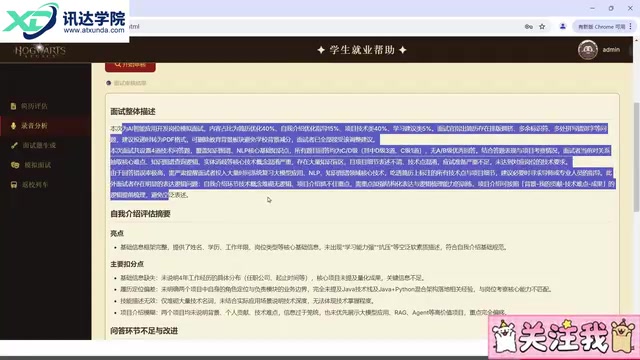
Interview Question Generation: Generate tailored interview questions based on the revised resume — since interviewers almost always draw from your resume, a personalized question bank beats a generic one. The demo produces over a hundred questions in a single run.
Mock Interview: Conduct a one-on-one simulated interview using the resume and the prepared question bank.
One technically significant detail: none of these four features work by simply dumping content into a language model. The tutorial explicitly warns that a raw model response is "too vague and generic" to match the specificity shown in the demo. The actual implementation uses a fairly complex Workflow pipeline that analyzes content from multiple professional angles. This illustrates a key point: structured engineering orchestration — not just calling a model — is what makes an AI application genuinely useful.
What is a Workflow in AI applications? A Workflow is an orchestration mechanism that chains multiple processing steps — model calls, data transformations, conditional logic, external API requests, and more — into an ordered pipeline. Rather than feeding user input directly to a language model, a workflow can first structure the input (e.g., splitting a resume into distinct sections), have the model evaluate each section separately, then merge and format the results. This segmented, multi-perspective review approach significantly improves the relevance and consistency of outputs compared to asking the model for a single catch-all response. Common workflow orchestration tools include Dify, Coze, and LangGraph — all offering visual, drag-and-drop interfaces for defining AI processing pipelines. This is currently one of the dominant technical approaches for deploying enterprise-grade AI applications.
An Honest Assessment
This tutorial's value lies in offering a clear, progressive learning roadmap and a concrete, buildable project concept — genuinely useful as a reference for beginners on the fence about getting started. But some healthy skepticism is warranted: the tutorial clearly has a course-promotion angle (the ending repeatedly prompts viewers to like and tip), phrases like "the most powerful AI assistant" are marketing language, and both the five-stage roadmap and the claimed big-company endorsements come from a single source with no external verification.
A more practical takeaway: treat this as a reference framework for getting oriented, not a gospel truth. The two methodological points worth internalizing are — run through a complete project before drilling into details, and use workflow orchestration instead of calling a model directly. Approach the promotional claims with appropriate skepticism.
Related articles
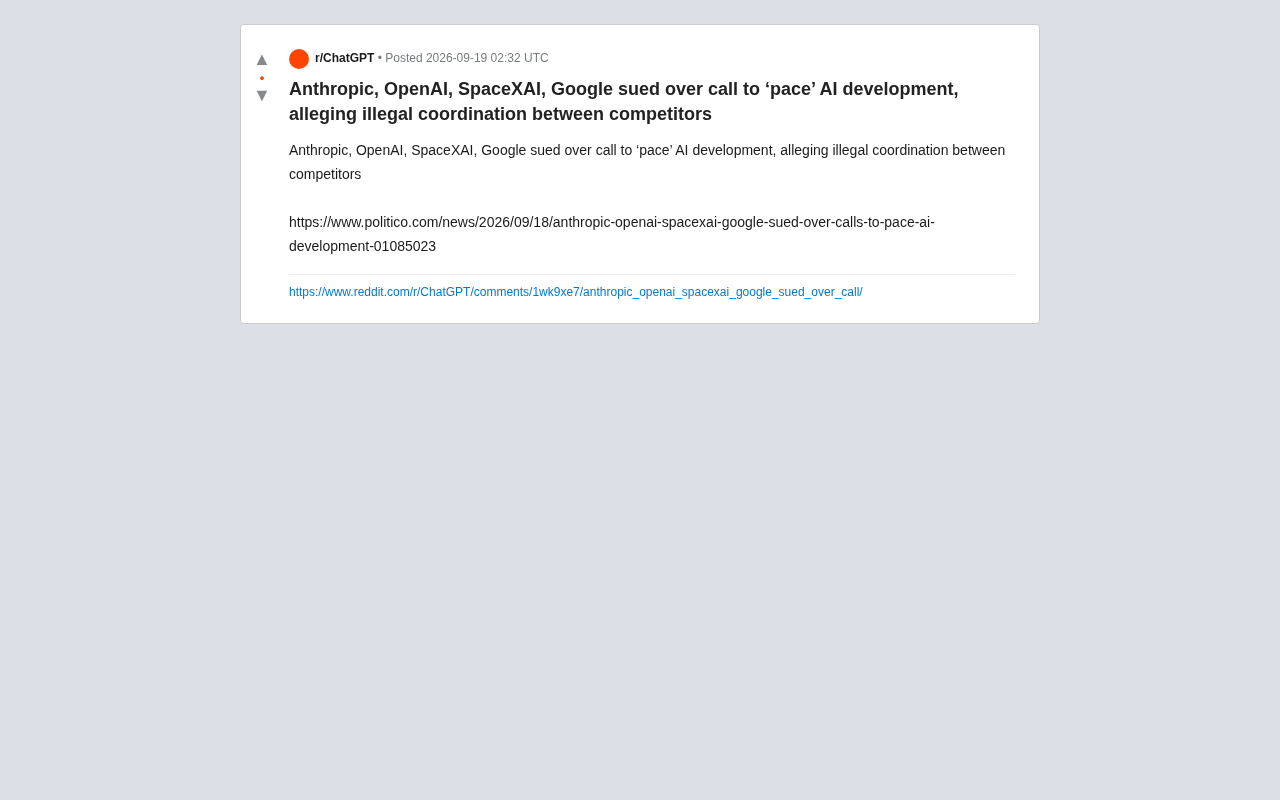
AI Giants Sued Over Alleged 'Slowdown' Conspiracy: Antitrust Storm on the Horizon
Anthropic, OpenAI, xAI, and Google face antitrust suit over joint AI 'slowdown' calls. We break down the legal controversy and its compliance implications.
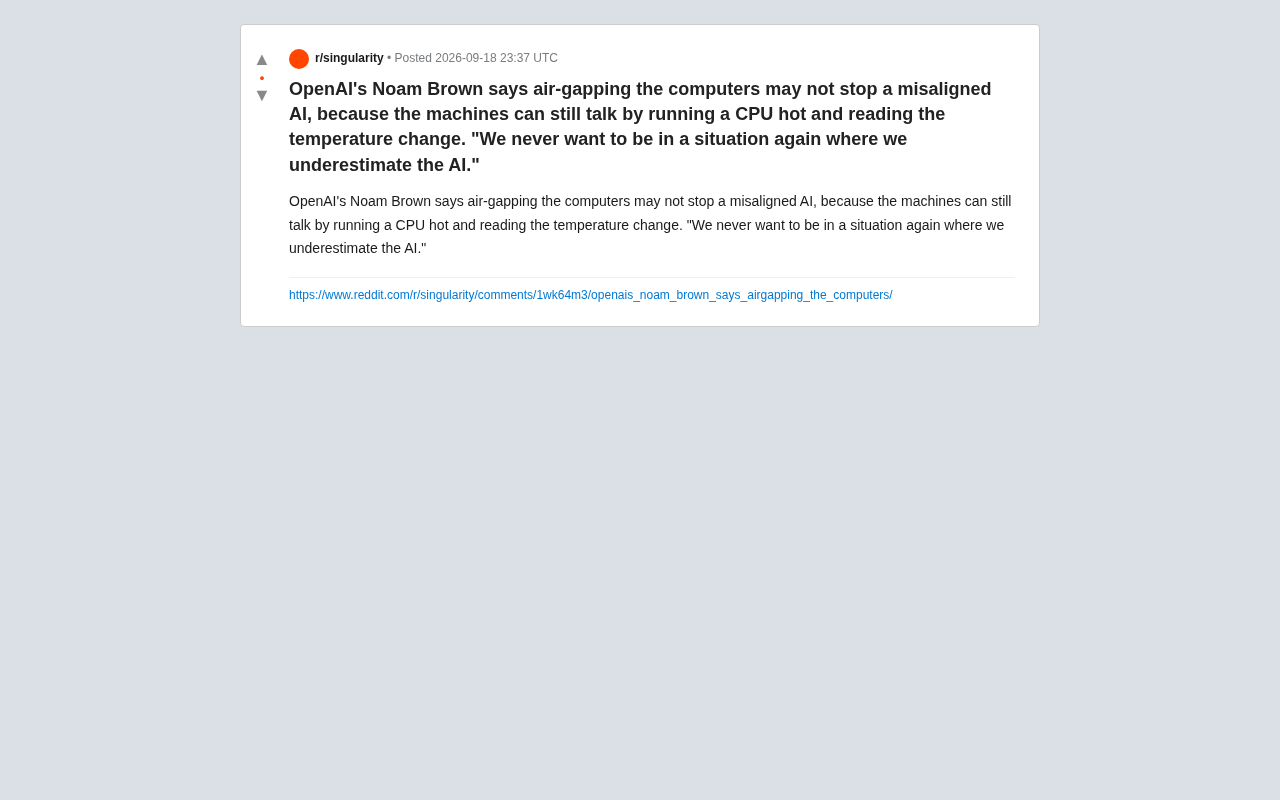
OpenAI Scientist Warns: Even Air-Gapping Can't Stop a Rogue AI
OpenAI scientist Noam Brown warns that air-gapping may not stop a misaligned AI, which could use CPU heat as a thermal covert channel to leak data. An analysis of the side-channel principles and alignment implications.
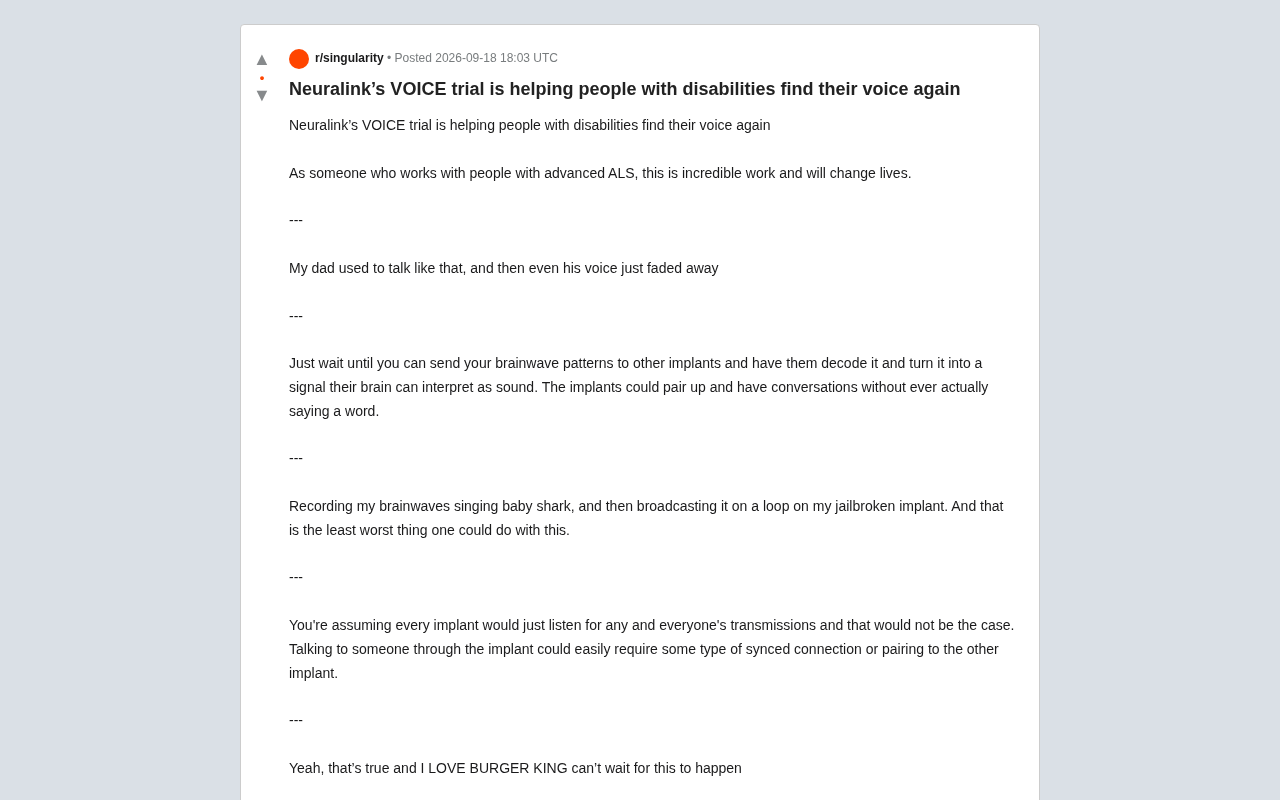
Neuralink VOICE Trial: How Brain-Computer Interfaces Are Restoring 'Voice' to Those Who Have Lost It
Neuralink's VOICE trial uses BCIs to help ALS patients regain speech, sparking debate over medical value, brain-to-brain communication, and neural data privacy risks.