Claude Code Full Workflow in Practice: Connecting Models, Writing Skills, Mounting MCP, and Running Frontend to Backend
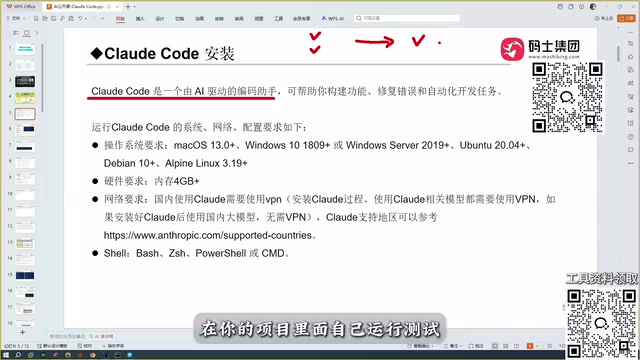
Claude Code reads through projects and auto-debugs, setting itself apart through model capability and accuracy—sparking a sense of crisis among programmers.
Based on a public course, this article sorts out Claude Code's real capability boundaries. Its core distinction from conversational coding tools is the ability to read the entire project context, auto-debug, and deliver runnable code. The article reviews the evolution of coding assistants from Copilot to Claude Code, noting that a tool's ceiling depends on the underlying large model, and that Claude Code's Sonnet model brings higher accuracy. The course title points to the full chain of connecting models, writing Skills, and mounting MCP, though the main text covers operational details of Skills and MCP only briefly. The author considers Claude Code a level above Trae but cautions that this conclusion is based on personal tech stack; developers should integrate the toolchain early and shift focus toward defining problems and verifying results.
In an era where AI coding tools keep emerging, one notable phenomenon stands out: most products are still stuck at the stage of "chatting to get code snippets," while another category of tools has already begun reading through entire projects, automatically debugging, and delivering runnable results. A public course on Bilibili specifically breaks down the complete usage of Claude Code—from model connection to Skill authoring to MCP mounting—attempting to run a full frontend-to-backend pipeline with a single requirements document. This article, drawing on the content of that course, sorts out the real capability boundaries of Claude Code and why it gives many programmers a sense of "crisis."
From conversational coding to project-level agents: where's the difference?
The course opens by clarifying Claude Code's positioning: a coding assistant that requires no website login—just install it locally and use it within your development tools. This sounds ordinary, but it is precisely here that it diverges from mainstream conversational coding tools.
When writing code with products like DeepSeekAd or ChatGPT, the flow is "ask for a snippet—get it back—run it yourself—hit an error—go back and ask again," requiring multiple rounds before you get a usable piece of code. More critically, these conversational tools cannot read the full context of your project. The course gives a very concrete example: a project may contain hundreds of code files, and a conversational tool can read none of them—you have to manually feed the relevant information to it.
Claude Code does things differently. It can read through all the content of a project, pass that content as context to the large model, and then generate business code; after generation, it can automatically debug and ultimately deliver a runnable version. The course calls this capability an "automated development programming tool" and admits that it's hard to appreciate through description alone—only by actually using it do you understand why it has spread so quickly among developers.
Context window: The upper limit of text a large model can process in a single pass, usually measured in tokens. Conversational tools are constrained by this and cannot fit an entire project in at once; Claude Code, through project-level indexing and chunked retrieval, dynamically injects relevant files into the context, thereby breaking through the single-pass window limit. Understanding this makes it clear why "reading through the project" doesn't mean the model actually memorizes all the code—it's engineering-level context scheduling.
Claude Code's place in the spectrum of coding tools
To understand Claude Code's value, you need to view it within the evolution of coding assistants. The course provides a brief review:
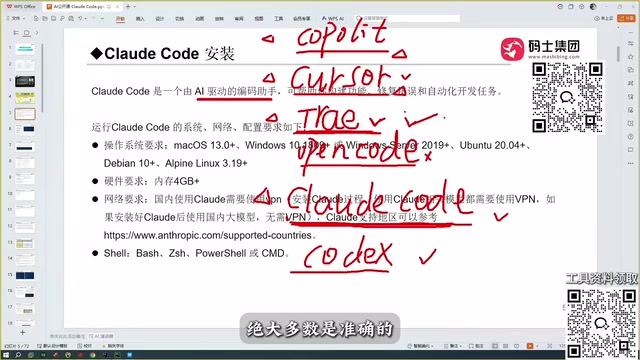
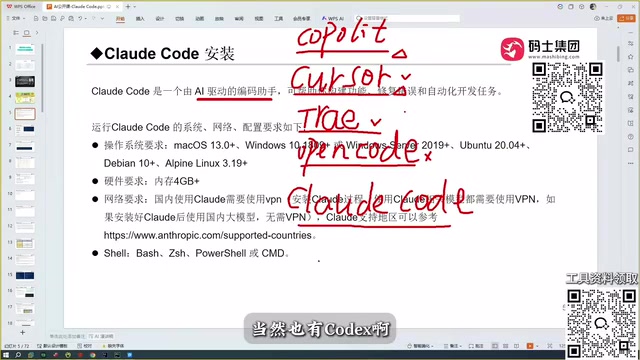
- Copilot: Emerged early in plugin form, auto-completing code—at the time it felt quite disruptive.
- Cursor: Went a step further on top of Copilot, capable of automatic coding, with a more complete product form.
- Trae: Has international and domestic versions; the domestic version is free, understands Chinese well, and is the first choice for many Chinese developers.
- Open Code: The course author's assessment is that it's "one of the harder-to-use coding tools," and does not recommend it.
- Codex: Very capable once configured with OpenAI models; the author acknowledges its coding ability is comparable to Claude Code.
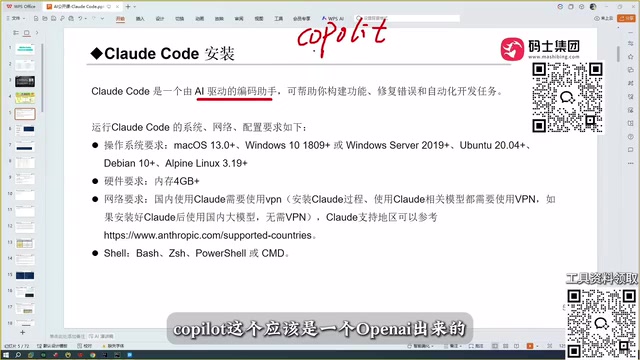
The author's personal usage trajectory is quite representative: Copilot early on, then Cursor, then Trae, at one point considering Trae the most perfect coding tool because of its obvious optimization for Chinese. But after encountering Claude Code, that judgment was overturned—"a level above Trae."
Model capability is the underlying variable
One judgment in the course deserves to be highlighted separately: the capability behind all coding assistants ultimately depends on the large model it calls. The root of Claude Code's strength is the Sonnet model behind it, and there are even stronger models available.
This also explains a common question: Trae is free and understands Chinese well, so why is it still insufficient in actual projects? The author's feedback is that the code Trae produces is "accurate in the vast majority of cases," but when it comes to slightly niche tech stacks, the code it writes is rather poor. This is not a product interaction issue but a ceiling imposed by model capability.
The author also compared several domestic models, including Qwen, GLM, and others, plus the OpenAI models configured in Codex. Having used them side by side, Claude Code remains the best experience. It should be noted that this is the author's personal experience; the course does not expand on specific comparison testing methods, so readers may take it as a reference rather than a rigorous conclusion.
Sonnet model: A series of mid-to-high-end Claude models released by Anthropic, performing well across coding, reasoning, and long-context tasks, often used as the default reasoning engine for Claude Code. Its strengths lie in code generation accuracy and adherence to complex instructions, though specific versions update with iteration—the "stronger models" mentioned in the course usually refer to the Opus series, suited for more complex architecture-level tasks.
Accuracy: more critical than "can it write automatically"
An audience member asked in the course: where is Claude Code stronger than Cursor? The author's answer was direct—accuracy.
Behind this answer lies an industry reality: Cursor, Trae, and Claude Code can all do automatic coding, and their feature lists look similar, but what truly sets them apart is the accuracy of the generated results. One error in generated code can cost far more time in later debugging than writing it by hand. For developers, a tool's value is not in "how many lines it types for you" but in "how much rework it saves you."
The course title mentions "connecting models, writing Skills, mounting MCP, and running frontend to backend with a single requirements document." This chain points precisely to the complete closed loop of project-level automation: the model handles reasoning, Skills solidify specific workflows, and MCP connects external tools and data sources. Only when the three are strung together can a requirements document truly drive frontend and backend output. However, judging from the course transcript, the author spent a large portion of the content on tool selection and capability comparisons; the specific operational details of Skill authoring and MCP mounting are not heavily covered in this material, which leans more toward a demonstration-class format.
MCP (Model Context Protocol): An open protocol for letting large models securely connect to external tools, databases, and APIs. In Claude Code, MCP acts as a "plugin bus," enabling the model to read the file system, invoke Git, query documentation, and more. Without MCP, the model can only generate code based on static context; once mounted, it can obtain environment information in real time and perform operations—a key link in achieving project-level automation.
Skill: In the context of Claude Code, refers to solidifying specific workflows (such as "generate a REST API" or "run tests and fix") into reusable instruction sets or scripts. Skills are essentially constraints and orchestration of model behavior, reducing repetitive descriptions in each conversation and improving output stability. "Writing Skills" in the course title refers to developers customizing such workflows according to their own project conventions, but the original text does not expand on specific authoring methods.
Who should take these tools seriously
The author says in the course: "After programmers use it, they'll feel a deep sense of crisis." This is not alarmism. When a tool can read through a project, automatically debug, and deliver runnable code, what it compresses is precisely the human labor demand in junior coding roles.
But there's no need to overinterpret. Such tools still rely on humans providing clear requirements and context boundaries, and differences in model capability remain obvious on niche tech stacks. For developers, a more realistic strategy is to integrate this toolchain into their workflow as early as possible and shift energy from "writing code" to "defining problems" and "verifying results." As for whether Claude Code is currently the strongest choice, the course author's answer is yes—but that answer is based on his own tech stack and usage habits; in a different scenario, the conclusion might differ.
One-line Summary
Claude Code can read through projects and automatically debug, setting itself apart through model capability and accuracy—sparking a sense of crisis among programmers.
Paragraph Summary
Based on a public course, this article sorts out the real capability boundaries of Claude Code. What distinguishes it from conversational coding tools is its ability to read through the entire project context, automatically debug, and deliver runnable code. The article reviews the evolution of coding assistants from Copilot to Claude Code, pointing out that a tool's ceiling depends on the large model behind it, with Claude Code's Sonnet model bringing higher accuracy. The course title points to the complete chain of connecting models, writing Skills, and mounting MCP, but the main text covers operational details of Skills and MCP only to a limited extent. The author considers Claude Code a level above Trae, but also reminds readers that this conclusion is based on his personal tech stack; developers should integrate the toolchain into their workflow early and shift energy toward defining problems and verifying results.
Related articles
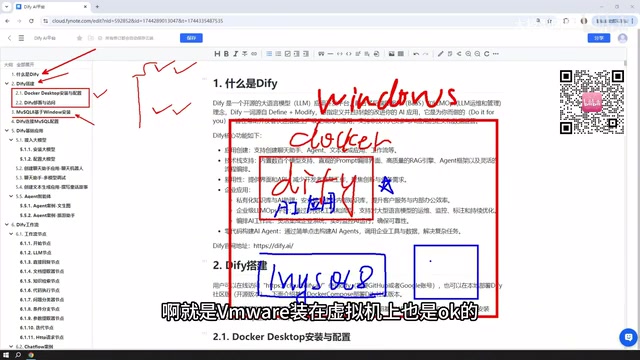
Dify Workflow in Practice: A Guide to Local Deployment and Private Knowledge Base Agents
Based on a Bilibili Dify course: Windows Docker local deployment, MySQL connection setup, five app types and workflow node cases, external LLM integration choices, and the complete path to publishing apps as sites or APIs.
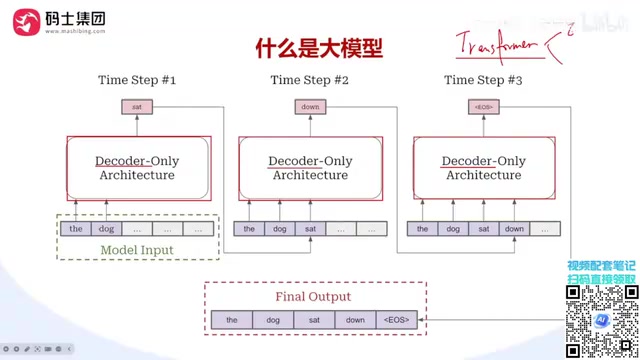
A Complete Guide to Distributed LLM Training: DP/TP/PP/SP Explained
Starting from the single-GPU memory bottleneck, this guide systematically explains DP data parallelism, TP tensor parallelism, PP pipeline parallelism, and SP sequence parallelism in distributed LLM training, covering their splitting dimensions, communication costs, and hybrid parallelism selection logic.

DeepSeek Harness Step-by-Step Guide: From Installation and Setup to Plugin Practice
DeepSeek Harness step-by-step guide: Node.js setup, client installation, and three plugin installation methods to get you started fast with this open-source AI Agent framework.