Claude Full Feature Test: One Prompt Generates a Research Paper, PDF, and Webpage Simultaneously
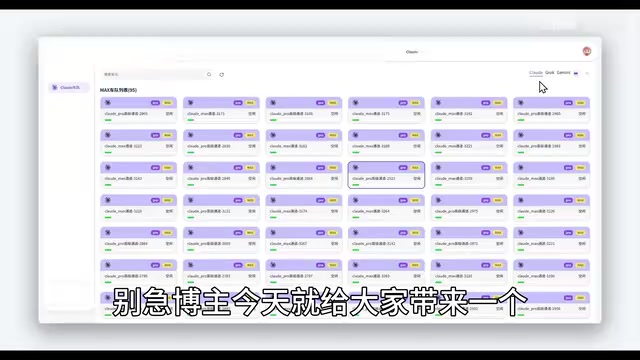
Claude delivers impressive multi-file output from a single prompt, but third-party access channels carry real compliance and security risks.
This article examines the core tension around using Claude: the model's capabilities are widely recognized, yet most users face registration blocks, payment issues, and account bans. A video demo shows third-party relay channels providing full Claude access — including file upload, web search, and Projects — and uses a single prompt to generate a research paper, PDF, and webpage simultaneously. The article notes that third-party channels carry account security and compliance risks, that demos don't guarantee stability, and that learning strong prompt workflow design is far more valuable long-term than finding any particular free access point.
Why So Many People "Buy Claude but Can't Really Use It"
There's always been a contradiction in discussions about Claude: on one hand, many consider it the most capable all-around AI assistant available today, frequently benchmarked against GPT and Gemini for coding, long-form writing, and logical reasoning. On the other hand, the barrier to actually using it reliably as an everyday user is surprisingly high.
Based on content shared by creators on Bilibili, a common experience is this — a newly registered account becomes unusable before you've even had a chance to explore it, and even paid Claude Pro subscriptions can end up getting banned. The payment process itself is cumbersome, and restrictions follow shortly after. This makes "using the best model" genuinely difficult in practice.
The core appeal of this type of content is bridging exactly that gap — strong capability, poor accessibility. It's worth noting upfront: this article provides an objective review based on available material. Using third-party relay or proxy channels carries compliance and account security risks, and readers should exercise their own judgment.
What Features Are Available Through Relay Channels
According to the video demonstration, the third-party channel in question provides access to both Max and Pro tiers — clicking either one opens a functional interface. The feature set visible upon entry is surprisingly complete:
- File upload
- Create Projects
- Create Skills
- Deep Research
- Web search
In other words, what's shown in the demo isn't a stripped-down version — it covers Claude's core official features. This is precisely the selling point these tutorials emphasize when they claim "full functionality."
How to Choose a Model
For model selection, the demo lists options in ascending order of capability: Haiku, Sonnet, Opus, and what's described as the top-tier version (verbally referred to in the video as "Fibonacci 5.1 / Fable 5.1" — this likely corresponds to one of Claude's higher-tier models). The logic is straightforward: the more complex the task, the higher up the tier list you go. The APP option can be left at its default.
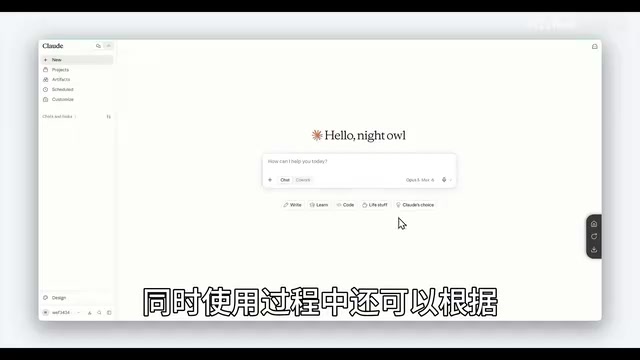
Claude's model lineup follows Anthropic's tiered naming structure: Haiku is positioned as lightweight and fast, suited for simple queries and high-frequency use; Sonnet strikes a balance between performance and cost, and is Anthropic's recommended default for everyday tasks; Opus is the flagship model — largest in scale, deepest in reasoning, and most capable for long-document processing, though it responds more slowly and costs more to run. The "Fibonacci 5.1 / Fable 5.1" mentioned in the video is a verbal misreading, most likely referring to Claude 3.5 / Claude 3 Opus or whatever the latest high-tier release was at the time. Anthropic typically names its model series using literary terms (Sonnet, Haiku, and Opus are all poetic forms), and no official versions named after mathematicians or fables exist — be cautious when you encounter such descriptions.
Testing One Conversation That Produces Three Files
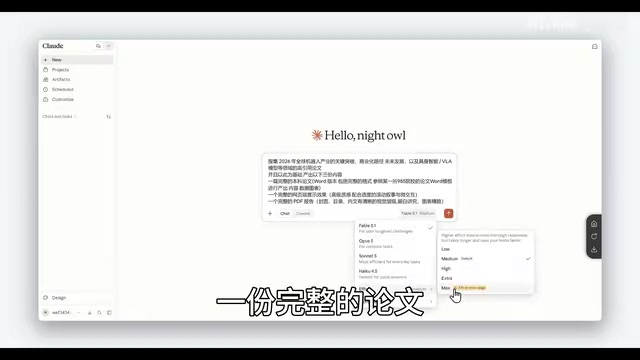
The video uses a genuinely challenging task to stress-test the model's real-world capability: ask Claude to research global breakthroughs in robotics since 2020, and based on live search results, produce three deliverables in a single conversation:
- A complete academic research paper
- A fully rendered webpage
- A complete PDF document
The significance of this test lies in bundling "web search + long-form writing + front-end coding + document formatting" into a single conversation — a way to evaluate whether a "truly capable AI" can meet the bar.
How Did the Output Hold Up?
Based on what the demo shows when scrolling through the results:
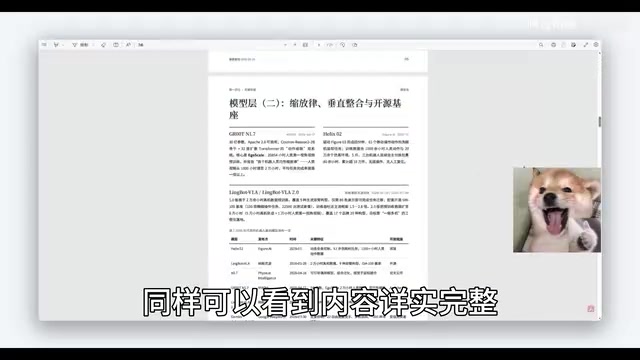
- Word document / research paper: Detailed content, clean formatting, includes charts and data;
- PDF file: Complete content, high overall quality;
- Webpage: Tidy layout, clear structure, with a respectable sense of UI design.
The video's conclusion: Claude performs solidly on coding and document generation — a single, concise prompt with clear constraints was enough to produce multiple high-quality files. This indirectly validates its reputation for handling "complex tasks end-to-end in one shot."
This kind of "multi-file output from a single conversation" capability relies on Claude's combined use of Tool Use / Function Calling and code execution. The web search component pulls real-time data via a built-in search tool; Word and PDF generation typically works by having Claude output structured Markdown or HTML, which the platform then converts to the target format; the webpage is produced by Claude directly writing front-end code (HTML/CSS/JS). This means final output quality is shaped by two factors: Claude's own generative capabilities, and how completely the platform has integrated its tool chain. On the official Claude.ai interface, these capabilities are partially built in; third-party channels implement them in varying ways with varying stability — the smooth demo experience shown doesn't necessarily reflect what every user will encounter.
An Honest Take on This Type of Tutorial
Based on the demo, Claude's higher-tier models do put up impressive numbers on multi-file, cross-capability tasks — which is exactly why it keeps getting praised. But a few things deserve a more grounded perspective:
- Compliance and security: Third-party relay channels are not official services. They involve your account data, privacy, and payment security, all of which carry real uncertainty;
- Demo ≠ reliability: A single successful demo cannot fully represent long-term stability. Real-world results will vary by task and prompt;
- Capability is what matters: What's genuinely worth learning is how to use well-structured prompts to chain "search → writing → coding → formatting" into a complete workflow — and then let the most capable model tackle your hardest problems.
For everyday users, understanding Claude's capability boundaries and designing effective workflows has more long-term value than chasing any particular "free access point."
The prompt workflow is the single most important variable determining AI output quality. In the task demonstrated in the video, the reason "search → writing → coding → formatting" could all be accomplished in one pass is that the prompt was deliberately designed to simultaneously declare the task scope, output format, file types, and quality requirements. For everyday users, mastering three prompt techniques — task decomposition (breaking complex goals into model-executable steps), format constraints (explicitly telling the model to output Markdown, HTML, or structured text), and role assignment (giving the model a domain-expert persona to improve depth) — will consistently yield better results than hunting for a "better access point." These techniques transfer across different models and platforms, making them a far more worthwhile long-term investment.
Related articles
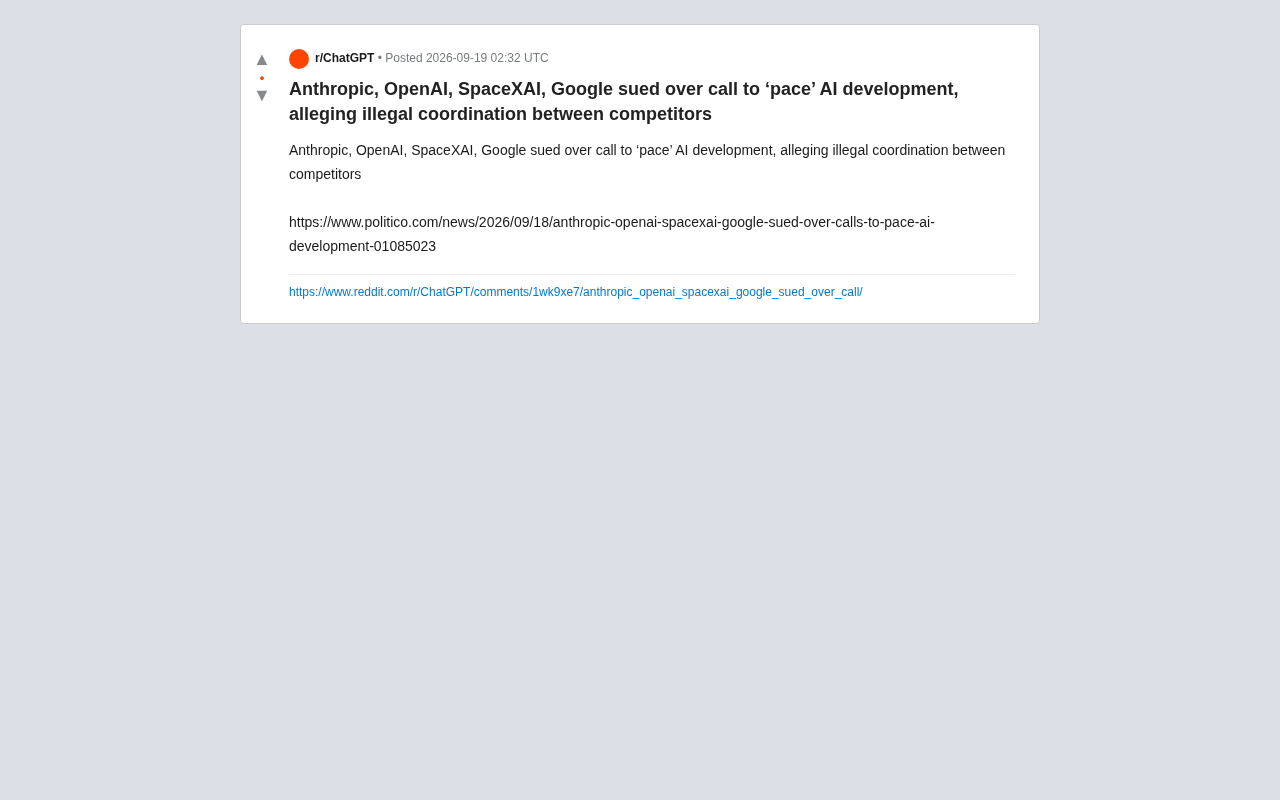
AI Giants Sued Over Alleged 'Slowdown' Conspiracy: Antitrust Storm on the Horizon
Anthropic, OpenAI, xAI, and Google face antitrust suit over joint AI 'slowdown' calls. We break down the legal controversy and its compliance implications.
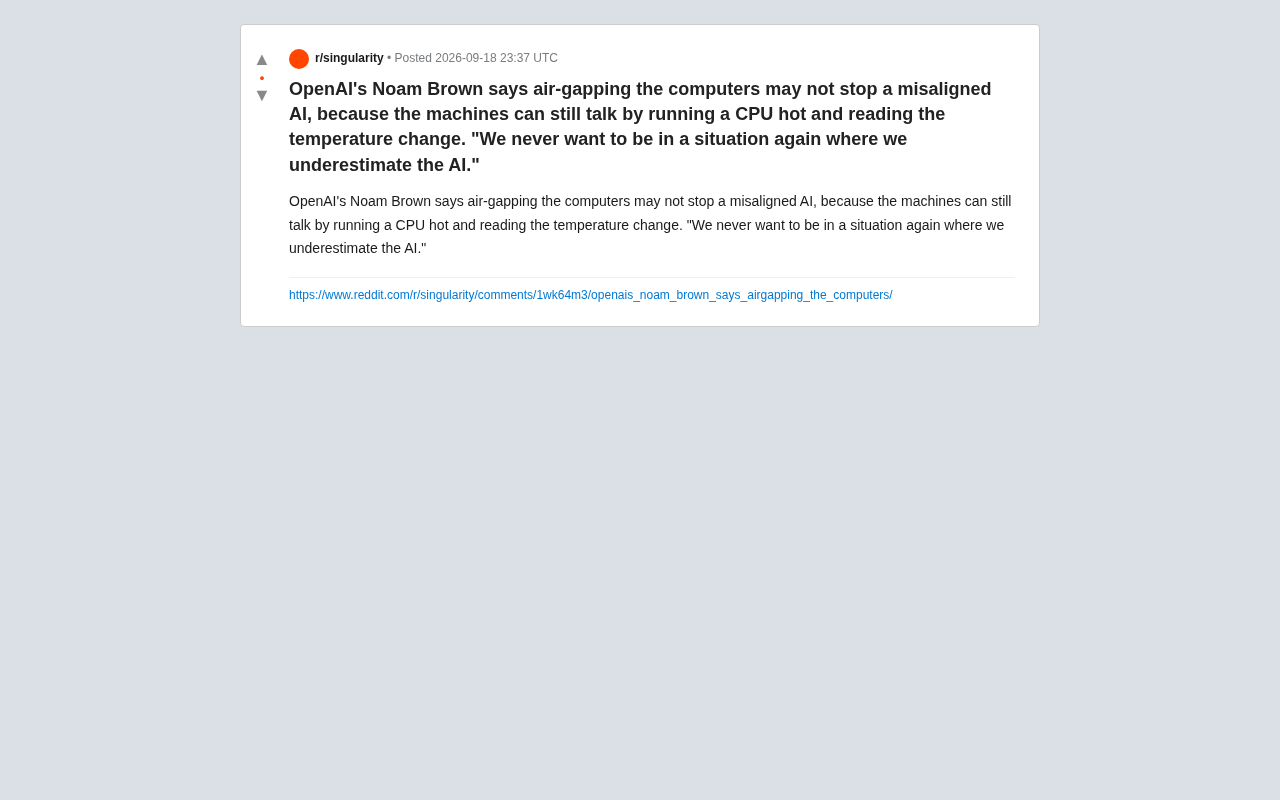
OpenAI Scientist Warns: Even Air-Gapping Can't Stop a Rogue AI
OpenAI scientist Noam Brown warns that air-gapping may not stop a misaligned AI, which could use CPU heat as a thermal covert channel to leak data. An analysis of the side-channel principles and alignment implications.
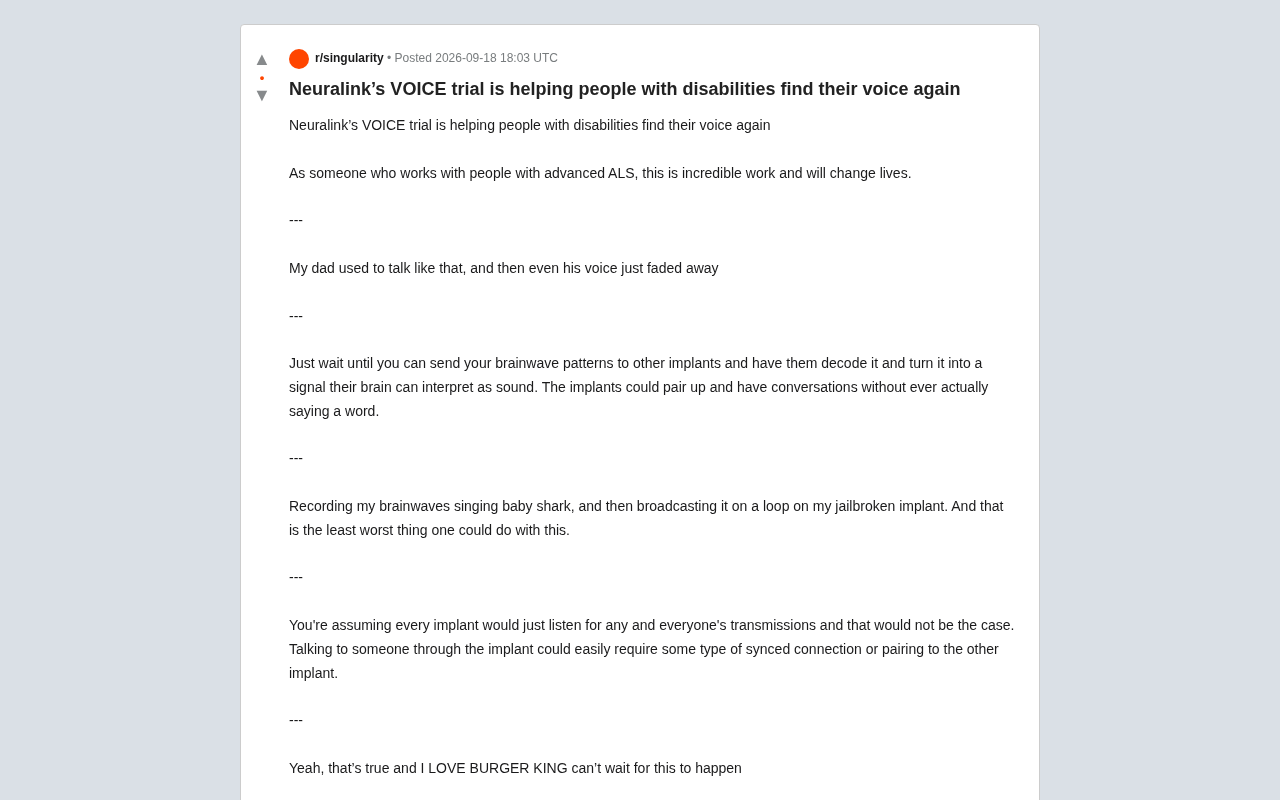
Neuralink VOICE Trial: How Brain-Computer Interfaces Are Restoring 'Voice' to Those Who Have Lost It
Neuralink's VOICE trial uses BCIs to help ALS patients regain speech, sparking debate over medical value, brain-to-brain communication, and neural data privacy risks.