Comparing Claude Code, Codex, and Aider Edit Protocols: Exact String Replacement, Patches, and SEARCH/REPLACE

Compare Claude Code, Codex, and Aider edit protocols and their reliability under duplicate lines, stale context, and whitespace drift.
The article breaks down the code edit protocols of Claude Code, Codex, and Aider using the same Python file with duplicate timeout assignments as a reference. Claude Code uses exact string replacement, requiring unique old_string matches and refusing duplicate lines; Codex's apply_patch doesn't check uniqueness, and a bare @@ changes the first match; Aider's diff format also takes the first match. They handle stale context and whitespace drift differently: Claude Code is strict, Codex uses four rounds of lenient matching, and Aider compromises. It concludes with practical advice on checking diff placement and keeping per-turn snapshots.
Title
Comparing Claude Code, Codex, and Aider Edit Protocols: Exact String Replacement, Patches, and SEARCH/REPLACE
Meta Description
Compare the AI coding edit protocols of Claude Code, Codex, and Aider: exact string replacement, apply_patch envelope, and SEARCH/REPLACE blocks. Analyze how they handle duplicate lines, stale context, and whitespace drift differently, with official documentation and source code references plus practical advice.
Article Content
When AI coding agents actually write code, reliability is often determined not by how smart the model is, but by which format it uses to describe "change this line," and how the local application code handles mismatches. When two functions in the same config file both contain timeout = 30, and you ask the agent to change the production one to 60—some agents will refuse and require more context, while others will directly change the first occurrence (the dev environment one), and the patch applies cleanly without error.
This article breaks down the edit protocols of Claude Code, Codex, and Aider. All conclusions come from their respective official documentation and open-source implementations, using the same Python file as a reference sample:
def load_dev():
    timeout = 30
    retries = 3

def load_prod():
    timeout = 30
    retries = 5
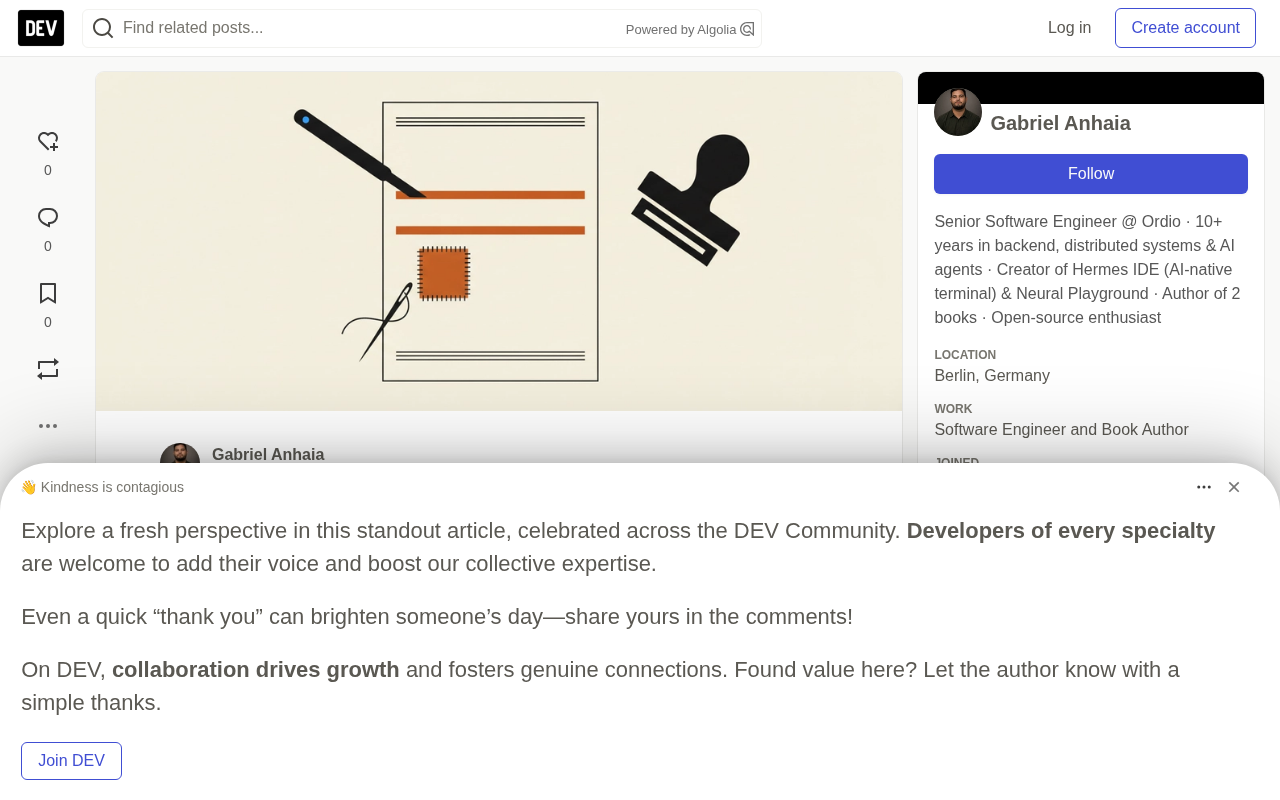
Three Ways to Express "Change This Line"
Claude Code: Exact String Replacement
Claude Code's Edit tool accepts old_string and new_string, and the documentation explicitly states it "does not use regex or fuzzy matching." Three checks must pass: Claude has already read the file, old_string exactly matches the text in the file, and it appears only once (unless replace_all: true is set). The read-file rule has been relaxed for newer models—Claude Opus 4.6, Claude Haiku 4.5, and earlier models always require reading first, while newer models after Claude Code v2.1.208 can skip it when the Read tool is available and reading does not require permission confirmation.
The field syntax for the task above would be:
Edit
  old_string: "    timeout = 30"
  new_string: "    timeout = 60"
  replace_all: false
Codex: Patch Envelope
OpenAI's Codex Prompting Guide recommends using apply_patch for single-file edits, saying the model "has been trained on this diff format" and strongly recommends using OpenAI's own implementation. That implementation is open-sourced as the codex-rs/apply-patch crate, with markers including *** Begin Patch, *** Add File:, *** Delete File:, *** Update File:, *** Move to:, *** End of File, @@, and *** End Patch. Changed lines start with - or +, context lines start with a space, and there are no line numbers:
*** Begin Patch
*** Update File: config.py
@@
-    timeout = 30
+    timeout = 60
*** End Patch
apply_patch is a dedicated tool format designed by OpenAI for code editing scenarios. The model declares additions, deletions, and modifications to files by outputting this structured text block, rather than directly rewriting file contents. It is similar to the Unix patch command but with simplified syntax and no line-number dependencies, making it easier for language models to generate reliably. OpenAI open-sourced it as the codex-rs/apply-patch crate and strongly recommends using the official implementation, because different implementations may have subtle differences in edge cases (such as context line matching and end-of-file handling), which can affect whether the patch applies successfully.
The protocol's marker design separates "file operations" from "line changes": *** Update File: declares the target file, @@ introduces a change block, and *** End Patch closes it. Changed lines start with -/+, context lines start with a space, and there are no line numbers. This reduces the risk of the model miscounting lines, but it also means the applicator must rely on the text content itself for positioning, which leads to the duplicate-line and whitespace-drift issues discussed later.
Aider: You Choose the Format
Aider's edit formats include whole (the model returns the entire file), diff (SEARCH/REPLACE blocks), diff-fenced (path written inside the fence, mainly for Gemini models), udiff (simplified unified diff), and two editor- variants for architect mode. A diff block looks like a merge conflict:
config.py
```python
<<<<<<< SEARCH
    timeout = 30
=======
    timeout = 60
>>>>>>> REPLACE
Aider also publishes format correctness rates for each model. Its polyglot leaderboard (last updated November 20, 2025) lists a "Correct edit format" column alongside the pass rate on 225 problems: gpt-5 (high) leads at 88.0% correctness, with a 91.6% format correctness rate when using `diff`. Even the top model emits malformed edits, and the application layer must catch them one by one.

The "SEARCH/REPLACE blocks" in Aider's `diff` format are an explicit block-replacement syntax: the model outputs a `<<<<<<< SEARCH` section (the original code to find) and a `>>>>>>> REPLACE` section (the replacement code), and the applicator locates the SEARCH content in the file and replaces it entirely with the REPLACE content. It does not depend on line numbers and does not require outputting the whole file, so in long files only local context is needed to complete an edit.

`diff-fenced` is a variant of `diff` where the file path is written inside the code fence, mainly for Gemini models, which follow fence formatting better. `udiff` is a simplified unified diff that keeps `+`/`-` line markers but omits line numbers and most metadata, aiming to reduce the model's tendency to omit code using comments. The `whole` format requires the model to return the entire file content, which is directly overwritten on application, with no risk of match failure—but at the cost of high token consumption and the possibility of overwriting concurrent changes. The `editor-` variants are used in architect mode: one model plans, and another generates the actual edits.

## Duplicate Lines: One Refuses, Two Take the First Match

Faced with the duplicate `timeout = 30`, Claude Code's uniqueness check fails immediately. The documentation says Claude will "provide a longer string with enough context to uniquely identify one occurrence, or set `replace_all: true` to replace all occurrences." A successful retry must include the function header:
Edit old_string: "def load_prod():\n timeout = 30" new_string: "def load_prod():\n timeout = 60" replace_all: false
Codex's applicator does not check uniqueness. In `file_update.rs`, each block's old lines are searched forward from the current position, and `seek_sequence.rs` returns the first matching window without checking for further matches. With the bare `@@` patch above, the first `timeout = 30` is in `load_dev`, and that is the one that gets changed.

Anchoring fixes it. The text after `@@` is the change context: the applicator first finds that line, and only then searches for the old lines:
*** Begin Patch *** Update File: config.py @@ def load_prod():
- timeout = 30
- timeout = 60 *** End Patch
Aider's `diff` format is similar to Codex here. In `editblock_coder.py`, `perfect_replace` replaces the first matching block and returns. Only one path is stricter: when the SEARCH block omits lines with `...`, if that fragment appears multiple times, Aider refuses.

To be fair, models rarely send just one bare line; the context lines and multi-line SEARCH blocks in a patch are usually enough to make the match unique. The difference only matters when they are not enough: Claude Code stops, while the other two apply at the first match.

## Stale Context: The File Changed After the Model Saw It

When you are editing, a formatter runs, or a second agent touches the same file, the model's copy is stale.

Claude Code has explicit rules for this. Since v2.1.208, if the file has changed since Claude last read it but `old_string` still matches the current content "exactly and unambiguously," and reading does not require permission confirmation, the edit is applied, and the result notes that the file has other changes, prompting Claude to re-read before edits that depend on surrounding code. In other cases (for example, `old_string` is out of date), Claude re-reads the file and then edits. Before v2.1.208, it refused all edits to files that had changed on disk since being read.

Codex returns error messages the model can act on. If the `@@` line is not found, `file_update.rs` returns `Failed to find context '<line>' in <path>`; if the old lines are not found, it returns `Failed to find expected lines in <path>:` along with the lines it was looking for. The API guide describes the same loop for custom harnesses: report `status: "failed"` with a brief human-readable message.

Aider returns `SearchReplaceNoExactMatch: This SEARCH block failed to exactly match lines in <path>` and reminds that "the SEARCH section must exactly match an existing block of lines including all whitespace, comments, indentation, docstrings, etc." If mismatches persist, its troubleshooting page suggests switching to `--edit-format whole`.

The `whole` format cannot mismatch because there is nothing to match. But if the model's copy is stale, the rewrite will overwrite all subsequent changes with the old version, without any error. Another risk is omission. The edit-formats page mentions that `udiff` is mainly used with GPT-4 Turbo because it reduces that model's habit of omitting code with comments like "original code here." In Aider's unified diffs article, switching GPT-4 Turbo from SEARCH/REPLACE to `udiff` raised its laziness benchmark score from 20% to 61%.

## Whitespace Drift: Strict, Lenient, and Compromise

Models retype the text they want to replace, and retyping causes drift: tabs become four spaces, trailing whitespace disappears, straight quotes become curly quotes.

Claude Code is deliberately strict. The documentation says "a single character difference in whitespace or indentation is enough to cause a mismatch." On mismatch, the edit is not applied.

Codex's applicator is the most lenient of the three. `seek_sequence` performs four rounds of matching, which its comments call "progressively less strict": exact match; ignore trailing whitespace; trim both sides; normalize common Unicode punctuation (dashes, quotes) to ASCII. Indentation drift in old lines can still find the target. The cost shows up when nothing matches exactly: the more lenient rounds may match in more locations, and the first window found wins.

Aider is in the middle. It first matches exactly, then tolerates missing leading whitespace, then retries after removing an extra leading blank line. There is a fuzzy edit-distance matcher in the same file, but a bare `return` before the call means it never executes.

Leniency pays off. The same unified diffs article reports that turning off flexible patching produces "a 9x increase in edit errors."

| Failure scenario | Claude Code Edit | Codex apply_patch | Aider diff |
| --- | --- | --- | --- |
| Duplicate match | Refuses | First match after anchor | First match |
| Stale text | Applies if still exact, otherwise re-reads | Reports error to model | Reports error to model |
| Whitespace drift | Mismatch | Four rounds of lenient matching | Tolerates leading whitespace |

"Whitespace drift" refers to the model producing whitespace characters (spaces, tabs, newlines) that differ from the original file when re-outputting the text to be replaced. Because language models generate text token by token, they do not "perceive" the byte-level whitespace of the original file but reconstruct it from context, so mixing tabs and spaces, presence or absence of trailing spaces, and even curly vs. straight quote characters can occur. Such differences are almost invisible to human readers but fatal to edit protocols based on exact string matching.

How tolerant different protocols are to whitespace drift directly determines the balance between edit success rate and risk of mismatching: strict matching (like Claude Code) guarantees no wrong location but frequently mismatches; lenient matching (like Codex's four-round degradation) improves success rate but may hit the wrong one among multiple similar locations. Aider's compromise strategy is to relax only leading whitespace after an exact-match failure, which covers the most common indentation drift without introducing too much ambiguity like full normalization would.

## Undo That Doesn't Care How the Bytes Got There

Every failure above has a quiet version: the edit is applied to the wrong location, or overwrites based on a stale assumption, and the agent reports success. You notice during review and want to roll back that turn.

Each vendor has its own answer. Claude Code's checkpoints capture code before each prompt, and `/rewind` restores code, conversation, or both. The documentation also states the boundary clearly: "Checkpointing does not track files modified by Bash commands," and most subagent edits are not restored either. Aider commits each edit to git along with a descriptive message, and `/undo` discards the last change. Each only covers its own agent's edits and nothing else.

I develop Hermes IDE myself, so keep that in mind for what follows. Hermes runs Claude Code, Codex, Aider, and other agents in their own terminals, saves every agent turn, and therefore can diff or restore any single turn, with undo support (see README). A strip below the session lists agent replies and the lines they changed; click to view the changes or restore files to that moment (2.3.1 release notes). Review Desk (⌘G) shows the same work by turn or by file.

Because snapshots target your files rather than edit calls, the same restore works for all agents, regardless of whether changes arrive as `old_string`, patch envelopes, or SEARCH blocks. There are two limitations: in Claude Code tasks with additional folders, the strip only tracks the main project (2.3.1 notes); for tasks running in separate worktrees, turn snapshots are deleted 14 days after the session closes (2.2.9 notes).

## Practical Advice

If you use Codex or Aider on files with duplicate blocks (such as environment-specific configs or test data tables), check where the diff landed, not just what it says.

If Claude Code repeatedly mismatches, first check whether the file mixes tabs and spaces or has invisible characters before blaming the model. If using Aider's `whole` format, do not let other writers touch that file while the agent works, because a rewrite based on a stale copy applies without error.

Regardless of protocol, keep a per-turn record outside the edit path: regular commits, Aider's auto-commits, or turn snapshots.

Edit formats are essentially structured output with a strict parser on the other end, and Aider's leaderboard shows that even top models get the format wrong a certain percentage of the time. If you write prompts that require the model to output something a program will parse, structured output is one of the topics covered in the "Prompt Engineering Pocket Guide."

## One-line Summary
Compare the edit protocols of Claude Code, Codex, and Aider, revealing reliability differences under duplicate lines, stale context, and whitespace drift.

## Paragraph Summary
The article breaks down the code edit protocols of three AI coding agents: Claude Code, Codex, and Aider, using the same Python file with duplicate timeout assignments as a reference sample. Claude Code uses exact string replacement, requiring old_string to match uniquely and the file to have been read, and directly refuses duplicate lines; Codex's apply_patch does not check uniqueness, and a bare @@ changes the first match, requiring anchors for positioning; Aider's diff format also takes the first match and only refuses when ellipses are used and the fragment is duplicated. The three also handle stale context and whitespace drift differently: Claude Code is strict, Codex uses four rounds of lenient matching, and Aider compromises. The article finally discusses how undo capabilities only cover each vendor's own edits and gives practical advice: check where the diff landed and keep per-turn snapshots.
Related articles

Free Unlimited Claude Code Solution: Agnes AI + CC Switch Setup Guide
No paid subscription needed — pair the free AI platform Agnes AI with the open-source tool CC Switch to provide a backend for Claude Code, enabling unlimited free calls to text, image, and video models. This guide covers the full setup, test results, and usage boundaries.

A Complete Zero-Cost Guide to Getting Started with Claude Code for Beginners in China
A beginner's guide to Claude Code for users in China: two installation methods (command line and IDE plugin), full configuration steps for replacing the official API with the free domestic LongCat model, and a hands-on demo of building a small tool with natural language, plus tips.

When the NSA Gets Involved: The AI Supply Chain Crisis Behind Open-Source CVEs and API Key Hijacking
Multiple open-source projects disclosed severe CVEs in one day, PHP flaws alarmed the FBI, and Railway and OpenCode were breached with API keys stolen. This article breaks down the vulnerability window, AI-accelerated exploitation, and the AI supply chain crisis behind the API key black market, with a developer defense checklist.