Complete Guide: Local Deployment of Personal Knowledge Base with DeepSeek + RAGFlow
A hands-on guide to building a private DeepSeek knowledge base locally using Ollama and RAGFlow.
This guide covers deploying a local LLM + RAG knowledge base from scratch. It explains why local deployment beats the web version for privacy and customization, distinguishes RAG from fine-tuning, and clarifies how Embedding models power semantic search. The three-step walkthrough covers pulling DeepSeek via Ollama, deploying RAGFlow with Docker, and building a searchable document knowledge base. A simplified online-model alternative is also included.
The combination of local LLMs and RAG knowledge bases is rapidly becoming the go-to solution for individuals and enterprises managing private data. This guide walks through a complete hands-on tutorial for deploying DeepSeek locally via Ollama, and building a maintainable personal knowledge base using RAGFlow — enabling AI to generate accurate answers grounded in your private documents.
Why Local Deployment + RAG?
The web version of DeepSeek is already quite capable, so why bother with local deployment? The answer comes down to two needs the web version simply can't meet: absolute privacy and building a personalized knowledge base.
Imagine this scenario: you want an LLM to answer questions based on your company's internal policies, or to predict exam questions using a dozen past papers. Ask the web version and it knows nothing about your private data — it'll just hallucinate based on its pre-trained parameters. The traditional workaround is uploading attachments, but that creates three problems: all data gets sent to external servers with no privacy guarantee; there are limits on how many files you can upload (building a knowledge base with hundreds of documents becomes unmanageable); and every new conversation requires re-uploading everything, making additions and edits a constant chore.
The solution is straightforward: solve the privacy problem by running DeepSeek locally so requests never leave your machine, and address the knowledge base problem with RAG technology.
RAG vs. Fine-Tuning
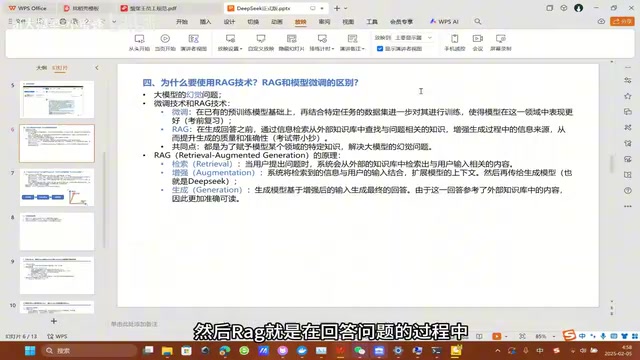
Both RAG and fine-tuning aim to address the hallucination problem — the tendency of LLMs to confidently fabricate answers to questions they don't actually know.
They just take different paths. Fine-tuning involves additional training on a pre-trained model using domain-specific data, improving its performance in a particular area. RAG, on the other hand, retrieves relevant content from an external knowledge base before generating a response, enriching the model's information context at inference time.
Here's a memorable analogy from the tutorial: fine-tuning is like studying before the exam — the model absorbs knowledge through training before responding; RAG is an open-book exam — the model frantically searches your knowledge base the moment it sees a question. While fine-tuning does address hallucination, locally deploying and fine-tuning a large model is prohibitively expensive for individuals and most companies. Smaller fine-tuned models often underperform. In practice, running a distilled model locally paired with RAG for targeted retrieval-augmented generation offers an excellent cost-to-performance ratio.
RAG stands for Retrieval-Augmented Generation, introduced by Meta AI Research in 2020. Its core idea is to decouple the "retrieval system" from the "generation model": the generative model doesn't need to compress all world knowledge into its parameters — it only needs strong language comprehension and composition skills, while factual knowledge is dynamically fetched from an external database at runtime. This architecture offers a key advantage: the knowledge base can be updated at any time without retraining the model. By contrast, fine-tuning can take hours to days of GPU compute, and must be repeated every time the knowledge changes. RAG's limitation is that retrieval quality depends heavily on the accuracy of the Embedding model and the coverage of the knowledge base — if relevant content isn't there, or retrieved chunks are imprecise, answer quality degrades accordingly.
The Role of Embedding Models
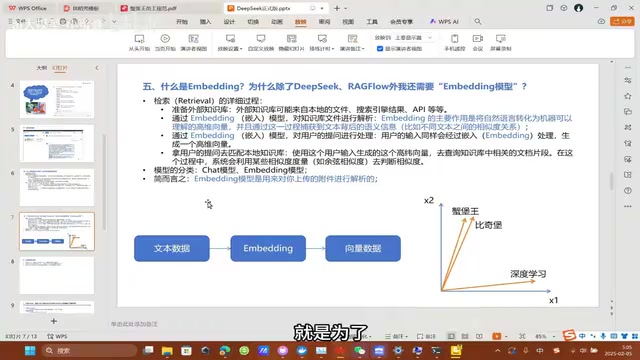
The Retrieval step in RAG is key to understanding what Embedding does. Retrieval requires a searchable external knowledge base, and uploaded PDFs or Word documents must first be parsed.
The job of Embedding is to convert text into vector representations. Natural language isn't directly amenable to similarity computation — a machine has no inherent way to know that "Pikachu" and "Pika" are closely related while "deep learning" is not. Embedding models transform natural language into high-dimensional vectors, mapping semantically similar words to nearby positions in vector space, thereby capturing semantic relationships.
Think of it as generating a unique "fingerprint" for every passage in your knowledge base. When a user asks a question, it's also converted into a fingerprint, and the RAG system matches it against the knowledge base (typically using cosine similarity). The most relevant passages are retrieved, combined with the user's input, and fed to the DeepSeek chat model as expanded context.
This also explains why chatting with web models is free while uploading files costs money — document parsing, Embedding processing, and chart extraction all require additional compute and storage. RAGFlow deployed locally, along with its built-in Embedding model, performs all of this on your own machine.
It's worth distinguishing between two model types: Chat models (like DeepSeek, ChatGPT, Qwen) handle conversation, while Embedding models are dedicated to parsing documents and converting them to vectors. Both need to be configured separately in RAGFlow.
Behind vector similarity search lies an entire technical stack. After documents are split into chunks, each chunk is converted by the Embedding model into a floating-point vector of hundreds to thousands of dimensions, then stored in a vector database (such as ChromaDB, Milvus, or Faiss). When a user asks a question, it's likewise converted into a vector, and the system computes cosine similarity between that vector and all chunk vectors in the database, retrieving the Top-K most relevant passages. These passages are concatenated into a prompt along with the original question and sent to the Chat model. The whole process typically takes milliseconds to seconds and is nearly transparent to users. Chunk size has a significant impact on retrieval quality: chunks that are too small lose context, while chunks that are too large introduce noise. The different parsing methods in RAGFlow (General, Books, Papers, etc.) are essentially optimized chunking and extraction strategies tuned for different document types.
Complete Local Deployment Walkthrough
The entire deployment involves three steps: pulling the DeepSeek model with Ollama, deploying RAGFlow with Docker, and building the knowledge base inside RAGFlow.
Step 1: Deploy DeepSeek with Ollama
Ollama is a tool for running and managing large language models locally. Download it directly from ollama.com/download. After installation, there's one critically important step that's easy to overlook — configuring environment variables.
The first environment variable is mandatory: create a new variable named OLLAMA_HOST with the value 0.0.0.0:11434. By default, Ollama only listens on localhost, which means RAGFlow running inside a virtual machine can't reach it. This setting tells Ollama to listen on all IPs. If the virtual machine still can't connect after this change, your local firewall may be blocking port 11434 — you'll need to create a rule to allow it.
The second environment variable is recommended: change the default model download location, since models can easily be tens of gigabytes. The tutorial author learned this the hard way — after changing the path and spending an hour downloading a model, the model list was empty after a restart. The culprit: custom paths only take effect after a full system reboot. So make sure to restart your computer after configuring both variables.
After rebooting, run the model download command from the command line. The tutorial recommends starting with DeepSeek-R1 1.5B — the full 671B original model weighs in at 404GB and is completely impractical on a personal computer. If you have a dedicated GPU, you can try 14B or 32B; reportedly the 32B version already delivers excellent results. Once the model responds to messages normally, deployment is successful.
Step 2: Deploy RAGFlow with Docker
First, download the RAGFlow source code from GitHub (you can simply download the ZIP and extract it), then install Docker.
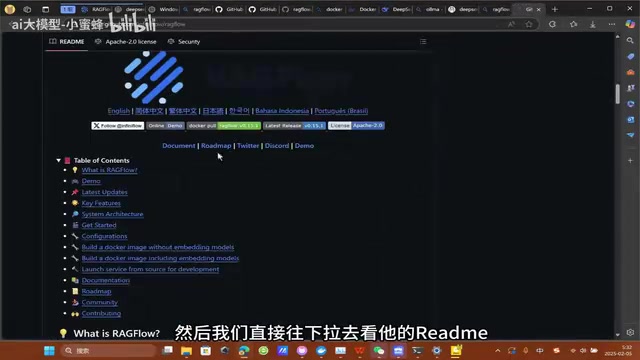
Docker provides a pre-packaged runtime environment. RAGFlow depends on ChromaDB, MySQL, Redis, and other databases — manually setting all of these up is extremely complex. A Docker image is essentially a self-contained mini-computer inside your machine, with all dependencies and configurations bundled together.
Key configuration: navigate to the docker folder inside the source code, find the environment file, and at around line 84, comment out the slim version and uncomment the full version. The slim version doesn't include an Embedding model; the full version comes with one built in, saving you the trouble of deploying a separate Embedding model.
After saving the changes, open a command line in the RAGFlow folder and run the startup command. Docker will automatically pull the image and start the services. Once it's running, open your browser and go to localhost:80 (the default port is 80). Seeing the page means deployment succeeded — just register an account and log in.
Docker's core concept is "containerization": packaging an application along with all its dependencies (runtime, libraries, configuration files) into a standardized image that runs identically on any machine with Docker installed, eliminating the classic "works on my machine" problem. For complex applications like RAGFlow, Docker Compose reads a docker-compose.yml file and automatically pulls and orchestrates multiple containers — the main RAGFlow service, MySQL, Redis, ChromaDB — wiring them together into an internally connected network. On first run, Docker needs to pull images from the internet; the full RAGFlow image is quite large (around 9GB) and may take over half an hour on a slow connection. The command line shows minimal progress during this time — that's normal, just wait patiently.
Step 3: Build the Knowledge Base and Start Chatting
First, go to the model provider page and add your local DeepSeek instance. Set the model type to chat, copy the model name exactly (use ollama list to get the full name), and set the base URL to http followed by your machine's local IP (find the IPv4 address using ipconfig) and port 11434. No API key is needed for local deployment.
In the system model settings, select the DeepSeek you just added as the chat model, and choose the full version's built-in Chinese Embedding model as the embedding model (it outperforms the Small version).
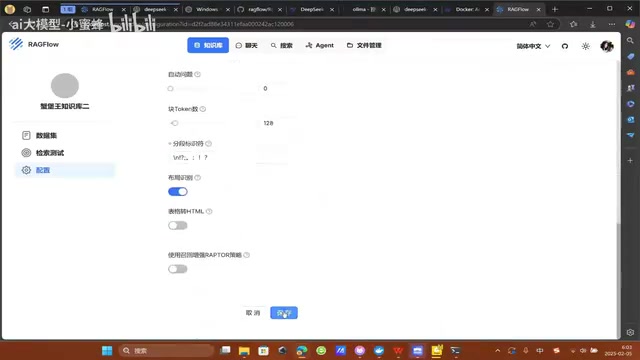
Next, create a knowledge base. Set the language to Chinese and choose General as the parsing method (specialized methods exist for books, papers, resumes, etc.). After uploading your files, make sure to click Parse — without parsing, the model can't understand the natural language in your documents. Parsing takes some time.
Finally, create an assistant and link it to the knowledge base. One detail worth noting: by default, if the knowledge base doesn't contain relevant information, the model will reply "I don't know." If you'd prefer the model to fall back on its own knowledge, you'll need to modify the prompt. Once configured, you can start chatting — answers will clearly cite their sources.
A Simpler Alternative: Online Models
If you just want a quick knowledge base setup and don't mind the privacy trade-off, you can skip Step 1, deploy RAGFlow directly (RAGFlow currently has no official hosted web version — you must run it yourself), and configure any online model under the model providers section.
Adding an online model only requires an API key — a credential issued by the provider to identify callers, control rate limits, and handle billing. You'll need to apply for one on the respective platform (such as Qwen or DeepSeek).
Both approaches involve trade-offs. Online models are simpler to set up and more powerful — locally deployed models can't match the parameter count of cloud-hosted ones. But online models have two significant drawbacks: absolute data privacy cannot be guaranteed, making them unsuitable for highly confidential enterprise documents; and free API quotas tend to run out and transition to paid tiers.
Regardless of which approach you choose, the core value is the same: building a long-lived personal knowledge base that lets AI generate answers grounded in your own private data — which proves genuinely useful across a wide range of real-world scenarios.
Related articles
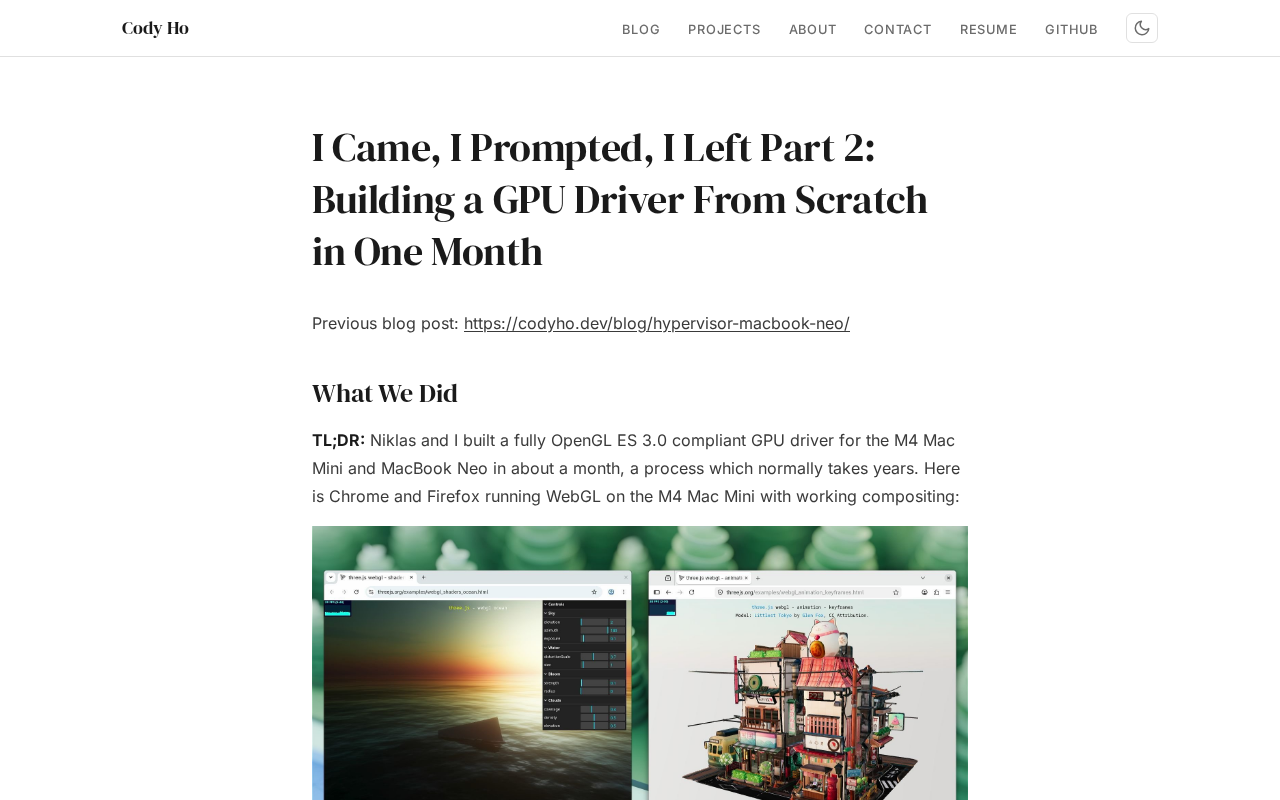
The Technical Challenges of Developing a Linux GPU Driver for the M4 Mac Mini in One Month
Developer Cody Ho built a Linux GPU driver for the M4 Mac Mini in one month. We break down the core challenges of reverse engineering Apple Silicon's closed GPU architecture.
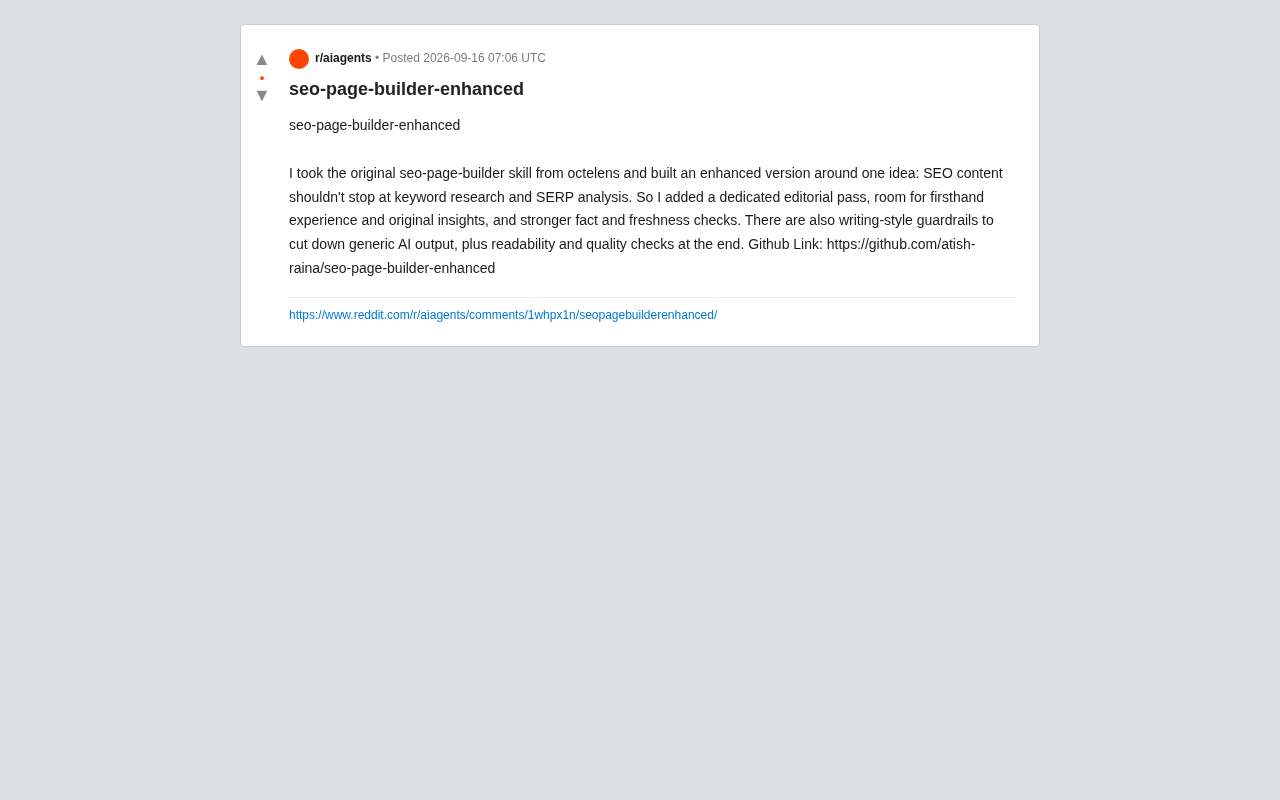
SEO Page Builder Enhanced: Breaking Free from Generic AI-Generated SEO Content
An open-source enhanced SEO content tool that adds editorial review, firsthand experience, fact-checking, and writing-style guardrails to combat generic AI content.
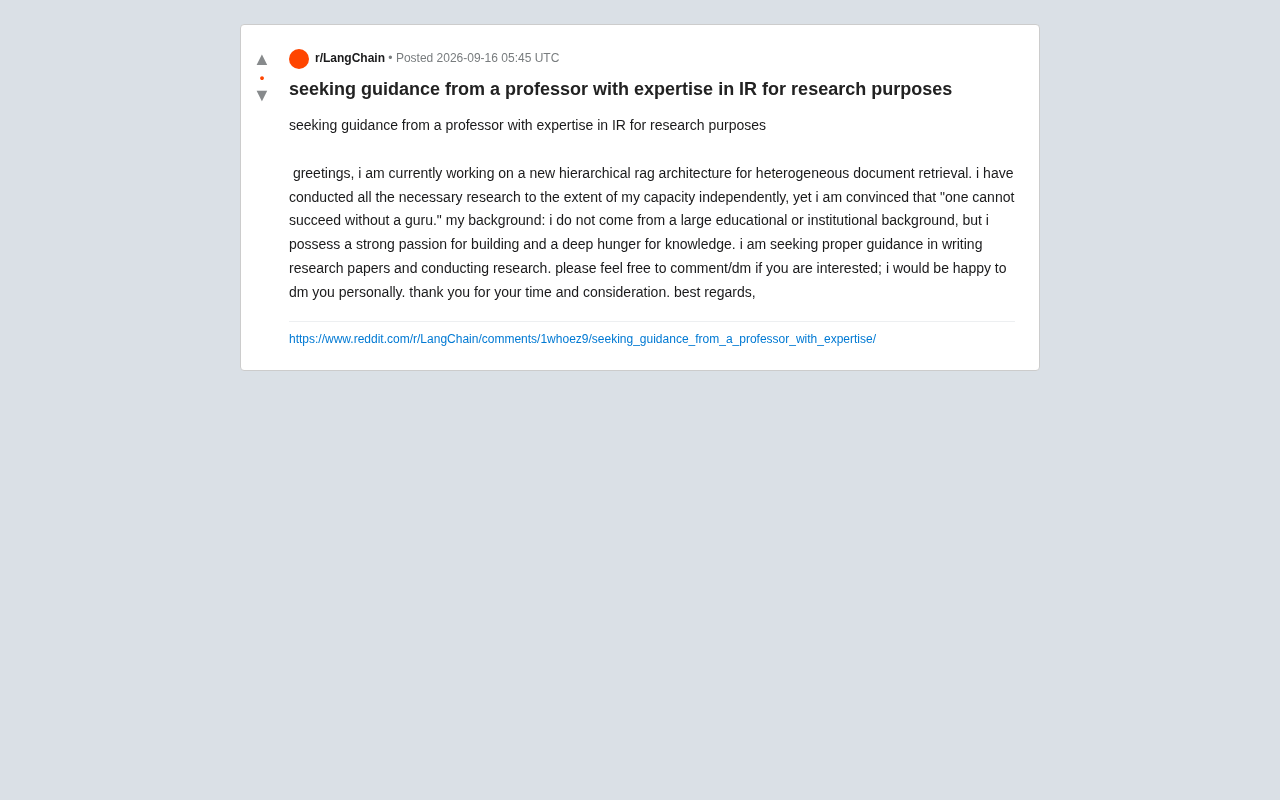
Hierarchical RAG Architecture Research: How Independent Developers Can Break Into Academic Research
An indie developer on Reddit seeks IR professor guidance for hierarchical RAG research. This article explores the technical background and practical advice for independent AI researchers facing academic barriers.