Cursor Agent Whiteboard Breakdown: Rules, Checkpoints, and Safety Nets
Cursor Agent Whiteboard Breakdown: Rul…
Cursor Agent is essentially tools in a loop; rules provide persistent context, while checkpoints and steering serve as safety nets.
Based on a YouTube whiteboard explainer video, this article systematically breaks down the core mechanisms of Cursor Agent. The essence of an Agent is "tools in a loop," with a loop structure of think, act, observe, repeat, composed of instructions, tools, and model. Rules provide persistent context for memoryless models in three types—project rules, user rules, and AGENTS.md—and can be auto-generated via /create rule. Checkpoints roll back files but not the conversation, are stored locally, and are independent of Git; steering distinguishes between queued messages and follow-ups. The official course acknowledges that Agents need clear direction and supervision and may get stuck in loops, recommending starting with smaller, well-defined tasks and following a simple-first, complex-later principle when building Agent systems.
Cursor's Agent has been one of the most discussed topics in AI coding over the past few months. A whiteboard explainer video on YouTube condenses the core concepts from the official documentation and Cursor's official course into a single diagram: what an Agent is, how rules take effect, how checkpoint and steering mechanisms work, and where the official team itself acknowledges the boundaries lie.
The Essence of an Agent: Tools in a Loop
Cursor's documentation defines an Agent directly: it is Cursor's assistant that can independently complete complex coding tasks, run terminal commands, and edit code. But this definition is easily misread as "a stronger autocomplete"—the truly critical difference lies in how it works.
The video quotes a line from Cursor's official course: the core of an Agent is "tools in a loop." You give it a goal, and it breaks down the steps itself. The loop structure is: think → act → observe → repeat.
The documentation further explains that an Agent consists of three components: instructions (system prompt and rules), tools (file editing, terminal execution, etc.), and the model you choose. These three components determine the upper bound of the Agent's capabilities—the model handles reasoning quality, the tools determine what it can change, and the rules constrain what it shouldn't do.
Once you understand the "loop" structure, the significance of the next two mechanisms becomes clear: rules inject persistent context into every round of the loop, while checkpoints and steering pull the human back in when the loop goes off track.
The ReAct paradigm is the key background for understanding the "think → act → observe → repeat" loop. It originates from a 2022 paper, ReAct: Synergizing Reasoning and Acting in Language Models, whose core idea is to have large models alternately generate reasoning traces (Reasoning) and concrete actions (Acting), then feed the observations returned by the environment back into the model as the basis for the next decision. Compared with generating an answer in one shot, ReAct lets the model correct its direction based on intermediate feedback—this is precisely the fundamental reason an Agent differs from ordinary conversational completion. Cursor's Agent loop is essentially an engineering implementation of ReAct: the system prompt constrains the reasoning style, tool calls correspond to Actions, and terminal output and file changes constitute Observations. Understanding this makes it clear why model capability, toolset, and rules together determine the upper bound—they correspond respectively to reasoning quality, the space of executable actions, and reasoning constraints.
Rules: Giving a Memoryless Model Persistent Context
Large language models retain no memory between two completions. The role of Rules is to provide persistent, reusable context—when a rule is applied, its content is inserted at the beginning of the model's context.
The video breaks down Cursor's three types of rules:
Project Rules: .md files stored in the .cursor/rules directory. They travel with the project and are suited to team-level conventions such as code style, directory structure, and testing approaches.
User Rules: These apply to your entire Cursor environment and belong to the level of personal preference, such as reply language and commenting habits.
AGENTS.md: A simplified alternative written in Markdown; the video's author previously made a dedicated episode explaining AGENTS.md. Its advantage is strong generality—it isn't tied to Cursor's own directory structure.
Creating rules is also lightweight: type /create rule in the Agent and describe what you want, and the Agent generates the rule file itself. This design lowers the barrier to using rules, but it also means rule quality depends on the precision of your description—if the description is vague, the generated rules will be equally vague.
Context windows and statelessness are the fundamental reason the rules mechanism exists. Large language models are inherently stateless: each API call is an independent inference, and the model does not "remember" the content of the previous conversation. So-called "memory" is in fact the client re-assembling historical messages into the prompt and sending them again. The context window is the token limit that this send can accommodate; anything beyond it gets truncated or requires summarization and compression. Rules work because they are inserted at the beginning of the context—a high-priority position—and are re-injected with each request in every round of the loop, thereby simulating the effect of "persistent memory." This also explains the practical principles of rule design: content should be concise, reusable, and strongly relevant to the current task; otherwise it will eat into the precious context budget and actually reduce the model's attention to the current task itself.
Two Safety Nets: Checkpoints and Steering
The biggest concern brought by autonomous Agent execution is "what if it breaks something?" The video points out that Cursor provides two layers of protection.
Checkpoints
Before making major changes, the Agent automatically saves a snapshot of the codebase. Restoring a checkpoint only rolls back files, not the conversation—this point is worth noting: your thinking and discussion history are preserved, making it easy to continue explaining to the Agent what went wrong after reverting the code. In addition, checkpoints are stored locally and are independent of Git; they are an extra second layer of insurance, not a replacement for version control.
Snapshots are the technical foundation of the checkpoint feature. A snapshot does not fully copy the entire codebase; rather, it records the state differences of the file system at a certain moment, typically stored incrementally or in a content-addressed manner so that it can be quickly restored to a specified point in time. This differs fundamentally from Git's commit model: Git commits require explicit staging and writing messages, and are oriented toward meaningful version milestones; Agent checkpoints are automatic, high-frequency, and fine-grained, oriented toward immediate needs like "undo a mistaken operation." The two are complementary rather than substitutes—checkpoints fill in the many blank states between Git commits, but if you need long-term retention, collaborative sharing, or audit trails, you should still rely on Git. Understanding this division of labor lets you reasonably judge when to use checkpoints to roll back and when to use Git branches to isolate experimental changes.
Steering
The second net is intervention during a run. Here a distinction is made between two kinds of messages: a queued message waits until the current task finishes before being processed; a follow-up is sent immediately and changes the direction of the current turn at the Agent's next tool call. The difference matters in practice—if you notice the direction is wrong but don't want to interrupt what it has already completed, use a follow-up; if you're merely adding subsequent requirements, queuing is more appropriate.
The video mentions that, according to the documentation at the time, the steering feature had launched at cursor.com/agents and was gradually being rolled out to the Agent window. The author also briefly compares GitHub Copilot's Agent mode, noting that it likewise supports redirection during work.
Limitations the Official Team Acknowledges
This part is often overlooked in tutorials, but the video quotes the course text verbatim: the Agent needs clear direction and supervision, and may get stuck in loops. This is the other side of the "tools in a loop" design—the loop is both the source of capability and a failure mode.
The official advice is progressive: start with smaller, well-defined tasks, and delegate larger chunks as your familiarity grows. Another episode mentioned in the video offers an isomorphic suggestion—when building Agent systems, first find the simplest possible solution and add complexity only when necessary.
Both pieces of advice point to the same logic: an Agent's autonomy has a cost, and the vaguer the task boundaries and the weaker the feedback signals, the higher the probability the loop will go off track. Building intuition about the Agent's behavior with small tasks first and then gradually expanding the scope of delegation is far safer than having it refactor an entire module right out of the gate.
Summary
This whiteboard breaks Cursor's Agent into several actionable pieces: the loop is the working mechanism, rules are persistent context, and checkpoints and steering are the two interfaces for human intervention. What's truly worth remembering may not be these terms, but the lesson the official team repeatedly emphasizes—start with small tasks, maintain supervision, and grow complexity on demand.
(The video's source and related links are listed in its description.)
Related articles
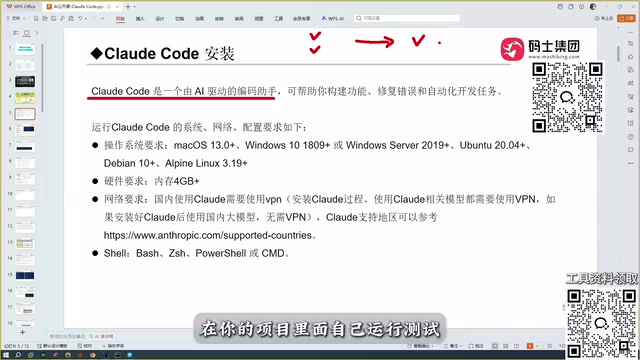
Claude Code Full Workflow in Practice: Connecting Models, Writing Skills, Mounting MCP, and Running Frontend to Backend
Drawing on a Bilibili public course, this article breaks down Claude Code's project-level coding capabilities: how it differs from conversational AI coding, Copilot, Cursor, and Trae; how model capability determines a tool's ceiling; and why accuracy has become the watershed for coding assistants.
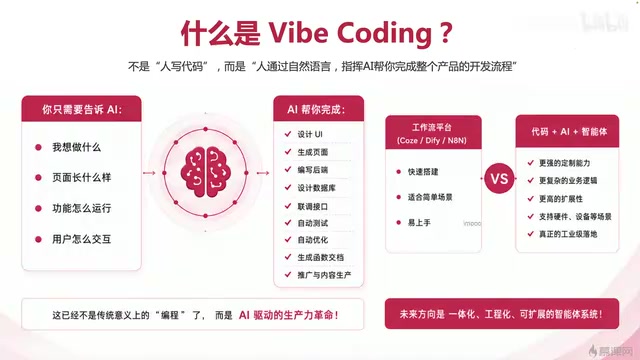
Vibe Coding Complete 80-Episode Practical Course: A Full-Chain Analysis of One-Person Company AI Development
An analysis of Bilibili's 80-episode Vibe Coding course: directing AI to write code, full-chain product development, and the path to one-person company AI engineering.
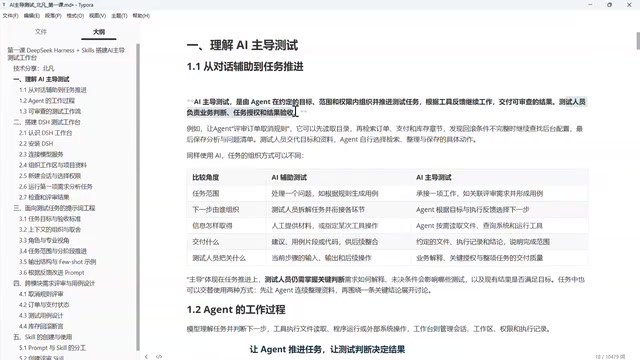
From Chat to Tasks: How Agents Are Reshaping AI-Driven Automated Testing
Deep dive into the DeepSeek Harness automated testing tutorial: AI's leap from Chat to Agent, how Agents advance testing tasks via tool use and loops, the difference between AI-led and AI-assisted testing, and how testers control boundaries and verify results.