Cursor Alternatives Compared: A Guide to 5 AI Coding Tools

A comprehensive comparison of 5 AI coding tools as alternatives to Cursor for developers.
Triggered by a Reddit post about Cursor's default switch to Grok, this guide compares five leading alternatives: GitHub Copilot, Windsurf, Cline, Continue, and Zed. It evaluates each tool across model freedom, workflow integration, cost, and privacy, helping developers choose the AI coding assistant that best fits their needs in an increasingly competitive market.
Starting from a Reddit Discussion
Recently, a Reddit discussion caught widespread attention among AI coding tool users. The poster raised a straightforward question: "After Cursor started defaulting to Grok, I decided to leave — what are the best alternatives similar to Cursor?"
This seemingly simple help request actually reflects a core pain point in the current AI coding assistant market — users are becoming increasingly sensitive to changes in underlying model selection and product strategy. When a tool's default model changes or its product direction shifts, users immediately start looking for alternatives. This also shows that while the AI coding tool space is booming, user loyalty remains fragile.

Why a Default Model Change Drives Users Away
As one of the most popular AI-native code editors today, Cursor's core competitive advantage lies in its flexible access to multiple large models. Cursor itself is built on VS Code's open-source codebase (Electron framework), deeply integrating large language model (LLM) capabilities within the editor — including Tab Completion, Inline Edit, and multi-file Agent editing. Unlike traditional IDE plugins, this type of AI-native editor designs model interaction as a core part of its architecture, enabling deeper access to editor state, file systems, and terminal output for more complex context understanding and code generation tasks.
When a product switches its default to a specific model (such as Grok, as mentioned in the post), some users choose to leave due to concerns about model capability, privacy policies, or pricing. It's worth noting that Grok is a large language model series developed by xAI, a company founded by Elon Musk. It was initially known for its real-time data access on the X (formerly Twitter) platform and its relatively open response style. While Grok 3 and its variants have demonstrated impressive coding capabilities across multiple benchmarks, some developers remain skeptical about its code generation quality compared to Claude Sonnet or the GPT-4o series. Additionally, due to xAI's data relationship with the X platform, some users are particularly sensitive about privacy issues — a key reason behind the dissatisfaction among some Cursor users when the default was switched to Grok.
The underlying logic is simple: for professional developers, the quality of code completion and generation directly impacts productivity. Model differences can create noticeable gaps in experience. Therefore, "being able to freely choose which model to use" often matters more than "having the product make that choice for me."
Detailed Comparison of 5 Mainstream Cursor Alternatives
While the original post didn't provide a specific list of answers, based on the current market landscape, the following categories of Cursor alternatives deserve close attention.
GitHub Copilot: The Most Mature AI Coding Assistant Ecosystem
As the earliest AI coding assistant to enter the market, GitHub Copilot was co-created by Microsoft and OpenAI and is deeply integrated into mainstream IDEs including VS Code and the JetBrains suite. Its strengths lie in ecosystem maturity, high stability, and continuous evolution toward Agent mode and multi-model support.
Recently, GitHub Copilot has expanded from initially supporting only the OpenAI Codex model to supporting multiple model providers, including Claude and Gemini series. Its Agent mode (Copilot Agent) can autonomously execute multi-step coding tasks within VS Code, marking a shift from passive completion to active programming agents.
For developers who prefer working within their existing IDE without switching their entire editor, Copilot is a relatively seamless choice.
Windsurf (formerly Codeium): The Closest Direct Competitor to Cursor
Windsurf is a rapidly rising direct competitor to Cursor, also functioning as an AI-native editor. It focuses on an "Agentic" programming experience, capable of understanding entire codebase context and autonomously executing multi-step tasks.
So-called "Agentic programming" represents an important development direction for AI coding tools. Traditional AI code completion is passive — users type code, and the model predicts the next segment. Agent mode, however, grants AI greater autonomy: after developers describe their requirements in natural language, the AI Agent can autonomously plan task steps, read and analyze multiple files, execute terminal commands, run tests, and iteratively fix errors until the entire task is complete. This paradigm essentially combines LLMs with tool use, reflection/reasoning, and memory management mechanisms to form a programming agent with multi-step reasoning and autonomous decision-making capabilities.
Many users transitioning away from Cursor try Windsurf first, as the two products share highly similar form factors and interaction patterns, resulting in the lowest migration cost.
Cline and Continue: The Freedom of Open-Source Solutions
For developers who prioritize freedom and privacy, open-source solutions are the ideal choice.
- Cline (formerly Claude Dev) is a VS Code extension that allows users to freely connect to various model APIs, including locally deployed models
- Continue is also an open-source AI coding assistant supporting custom model backends
The core design philosophy of both tools is "model agnosticism" (Model Agnostic). They communicate with various model backends through standardized API interfaces (such as the OpenAI-compatible API format), allowing users to freely configure connections to OpenAI, Anthropic Claude, Google Gemini, Mistral, and other commercial APIs, or connect to open-source models (such as Llama, DeepSeek, Qwen, etc.) through local inference tools like Ollama and LM Studio. This architecture means users aren't locked into any single model provider and can choose the most suitable model for different task types — for example, using Claude for complex architecture design and faster smaller models for simple completions.
The greatest value of these tools is that users have complete control over which model to use, fundamentally avoiding the frustration of "having the product switch the default model for me" — directly addressing the original poster's core concern.
Zed and Other Emerging AI Editors
Zed is a high-performance editor written in Rust that has recently added AI-assisted features, emphasizing speed and collaboration. Zed uses GPU-accelerated rendering and efficient data structures (such as Rope and SumTree), significantly outperforming Electron-based editors (like VS Code and Cursor) in startup speed and large file handling — uniquely appealing to developers pursuing peak performance. Additionally, tools like Aider (a command-line AI coding tool) have built a solid reputation among specific user groups. It deeply integrates with Git through pure terminal interaction, making it ideal for developers who prefer command-line workflows.
How to Choose the Right AI Coding Tool for You
Facing numerous options, developers should make their decisions based on the following dimensions:
Model Freedom: Can You Freely Switch AI Models?
If, like the original poster, you have clear preferences about default models, tools that support free model switching (such as Cline, Continue, or Cursor's custom configuration) should be prioritized. Open-source solutions have a natural advantage here.
It's worth noting that the gap in coding capabilities among mainstream large models is narrowing. Model providers are increasingly similar in training data, architecture design (almost all based on Transformer), and training methods (alignment techniques like RLHF/DPO). Open-source models (such as the Llama, Qwen, and DeepSeek series) are also rapidly catching up with closed-source models. On mainstream programming benchmarks like HumanEval and SWE-bench, score differences between models are shrinking. Even so, subtle differences remain in how different models handle specific programming languages, frameworks, or task types — the fundamental reason developers insist on model choice.
Workflow Integration: Do You Need to Switch Editors?
If you don't want to leave your existing development environment, GitHub Copilot or VS Code plugin-based tools integrate better into your current workflow. AI-native editors like Cursor and Windsurf require you to switch your entire editing environment, with relatively higher learning costs. However, it's important to note that since both Cursor and Windsurf are based on the VS Code architecture, most VS Code extensions and keyboard shortcuts can be directly migrated — making the actual switching cost much lower than learning an entirely new editor from scratch.
Cost and Privacy: Commercial Subscription or Self-Hosted Open Source?
Commercial tools typically charge monthly subscriptions ranging from $10 to $20 per month. While open-source tools are free, you need to cover model API call costs yourself — taking Claude Sonnet as an example, in high-frequency coding scenarios, monthly API costs can reach tens of dollars or more, depending on codebase size and interaction frequency. For enterprise users handling sensitive code, solutions supporting local model deployment better protect code privacy, ensuring source code never leaves the corporate network boundary.
Market Insight: The Era of Developer Sovereignty
This brief Reddit discussion actually reveals a deeper trend in the AI coding tool market: users are increasingly unwilling to be locked in by a single product's strategy.
As large model capabilities trend toward homogeneity, migration costs between tools are declining. This means product teams must be extremely cautious when adjusting default settings, model providers, or pricing strategies — any change "not endorsed by users" could trigger user churn. This phenomenon is known in the software industry as "vendor lock-in risk," and the AI coding tool market is unique in that, due to standardized API interfaces for underlying models and similar product paradigms, user migration costs are far lower than those for traditional development tools. This gives developers unprecedented bargaining power.
For developers, this is also good news: a fiercely competitive market brings more choices and greater respect for user preferences. Whether you choose commercial options like Cursor, Windsurf, or Copilot, or embrace open-source solutions like Cline and Continue, the key is finding the one that best fits your work habits and values.
Conclusion: Find the Best Cursor Alternative for You
Starting from the specific question of "I'm leaving after Cursor defaulted to Grok," what we see is the vitality and fluidity of the entire AI coding tool ecosystem. No single tool can satisfy everyone forever — what matters is staying informed about the market and adjusting flexibly based on your own needs.
If you're also looking for a Cursor alternative, start by clarifying what matters most to you — model freedom, integration convenience, or cost and privacy. The answer is often hidden within these priorities.
Related articles
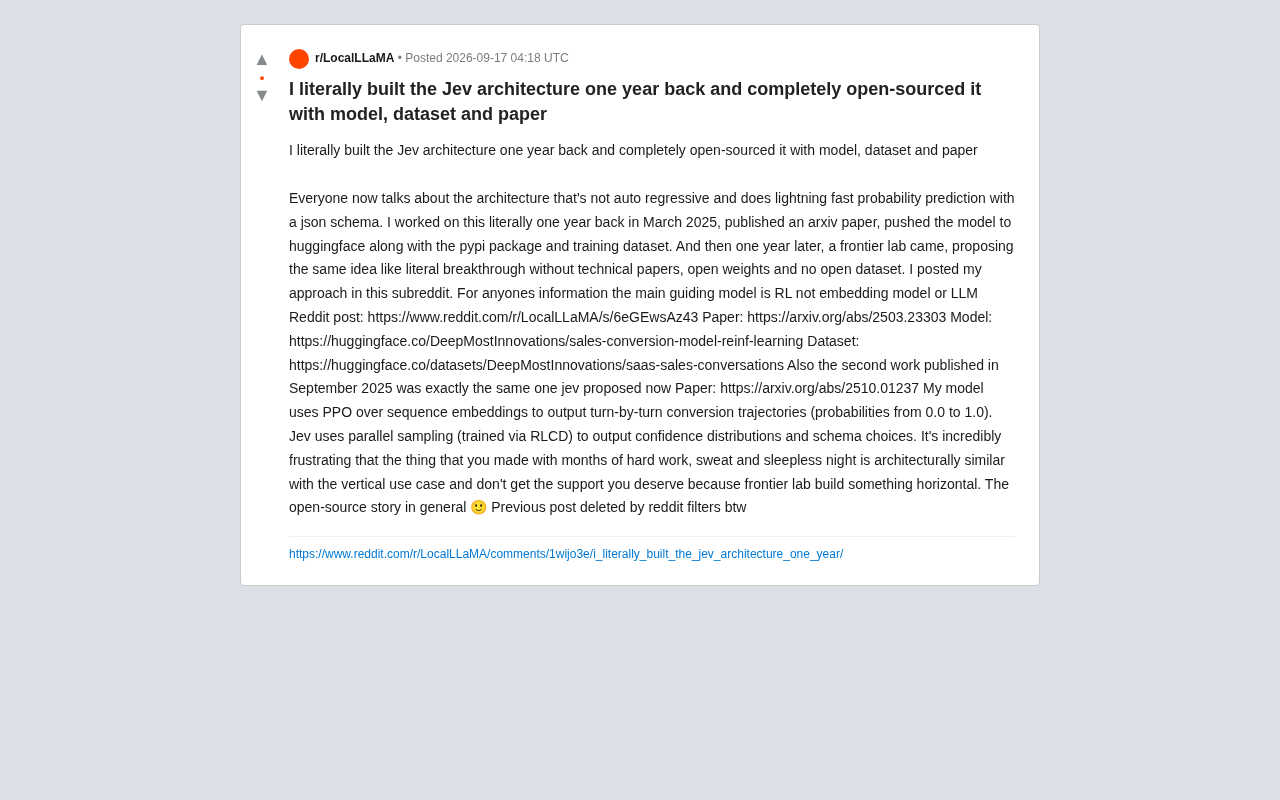
The Open Source Dilemma: A Non-Autoregressive Architecture Pioneer Overshadowed by Frontier Labs
An indie developer claims a frontier lab repackaged his year-old open-source non-autoregressive RL architecture as a breakthrough. We compare PPO sequence embeddings vs. RLCD parallel sampling and examine open source attribution gaps.
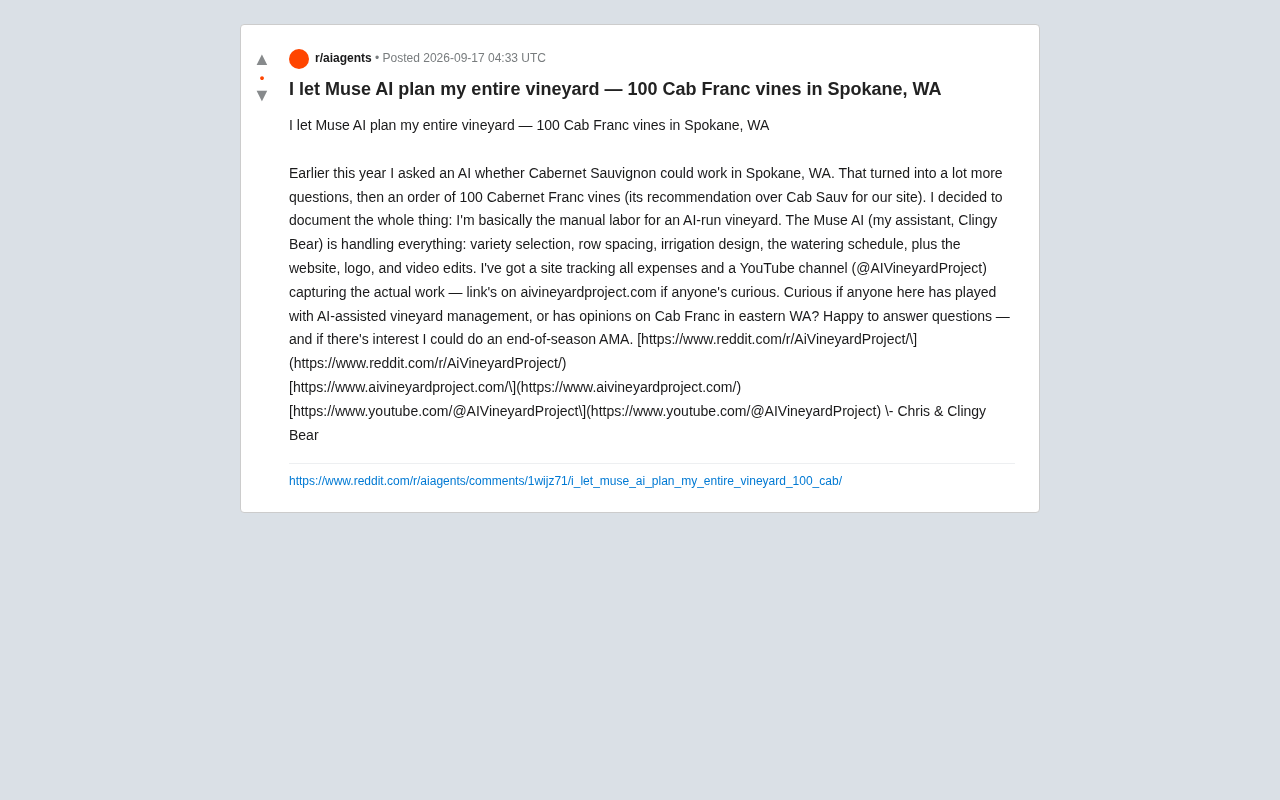
AI Plans an Entire Vineyard: A Real-World Experiment with 100 Grapevines
A Spokane hobbyist let Muse AI plan his entire vineyard — variety, spacing, irrigation, even the logo. He planted 100 Cabernet Franc vines and is documenting everything publicly.

Iceland's Treble Raises $18M to Bet on Voice Simulation Platform
Iceland-based voice simulation company Treble raises $18M. Its platform serves voice AI developers, AI wearables, and robotics firms. A deep dive into the technology and what the funding signals.