Cursor + Grok 4.5: Tweak Your Frontend by Voice in Seconds — The Optimal Solution for High-Frequency Fine-Tuning

Cursor + Grok 4.5 tweaks your frontend by voice in 10-30 seconds — the optimal choice for high-frequency edits.
For high-frequency, lightweight frontend fine-tuning, Grok 4.5 in Cursor completes edits in 10-30 seconds — faster and more cost-effective than Claude or Codex. Combined with voice input, visual brush selection, and task queuing in Cursor Agent Desktop, it forms a highly optimized workflow that balances speed and value.
The Pain Points of Frontend Fine-Tuning: Slow and Expensive
Finishing the page design is only the beginning. What truly drains your energy is the endless stream of tweaks that follow — deleting a Section, adjusting a component, modifying a style here and there. These seemingly simple operations, when handled through an AI coding assistant, often force you into a dilemma: either wait forever, or pay a hefty price.
Mainstream models like Claude Sonnet and Codex 5.5/5.6 aren't ideal in terms of speed when handling such modification tasks — changing one small thing often means waiting tens of seconds. While you can enable Fast Mode to speed things up, Token consumption skyrockets, making it a poor value proposition over the long run.

It's against this backdrop that some developers have tried plugging the Grok 4.5 model into Cursor to solve frontend fine-tuning problems, arriving at a counterintuitive yet practical conclusion: for high-frequency, lightweight frontend edits, Grok 4.5 is actually the better choice in terms of both experience and cost-effectiveness.
Grok 4.5's Core Strength: Blazing-Fast Response
The most standout feature of Grok 4.5 is its fast response speed. Real-world testing shows that from issuing a voice command to completing the modification, the entire process takes about 10 to 30 seconds — a clear advantage over Claude Sonnet or Codex 5.5/5.6.

For fragmented, high-frequency operations like frontend fine-tuning, the significance of speed goes far beyond what you might imagine. When making a dozen consecutive detail adjustments, saving 20-30 seconds of waiting each time adds up to a completely different working experience — you no longer have to stare at a progress bar after every change, but can maintain a continuous train of thought.
More importantly, Grok 4.5 doesn't sacrifice noticeable capability for speed — it's more than sufficient for the vast majority of routine frontend modification needs. This "good enough and extremely fast" positioning hits the core pain point of frontend fine-tuning right on the mark.
The Combo Punch: Visual Selection + Voice Input
Beyond the model itself, another major highlight of this workflow lies in the interactive experience provided by Cursor Agent Desktop.
Brush-Style Element Selection
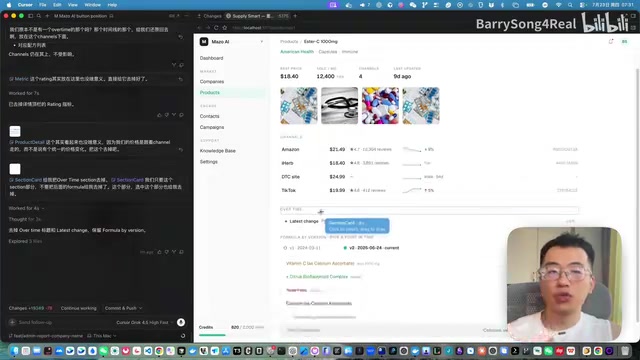
The top-right corner of the Cursor interface offers a "brush" tool that lets you directly box-select elements you want to modify on the page. You can continue clicking to add multiple elements, which get automatically populated into the input box. This visual selection approach eliminates the hassle of repeatedly describing "which button" or "which block" in text, making command targeting far more precise and intuitive.
Voice Input Frees Your Hands
Throughout the demo, voice input was used to issue commands, such as "Remove the Overwrite Section for me" or "Take this part out too." Voice input saves the time cost of typing, and paired with Grok 4.5's high-speed response, it truly delivers a smooth "speak-and-it's-done" experience.

Voice input + Cursor Agent Desktop + Grok 4.5 — the combination of these three is nothing short of a perfect match for frontend fine-tuning. Compared to using Codex, the overall experience is taken to a whole new level.
Task Queuing: Keeping Your Thoughts Coherent
This workflow also has another practical feature worth noting: task queuing.
After finishing one edit, if you suddenly realize another spot also needs adjusting, you can simply say "Take this part out too." Cursor will automatically add the new task to the queue — there's no need to wait for the previous task to finish before issuing the next command. You can express your entire train of thought coherently in one go, and the tool will execute them one by one in order.
This mechanism upgrades the AI assistant from a passive "question-and-answer" responder into a collaborative partner that can handle continuous intent, further reinforcing the overall smoothness of frontend fine-tuning.
Conclusion: There's No Strongest Model, Only the Right One for the Scenario
This hands-on test reveals an important logic for tool selection: there's no absolutely strongest model, only the model best suited to the scenario.
When facing complex architectural design or long-chain logical reasoning, models like Claude and Codex may have the edge. But in high-frequency, lightweight scenarios that demand instant feedback — like frontend fine-tuning — Grok 4.5, with its excellent speed and sufficient capability, becomes the best-experience choice instead.
Combined with Cursor Agent Desktop's visual element selection, voice input, and task queuing capabilities, this workflow forms a highly optimized solution tailored for frontend fine-tuning. For developers and designers who frequently need to polish page details, the "speak-and-it's-done" combination is genuinely worth a try.
Related articles
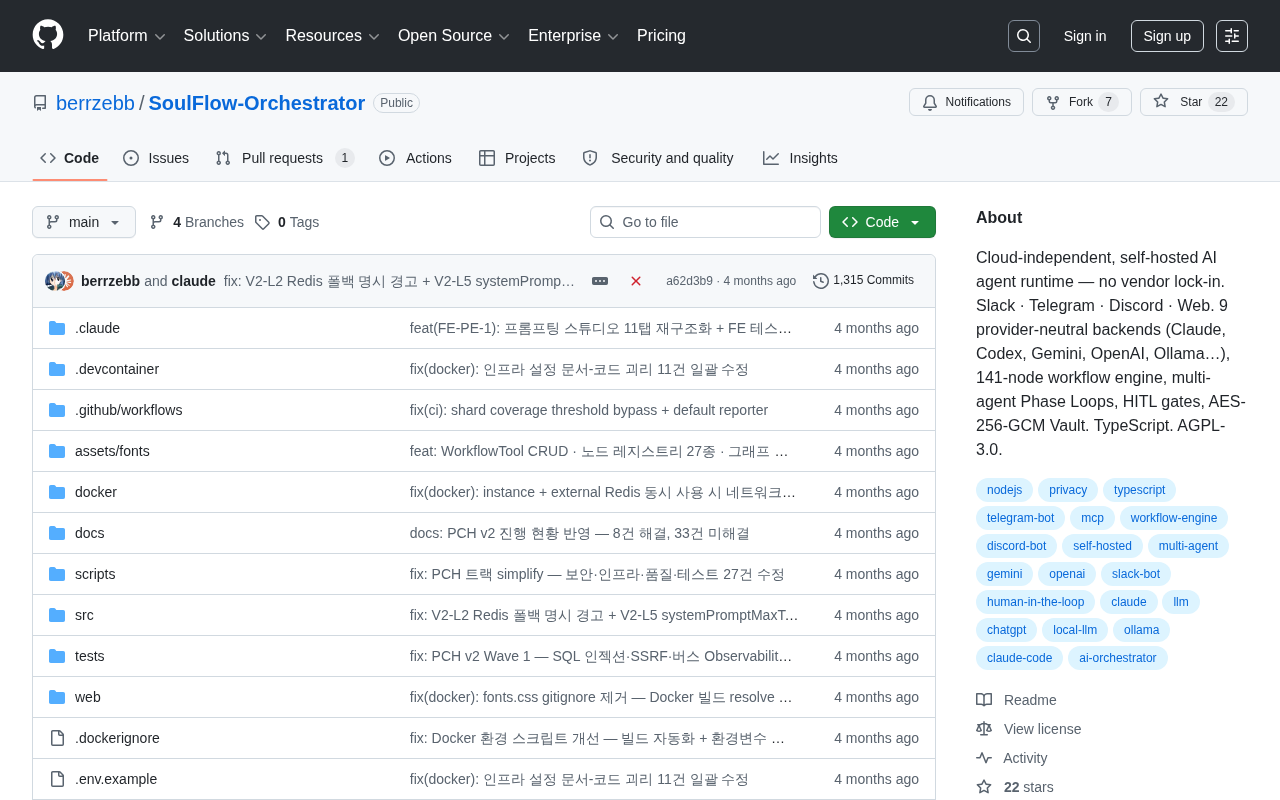
SoulFlow-Orchestrator: A Self-Hosted, Vendor-Lock-In-Free AI Agent Runtime
SoulFlow-Orchestrator is an open-source, self-hosted AI agent runtime with no vendor lock-in. Supports 9 neutral backends (Claude, OpenAI, Ollama), 141-node workflow engine, multi-agent loops, and HITL gates.
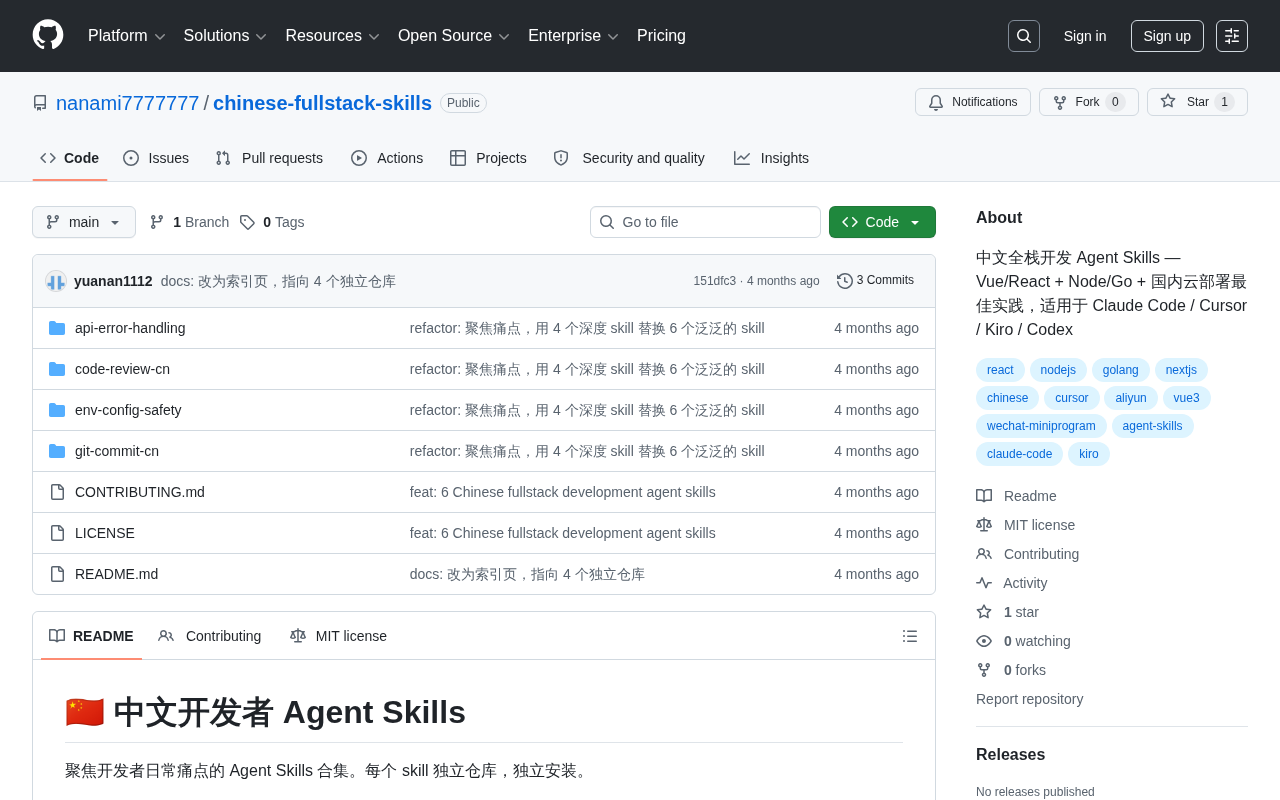
Chinese Full-Stack Agent Skills: A Skill Library Tailored for Domestic AI-Assisted Development
chinese-fullstack-skills is an Agent Skills library for Chinese full-stack development, covering Vue/React, Node/Go, and domestic cloud deployment best practices. Compatible with Claude Code, Cursor, Kiro, and Codex.
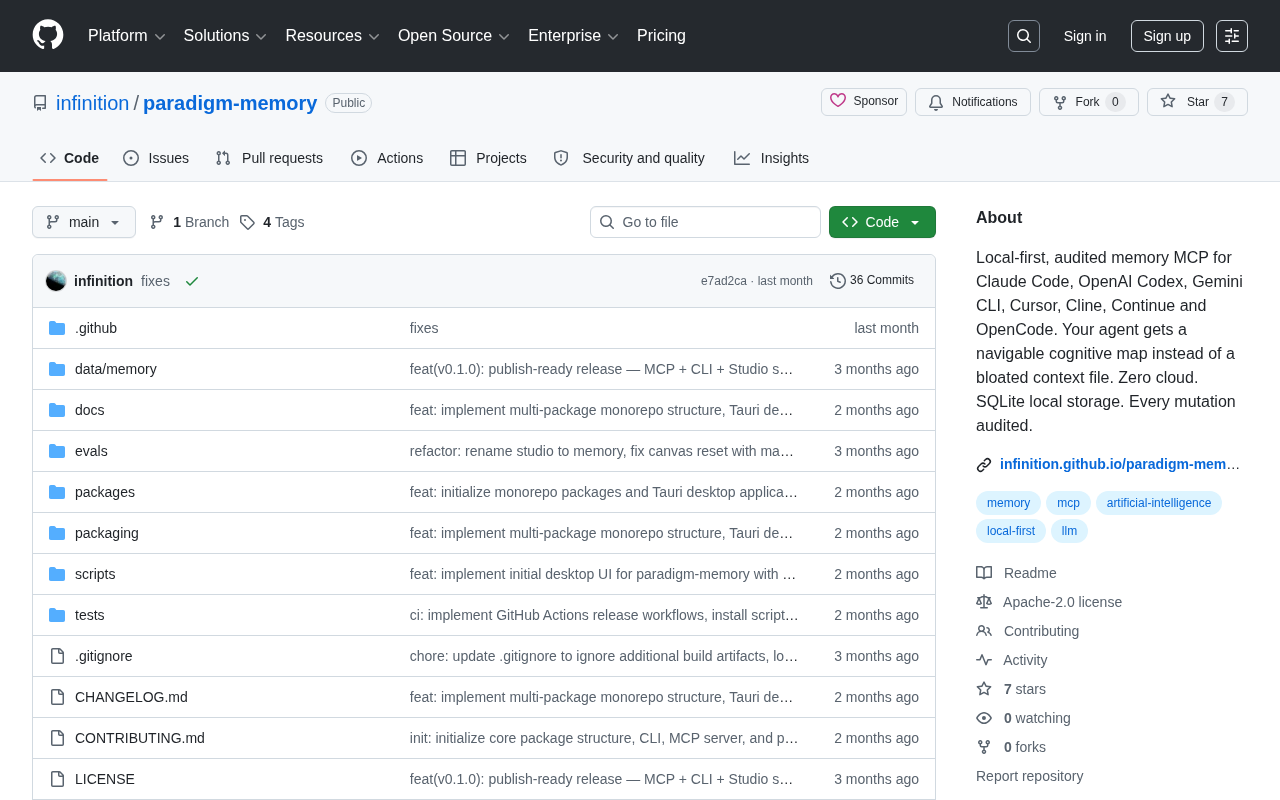
Paradigm Memory: A Local-First Memory System for AI Coding Assistants
paradigm-memory is a local MCP memory tool for Claude Code, Cursor, and Cline. It uses SQLite local storage, zero cloud, full audit trails, and a navigable cognitive map instead of bloated context files.