Cursor Privacy Controversy: Is Your Code Being Uploaded to Servers? What Developers Need to Know

Investigating whether Cursor uploads code to servers after telemetry is disabled, with privacy tips for developers.
Cursor AI editor faces privacy allegations that it uploads user code to servers even with telemetry disabled. This article analyzes the technical nuances between telemetry and functional data transmission, explains how Privacy Mode works, and provides actionable security recommendations including network traffic monitoring and enterprise compliance assessment for developers in regulated industries.
Incident Overview: Cursor Accused of Uploading User Code
Recently, the AI programming tool Cursor has become embroiled in a privacy controversy. According to a post by X platform user migtissera, Cursor was accused of sending users' codebases to its servers even when users were only using it as a regular IDE — even after users had disabled telemetry settings.
Telemetry is a widely adopted data collection mechanism in software engineering, used to automatically collect and transmit runtime information such as performance metrics, error logs, and user behavior statistics to remote servers. In modern software development, virtually all mainstream applications have built-in telemetry — from browsers to operating systems to development tools. VS Code itself has a detailed telemetry data collection mechanism, including extension usage and editor performance data. When users disable telemetry, the intended message is typically: "I don't want my usage data to be collected and transmitted."
This claim quickly sparked heated discussion in the Reddit developer community. For many engineers using Cursor in enterprise environments, this isn't just a privacy issue — it could also pose security compliance risks for company code assets. The original poster warned: "If you work at a company, you should really bring this to the attention of your security department."
The Core Controversy: Does Cursor Still Upload Code After Telemetry Is Disabled?
Users' Core Concerns
Cursor is essentially an AI-enhanced editor built as a deep fork of VS Code's open-source code, with its core selling point being deeply integrated AI code completion and conversational capabilities. Unlike AI assistants in the VS Code extension marketplace (such as GitHub Copilot, Codeium, etc.), Cursor as a complete editor fork has full control over the underlying system, including network requests, file system access, process management, and all other layers. This means its AI capabilities are not a separately disableable extension module, but rather deeply embedded into the editor's core. To deliver these features, Cursor needs to send code context to cloud-based large models for processing — this in itself isn't surprising.
What truly sparked the controversy is: When users disable telemetry and don't actively trigger any AI features, simply using it as a regular editor, is code still being uploaded?
If the answer is yes, then this clearly contradicts Cursor's publicly stated privacy commitments. Developers who choose to disable telemetry typically mean they explicitly don't want any data leaving their local environment.
Technical Background: A Rational Analysis of Data Transmission Reasons
It's worth noting that this accusation currently comes primarily from a single source (an X platform user's post) and lacks complete third-party technical reproduction and packet capture evidence. Before drawing conclusions, several technical factors are worth considering:
-
Code Indexing and Vector Embeddings: To enable codebase-level semantic search, Cursor indexes projects and generates vector embeddings. Vector embedding is a technique that converts unstructured data like code into high-dimensional numerical vectors that capture semantic information, making functionally similar code closer together in vector space. In terms of implementation, Cursor uses a RAG (Retrieval-Augmented Generation) architecture: first chunking the codebase, then converting each code chunk into vectors via an embedding model, storing them in a vector database. When a user asks a question, the system first retrieves the most relevant code snippets as context, then sends them along with the user query to a large language model to generate an answer. The critical question is: is the embedding computation performed locally or in the cloud? If it's the latter, this means code content needs to be uploaded to servers, even if the user hasn't actively initiated a conversation.
-
The Distinction Between Telemetry and Functional Data: "Telemetry" typically refers to analytics data like usage statistics and crash reports, while code indexing constitutes functional data transmission. Disabling telemetry doesn't necessarily mean disabling all network communication. This is a critical semantic difference — telemetry data serves the product team's analytical needs, while functional data transmission serves the user's features. In product design, these two types of data are usually controlled by different toggles, but most users aren't aware of this distinction.
-
Default Configuration Confusion: Many users may not realize that "Privacy Mode" and the "telemetry toggle" are two different settings.
In other words, this may be a product communication failure regarding privacy setting granularity rather than intentional "secret uploading." But regardless of intent, the result is similar for users: code may be leaving local environments without adequate informed consent.
How Cursor's Privacy Mode Works: A Detailed Explanation
Cursor's official documentation provides a "Privacy Mode" option. According to their description, when privacy mode is enabled, user code is neither stored nor used for model training. But the critical questions are:
- Is privacy mode enabled by default?
- During transmission and processing, does code still temporarily pass through Cursor's servers?
- Is the relationship between the telemetry toggle and privacy mode sufficiently clear to users?
For enterprise users, "not used for training" and "never uploaded at all" represent two entirely different security levels. In enterprise environments, code is considered core intellectual property and trade secrets. The financial industry is bound by SOX Act, PCI DSS, and other regulations; the healthcare industry must comply with HIPAA; European companies are subject to GDPR — all of which impose strict restrictions on cross-border data transmission and third-party processing of data (including source code). Many enterprises' security policies explicitly state that source code must not be transmitted to unaudited third-party servers, and even temporary transmission requires a signed Data Processing Agreement (DPA). SOC 2 Type II certification is a common threshold for SaaS tools entering enterprise environments, requiring service providers to demonstrate they meet specific standards in security, availability, processing integrity, confidentiality, and privacy.
In industries with extremely high code confidentiality requirements — such as finance, healthcare, and defense — any form of code exfiltration could violate internal compliance requirements or even trigger legal liability.
Security Assessment Recommendations for Enterprises and Developers
Immediate Actions to Take
Facing this type of controversy, rather than panicking blindly, it's better to take pragmatic assessment measures:
-
Check Privacy Mode Settings: Confirm whether Cursor's Privacy Mode is enabled, not just whether telemetry is disabled. These two settings control different dimensions of data flow — verify each separately.
-
Network Traffic Monitoring Verification: Teams with the capability can use packet capture tools to monitor Cursor's actual network traffic, verifying whether code content is being transmitted externally when no AI operations are active. Wireshark is the standard tool in network protocol analysis, capable of capturing all packets on a network interface, though viewing HTTPS encrypted traffic requires SSL key export. Proxyman and Charles Proxy are man-in-the-middle proxy tools better suited for application-layer analysis, achieving HTTPS traffic decryption by installing self-signed CA certificates, clearly displaying each request's URL, body, and response content. Specifically, developers can set up a proxy and observe whether requests containing code content are still being sent to Cursor servers (typically domains like api2.cursor.sh) after all AI features are disabled. This technical verification is the most reliable method for judging the validity of the accusations.
-
Consult Your Security Department: As the original post suggests, developers working in regulated industries should proactively report to their company's security team to assess whether it complies with internal data policies.
-
Evaluate Enterprise Plans: Cursor offers enterprise-level options that typically come with stricter data handling guarantees and SOC 2 compliance certification. Teams can evaluate whether their SLA and privacy terms meet organizational security requirements.
Deeper Thinking: The Privacy vs. Efficiency Trade-off in AI Programming Tools
This incident reflects a universal tension in the AI programming tools era: Powerful AI capabilities inherently depend on data upload, while developers have an instinctive vigilance about code privacy.
From GitHub Copilot to Cursor to various AI IDEs, virtually all cloud-based AI programming assistants face the same trust issue. Users enjoy the efficiency gains from AI while implicitly surrendering complete control over their code.
For highly sensitive scenarios, locally deployed models are becoming an alternative. Ollama is currently the most popular local large model runtime framework, allowing users to run Meta's Llama series, Mistral, CodeLlama, and other open-source models on their own hardware, with all inference happening entirely locally without any network connection. Similar solutions include LM Studio, llama.cpp, and others. Combined with editor plugins that support local inference (such as Continue.dev, Cody's local mode, etc.), developers can achieve an AI programming assistant-like experience without sacrificing privacy.
However, local deployment faces significant limitations: consumer-grade GPUs can typically only smoothly run models with 7B-34B parameters, while cloud-based flagship models (like GPT-4, Claude 3.5 Sonnet) have hundreds of billions of parameters and still hold clear advantages in complex reasoning, long-context understanding, and multi-file collaborative analysis. This trade-off between privacy and capability is one of the core contradictions in the current AI tool ecosystem — and the fundamental driving force behind the industry's exploration of privacy computing, federated learning, on-device large models, and other technical approaches.
Conclusion
As of now, the accusation that Cursor "secretly uploads code" remains at the stage of a single-source disclosure, lacking authoritative technical reproduction evidence, and should not be directly characterized as malicious behavior. However, this controversy reminds all developers:
Before using any AI programming tool, be sure to clarify its data processing boundaries, especially the easily confused concepts of telemetry, privacy mode, and code indexing.
The convenience of tools is never free. For individual developers, this may only be a privacy preference issue; but for enterprise teams, it's a very real compliance red line. In an era where AI is deeply involved in coding workflows, proactively understanding what your tools "see" and "send" has become an essential professional competency. Every developer should at minimum: regularly review tool privacy policy updates, understand the actual scope of control for different settings, and conduct basic network behavior audits before introducing new tools. Only by doing so can we enjoy the productivity dividends of AI while maintaining data security boundaries.
Related articles
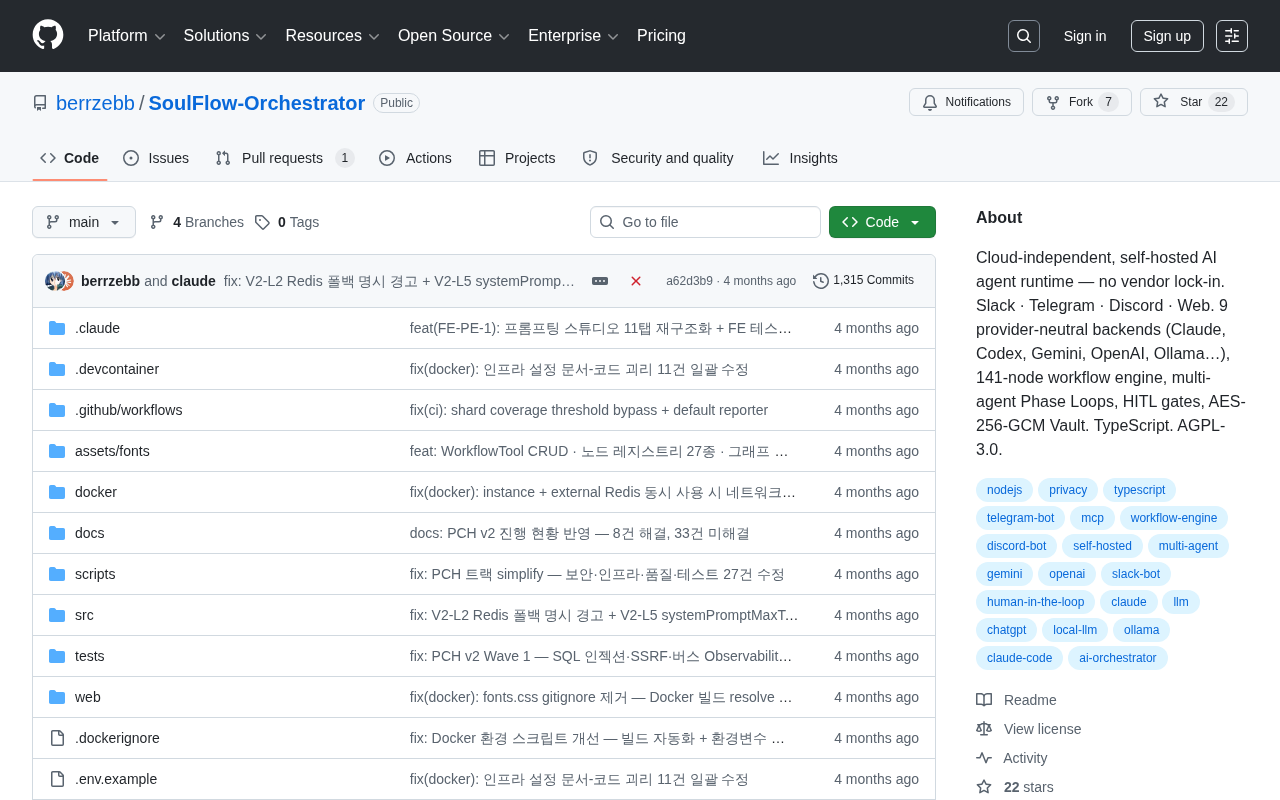
SoulFlow-Orchestrator: A Self-Hosted, Vendor-Lock-In-Free AI Agent Runtime
SoulFlow-Orchestrator is an open-source, self-hosted AI agent runtime with no vendor lock-in. Supports 9 neutral backends (Claude, OpenAI, Ollama), 141-node workflow engine, multi-agent loops, and HITL gates.
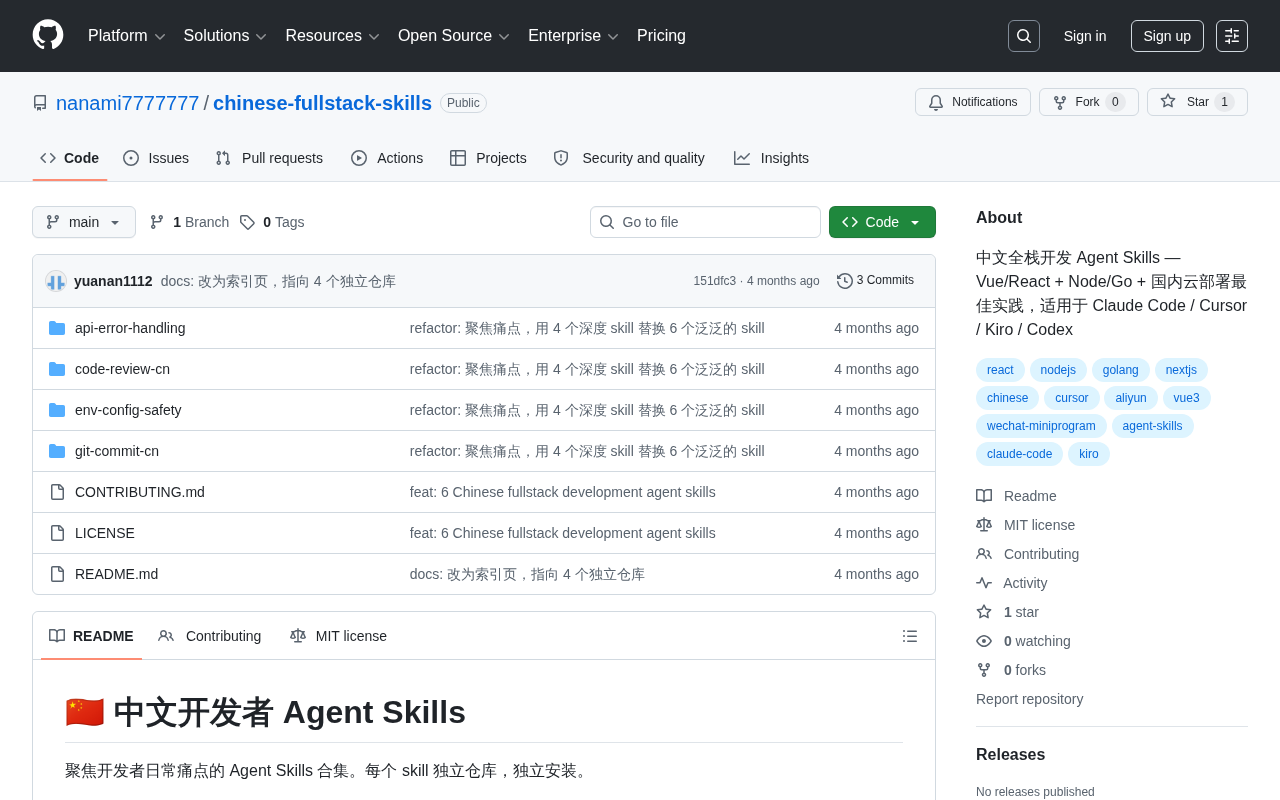
Chinese Full-Stack Agent Skills: A Skill Library Tailored for Domestic AI-Assisted Development
chinese-fullstack-skills is an Agent Skills library for Chinese full-stack development, covering Vue/React, Node/Go, and domestic cloud deployment best practices. Compatible with Claude Code, Cursor, Kiro, and Codex.
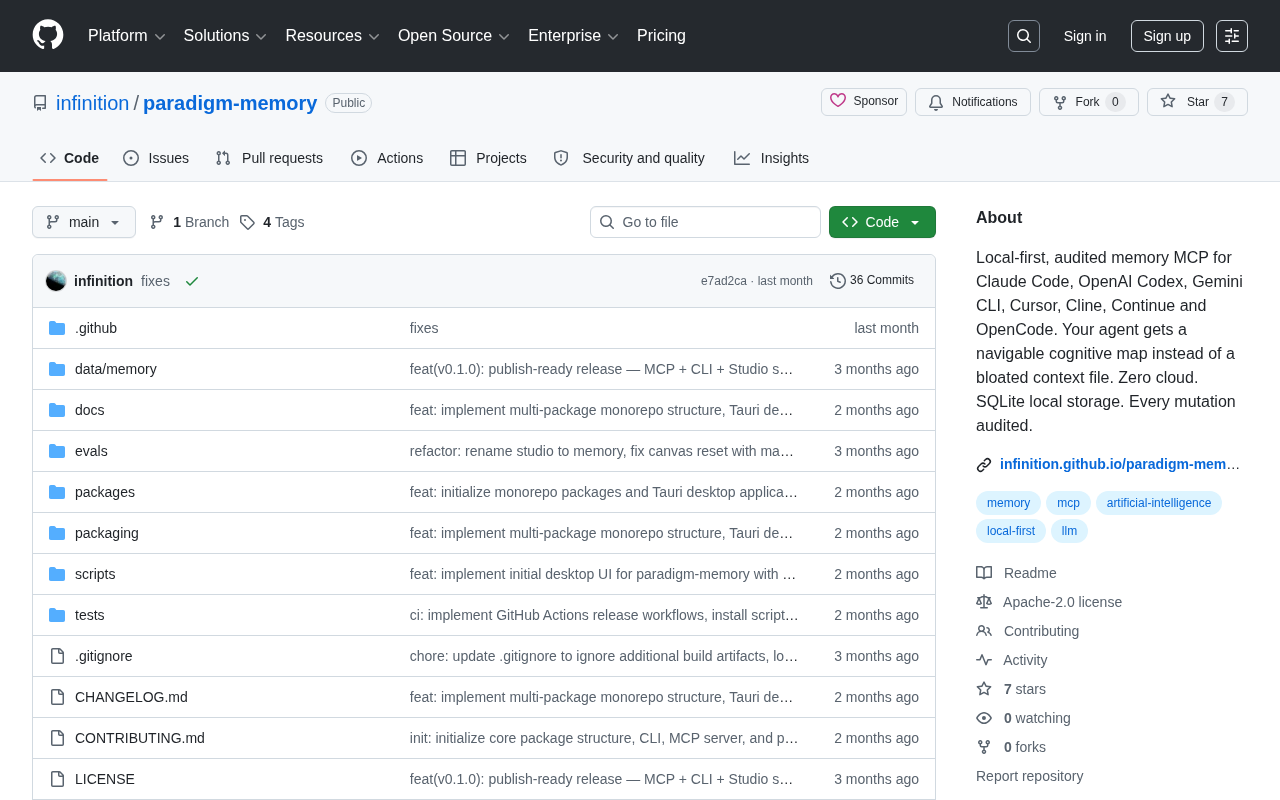
Paradigm Memory: A Local-First Memory System for AI Coding Assistants
paradigm-memory is a local MCP memory tool for Claude Code, Cursor, and Cline. It uses SQLite local storage, zero cloud, full audit trails, and a navigable cognitive map instead of bloated context files.