Dify Workflow in Practice: Building 20+ AI Apps from Scratch

A walkthrough of Dify's five application types, Docker deployment, model integration, and app publishing as a complete beginner's path.
Based on the Bilibili creator "Xiaofeigun Laile"'s Dify tutorial and cross-verified with a YouTube channel and official documentation, this article systematically maps out the learning path for this open-source AI application development platform. It explains how Dify lowers the barrier to AI app development through a visual interface, then details five core application types: Chat Assistant, Text Generation, Agent, Chatflow, and Workflow, clarifying that Chatflow supports multi-turn dialogue while Workflow only handles one-time input/output. The deployment section compares local Docker, source code, and online methods, emphasizing MySQL as a necessary prerequisite. For model integration, beginners are advised to use low-cost paid APIs like DeepSeek, with a cautious view on local Ollama models. Finally, it covers publishing apps as public websites, embedding in third parties, or integrating via API, and reminds readers to check the latest version status of workflow features.
Dify, as an open-source AI application development platform, is becoming a popular choice for developers looking to quickly build AI applications. The Bilibili creator "Xiaofeigun Laile" (Little Flying Stick Is Here) has released a complete Dify tutorial series, claiming to guide you step by step in building 20+ AI applications from scratch. This article is based on that tutorial content, combined with information from multiple sources, to walk you through Dify's core features, deployment methods, and learning path.
What Is Dify and Why Is It Worth Learning
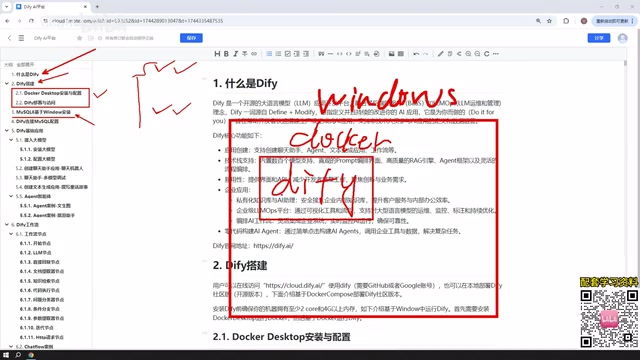
Dify is an AI application development platform that, through a visual interface and modular components, enables developers to quickly build AI applications for enterprise or personal use. According to the Bilibili creator "Xiaofeigun Laile," Dify's core advantage lies in "building AI applications quickly and conveniently" without writing large amounts of code from scratch.
The YouTube channel "AI Developer Community" also recently commented in a video that Dify is "one of the most suitable LLM application platforms for rapid prototyping today," complementing code frameworks like LangChain. Both sources agree that Dify lowers the barrier to AI application development, making it especially suitable for scenarios that require rapid idea validation.
Dify's Five Core Application Types
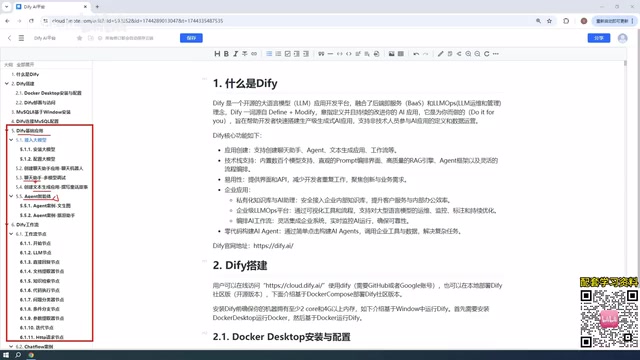
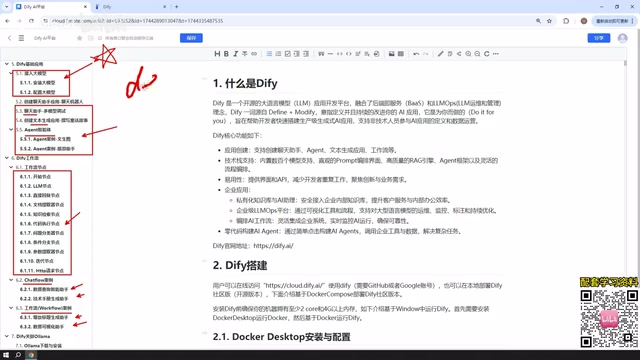
According to the tutorial, Dify primarily supports five application types, covering everything from simple conversations to complex workflows:
Chat Assistant and Text Generation
The Chat Assistant is the most basic application type, used for conversational interaction with AI models. Text Generation focuses on content creation, such as writing articles, generating documents, or novels. The creator demonstrates the creation process for both application types in the video and emphasizes that they come with detailed examples.
Agent
The core difference between an Agent and a Chat Assistant is that it "can call tools." The creator gives an example: having the Agent first scrape a webpage and then perform data analysis — this kind of multi-step task is exactly where Agents excel. The YouTube channel "AI Developer Community" also points out that Agent mode is the key capability that distinguishes Dify from simple chat interfaces.
The Function Calling mechanism is key to understanding Agent capabilities. Large models themselves can only generate text and cannot directly execute operations like web scraping or database queries. Function Calling lets the model output structured "call intents" during a conversation (e.g., {"name": "web_scraper", "arguments": {"url": "..."}}), which the Dify runtime parses and actually executes by invoking the corresponding tool, then passes the result back to the model for continued reasoning. Dify's Agent node essentially wraps this "model decision—tool execution—result feedback" loop into a visual configuration, so developers only need to mount tools (built-in plugins or custom APIs) in the interface without writing orchestration code by hand. This also explains why Agents can complete multi-step tasks like "scrape a webpage first, then analyze it," while ordinary chat assistants cannot.
Chatflow and Workflow
Workflows are Dify's centerpiece, divided into two types: Chatflow and Workflow. The creator explains the difference: Chatflow supports multi-turn conversations with the workflow, while Workflow only supports one-time input and output. The tutorial promises to include more than ten examples for workflows, covering the use of common nodes.
The underlying difference between Chatflow and Workflow comes from how "conversation state" is handled. Workflow is a one-way DAG (directed acyclic graph): each run receives a set of input variables, executes nodes in order, and outputs results. The context is destroyed once the run ends, making it suitable for one-time scenarios such as batch processing, scheduled tasks, and document processing. Chatflow adds conversation variables and dialogue history management on top of Workflow. Each node can read and write state that persists across turns, and it supports inserting "wait for user input" nodes in the middle of the flow, enabling multi-turn interaction. Both share the same node system (LLM, knowledge retrieval, conditional branching, code execution, HTTP requests, etc.); the only difference is whether conversation memory is maintained and whether interruption to wait for input is allowed.
Deployment Options: Local Docker Deployment vs. Online Use
The tutorial chooses local deployment based on Windows Docker. The creator compares three approaches: local Docker deployment, source code deployment, and the official online page. The online version's functionality is similar to the local one, but when it involves the local machine's database or environment, an intranet penetration tool is needed to expose a public IP.
For production environments, the creator recommends deploying within the company's internal network. This view is consistent with the recommendation in Dify's official documentation on GitHub — the official documentation also lists Docker Compose as the preferred deployment method and provides detailed Windows installation guides.
Why MySQL Needs to Be Installed
The tutorial specifically covers installing MySQL 8 on Windows because the AI applications built later need to access the database for data reading and writing. The creator explains that MySQL can be installed on the Windows host machine, in a Docker container, or in a VMware virtual machine, and Dify's Docker network can communicate with any of them. This step may be a hurdle for learners without a database background, but it is a necessary prerequisite.
Docker network and host service connectivity is an easily overlooked technical point here. When Dify starts via Docker Compose, it creates an independent bridge network. The localhost inside a container points to the container itself, not the Windows host machine. Therefore, when MySQL is installed on the Windows host, the Dify container cannot use 127.0.0.1:3306; it must use the special domain name host.docker.internal (provided by Docker Desktop on Windows/macOS) to access the host. If MySQL also runs in a container on the same Compose network, use the service name (e.g., mysql) as the hostname instead. In addition, you need to grant remote source IPs on the MySQL side and confirm that bind-address is not restricted to local only; otherwise, connections will be rejected. Understanding this can save a lot of troubleshooting time on "connection timeout" issues.
LLM Integration: Paid APIs vs. Local Ollama
The tutorial recommends that beginners use paid LLM APIs such as DeepSeekAd or ChatGPT, or take advantage of free tokens from Baidu's ERNIE Bot or Alibaba's Tongyi Qianwen. The creator uses DeepSeek as an example: "Ten yuan could last a very, very long time," and shows that his own account has spent less than one yuan.
Regarding local models, the creator is cautious: although Dify can integrate local models deployed via Ollama, "those applications are generally quite small, and the results are not very good." However, if the machine has sufficient performance or for enterprise cluster deployments, local large models (such as DeepSeek's open-source models with hundreds of GB of parameters) can also build high-quality applications. This view is also reflected in discussions in the Reddit r/LocalLLaMA community: local models are suitable for privacy-sensitive scenarios, but their performance usually lags behind cloud APIs.
Ollama's role needs clarification: it is a local model runtime and model distribution tool, responsible for pulling quantized model weights (such as GGUF format) and serving them through an OpenAI-compatible interface. Dify only needs to integrate it as a custom model provider. The performance gap mainly comes not from Ollama itself but from the scale of models that can run locally — consumer-grade GPUs typically can only run 7B–32B quantized models, while cloud APIs are often backed by dense or MoE models with hundreds of billions of parameters, showing clear gaps in instruction following, long context, and tool-calling stability. Therefore, the value of local deployment lies in keeping data off the public internet, zero invocation cost, and offline availability, rather than pursuing generation quality on par with the cloud.
Application Publishing: From Local Machine to Public Internet
Applications built with Dify can not only be used within the platform but also published as public websites, embedded in third-party websites, or integrated into other systems via APIs. The creator mentions that public internet publishing requires intranet penetration, while the API approach is suitable for flexible invocation by developers. This capability allows Dify applications to break free from platform limitations and integrate into actual business processes.
Learning Path Summary
The tutorial's content structure is clear: from Dify introduction, deployment, MySQL installation, and database connection, to hands-on examples of the five application types, and finally Ollama integration and application publishing. The creator promises 20+ examples covering Chat Assistant, Text Generation, Agent, Chatflow, and Workflow. For developers who want to systematically learn Dify, this is a complete introductory path.
It is worth noting that the Dify workflow feature mentioned in the tutorial was still labeled as a beta version at the time, and the creator also stated that "it should be fairly stable by now." When actually learning, it is advisable to check the latest version notes in Dify's official documentation to get the most accurate feature status.
(This article is based on the tutorial content from the Bilibili creator "Xiaofeigun Laile," cross-verified with the YouTube channel "AI Developer Community" and Dify's official documentation.)
Related articles

Random Pruning of the DPO Computation Graph: 1.4x Training Speedup and Lower Peak Memory
DPO training too slow and memory-hungry? This paper proposes a random pruning framework for the DPO computation graph, sampling independently across position, sequence, and branch dimensions; branch pruning achieves a 1.426x step-time speedup and cuts training time by about 30%, with in-depth attribution of memory and time gains.

Why Does JEPA Underperform MLM in Longitudinal EHR Representation Learning?
New study compares JEPA and MLM for longitudinal EHR representation learning on MIMIC-IV: three JEPA variants train stably without collapse but underperform MLM; target size, not heterogeneity, drives prediction error.

Transfer Learning + Visible Light Communication: A New Approach to Energy-Efficient Indoor Positioning
A study proposes a transfer learning-based visible light communication indoor positioning method, achieving 47% accuracy improvement on the BOSCH factory dataset, 67.5% model efficiency under high noise, and introducing the ME composite metric for energy-efficient positioning in energy-constrained industrial IoT scenarios.