DockAMP: Easily Manage Your Docker Web Development Stack with a Web Interface

DockAMP provides a web GUI to manage Docker-based Apache, Nginx, PHP, and database containers with ease.
DockAMP Webstack Manager is a Docker image with a built-in responsive web interface for centrally managing official web stack containers including Apache, Nginx, PHP, MySQL, MariaDB, and PostgreSQL. It bridges the gap between traditional one-click tools like XAMPP and modern containerized development, letting developers visually orchestrate services without deep Docker CLI knowledge.
In today's era of widespread containerization, Docker has become one of the standard tools for web development and deployment. Docker is an OS-level virtualization technology that achieves environment consistency by packaging applications and their dependencies into lightweight, portable containers. Unlike traditional virtual machines, Docker containers share the host kernel, offering fast startup times and minimal resource overhead. Since its release in 2013, Docker has evolved from an experimental developer tool into an enterprise infrastructure standard, with an ecosystem that includes core components like Docker Hub (image registry), Docker Compose (multi-container orchestration), and Docker Swarm (cluster management).
However, for many developers and operations personnel, managing multiple service containers via the command line—especially Apache, Nginx, PHP, and various databases—remains tedious and error-prone. The recently launched DockAMP Webstack Manager on Product Hunt aims to solve this pain point with an intuitive web interface.
What Is DockAMP
DockAMP itself is a Docker image with a built-in responsive web management interface. Its core purpose is to help users centrally manage official web stack components within a Docker environment, including:
- Web Servers: Apache and Nginx
- Scripting Language Runtimes: PHP
- Databases: MySQL, MariaDB, and PostgreSQL
- Reverse Proxy Containers
As the name suggests, DockAMP pays homage to the classic "AMP" (Apache + MySQL + PHP) technology stack, but brings it into the Docker era with a graphical management layer. The AMP stack is one of the most iconic technology combinations in web development history, supporting the explosive growth of the internet since the late 1990s. Major CMS platforms like WordPress, Drupal, and Joomla are all built on this architecture. Subsequently, one-click installer packages like LAMP (Linux), WAMP (Windows), MAMP (Mac), and XAMPP (cross-platform) emerged, greatly lowering the barrier to entry for PHP development. These tools were practically standard equipment for every PHP developer between 2005 and 2015.
The project was independently developed by Kevin Tobler. On its launch day, it received 22 upvotes and 11 comments, ranking 20th on the daily leaderboard—a small but solid debut in the developer tools category.
What Development Pain Points Does DockAMP Solve
For developers familiar with traditional XAMPP, WAMP, or MAMP, the convenience of one-click local web stack setup is hard to give up. But when projects move toward containerization, this "out-of-the-box" experience is often lost—you need to hand-write docker-compose.yml files, manage networks, configure volume mounts, and coordinate dependencies between containers.
docker-compose.yml is the configuration file for the Docker Compose tool, using YAML format to define services, networks, and storage volumes for multi-container applications. Developers need to declare each service's image source, port mappings, environment variables, dependencies, and restart policies. For a typical web application, you might need to define 5-10 services and their interrelationships, with configuration files easily exceeding 100 lines, and the debugging process often requiring repeated trial and error.
This is exactly where DockAMP's value lies: it encapsulates operations that previously required typing commands in the terminal and editing configuration files into a visual browser interface. Users can spin up or stop Apache/Nginx containers, switch PHP versions, create and manage database containers, and even configure proxy forwarding—all through the interface. This significantly lowers the barrier to Docker-based web development, making it especially suitable for:
- PHP developers who want to quickly set up multi-site local development environments
- Teams that don't want to dive deep into Docker CLI but still need container isolation
- Freelancers who need to maintain multiple technology stack versions simultaneously
Technical Features and Design Philosophy
Orchestration-Based Architecture Using Official Docker Images
DockAMP emphasizes that it manages "official" container images, which is noteworthy. Compared to "all-in-one" solutions that bundle all services into a single image, DockAMP takes an orchestration approach—each service still runs in its own official image, with DockAMP acting solely as the coordinator.
This design follows Docker's officially recommended best practice of One Process Per Container. This principle originates from the Unix philosophy of "do one thing well," and its advantages include: more granular resource monitoring and limits, independent log streams for easier debugging, services that can scale independently, fault isolation to prevent cascading failures, and clearer image layer structures that benefit cache reuse. "Fat containers" that violate this principle may be simpler to deploy initially, but cause operational complexity to increase dramatically over time.
This design brings several benefits: image updates can follow the official release cadence, security patches arrive more promptly, and it aligns with containerization best practices.
Responsive Web Management Interface
The interface uses responsive design, meaning users get a usable management experience whether on desktop or mobile devices. For developers who need to switch between devices or quickly check service status on the go, this is a practical bonus.
Built-in Reverse Proxy Container Management
The built-in reverse proxy management capability allows users to configure domain routing for multiple sites. A Reverse Proxy is an intermediate layer positioned in front of backend servers, responsible for receiving client requests and forwarding them to the corresponding backend services. In local multi-site development, a reverse proxy allows developers to use different domain names (e.g., project-a.local, project-b.local) to access projects running on different ports or containers, simulating production routing structures. Common reverse proxy solutions include Nginx Proxy, Traefik, and Caddy, which can also provide automatic SSL certificate management, load balancing, and request caching.
This is extremely valuable when developing multiple projects locally or when you need to simulate production routing structures, eliminating the hassle of manually configuring Nginx reverse proxy rules.
DockAMP Compared to Similar Tools
In the development tool ecosystem, products with similar positioning are not uncommon. Portainer is the most well-known Docker GUI management tool, with over 30,000 GitHub Stars, supporting multiple orchestration platforms including Docker Standalone, Docker Swarm, and Kubernetes. It provides full lifecycle management of containers, images, networks, and volumes, along with user permission controls and audit logs. However, precisely because of its generality, Portainer lacks targeted optimization for specific workflows (such as web stack management), and users still need to understand the underlying configuration logic themselves.
Meanwhile, local development environment tools like Laragon and DDEV each target their own specific scenarios. DDEV is another noteworthy tool that focuses on local development environments for PHP/Node.js projects, maintained by Drud Technology, and widely adopted in the Drupal and WordPress communities. DockAMP's differentiation lies in going deep on the vertical need of "AMP stack management" while being entirely built on Docker.
For users who have already committed to Docker but miss the traditional one-click web stack experience, DockAMP fills a specific gap. Of course, as an early-stage product, it still needs continuous investment in stability, documentation completeness, and community support to truly earn developers' long-term trust.
Conclusion
DockAMP represents an attempt to combine the classic web development stack with modern container technology. It reduces the complexity of Docker-based web development through a graphical interface, covering core scenarios including Apache/Nginx, PHP, multiple databases, and proxy management. While still in its early stages, its clear product positioning and commitment to official images demonstrate the kind of pragmatic thinking a utility tool should embody. For developers seeking a convenient Docker web stack management solution, it's worth a try.
Related articles
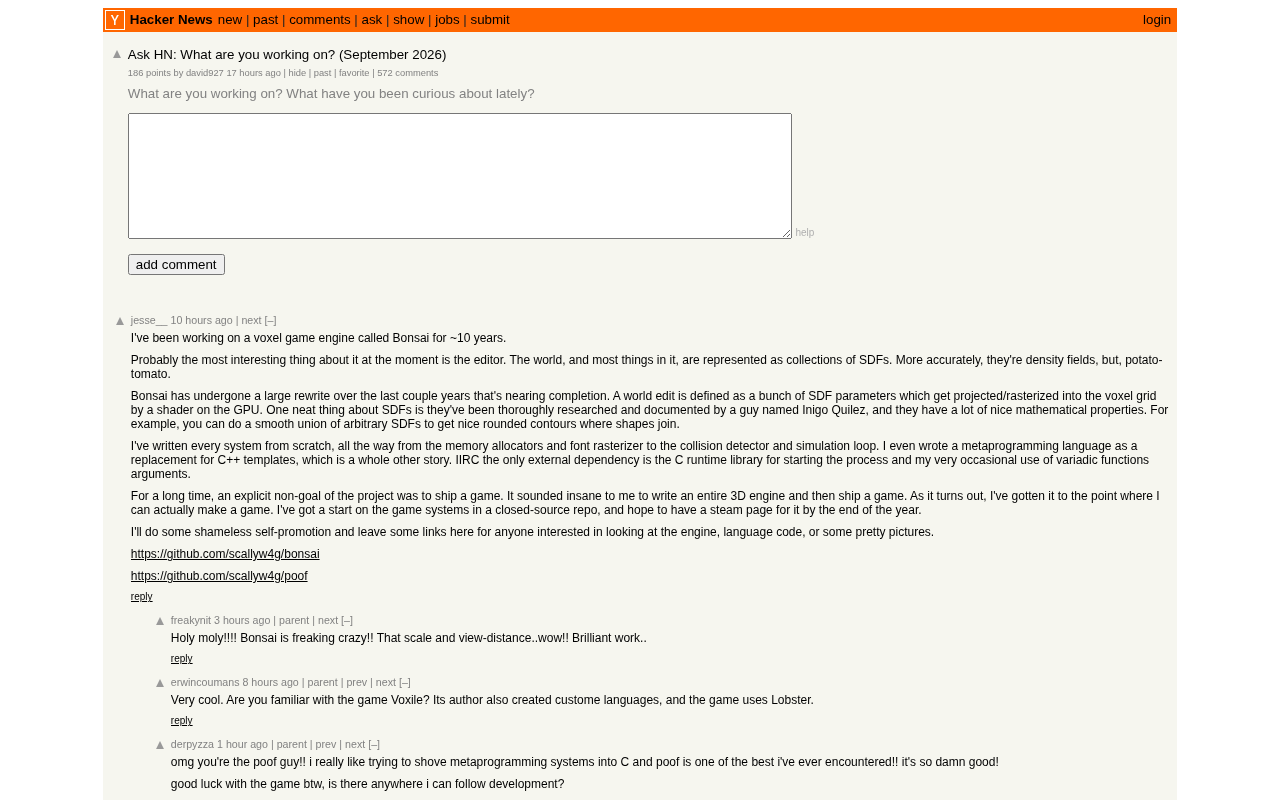
Hacker News Monthly 'What Are You Working On?' Thread: A Window Into the Developer Community
Hacker News's monthly 'What are you working on?' thread drew 180 upvotes and 558 comments. We explore why this community ritual persists and what it reveals about developer trends.
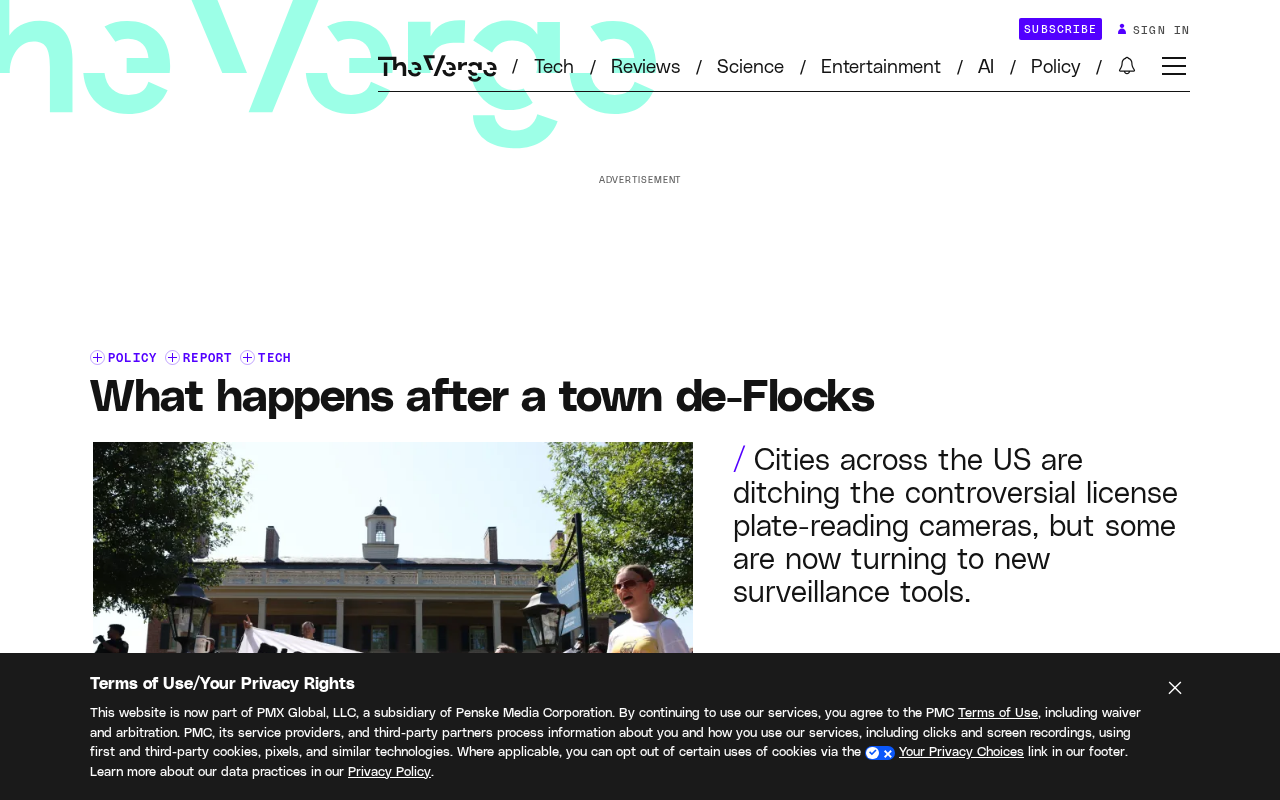
After Towns Cancel Flock Contracts: The Lingering Fallout of AI License Plate Recognition Cameras
Towns across the US are canceling Flock AI license plate camera contracts amid public backlash, but terminating contracts doesn't erase collected data. A look at the data retention risks that persist.
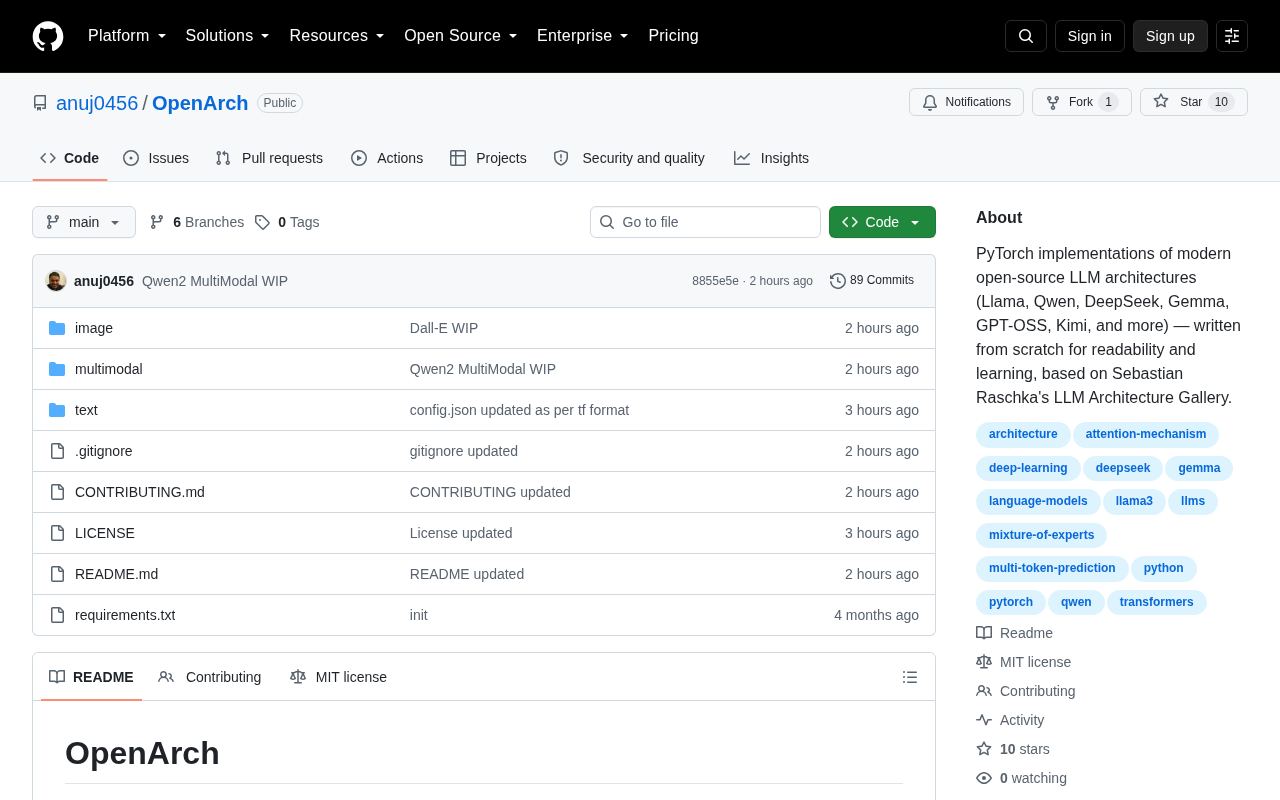
OpenArch: An Open-Source Project Reimplementing Modern LLM Architectures in PyTorch
OpenArch is an open-source PyTorch project reimplementing modern LLM architectures with a focus on clean, readable code. Learn about its value for learners and researchers.