Ego Lite Review: AI Browser Automation That Won't Steal Your Mouse Focus

Ego Lite is an AI-collaboration browser where Agents work in isolated Spaces without stealing your mouse focus.
Ego Lite is a Chromium-based standalone browser built for AI collaboration. Its login state reuse and isolated Space design let AI Agents autonomously open pages, fill forms, and collect data without interfering with the user. A more stable, lower-maintenance alternative to traditional RPA—currently macOS only.
An Infuriating Automation Scenario
If you've ever used an AI Agent to help you browse the web and look up information, you've probably run into this awkward situation: you ask the AI to open a browser and look up some data, only for it to pop up a login box. You manually type in your username and password, a CAPTCHA appears so you enter it again, and after finally getting in, the AI keeps fighting you for mouse focus inside the window. So-called "automation" ends up with you sitting beside it, responsible for opening doors, logging in, and handing over the mouse.
This is exactly the core pain point of current browser-based Agent tools. While tools like the Codex desktop client can already avoid occupying the user's browser and interfering with normal work, the tool we're introducing today—Ego Lite—takes an even more radical approach: it's a standalone browser designed specifically for AI collaboration.
According to hands-on analysis by Bilibili creator Sanshao Technology, Ego Lite is built on the Chromium kernel (the same open-source kernel Chrome uses, though the product itself is closed-source) and comes equipped with a capability module called Ego Browser Skill. Through this Skill, an Agent can independently open pages, read content, fill out forms, take screenshots, and even compile a series of operations into Node.js code to be handed off to the browser for one-shot execution.

Two Core Designs: Login State and Space
Login State: Giving the Agent an "Access Card"
One of Ego Lite's most noteworthy designs is login state reuse. On first launch, users can choose to import existing login information, extensions, and bookmarks from Chrome. This means that when the Agent executes tasks, it doesn't have to start from scratch facing login verification—it naturally inherits the account states you've already logged into.
This directly solves the first major pain point of traditional RPA (Robotic Process Automation): many websites have extremely strict login mechanisms, and automation scripts often get stuck at the very first step. With login state reuse, this hurdle is completely bypassed.
Space: The AI Gets Its Own "Dedicated Workstation"
The second core design is Space (task space). Think of it as two separate workstations in one office:
- The login state is like an access card that lets the Agent enter the office;
- The Space is the Agent's dedicated desktop, and while it works there, it won't take over your screen focus.
The AI operates independently within its own Space—opening web pages, clicking, filling out forms, taking screenshots—while you barely notice anything during the process. You can keep doing whatever you want in your own tabs, with the two sides not interfering with each other.

This "physical isolation" design philosophy precisely addresses the most infuriating experience problem in AI automation: humans and machines fighting over focus.
Key Advantages Over Traditional RPA
Traditional RPA for browser automation has two stubborn pain points:
- Difficult logins: Websites have strict anti-scraping mechanisms, and scripts easily fail at the first step;
- Volatile pages: Once a page structure changes, a well-written script instantly breaks, making maintenance costs extremely high.
The combination of Ego Lite and AI happens to fundamentally resolve both problems: login state solves the first; the AI's semantic understanding solves the second—you only need to clearly describe the result you want, and no matter how the page changes along the way, the AI adapts on its own rather than rigidly relying on fixed element paths.

It's equally flexible in cost control: when running such automation tasks, you can invoke lightweight small models to drive them, keeping costs low. The workflow design also supports skill accumulation—after letting the AI run through a task in full, the entire process can be summarized into a reusable Skill. From then on, you only need to invoke that Skill to execute, truly achieving configure-once, reuse-repeatedly.
Hands-On Experience: From Installation to Running
Based on hands-on testing, Ego Lite's onboarding process is quite streamlined. Currently, it only offers a macOS version (distinguishing between Apple Silicon and Intel chips). According to the official announcement, a Windows version will be released soon, and you can leave your email on the website to subscribe to launch notifications.
The installation steps are roughly as follows:
- Download the version for your chip
- Double-click to install and allow notifications
- Click Get Started
- Import configuration from Chrome or Edge
The whole process takes just a few steps and is very lightweight. After launching, Ego Browser Skill is automatically integrated into the toolchain. In testing, executing the command "open Baidu and search for today's AI news" allowed real-time viewing of the Agent operating the browser via "Open Space Management," and the task completed smoothly.

A Detail Worth Noting
There's one point in testing that needs clarification: when the instruction was "open multiple search pages," the AI actually opened multiple tabs within the same Space, rather than creating multiple independent Spaces. Only when explicitly asked to "open another Space" does the system create a new standalone browser instance. Keep this behavior logic in mind when designing multi-task parallel workflows.
Additionally, the tool supports terminating tasks or manually taking over the browser at any time during operation, and it has the ability to view network requests and analyze APIs—so advanced scenarios like packet capture analysis and API reverse engineering are theoretically achievable as well.
Positioning and Use Cases
Overall, Ego Lite's positioning is very clear: it's not meant to replace AI coding tools like Cursor or Claude Code, but rather to specifically fill the gap these tools have at the browser control level.
If you use tools like Hermes, OpenCode, or other Agent tools daily, pairing them with Ego Lite fills in the missing "browser automation" piece perfectly. For developers and operations staff who need to frequently perform repetitive tasks like web data collection, bulk form filling, and API analysis, the "AI + standalone browser workstation" combination offers a more stable path with lower maintenance costs than traditional RPA.
Of course, only supporting macOS and being closed-source are two obvious limitations of Ego Lite at this stage. But in terms of product design philosophy, the idea of "giving AI its own dedicated workstation and completely avoiding interference with the user" is well worth serious consideration by similar tools.
Related articles

What Is Vibe Coding? The AI Programming Skill Every Developer Needs
What is Vibe Coding? Learn how AI programming is reshaping dev teams, why traditional programmers face displacement, and why Cursor & Claude Code matter.
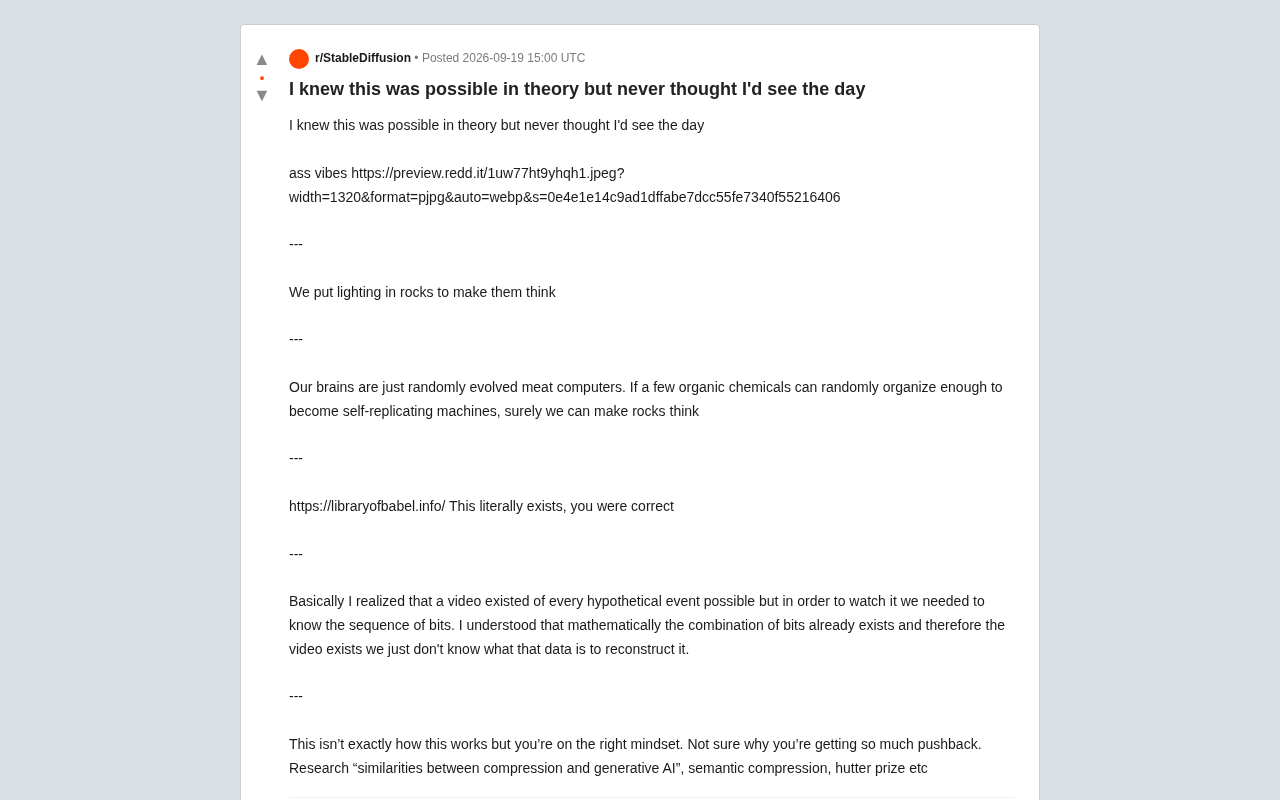
Making Rocks Think: A Philosophical Exploration of Generative AI and Information Compression
From a viral Reddit post to deep AI theory: why compression equals understanding, the Library of Babel thought experiment, semantic compression, and the Hutter Prize.

Irregular Warns: Four AI Lab Security Breaches Traced to the Same Root Cause
Irregular reveals four AI lab security breaches share a single root cause, exposing systemic risks from technology stack homogeneity across the AI industry.