Four Major AI Coding Agents Compared: /compact or /compress?

A side-by-side of nine common commands and startup parameters across four major AI coding agents, exposing the hidden differences behind same-named commands.
Based on official documentation from Claude Code, Codex CLI, Gemini CLI, and OpenCode, this article systematically catalogs the real command names and startup parameters for nine everyday operations—switching models, compressing context, starting new sessions, resuming sessions, code review, and more—noting that context compression alone splits into `/compact` and `/compress`. It highlights the "same name, different fate" traps: whether `/model` persists, what each `/clear` actually clears, how `/review` changed meaning before and after v2.1.223, what `/stats` refers to, and which file `/init` writes. The author also mentions their own Hermes IDE, which reduces this cognitive load with a unified action bar, and advises readers to trust their installed version's actual command list.
Developers who use Claude Code, Codex CLI, Gemini CLI, and OpenCode simultaneously run into the same problem almost every week: the same operation has four different command names across the four tools.
The classic example is context compression. Type /compact in Gemini CLI and it won't recognize it—Gemini CLI's command is /compress, and the official docs offer only a single line of explanation: "Replace the entire chat context with a summary." Meanwhile, Claude Code, Codex CLI, and OpenCode all call it /compact.
Based on the official documentation from all four vendors, this article catalogs the real command names for nine everyday operations across the four agents and points out the traps where "the name is the same but the behavior isn't."
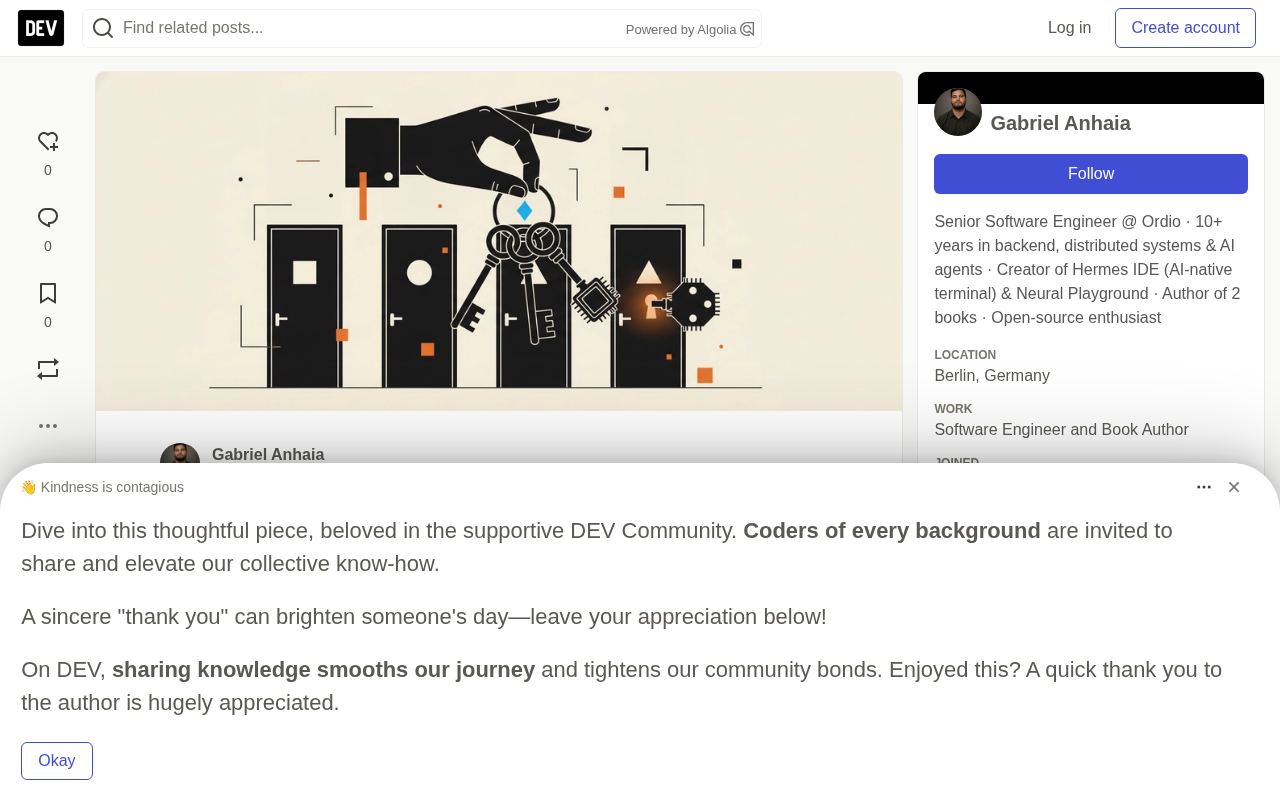
Command Comparison Table: Nine Tasks, Four Agents
The following comes from the Claude Code command reference, the Codex CLI command docs, the Gemini CLI command reference, and the OpenCode TUI docs. Aliases are shown in parentheses.
| Task | Claude Code | Codex CLI | Gemini CLI | OpenCode |
|---|---|---|---|---|
| Switch model | /model | /model | /model | /models |
| Plan before executing | /plan | /plan | /plan | Tab to switch to Plan agent |
| Compress context | /compact | /compact | /compress | /compact (/summarize) |
| View context usage | /context | /status | No command | No command |
| Start a new session | /clear (/new, /reset) | /new or /clear | /clear | /new (/clear) |
| Resume a session | /resume (/continue) | /resume | /resume (/chat) | /sessions (/resume, /continue) |
| View diff | /diff | /diff | No command | No command |
| Code review | /code-review (/review) | /review | No command | No command |
| Usage and cost | /usage (/cost, /stats) | /status, /usage | /stats | No command (use the shell's opencode stats) |
A few cells need extra explanation. OpenCode has no /plan command—its Plan agent is a separate primary agent that asks for confirmation before any edit or bash command, and it's toggled with Tab. In Gemini CLI, the closest documented command related to context is /stats model, which shows token counts and quota. OpenCode has no slash command for viewing usage or context, but you can run opencode stats in the shell to see cross-session token usage and cost.
What is a slash command? The slash-prefixed instructions that recur throughout this article, like /compact and /model, are a convention in terminal-style user interfaces (TUIs): instead of typing natural language, users type preset short commands to directly trigger a deterministic operation. It was first popularized by chat tools like Slack and Discord, and was later borrowed by AI coding agents such as Claude Code. The essential difference between a slash command and a "prompt" is that it doesn't go through model inference—it's parsed by the CLI itself and executes local logic, such as switching session state, clearing a buffer, or invoking a subcommand. Precisely because it bypasses the model, the actual behavior of a same-named command in different products is entirely determined by each implementation—which is the root of the "same name, different fate" point this article emphasizes. Most tools support aliases and pop up a candidate list after you type /.
Why context compression (compact / compress) exists. The input window of a large language model is finite, and the conversations, file contents, and tool-call results accumulated in a session continually consume tokens. As you approach the limit, if nothing is done, you either get an error or are forced to truncate history. Context compression works by handing the existing conversation to the model to generate a summary, then replacing the original records with the summary—freeing up window space while retaining key information. This explains why the command always appears alongside "view context usage" (/context, /stats model). Compression is lossy—details are lost—so many tools give it a confirmation prompt or sub-options. Gemini CLI names it /compress; the other three call it /compact. Same semantics, different key names.
Startup Parameters Are Equally Messy
The same tasks differ even more at the startup-parameter level. The following comes from each tool's CLI reference:
| Task | Claude Code | Codex CLI | Gemini CLI | OpenCode |
|---|---|---|---|---|
| Specify model | --model opus | -m <model> | -m <model> | -m provider/model |
| Start in plan mode | --permission-mode plan | None | --approval-mode plan | --agent plan |
| Resume the last session | -c | codex resume --last | -r latest | -c |
| Resume a specific session | -r <id or name> | codex resume <id> | -r <index or id> | -s <id> |
The easiest row to mistype is session resumption. Codex implements it as a subcommand, while the other three use flags:
claude -c              # Claude Code: the most recent session
codex resume --last    # Codex CLI: skip the picker
gemini -r latest       # Gemini CLI: the most recent session
opencode -c            # OpenCode: continue the previous session
Codex also has a non-interactive codex review command that can review uncommitted changes, a base branch, or a specific commit—handy for scripting.
Commands with the Same Name but Different Fates
The cells that look identical are the real trap.
/model and persistence. In Claude Code, after /model switches the model, it saves it as the new default for subsequent sessions. Pressing s in the picker makes the change apply only to the current session. Gemini CLI's /model set <name> accepts an optional --persist flag—so before running it, decide whether this switch should carry across sessions.
The difference between /clear and /new. Claude Code's /clear starts a new conversation and clears context but retains project memory; /new is just its alias. In Codex, /new starts a new chat within the same CLI session, while /clear also clears the terminal. In Gemini CLI, /clear resets the conversation and the screen, but Ctrl+L only clears the screen and keeps the context.
The history of /review. In Claude Code it's an alias for /code-review, which checks for correctness bugs in the current diff and supports --fix to apply the issues found. Before v2.1.223, /review was a standalone command that reviewed GitHub pull requests by number—so older articles online describe the old behavior. Codex's /review reviews the workspace. Gemini CLI has no built-in review command.
What /stats means differently. Claude Code treats it as an alias for /usage, opening on the Stats tab. Gemini CLI's /stats shows session statistics and has model and tools subcommands.
Cost information. Among these commands, only Claude Code's /usage is explicitly documented to show session cost. Codex's /status shows "session configuration and token usage," and /usage shows account-level token usage. Gemini's /stats model shows tokens and quota. None of the three are documented to give a specific dollar figure.
/plan while busy. Codex explicitly states: "While Codex is working, /plan is temporarily unavailable." You must wait for the current turn to finish.
There's one more point that's easy to trip over when initializing a repository: /init exists in all four tools, but each writes a different file. Claude Code writes CLAUDE.md, Codex and OpenCode write AGENTS.md, and Gemini CLI writes GEMINI.md.
A Special Backdrop for Gemini CLI
Gemini CLI's docs mention that for unpaid-tier and Google One users, "Gemini CLI was replaced by Antigravity CLI on June 18." That statement names only those two groups of users. If you've already migrated to Antigravity, its commands aren't in this article's tables.
Plan mode and the permission model. The article mentions plan in several places—it's actually a working mode of "read-only planning first, then act." In this mode, the agent can read files, analyze code, and propose solutions, but must get user confirmation before executing any write, edit, or shell command. It's tightly coupled to the permission/approval system: Claude Code controls it via --permission-mode plan, Gemini CLI via --approval-mode plan, and OpenCode implements it as a separate Plan agent (toggled with Tab). Understanding this layer helps make sense of the startup-parameter table: different vendors express the same safety constraint in two forms—"permission mode" and "dedicated agent"—which is the deeper cause of command fragmentation.
An Attempt at a Unified Entry Point
The author developed Hermes IDE, so please weigh the following accordingly. Hermes runs each agent's own interface inside a real terminal, so every command in the tables above still works exactly as the vendor documents it. Hermes doesn't rename any command.
What Hermes IDE 2.3.4 changes is the action bar above each session. According to the release notes, it "now works the same way for every agent, including Antigravity, OpenCode, and Kiro: Model, Plan, and Review are always in the same place, and you can pin the ones you use most." Where you click Plan above a Codex session is exactly where you click it above Claude Code—no more guessing which name this agent uses.
The command list also includes your own commands and skills, each with a short description, plus recently used commands. Custom commands are where naming is the biggest problem, since every team invents its own names—having a description next to the name helps a lot. The release notes also mention that the command list matches each agent's current version.
The same version has two safety details: clicking a command never affects what you're currently typing, and it only executes when the agent is waiting. Starting a new chat, resetting, or logging out all ask first and explain what will be lost—important given how much /clear behavior varies across tools.
There's also a context dashboard that shows how full the conversation is, offering a Compact option as it nears the limit, so you can compress context directly from the action bar instead of having to remember what this agent calls it.
If you only use one agent all day, its own command menu may be enough—Claude Code's / filter does a good job matching aliases. Hermes is free on macOS, Windows, and Linux under the BSL 1.1 source-available license, and is not affiliated with Nous Research, Anthropic, OpenAI, Google, or any other agent vendor.
Keep the Tables, but Check the Version First
Commands change. Claude Code's /review changed meaning in v2.1.223, and Gemini CLI's user base shifted in June. Before trusting any cheat sheet (including this one), open the command list shown by your installed agent and treat that as authoritative. In Claude Code, typing / lists the commands available to you, including aliases.
Multi-agent parallel development has become the norm, but the cognitive burden of command fragmentation is real. In the short term, memorizing each tool's differences is a necessary cost; in the long term, a unified abstraction at the IDE level may be the way to reduce the overhead of context switching.
AGENTS.md and project-level convention files. The article notes that /init writes CLAUDE.md, AGENTS.md, or GEMINI.md—these files are the agent's "project memory": natural-language instructions the user maintains at the repository root to convey build commands, code conventions, directory layout, and so on, which the agent reads at the start of each session. AGENTS.md is an open convention attempting cross-tool generality, adopted by Codex and OpenCode; CLAUDE.md and GEMINI.md are each vendor's proprietary format. They're usually tied to the behavior of the session command /clear: clearing conversational context often does not delete these persistent memory files—one of the backdrops for the article's reminder that "clear" means different things.
Related articles

Uber Deploys ChatGPT Work Company-Wide: AI in the Workplace Enters the Scaled Implementation Phase
Uber deploys ChatGPT Work to 30,000+ employees, extending it from engineering to all roles. We analyze its expert-engineer pairing, end-to-end automation, and questions of AI control and power concentration—insights for scaling AI in the workplace.

Shift at Midnight Hands-On: When "ID Verification" Becomes Alien Hunting
Shift at Midnight blends ID verification with horror survival in a four-player co-op game. We break down its inspection mechanics and chaotic humor.

Zelensky Recounts the Outbreak of War: I Need Ammunition, Not a Ride
Zelensky recalls the first day of war in a YouTube interview: farewell to family, rejecting Biden's evacuation offer with "I need ammunition, not a ride," and how Bucha shaped his stance on compromise and peace talks.