Framework 13 Pro In-Depth Review: The Modular Laptop That Finally Stops Compromising

Framework 13 Pro delivers near-MacBook quality with unmatched modularity and repairability.
The Framework 13 Pro represents the most significant leap yet for modular laptops, achieving approximately 85% of MacBook Pro's build quality while offering vastly superior repairability and upgradeability. With its 3:2 display, CNC aluminum body, swappable ports, and deep Linux support, it grows more valuable over time as components can be upgraded or replaced—making it ideal for long-term investment.
In the tech world, the word "modular" often comes with a hint of wariness. From the PhoneBlocks concept video that went viral years ago, to the Project Ara demo at Google I/O, to the eventual radio silence—the history of modular hardware is practically a chronicle of "promises and abandonment." PhoneBlocks was a concept video released in 2013 by Dutch designer Dave Hakkens, envisioning a smartphone broken down into independently replaceable functional modules that could be freely combined like LEGO bricks. It garnered over 20 million views on YouTube and directly inspired Google's Project Ara project. However, after multiple prototype iterations, Project Ara was officially cancelled in 2016 due to engineering challenges including module interconnect reliability, thermal management, and cost control. This history created a deep trust crisis around "modular" across the entire tech industry. Yet Framework has carved out a different trajectory in the laptop space, step by step. Their latest Framework 13 Pro is officially described as "the MacBook Pro for Linux users"—but can it actually deliver on that bold promise?
Modular Design: From Beautiful Vision to Genuinely Usable Product
Past modular products, like Fairphone, earned universal applause for their ideals, but when it came time to actually spend money, people hesitated—because they always compromised on some aspect of the experience. Fairphone is a Dutch social enterprise dedicated to producing "fair trade" smartphones, focusing not only on repairability and modular design but also tracing whether mineral procurement in the supply chain meets ethical standards. It genuinely achieved user-serviceable replacement of batteries, screens, cameras, and other core components, earning a perfect 10/10 repairability score from iFixit. However, due to small purchasing volumes and high supply chain costs, its products have consistently lagged one to two generations behind similarly-priced competitors in processor performance, display quality, and camera capability—making it more of a "values-based purchase." Early Framework laptops faced the same dilemma.
But this generation's Framework 13 Pro represents their biggest step toward a "truly premium modular laptop." It comes in two purchase formats: a DIY self-assembly edition and a pre-built edition. Taking the reviewer's pre-built unit as an example, the only decision needed after unboxing was the port configuration—say, three USB-C ports plus one SD card reader. If you later want to switch to HDMI or DisplayPort, you can swap them anytime. There are also numerous plug-and-play modules available including Micro SD, Ethernet, and more.

More critically, this repairable, replaceable, and upgradeable design comes with virtually no noticeable compromise in build quality.
Build Quality & Appearance: Achieving 85% of MacBook Pro's Refinement
At first glance, this matte black laptop is quite stunning. The full CNC aluminum alloy body feels excellent in hand, fingerprints are nearly invisible, and the overall aesthetic is arguably more distinctive than a MacBook Pro. CNC (Computer Numerical Control) machining is a manufacturing process that uses computer programs to precisely control cutting tools, carving the desired shape from a solid block of aluminum alloy. Apple adopted this "Unibody" technique at scale starting in 2008, milling laptop bodies from single aluminum billets to achieve extremely high structural rigidity and refined surface finish. Framework's engineering challenge lies in maintaining the premium feel of CNC aluminum while making body sections detachable and replaceable—meaning seams, clips, and removable connectors must be introduced, which are precisely the elements that unibody designs deliberately eliminate. It features a full-size backlit keyboard, a large haptic feedback trackpad, and a fingerprint reader in the corner. The chassis thickness is essentially identical to the 14-inch MacBook Pro.

The most interesting aspect is its modular aesthetics: the entire keyboard panel (officially called the "input cover") can be swapped for more colorful versions in 5 to 10 minutes using the included screwdriver; the display bezel features a semi-transparent colored design that reveals the internal magnets and camera components, and supports tool-free replacement. The official website also provides detailed parts replacement guides, noting difficulty levels and required tools—usually just the screwdriver included in the box.
That said, it's not perfect. The reviewer candidly states the build quality is approximately 85% of a MacBook Pro. Since it's not a unibody design, the upper and lower sections tend to separate when twisted, and hinge wobble is more noticeable than some competitors. But overall, this is Framework's best-feeling product to date.
Hardware Specs: Judging Both Absolute Quality and Modular Advantages
Every specification of this laptop can be evaluated along two axes: absolute quality relative to MacBook Pro, and repairability/replaceability relative to MacBook Pro. You'll quickly notice a recurring theme—quality around 80%, but modularity is "a million times better."
Display: A 3:2 Productivity Powerhouse
This custom display is arguably the best in Framework's history. With 2880×1920 resolution and a 3:2 aspect ratio, it's extremely friendly for productivity scenarios like coding and documents. Mainstream laptops predominantly use 16:9 or 16:10 widescreen ratios, originating from film industry standards and better suited for video content. A 3:2 display provides significantly more vertical space—at the same screen width, 3:2 offers approximately 18% more vertical pixels than 16:9, meaning you can see several more lines of code or paragraphs of text per screen with less scrolling. Microsoft's Surface series and Huawei's MateBook series also use this ratio, but it remains a minority in the laptop market.
This display also comes standard with the anti-glare coating that costs an extra $150 on MacBook Pro, and supports touch input. Color gamut covers 100% sRGB but doesn't match MacBook Pro's DCI-P3. sRGB is a standard color space jointly established by Microsoft and HP in 1996, covering approximately 35% of the visible light spectrum and serving as the universal standard for internet content and office applications; DCI-P3 originates from the digital cinema industry and covers approximately 25% more area than sRGB, particularly with broader coverage in red and green regions. For professional work like photo post-processing and video color grading, DCI-P3 can render richer, more saturated colors—which is one key reason creative professionals choose MacBook Pro. Framework's display may affect photography and video editing users, but overall quality is approximately 80% to 90% of the MacBook Pro's display. And replacing it requires just a screwdriver, compared to the MacBook Pro's iFixit teardown guide that demands six different screwdrivers, suction cups, and an hour of time—a massive repairability advantage.
Keyboard and Trackpad Experience
The full-size backlit keyboard has moderate key travel. While the feedback feels slightly soft, typing is smooth. The haptic feedback trackpad is approximately 90% the size of MacBook Pro's, and the fingerprint reader is slightly slower but functional. Again, the entire keyboard panel can be fully replaced with a single screwdriver.

Performance Configuration and Upgradeability
The review unit features 32GB LPDDR5X RAM (starting at 16GB, upgradeable), a 1TB PCIe Gen5 SSD (upgradeable), and a 74Wh battery significantly larger than the previous generation (replaceable). LPDDR5X is currently the most advanced memory standard for mobile devices and thin laptops, with theoretical bandwidth reaching 8533 MT/s—approximately 33% faster data transfer than LPDDR5 while maintaining lower power consumption. PCIe Gen5 SSDs push sequential read speeds to approximately 14GB/s, double that of Gen4. Notably, in most MacBooks and premium Windows laptops, RAM is soldered directly to the motherboard, making user upgrades impossible. Framework allows users to replace these components themselves, meaning you can upgrade at lower cost when memory and storage prices drop in the future, or expand capacity as needed—rather than paying a premium for maximum configuration at the time of purchase.
The processor is a high-end Intel Core Ultra Series 3 model, Intel's latest generation mobile processor platform integrating a hybrid architecture of Performance cores (P-Cores), Efficiency cores (E-Cores), and a Neural Processing Unit (NPU), with the NPU specifically designed to accelerate AI inference tasks. The fundamental difference from Apple's M4/M5 chips lies in instruction set architecture: Intel uses x86-64, while Apple uses ARM. ARM architecture has an inherent advantage in performance-per-watt (energy efficiency), which is why MacBooks typically lead in battery life; however, x86 architecture enjoys broader software compatibility, especially in the Linux ecosystem where many development tools and server software are natively optimized for x86. This processor handles productivity tasks like word processing, email, Slack, and Notion, and can even run some light gaming. In pure benchmark terms, it can similarly be summarized as "80% of the performance, a million times the modularity."
Notable Weaknesses: Speakers and Webcam Performance
Not every aspect fits the "80%" theme. The speakers, despite being labeled Dolby Atmos, perform at roughly half the MacBook Pro's level. The webcam is even worse—despite being 1080p, it exhibits excessive noise and severe artifacts, performing quite poorly in video calls. However, the reviewer praised the independent physical disconnect switches for the camera and microphone on the bezel—a privacy protection bonus.
Linux Experience: Never Been More Worth Trying
The reviewer chose Linux as their daily driver and remarked on how much it has improved. The Linux desktop has undergone significant usability improvements in recent years, driven by several key factors: Valve's Steam Deck handheld, based on Arch Linux with SteamOS, enables a vast library of Windows games to run on Linux through the Proton compatibility layer, dramatically expanding Linux's entertainment applications; universal package formats like Flatpak and Snap have solved the long-standing "dependency hell" problem that plagued Linux, allowing users to install software with one click as easily as a mobile app store; the Wayland display protocol is gradually replacing the aging X11, bringing smoother window management and better HiDPI screen support. Framework has established a deep partnership with Canonical (Ubuntu's developer), ensuring each hardware generation receives out-of-the-box driver support on Ubuntu—an official-level guarantee that's quite rare in the Linux laptop space.
Of course, the Framework 13 Pro can also be configured with Windows 11, but the two have converged in UI and capabilities—the real difference lies in developer support.

On this productivity-focused laptop, many people are tired of the Windows experience saturated with Copilot, AI notifications, and ads. Under Ubuntu, Firefox, Chromium, GIMP, Blender, 1Password, Discord, Steam, and other tools are all readily available. For users who can find all the tools they need within Linux, now is an excellent time to give it a try.
Value Analysis: The Longer You Own It, the More It's Worth
The word "value" is rather nuanced right now. Affected by memory shortages, Framework quietly raised prices during the review period: the pre-order price went from $1,500 to $1,600, and the high-end version surged from $2,100 to $2,900. Between 2024 and 2025, the global DRAM memory market experienced severe price volatility—the explosive demand for HBM (High Bandwidth Memory) from AI servers prompted Samsung, SK Hynix, Micron, and other major manufacturers to prioritize capacity allocation toward higher-margin HBM chips, tightening supply of traditional DDR5 and LPDDR5X. According to market research data, DRAM contract prices rose by a cumulative 20% to 40% during this period. For small-volume hardware manufacturers like Framework using LPDDR5X memory, their bargaining power is far less than giants like Apple or Lenovo, making the impact of price increases much more direct.
It pairs high pricing with premium build quality, approaching 80% to 90% of MacBook Pro's standards—and some Windows and Linux competitors get even closer.
Therefore, the first day you buy it is precisely the day it offers the least "value." But as time passes, it becomes increasingly worthwhile—when you first upgrade a component, when you accidentally spill a drink and only need to replace the keyboard panel rather than repair the entire machine, the scales begin to tip.
A MacBook Pro is equally excellent on day one, but when your needs change, software requirements increase, or you need more RAM, there's nothing you can do. Framework's core selling point is precisely "you can do something about it." Even more impressive, they allow users to purchase a new mainboard and install it in a five-year-old Framework 13 chassis to enjoy faster WiFi and better memory—this backward compatibility demonstrates their long-term commitment to the modular philosophy.
Ultimately, Framework's value depends on whether you're willing to invest long-term in the modular philosophy, just as they have. If you can, then this laptop becomes quite special. Let consumers vote with their wallets.
Key Takeaways
Related articles
Altman: Taking OpenAI Public This Year Would Be 'Ill-Advised'
OpenAI CEO Sam Altman says going public this year would be 'ill-advised,' even as the company has confidentially filed IPO paperwork. Here's what it means for AI.

An Open Letter to Dario: If AI Safety Is Real, Open the Model Weights
Developer Jacob's open letter to Anthropic CEO Dario Amodei went viral on Hacker News, challenging the contradiction between AI safety rhetoric and closed-source models: if safety truly matters, why not open the weights?
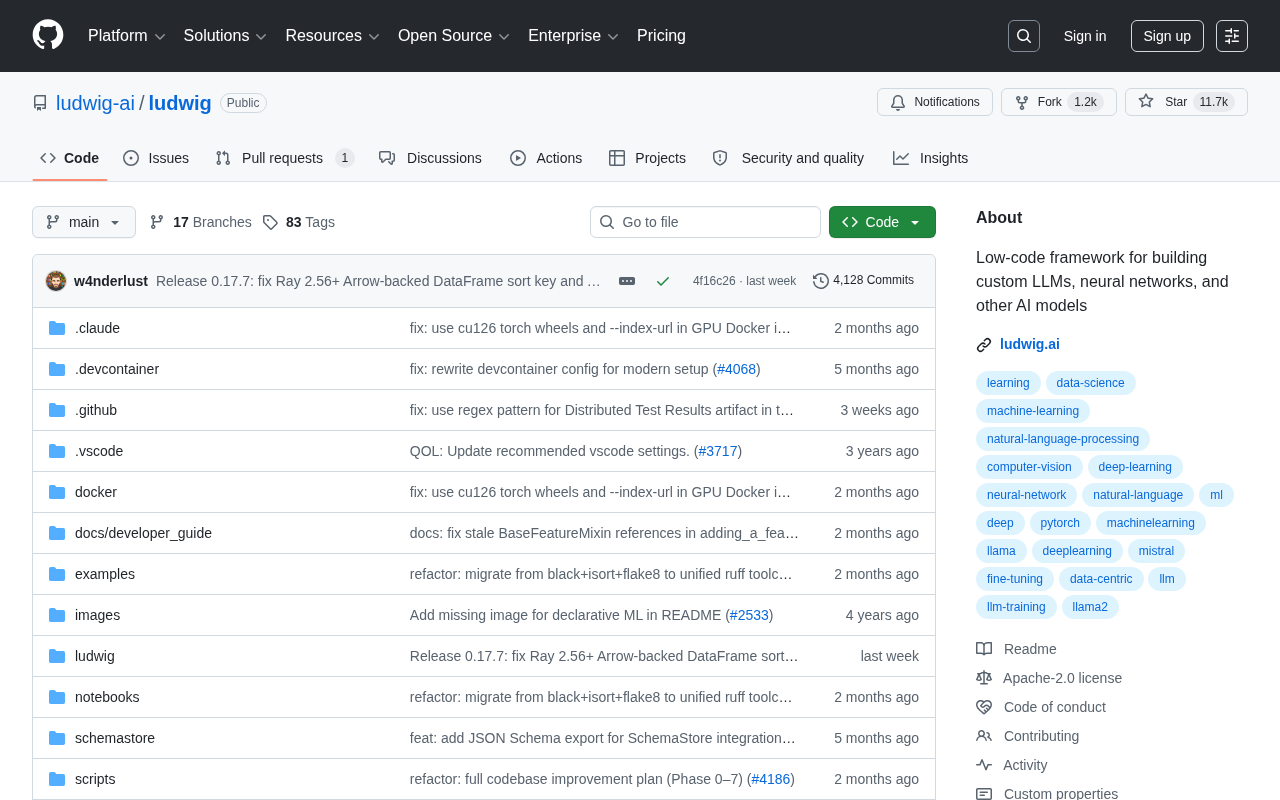
Ludwig: Building Custom LLMs and Neural Networks with Declarative Low-Code Configuration
Ludwig is an open-source low-code ML framework that builds custom LLMs and neural networks via declarative YAML config — no boilerplate training code required.