From Local to Production: A Practical Guide to Deploying a React SPA with AuthKit
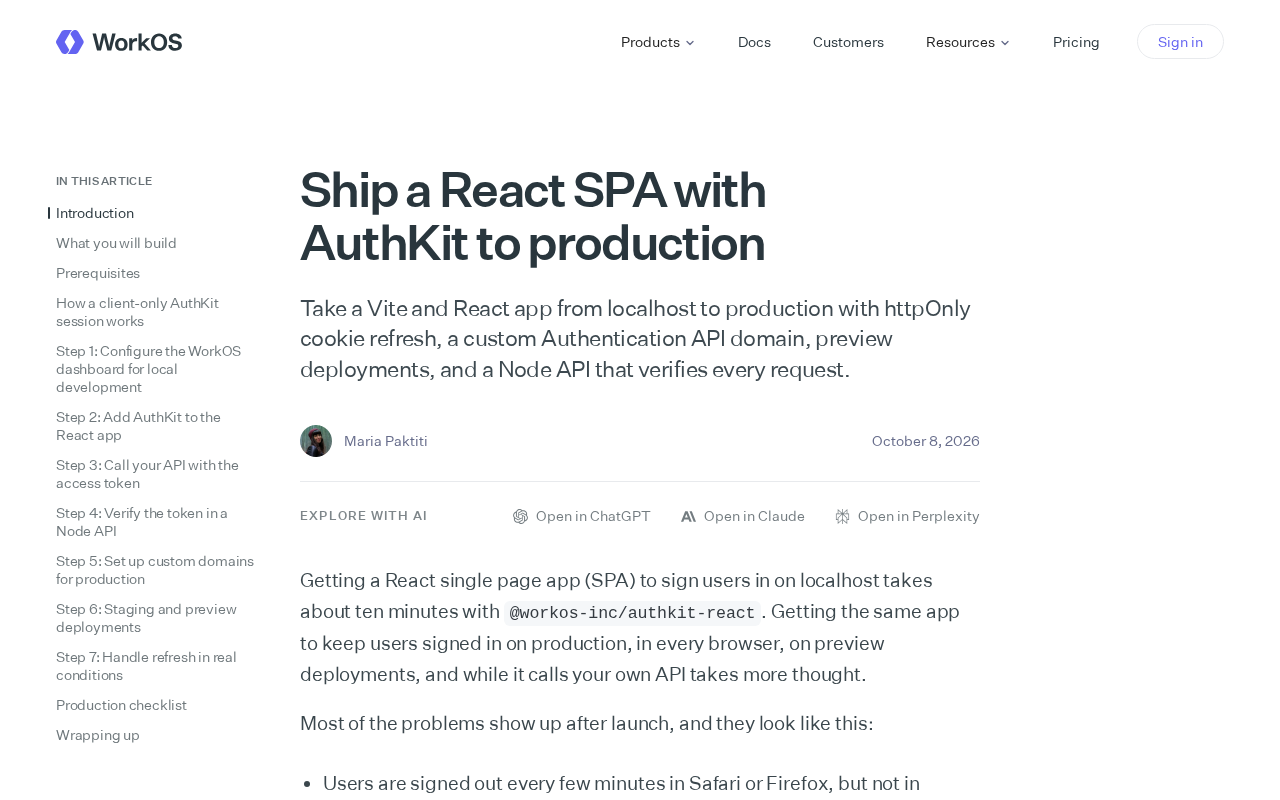
Shipping a Vite + React SPA with AuthKit means using httpOnly cookies, a custom auth domain, and mandatory server-side validation for clear auth boundaries.
Based on a WorkOS guide, this article covers the authentication pitfalls when moving a Vite-built React SPA from localhost to production. Three root causes dominate: cookie scope and SameSite policies breaking cross-origin, refresh tokens on the frontend vulnerable to XSS, and a lack of per-request validation at the API layer. The fix: refresh tokens in httpOnly cookies, a short-lived access token on the frontend only, and the auth API bound to your own domain to simplify cookie and CSP configuration. Preview environments also need authentication, and the Node API validates the access token on every request — a browser/frontend/server architecture with no single point of trust.
Deploying a Vite-built React single-page application to production is far more involved than running npm run dev and hitting publish. Authentication is especially prone to a cascade of issues when moving from localhost to a real domain: broken cookies, cross-origin blocks, and lost refresh tokens. WorkOS published a technical guide, Ship a React SPA with AuthKit to production, that breaks down the key engineering decisions involved in shipping a Vite + React app with AuthKit along a reproducible path. This article distills the practical takeaways and design trade-offs from that guide's core narrative.
Why It Works Locally but Breaks in Production
Many teams debug everything fine with AuthKit during development, only to see "login succeeds but the session drops on refresh" after switching to the production domain. The root causes usually cluster around three areas:
- Cookie scope and SameSite policy mismatch. Lenient cookie settings under localhost get rejected by the browser when production spans subdomains or top-level domains.
- Token storage that trusts the frontend too much. If the refresh token lives in localStorage, a single XSS event is equivalent to account compromise.
- Missing mandatory validation on every request at the API layer. Frontend route guards are only a UX concern; the real security boundary must live on the server.
The guide's approach: the refresh token goes into an httpOnly cookie, the frontend holds only a short-lived access token, and the Node API validates every request.
The SameSite attribute is a cookie control field browsers use to defend against CSRF, with three main values: Strict, Lax, and None. Under Strict, the cookie is sent only on fully same-site requests and never on cross-site ones. Lax is the current browser default: cookies are included on top-level navigation GET requests but not on cross-site subrequests like POST. None requires Secure to be set as well and allows cross-site transmission. During localhost debugging, the frontend and API often share a port or are proxied to the same origin, so cookies aren't subject to SameSite restrictions. Once in production, if the frontend domain and auth domain belong to different sites and SameSite isn't correctly set to None; Secure, the browser silently drops the cookie — manifesting as "login succeeds but the session drops on refresh." The cookie's Domain and Path also determine whether it can be carried on the target request; if the old default scope is retained after switching domains, credentials won't reach the server either.
Designing an httpOnly Cookie Refresh Mechanism
The guide explicitly adopts the approach of carrying the refresh token in an httpOnly cookie. This choice yields two direct benefits: JavaScript cannot read the cookie, so XSS attacks struggle to directly steal long-term credentials; and the frontend no longer has to manage credential persistence within its own refresh logic.
Note that httpOnly cookies impose additional deployment requirements. The production domain must enable HTTPS, the cookie must set Secure and SameSite attributes, and whether to use Domain sharing depends on the actual deployment topology. If the frontend and auth API live on different sites, the third-party cookie restrictions for cross-site scenarios must also be handled. The guide recommends binding the auth endpoints to a custom Authentication API domain so that the cookie's scope aligns with the call relationships, reducing uncertainty from browser policies.
The frontend refresh flow thus becomes clean: when the access token expires, call the auth endpoint to trigger the cookie-based refresh flow, get a new access token, and retry the original request. The whole process is transparent to the user.
An httpOnly cookie is a browser storage unit written by the server via the HttpOnly flag in the Set-Cookie response header. Its defining trait is that no JavaScript (including document.cookie and Fetch/XHR) can read or modify it; it is only attached automatically by the browser on matching requests. This makes it an ideal carrier for refresh tokens: even if the page has an XSS vulnerability, the attacker cannot directly read the long-term credential. But it isn't a silver bullet — it must be combined with Secure (HTTPS-only transmission), SameSite (CSRF protection), and a reasonable expiration. And because the frontend can't read it, the refresh logic must rely entirely on the server identifying the user via the cookie; the frontend only triggers the refresh when the access token expires and receives the new one. This "invisible to the frontend, verifiable by the backend" division of labor is a fairly robust credential management pattern for SPA authentication today.
Narrowing the Boundary with a Custom Authentication API Domain
AuthKit provides a hosted domain by default, but the guide recommends binding the auth API to your own domain. The value here goes beyond brand consistency:
- Controllable cookie scope. A custom domain makes the cookie's Domain attribute explicit, avoiding the cross-origin complexity that comes with relying on a hosted domain.
- Simplified CSP and network policies. Content security policies in enterprise environments often restrict third-party domains; your own domain is easier to whitelist.
- Shorter debugging chain. The request domain shown in dev tools matches your actual business domain, significantly reducing the cost of troubleshooting cross-origin issues.
This reflects a general engineering principle: keep security-sensitive infrastructure like authentication within a boundary you can observe and configure.
CSP (Content Security Policy) is a set of browser security rules delivered via HTTP response headers or meta tags that restrict which origins a page may load and request. CSP in enterprise environments is usually configured strictly, allowing only whitelisted domains for scripts, styles, connections, and more. If the auth endpoint uses a third-party hosted domain, teams must explicitly add it to directives like connect-src and frame-src; otherwise requests are blocked outright, and the error messages often point to cross-origin rather than CSP, making diagnosis costly. Binding the auth API to your own domain lets the CSP whitelist be managed alongside your other internal domains, reducing the maintenance burden of approving third parties one by one and lowering the risk of policy breakage from vendor domain changes. This aligns with the engineering mindset of "own your infrastructure where possible."
Preview Deployments and Node API Request Validation
Modern frontend workflows widely use preview deployments to validate PRs. The guide notes that preview environments also need authentication wired in; otherwise you can't realistically simulate logged-in behavior. This means preview domains must be included in AuthKit's callback URLs and cookie strategy, avoiding the fragmented experience of "preview opens but you can't log in."
On the backend, the guide's core constraint is: the Node API validates every single request. That means relying on frontend route interception isn't enough, nor can you assume internal-network calls are trustworthy. Every request's access token must have its signature and expiration verified server-side, returning 401 on failure. This "trust nothing by default" model is the baseline for protecting data APIs in a decoupled frontend/backend architecture.
Looking at the architecture as a whole, this path draws clear lines of security responsibility: the browser safely holds and automatically carries the httpOnly cookie, the frontend triggers a refresh when the access token expires, and the Node API makes the final call on every access. Three layers each do their job, with no single point bearing all the trust.
The division of labor between access tokens and refresh tokens is key to understanding the whole scheme. The access token is a short-lived credential, typically a JWT carrying user identity and permission claims, sent by the frontend in the Authorization header of every API request; the server validates its signature and exp expiration to determine validity. Because it's exposed in frontend memory, its lifetime is deliberately kept short (minutes to an hour) to shrink the exposure window. The refresh token is a long-lived credential used solely to exchange for a new access token at the auth endpoint; it never participates in business requests. When the access token expires, the frontend triggers the refresh flow, the browser automatically carries the refresh token from the httpOnly cookie, and the server issues a new access token after verification. The server independently validating the access token on every request means that even if the frontend route guard is bypassed, the data API still returns 401 — ensuring the security boundary always sits on the server.
A Deployment Checklist
When applying this approach to a real project, verify in this order: is the deployment domain HTTPS-enabled with the correct cookie attributes; is the auth API bound to a custom domain and included in the CSP; are preview environment callback URLs configured as well; does the Node API validate tokens on every request; is the access token lifetime short enough to reduce the exposure window. These checkpoints cover the areas most likely to break on the journey from local to production.
The original guide emphasizes step-by-step operations, while this article focuses more on the architectural choices behind them. For teams pushing a React SPA to production without wanting to build an entire auth system from scratch, the combination of AuthKit with httpOnly cookies and mandatory server-side validation offers a path with relatively clear lines of responsibility.
One-line Summary
Shipping a Vite + React SPA with AuthKit to production means using httpOnly cookies, a custom auth domain, and mandatory server-side validation to draw clear lines of authentication responsibility.
Paragraph Summary
Drawing on a WorkOS guide, this article walks through the authentication pitfalls teams hit when moving a Vite-built React SPA from localhost to a production domain. Three root causes dominate: cookie scope and SameSite policies breaking in cross-origin scenarios, refresh tokens stored on the frontend being vulnerable to XSS, and a missing requirement to validate every request at the API layer. The answer: put the refresh token in an httpOnly cookie, keep only a short-lived access token in the frontend, and bind the auth API to your own domain to simplify cookie and CSP configuration. Preview environments also need authentication wired in, and the Node API independently validates the access token on every request — giving a browser/frontend/server three-layer architecture with no single point of trust.
Related articles

Free Unlimited Claude Code Solution: Agnes AI + CC Switch Setup Guide
No paid subscription needed — pair the free AI platform Agnes AI with the open-source tool CC Switch to provide a backend for Claude Code, enabling unlimited free calls to text, image, and video models. This guide covers the full setup, test results, and usage boundaries.

A Complete Zero-Cost Guide to Getting Started with Claude Code for Beginners in China
A beginner's guide to Claude Code for users in China: two installation methods (command line and IDE plugin), full configuration steps for replacing the official API with the free domestic LongCat model, and a hands-on demo of building a small tool with natural language, plus tips.

When the NSA Gets Involved: The AI Supply Chain Crisis Behind Open-Source CVEs and API Key Hijacking
Multiple open-source projects disclosed severe CVEs in one day, PHP flaws alarmed the FBI, and Railway and OpenCode were breached with API keys stolen. This article breaks down the vulnerability window, AI-accelerated exploitation, and the AI supply chain crisis behind the API key black market, with a developer defense checklist.