Gemini 3.5 Transcribe: Transcription Tools Are Becoming Content Understanding Engines
Gemini 3.5 Transcribe upgrades audio transcription into a timestamped, speaker-labeled, sentiment-aware content understanding tool.
Google's Gemini 3.5 Transcribe targets pre-recorded audio with support for 85+ languages, timestamp output, and identification of up to three speakers. Unlike traditional transcription tools, it aims beyond verbatim accuracy to recognize key points and sentiment, turning transcripts into actionable content assets. For video creators, podcasters, and interview-based workflows, this means the "understand your material" step can shift from manual labor to machine processing. The article also cautions that impressive specs don't guarantee real-world usability — Chinese spoken language, jargon, and false starts remain the true quality benchmarks.
The most underrated step in video production isn't editing — it's turning raw audio into content you can actually use. You need to know who said what, where the key points are, and which line is worth cutting into a standalone clip. Google's newly launched Gemini 3.5 Transcribe aims to address exactly this long-overlooked layer of the workflow.
More Than Transcription: From Archiving to Understanding
Let's start with the most straightforward capabilities. Gemini 3.5 Transcribe is designed for pre-recorded audio transcription, covering 85+ languages and outputting timestamps. This means a recording is no longer just a wall of text — it becomes structured content you can navigate to a precise moment. For creators who constantly need to locate specific clips, timestamps deliver far more value than plain-text transcription alone.
It also offers a capability that's particularly useful for interviews, meetings, and podcasts: identifying up to three speakers at once. The transcript doesn't just capture what was said — it preserves who said it, reducing the guesswork in organizing, editing, and citing content. For podcasters and multi-person conversation formats, speaker separation is often the most time-consuming manual task. If that step can be automated, the workflow speeds up considerably.
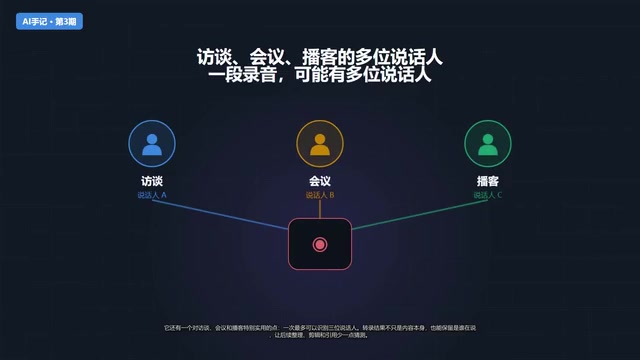
Speaker Diarization is a specialized sub-task in speech recognition, aimed at automatically determining "who spoke when" and labeling the transcript accordingly. Traditional approaches rely on voice-print feature clustering, which tends to break down when speakers sound similar, background noise is high, or speakers frequently talk over each other. Gemini 3.5 Transcribe integrates speaker diarization directly into the model, removing the need for users to manually align speakers after the fact. The current limit of three speakers is sufficient for most podcasts and two-person interviews, but it's worth keeping this constraint in mind for roundtable discussions or larger meetings.
The Goal Goes Beyond Verbatim: Recognizing Key Points and Sentiment
More interesting is the stated ambition to go beyond word-for-word transcription. The official introduction also mentions identifying speakers, understanding key points, and detecting sentiment. This represents a directional shift — transcription is moving from a pure archiving tool toward a content understanding tool.
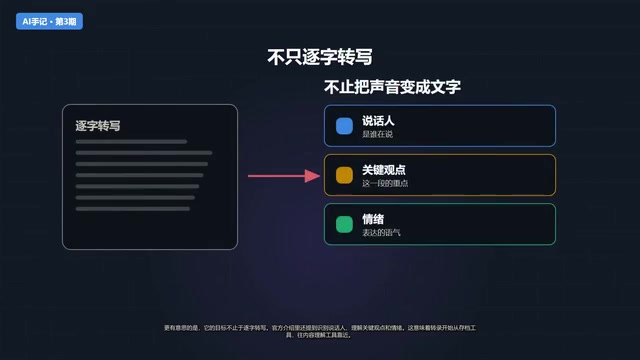
When a model can not only hear "what was said" but also judge "which line is the key point" and "what emotion the speaker conveyed," the transcript stops being a passive record and becomes an informational layer that can actively participate in content decisions. For content creators, this is the part that truly matters: not that there's a new transcription button, but that raw material now has a real chance to enter the workflow earlier.
Sentiment and key-point recognition fall under the Natural Language Understanding (NLU) domain, which is distinct from pure Automatic Speech Recognition (ASR). The former requires the model to evaluate a sentence's importance and emotional polarity at the semantic level — not just map audio waveforms to text sequences. In content creation workflows, the practical value of these capabilities depends heavily on the output format: whether the model presents "what's important" as highlighted annotations, confidence scores, or summary paragraphs will directly determine whether it can genuinely integrate into an editorial workflow. The official documentation hasn't yet disclosed the specific output format, which is worth paying close attention to during real-world testing.
What This Means for Content Creation Workflows
The traditional workflow typically looks like this: record → manually transcribe → manually find key points → decide how to edit. Gemini 3.5 Transcribe aims to front-load this process — first convert audio into timestamped, speaker-labeled information, then decide what's worth cutting, how to write the title, and how to structure it into a piece of content.
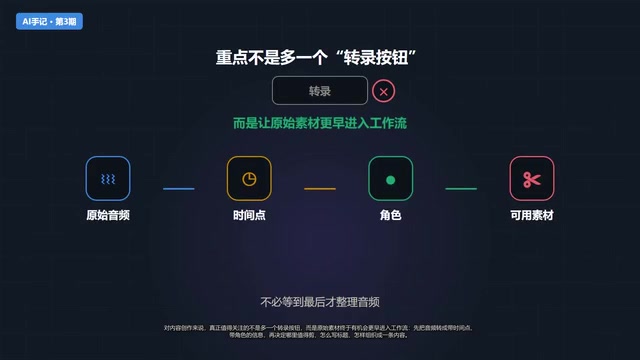
In other words, it shifts the "understanding the material" step from a human task to a machine task, freeing creators to focus on judgment and expression rather than hunting through long transcripts for the needle in a haystack.
A Grounded Take: Spec Sheets Don't Equal Real-World Experience
That said, it's important to be clear: Gemini 3.5 Transcribe is still a new tool. Whether it genuinely suits Chinese spoken content, multi-person interviews, or specific subtitle workflows isn't something you can determine from a spec sheet — you need to run it against real material. The 85-language and three-speaker figures look impressive on paper, but connected speech in Chinese, domain-specific terminology, and repeated false starts are often the true tests of transcription quality.
What's worth affirming is the signal it sends: the competitive battleground for AI transcription is shifting from "accuracy" to "usability" and "comprehension." Whoever can turn raw audio into editable content assets the fastest and most cleanly will occupy an earlier, more strategic position in the content production chain.
Tools Change, but a Reviewable Process Stays Constant
The real significance of tools like this ultimately has to be evaluated within actual production pipelines. Take video creation as an example: a complete workflow might start with topic selection, move to scripting and voiceover copy, generate audio, then hand off to rendering tools for visuals, mixing, and subtitles. Tools will keep changing, but every step should leave a reviewable trail — so that even when you swap out a transcription engine, the workflow itself remains solid.
Whether Gemini 3.5 Transcribe belongs in your workflow isn't answered by a launch page — it's answered by your own material. The direction it represents — transcription as understanding — is already clear enough. What remains is to validate it with real projects.
Related articles
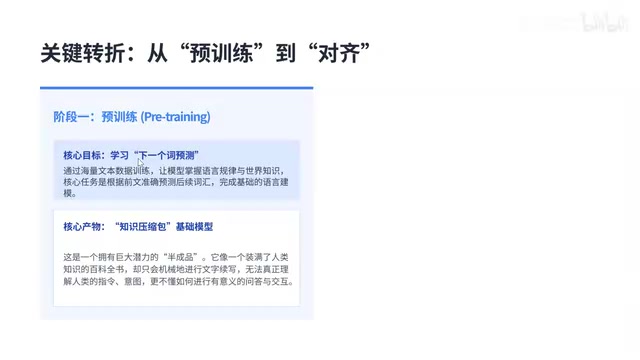
LLM Application Development 101: Prompt Engineering, RAG, and Agent Concepts Explained
A complete guide to LLM application development: covering model basics, tokens, context windows, hallucination, RAG, Agents, prompt engineering, LangChain, and model selection strategies.
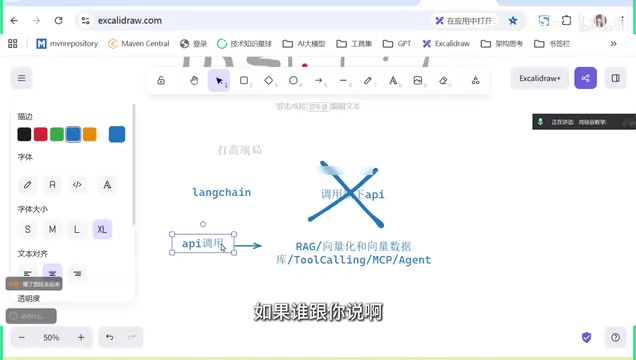
Getting Started with LangChain: The Core Framework for LLM Agent Development
LangChain is the core framework for LLM Agent development. This guide clarifies common misconceptions, maps the full tech stack from RAG to multi-agent systems, and outlines realistic career paths.
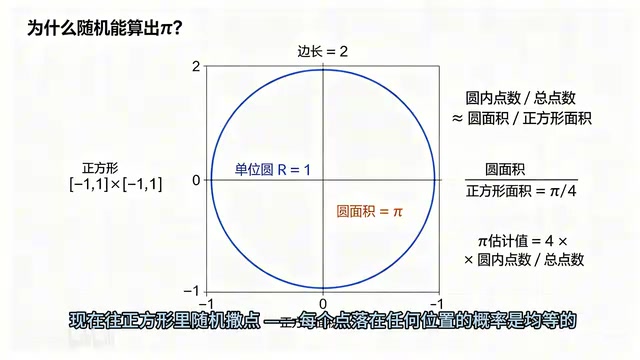
AI-Generated LabVIEW in One Click: A Complete Guide to Estimating Pi with Monte Carlo
Learn how the Monte Carlo method estimates Pi using random sampling, and see how AI tool VI Generator generates a complete LabVIEW demo program — including state machine architecture and performance optimization.