Getting Started with Krea 2 Image Generation: A Beginner's Guide to LoRA and Checkpoints
How AI image generation beginners can build a clear path from realistic images to video generation.
A Reddit newcomer's question about generating consistent realistic images with Krea 2 for a ref2vid pipeline reveals struggles common to many AI beginners. The article addresses three core issues: video generation depends on consistent reference images, so nailing image generation first is the right move; community workflows often sit behind paywalls, so beginners should start with open-source templates before paying; and facing Civitai's massive model library, understanding the Checkpoint vs. LoRA distinction and following a "fewer but better" approach is key. The article concludes with the technical essentials for consistency: fixed seeds, character LoRAs, structured prompts, and ControlNet.
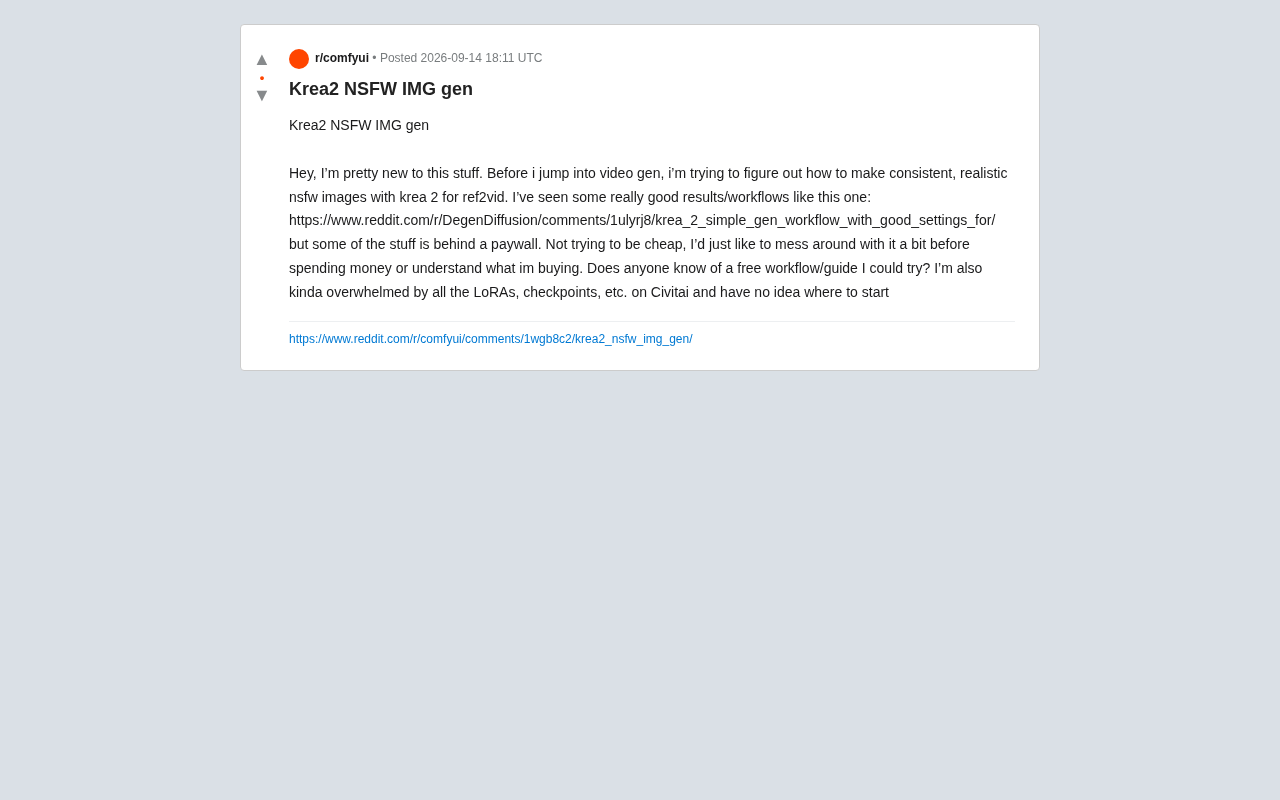
A Reddit newcomer posted asking for help figuring out how to generate stylistically consistent, realistic images with Krea 2 — with the goal of eventually feeding those images into a ref2vid (reference image to video) pipeline. This seemingly simple question actually reflects a struggle shared by many AI image generation beginners: too many tools to choose from, wildly uneven tutorial quality, paywalls everywhere, and the overwhelming anxiety of navigating thousands of models on Civitai.
From Image Generation to Video Generation: A Natural Progression
This user's core goal is clear — master stable, realistic image generation before diving into video generation. This path reflects a common pattern in AI content creation: video generation almost always depends on high-quality reference images, and the consistency of those references directly determines the quality of the final video output.
Ref2vid works by taking one or more reference images as input and driving a model to generate coherent video frames. If the reference images themselves are inconsistent in character features, lighting, or style, the resulting video will suffer from obvious flickering, distortion, and identity drift. Getting the image generation step right first is therefore a sound technical strategy.
The Open-Source Workflow Ecosystem Behind the Paywalls
The original poster mentioned seeing some impressive workflows (such as community-shared simple Krea 2 generation setups), but found that some content was locked behind paywalls. He was clear that it wasn't about saving money — he just wanted to try things hands-on before spending anything, so he actually understood what he'd be paying for.
This is a reasonable mindset, and it highlights a real tension within the AI image generation community: many creators of high-quality workflows sell the core parameters, seed settings, or custom LoRAs as paid content, while only the bare framework gets shared publicly. For beginners, the information asymmetry is frustrating — you can't verify the results before paying, and after paying you might find it's just a generic configuration.
Low-Cost Ways to Get Started
For users who want to try things for free first, here are a few directions to consider: prioritize fully open-source workflow templates from the ComfyUI official community or community hubs; look for public shares that include complete screenshots and parameter explanations; and get the basic pipeline running in a local environment or on a free-tier cloud setup. Understanding what each node does before deciding whether to pay for advanced configurations is the smarter path.
Decision Paralysis Facing Civitai's Massive Model Library
The poster admitted feeling completely overwhelmed by the sheer volume of LoRAs and Checkpoints on Civitai, with no idea where to start. This is almost universally true for beginners.
As the largest model-sharing platform, Civitai hosts tens of thousands of models with inconsistent naming, countless versions, and wildly varying quality. Rather than blindly downloading dozens of models, beginners are better served by building a clear conceptual framework first: Checkpoints are the base models — they determine the overall art style and generation capability; LoRAs are lightweight fine-tuning modules — they layer on specific styles, characters, or concepts.
A Beginner's Model Selection Logic
At the entry level, follow the "fewer but better" principle: start with one base Checkpoint that has high download numbers, stable ratings, and active community discussion — and get really familiar with it. Then gradually add LoRAs based on specific needs, one at a time, and observe how each one changes the output. This approach helps you understand what each component actually does while avoiding the visual chaos that model conflicts can cause. Also pay attention to the recommended parameters listed on model pages (sampler, CFG scale, step count) — these are usually hard-won values from the author's own testing.
Key Technical Points for Consistent Image Generation
The "consistency" this user is after is one of the hardest things to achieve in realistic image generation. Keeping the same character looking stable across multiple images typically requires fixing the random seed, using a character-specific LoRA, writing structured and stable prompts, and using control tools like ControlNet to constrain composition when needed.
Layering all these techniques together is what makes a smooth transition from image to video possible. Beginners don't need to master everything at once — tackle them one at a time: first get basic generation working, then try reproducing results with a fixed seed, and finally bring in LoRAs and ControlNet.
Final Thoughts
This help post is brief, but it represents the real state of a huge number of AI image generation newcomers: high enthusiasm, plenty of resources available, but no clear learning path. The core advice is actually quite simple — start with free, open-source workflows to get the basics running, understand the division of labor between Checkpoints and LoRAs, then gradually work toward consistency as your central goal. Don't let paywalls and an overwhelming sea of models pull you into premature decisions.
Related articles

AI Can Read Neural Network Weights Directly: Do Models Already Exceed Expectations?
A Reddit developer experiment shows language models can directly read neural network weights and infer their function. Astra, Opus 5.5, and Muse Spark 1.3 all passed the test, sparking discussion on model generalization and training sources.

India's Microdrama Market Explodes: EloElo Secures $80M Investment from NBCUniversal
EloElo secures $80M from NBCUniversal to boost StoryTV, its microdrama platform with over 33M monthly active users, as India's microdrama market draws global capital.

Acoustic Detection of Multi-Rotor UAVs: Fusing Handcrafted Features with Pre-Trained Embeddings
Study reveals data leakage from random splits in UAV acoustic detection, proposes source-disjoint protocol with stacked ensemble of handcrafted features and YAMNet embeddings, achieving 95.29% accuracy for low-cost drone detection.