GitHub Copilot Desktop App Launches: A Smarter Coding Experience with a Native Client

GitHub Copilot's native desktop app brings agentic coding and GitHub workflows into a unified Windows and Mac client.
GitHub Copilot has officially released a standalone desktop app for Windows and Mac, integrating agentic coding with core GitHub workflows like issue and PR management. The app supports isolated Git work trees to prevent conflicts during parallel agent tasks, and offers both local and cloud execution modes. Notably, its audience extends beyond developers — GitHub's own legal team achieved full adoption internally, signaling AI coding tools' growing reach among knowledge workers. The app is now available at github.com/github/app.
GitHub Copilot has officially launched a standalone desktop application, allowing developers to handle intelligent coding work in a native Windows or Mac client — no longer confined to a browser tab or editor plugin. Based on official announcements, this app represents a significant expansion of Copilot's use cases, aiming to bring "agentic coding" and GitHub's core workflows together into a unified native entry point.
Core Capabilities of the Native Desktop App
The defining feature of the new GitHub Copilot app is its native experience. Compared to working in a browser tab, a standalone client integrates more tightly with the local development environment. Users can perform agentic coding directly from the desktop while accessing familiar GitHub workflows — handling issues, reviewing and advancing Pull Requests, and more.
This means developers no longer need to switch between multiple tools to write code and manage projects — both can happen in the same interface. For teams that rely on GitHub's full collaboration workflow, this kind of integration can significantly reduce the efficiency cost of constant context switching.
"Agentic coding" represents the core evolution of AI programming tools in recent years and marks a fundamental departure from the earlier "autocomplete" model. In autocomplete mode, the AI passively responds at the cursor, offering single-line or multi-line suggestions while the developer remains in full control. Agent mode gives the AI a much longer execution chain: it can actively read files, search the codebase, run terminal commands, modify multiple files, create branches, and commit code — the experience feels more like delegating a task to an autonomous assistant than asking for suggestions line by line. GitHub Copilot had already introduced Agent mode in editors like VS Code. The standalone desktop app elevates this capability into an independent workflow entry point, no longer tied to a specific IDE — users can launch and monitor agent tasks without opening a code editor.
Work Tree Isolation: Keeping Parallel Tasks Conflict-Free
One design highlight specifically mentioned in the official announcement is support for executing tasks within isolated work trees, ensuring different workstreams don't interfere with each other. This is a practical engineering detail — when you're advancing multiple feature branches simultaneously or letting AI agents handle several tasks in parallel, isolated work trees prevent file state confusion and code overwriting.

For power users who rely on automated workflows, this is especially critical. The official presenter mentioned using it to "automate a lot of daily work" — setting up small tasks and automation scripts to handle repetitive work — and the work tree isolation mechanism is precisely what allows these parallel automations to run stably.
Git work trees are a built-in Git feature that allows the same repository to be checked out into multiple different directories simultaneously. Each directory has its own independent working area state and filesystem view, while sharing the same .git history. In traditional development, if you wanted to work on two feature branches in parallel, you'd often need to frequently git stash your current changes or clone multiple copies of the repository — wasting disk space and risking forgotten uncommitted changes during switches. Work trees solve this pain point at the root: each work tree has its own independent HEAD pointer and index, so an AI agent modifying files in tree A has zero impact on tree B's state. For Copilot scenarios that require driving multiple agent tasks simultaneously, work tree isolation ensures each agent operates in a sandboxed file environment, preventing code contamination or build failures caused by concurrent writes to the same working directory.
Local and Cloud Dual-Mode Execution
The Copilot app supports running tasks either locally or in the cloud. When you're actively developing locally, tasks execute on your machine; when you need long-running or background processing, tasks can be offloaded to the cloud.

This flexible execution model opens up more possibilities for automated workflows — lightweight, immediate operations run locally, while heavy or continuously running tasks are handed off to the cloud. This balances responsiveness with local resource efficiency. For users who treat AI coding assistants as "background productivity tools," this is a pragmatic capability.
Beyond Developers: A Broader User Base
One notable observation is that this app's user base isn't limited to engineers. GitHub has revealed that even its legal team has adopted Copilot internally — reportedly, 100% of the company's lawyers ended up using it, which is quite surprising by traditional expectations.

This reflects a broader trend: AI coding and collaboration tools are expanding beyond purely technical roles and into the wider knowledge worker population. The native desktop app lowers the barrier to entry, enabling people who don't spend all day writing code to use Copilot for handling documents, tasks, and process-oriented work — perhaps signaling a more generalized direction for these tools in the future.
How to Get It
The app is now officially available to all users. Those interested can visit github.com/github/app to download the client and try it out directly.
Summary
The GitHub Copilot desktop app brings agentic coding, issue and PR management, work tree isolation, and local/cloud dual-mode execution together in a single native client — serving both power users who rely on heavy automation and non-technical users who benefit from a lower barrier to entry. Its significance lies not just in providing a new entry point, but in packaging GitHub's collaborative philosophy and AI capabilities into a tool that fits more naturally into everyday workflows. For users looking to deeply integrate an AI coding assistant into their work, this is a new option worth trying.
Related articles
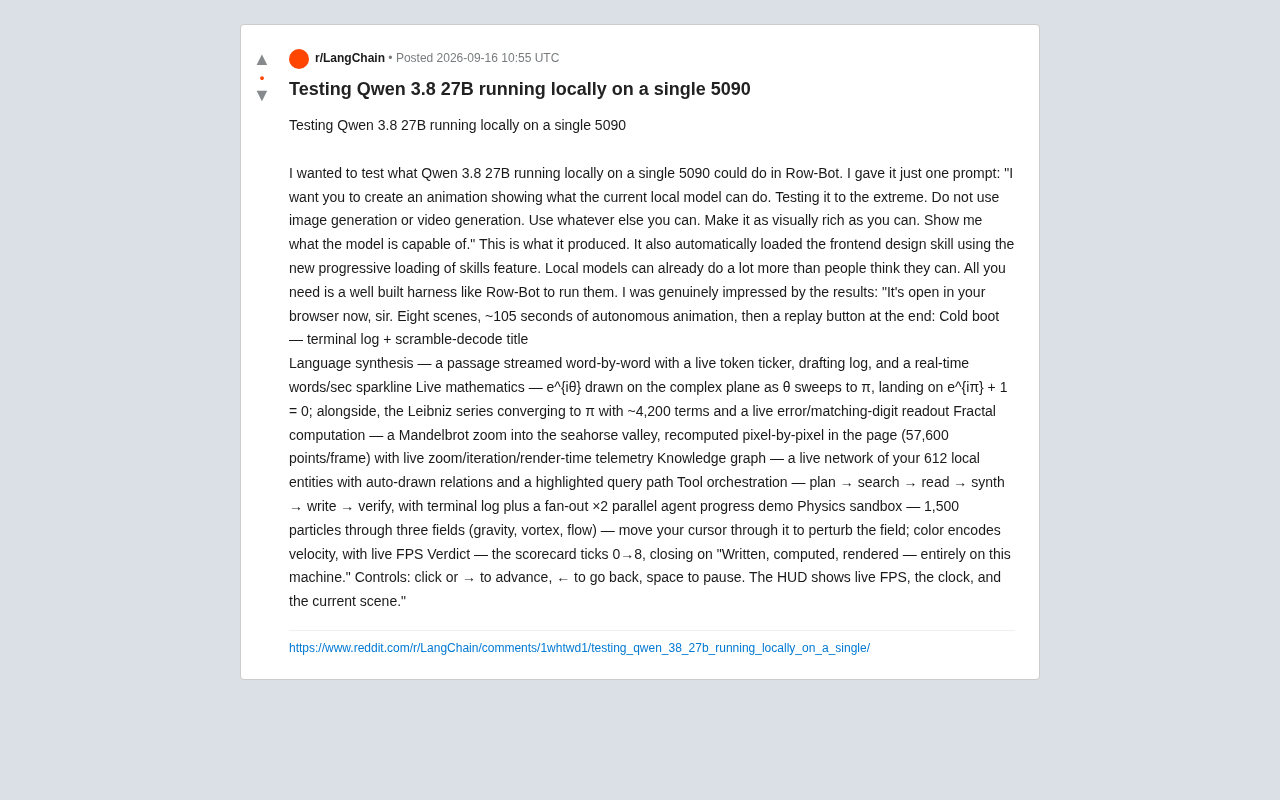
Running Qwen3 27B Locally on a Single RTX 5090: What Can It Actually Do?
A developer runs Qwen3 27B locally on a single RTX 5090 via the Row-Bot Agent framework, generating an 8-scene, 105-second interactive animation from one prompt — including real-time math, fractals, and physics.
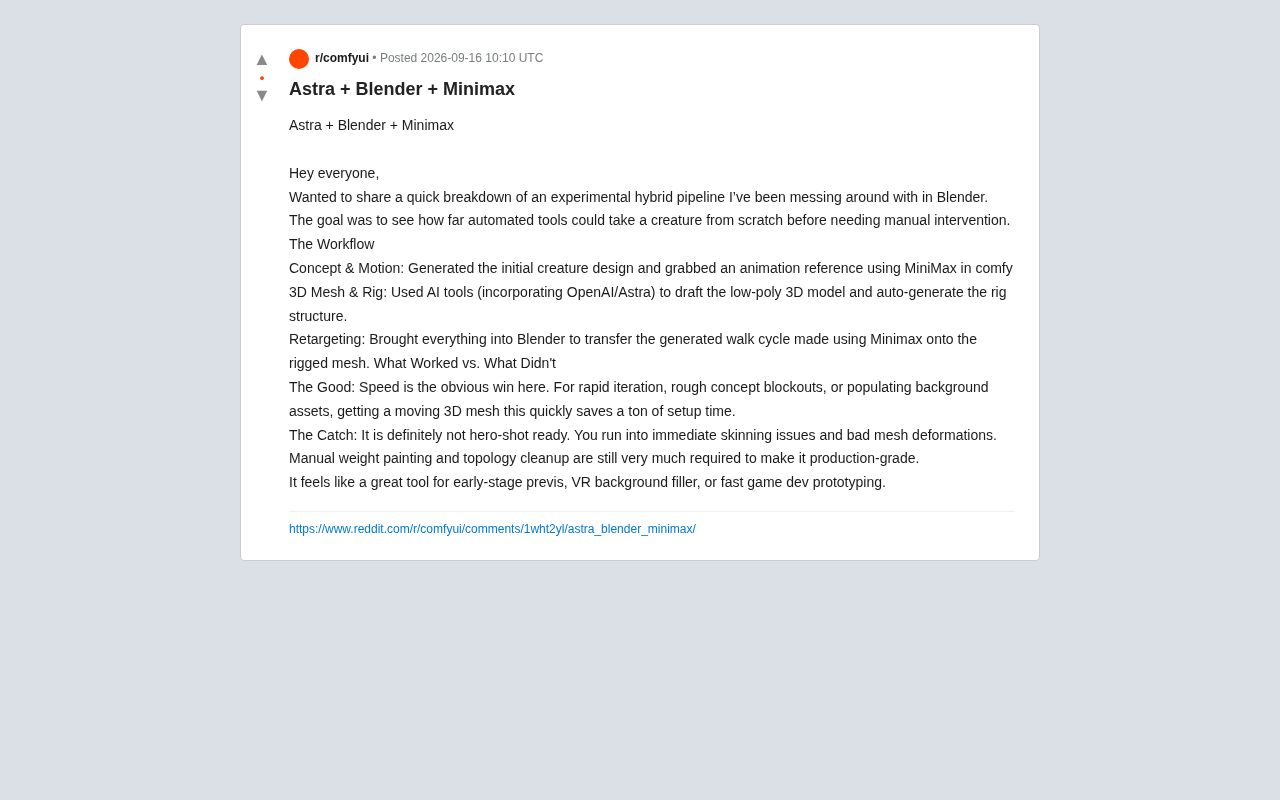
AI Hybrid Workflow in Practice: Auto-Generating 3D Creatures with Astra + Blender + MiniMax
A Reddit creator tests an Astra+Blender+MiniMax hybrid AI workflow for 3D creature animation — from concept to rigging to retargeting. Here's what works and what doesn't.
Apple Reference Image: A New Paradigm for Verifiable Photography
Apple's Reference Image proposal uses on-device cryptographic signing to establish verifiable baselines for real photos, tackling AI-generated image authenticity at the hardware level.