github-to-sqlite 2.9.1 Released: Fixes sqlite-utils 4.x Compatibility

github-to-sqlite 2.9.1 fixes sqlite-utils 4.x compatibility to keep GitHub data pipelines running smoothly.
github-to-sqlite 2.9.1 is a pure maintenance release with a single change: fixing compatibility with sqlite-utils 4.x (issue #85). Part of Simon Willison's Dogsheep project, the tool fetches GitHub repos, issues, commits, stars, and more into a local SQLite database for analysis with Datasette. The sqlite-utils 4.x major version introduced breaking API changes that caused runtime errors in unupdated tools. Users can fix this by running `pip install -U github-to-sqlite` or `pipx upgrade github-to-sqlite`.
What is github-to-sqlite
github-to-sqlite is part of Simon Willison's Dogsheep project family. Its core purpose is to fetch data from GitHub — including repositories, issues, commits, stars, organization members, and more — and write it into a local SQLite database. Once the data lands in SQLite, you can use Datasette to browse, query, and visualize it, building a GitHub data analytics toolchain for personal or team use.
For developers who need to audit repository activity, analyze contributor behavior, or consolidate scattered GitHub API data into a single queryable source, tools like this eliminate the need to manually write API-calling scripts. It essentially wraps GitHub's REST API into a series of command-line instructions, with results persisted directly to a local file.

What's New in 2.9.1
Version 2.9.1 is a typical maintenance release with a tightly focused change: fixing compatibility with sqlite-utils 4.x (corresponding to issue #85).
sqlite-utils is the underlying dependency library of the Dogsheep ecosystem, responsible for actual SQLite writes, table schema management, and data operations. When sqlite-utils upgraded to the 4.x major version, breaking changes at the API level emerged, meaning higher-level tools that depend on it — if not updated accordingly — may throw errors or behave unexpectedly in environments running the newer version of sqlite-utils. github-to-sqlite 2.9.1 was released specifically to address this chain of issues.
Why Compatibility Fixes Like This Matter
In the Python ecosystem, version coupling between libraries is a common maintenance pain point. When you install datasette, sqlite-utils, and multiple Dogsheep-series tools in the same virtual environment, a major version upgrade to any underlying library requires the entire dependency chain to catch up. This fix means users who have already upgraded to sqlite-utils 4.x can continue using github-to-sqlite without pinning to an older version.
If you're maintaining a Datasette-based data pipeline, it's recommended to update github-to-sqlite to 2.9.1 after upgrading sqlite-utils, to avoid runtime errors during import or write stages.
How to Upgrade
Upgrading follows the standard process for most Python packages — just use pip:
pip install -U github-to-sqlite
If you installed it via pipx, run:
pipx upgrade github-to-sqlite
After upgrading, you can confirm the version with github-to-sqlite --version to verify it's been updated to 2.9.1.
Summary
Version 2.9.1 introduces no new features — its value lies in keeping the tool usable alongside a rapidly evolving underlying dependency. For users of the Dogsheep ecosystem, seemingly minor compatibility fixes like this are precisely what keep data-fetching pipelines running reliably over the long term. Developers using github-to-sqlite to build GitHub data analytics — especially those who have already upgraded or plan to upgrade sqlite-utils — should update as soon as possible.
Related articles
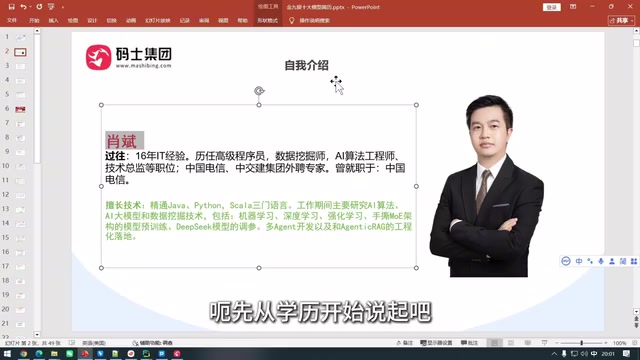
The Only Video on Bilibili That Explains Harness Engineering? A Practical Analysis of Enterprise Multi-Agent Collaboration
Analyzing Harness Engineering's core components for enterprise multi-agent collaboration: orchestration, state management, security isolation, and observability. Based on Bilibili tutorial material, discussing why interviewers are starting to probe engineering constraints and how to rationally view "the only one that explains it" tech content.
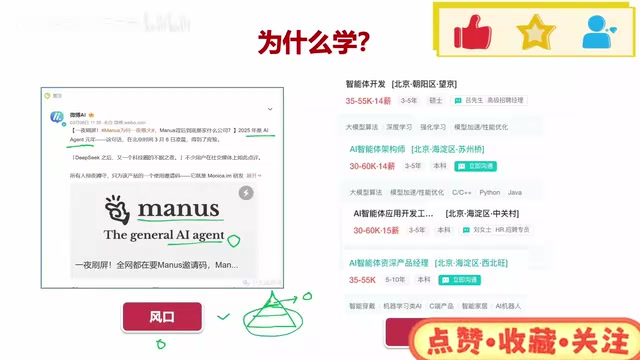
AI Agent Full-Stack Practical Course: Master Dual-Framework Development from 0 to 1
An analysis of the Bilibili AI Agent full-stack practical course: four stages covering basic concepts, LangChain deep dive, single-Agent practice, and CrewAI multi-agent advancement, with zero-config tools and open-source code, suitable for developers with programming foundations.

Hand-Writing Agents.md Significantly Improves AI Coding Stability
A Bilibili creator compares two real projects—a video editor and a card game—showing that hand-written Agents.md and design docs significantly boost AI coding stability, explains how Agents.md differs from skill injection, and offers practical document-driven development methods.