GoCron Adds OIDC Authentication: A Powerful Backup Scheduler for Self-Hosters

GoCron adds native OIDC auth and pairs with Restic/Rclone for lightweight declarative backup scheduling.
GoCron, an open-source cron job manager for self-hosters, has added native OIDC authentication, eliminating the need for proxy-based access protection and enabling safe public internet deployment. The project author combines GoCron with Restic and Rclone to implement declarative backups via a single config file, centralizing all backup policies for readability and reproducibility. The tool includes a GUI, health checks, and a built-in terminal for intuitive task monitoring and silent failure detection. Intentionally kept simple and lean, it targets individual users and small self-hosted environments, and is open-source on GitHub.
GoCron Gets Native OIDC Support
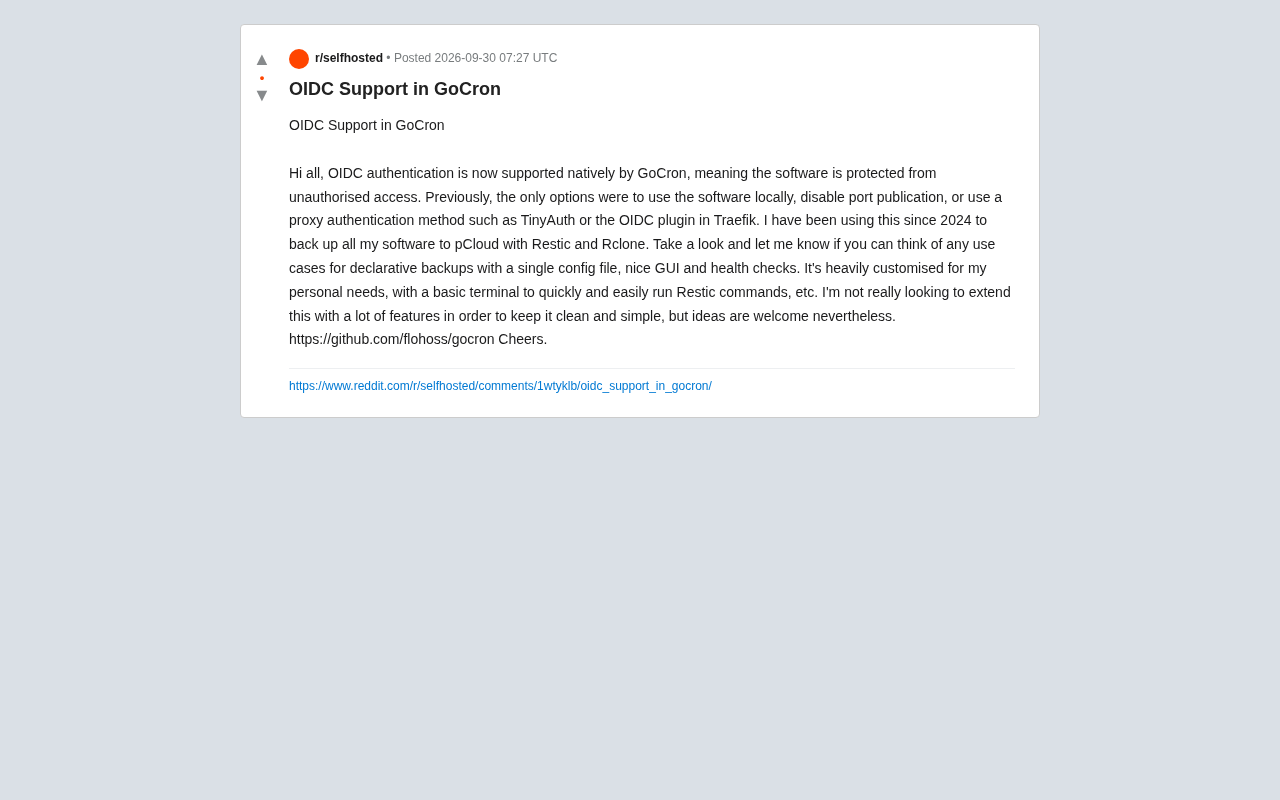
GoCron, the open-source cron job management tool, has announced native support for OIDC (OpenID Connect) authentication — meaning the application can now protect itself directly against unauthorized access. Previously, users had limited options for securing GoCron: running it locally only, disabling port publishing, or relying on proxy-based authentication solutions like TinyAuth or Traefik's OIDC plugin.
For self-hosted deployments, authentication is a non-negotiable hurdle. Many lightweight tools offer great functionality but are difficult to safely expose to the public internet due to a lack of built-in identity verification. By integrating OIDC as a native capability, GoCron fills this gap directly — making it much better suited for environments that require centralized identity management.
OIDC (OpenID Connect) is an identity authentication layer built on top of OAuth 2.0 that allows applications to delegate the task of "verifying who the user is" to independent Identity Providers (IdPs) such as Google, GitHub, Authentik, or Keycloak. When a user logs in, they are redirected to the IdP for verification; upon success, the IdP issues an ID Token containing user information, and the application never needs to store passwords itself. For self-hosted setups, this means you can use a single existing account system (such as a home Authentik instance) to manage logins across all your applications — eliminating the need to maintain separate username/password databases for each tool, while also gaining MFA and SSO capabilities.
The Practical Value of Declarative Backups
According to the project's author, he has been using GoCron since 2024, combining it with Restic and Rclone to back up all his application data to pCloud. The core philosophy of this setup is declarative backups — defining all backup tasks through a single configuration file, rather than maintaining a scattered collection of scripts and crontab entries.
The advantage of a declarative approach is readability and maintainability: configuration serves as documentation, all backup policies are immediately visible, and migration or reproduction is straightforward. GoCron builds on this foundation by providing a graphical user interface (GUI) and health checks, turning what used to be log-watching exercises into something intuitive and manageable. Health checks are especially critical, because the worst thing that can happen with a backup job is a silent failure — where you think it's running, but it actually broke long ago.
Restic is an open-source backup tool focused on security and efficiency, supporting encrypted storage, deduplication, and incremental backups. Rclone is the "Swiss Army knife of cloud storage," capable of syncing or mounting file systems between local storage and dozens of cloud providers (including pCloud, S3, Backblaze B2, and more). A common pattern when combining the two is: Restic handles encrypting and packaging data into snapshots saved locally or remotely, while Rclone syncs those snapshots to offsite cloud storage — forming the offsite copy in a "3-2-1 backup strategy." The value of declarative backups lies in codifying this multi-step process into a single configuration file, so that disaster recovery only requires redeploying that config rather than reconstructing scripts from memory.
A Philosophy of Simplicity
The author of GoCron has stated clearly that this project is closely tailored to his personal needs, and he has no intention of piling on features. The tool includes a basic terminal for quickly running Restic commands and similar operations, but the overall design goal is to remain clean and simple.
This restrained design philosophy is uncommon in the open-source community, yet it tends to be preferred by pragmatic users. Feature bloat brings maintenance burdens and added complexity, whereas a small tool focused on doing "scheduled tasks + backups" well is actually easier to trust and use long-term. The author has said he welcomes community ideas and use cases — he just won't add features for the sake of adding features.
Who Is It For?
Based on the project's positioning, GoCron is primarily aimed at the following types of users:
- Self-hosting enthusiasts: Those who need a cron job manager with a GUI and authentication for backup or operations automation.
- Restic / Rclone users: Those already using this backup toolchain who want better scheduling and a visual interface.
- Configuration-as-code advocates: Those who prefer managing all tasks through a single config file and value reproducibility.
For users seeking a full-featured, team-grade scheduling platform, GoCron may be too minimal. But for individuals and small self-hosted environments, its positioning is crystal clear.
The project is open-source on GitHub (flohoss/gocron). Interested users are welcome to check it out and share their declarative backup use cases with the author.
Conclusion
With the addition of OIDC support, GoCron has evolved from a "local utility" into a self-hosted application that can be safely deployed on the public internet. Combined with Restic and Rclone's declarative backup capabilities, plus a clean GUI and health checks, it offers individual users a lightweight yet reliable backup scheduling solution. At a time when open-source tools increasingly trend toward feature bloat, this commitment to simplicity is itself a form of differentiation.
Related articles

Free Unlimited Claude Code Solution: Agnes AI + CC Switch Setup Guide
No paid subscription needed — pair the free AI platform Agnes AI with the open-source tool CC Switch to provide a backend for Claude Code, enabling unlimited free calls to text, image, and video models. This guide covers the full setup, test results, and usage boundaries.

A Complete Zero-Cost Guide to Getting Started with Claude Code for Beginners in China
A beginner's guide to Claude Code for users in China: two installation methods (command line and IDE plugin), full configuration steps for replacing the official API with the free domestic LongCat model, and a hands-on demo of building a small tool with natural language, plus tips.

When the NSA Gets Involved: The AI Supply Chain Crisis Behind Open-Source CVEs and API Key Hijacking
Multiple open-source projects disclosed severe CVEs in one day, PHP flaws alarmed the FBI, and Railway and OpenCode were breached with API keys stolen. This article breaks down the vulnerability window, AI-accelerated exploitation, and the AI supply chain crisis behind the API key black market, with a developer defense checklist.