Google Antigravity Setup Guide: An AI IDE That Challenges Cursor?

Google Antigravity enables autonomous development through multi-agent architecture and MCP support, reshaping the AI programming paradigm.
The article introduces Antigravity, an agentic development environment from Google DeepMind, positioning it as the biggest paradigm shift in software engineering since the IDE. Unlike human-in-the-loop tools like Copilot and Cursor, Antigravity can analyze multi-repo workspaces, run terminal commands, launch parallel subagents, and self-correct. It details installation and authentication, multi-agent architecture with reactive wake-up, the skills system, and native MCP support, plus a full-stack demo compressing hours of development into minutes of high-level guidance. It also discusses the developer role shifting toward problem decomposition and quality review, while noting the demo comes from a single source with commercial promotion and needs independent verification.
From Code Completion to Autonomous Development: Antigravity's Paradigm Shift
If your impression of AI programming is still stuck on letting a chatbot autocomplete a few lines of JavaScript, Google Antigravity may upend that expectation. According to YouTube tutorial author Tools for Gens, this is the biggest paradigm shift in software engineering since the invention of the IDE. Unlike traditional tools such as GitHub Copilot, Antigravity doesn't passively wait for you to copy and paste code—it's an autonomous, agentic development environment built by Google DeepMind. It can analyze an entire multi-repo workspace, run terminal commands, inspect browser interfaces, deploy parallel subagents, and self-correct errors in real time.
This positioning clearly sets it apart from AI editors like Cursor. Cursor's core remains "human-in-the-loop" editor enhancement, while Antigravity attempts to hand the entire development workflow over to agent orchestration. For developers, this means the focus of work shifts from writing code to guiding and reviewing.
Installation and Authentication: Two Steps into Agentic Development
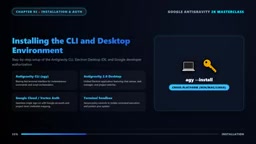
Antigravity offers a fairly smooth installation experience on Windows, macOS, and Linux. The platform provides two core entry points: the high-speed Anti-Gravity CLI (AG for short) and the Anti-Gravity 2.0 standalone desktop IDE. After completing installation in the terminal via a standard package manager or a direct installer, simply type AG to launch.
On first launch, Antigravity initiates an interactive browser authentication flow, connecting your Google account to the project workspace. Global preferences are configured in settings.json, including model selection: Gemini Flash is suited for quick edits, while Gemini Pro is suited for deep architectural reasoning. Terminal execution policy can also be controlled at a granular level—you can choose to let terminal commands execute automatically in a sandbox, or prompt you for review before each execution. Once authentication is complete, the environment is ready for coding.
The Positioning Difference Between Gemini Flash and Gemini Pro
Gemini Flash and Gemini Pro are two models at different tiers offered by Google. Flash emphasizes low latency and high throughput, making it suitable for code completion, quick edits, formatting adjustments, and other latency-sensitive tasks; Pro has stronger reasoning and contextual understanding capabilities, making it suitable for architecture design, complex refactoring, multi-file planning, and other scenarios requiring deep thinking. In Antigravity, users can switch on demand in settings.json, or let the agent automatically select based on task type. Understanding the trade-offs between the two helps with sensible configuration: using Flash for routine lightweight operations saves time and cost, while switching to Pro at key decision points yields more reliable solutions.
Multi-Agent Architecture: Letting Subagents Work in Parallel
What truly distinguishes Antigravity from ordinary AI editors is its multi-agent architecture. In complex projects, a single linear conversation can easily become messy and slow things down. Antigravity solves this with subagents: through the Invoke subagent capability, the main agent can launch specialized background workers, such as codebase researchers, database debuggers, or image generators. Each subagent runs independently in its own context, explores directories, and sends back structured messages when needed.
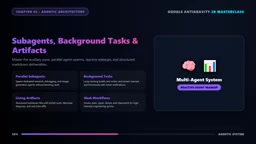
A companion reactive wake-up system means developers don't have to wait or poll—the moment a background task completes, execution resumes immediately. The auxiliary panel on the right provides instant visibility into background processes, terminals, file diffs, and artifacts. Artifacts are rich structured Markdown documents containing mermaid architecture diagrams, execution plans, and progress logs. This design makes the agent's work process auditable rather than a black box.
What Is a Subagent?
A subagent is defined relative to the main agent. The main agent is responsible for interacting with the user, understanding requirements, and planning tasks, while subagents are agent instances launched on demand by the main agent that focus on specific subtasks. Each subagent has its own independent context window and tool permissions, can autonomously perform searches, run commands, or generate content, and returns structured results to the main agent upon completion. This design borrows from the "task decomposition" concept in distributed systems: breaking complex problems into multiple parallelizable subproblems avoids the chaos caused by overly long single-conversation contexts and improves overall execution efficiency. Subagents typically don't communicate directly with each other but are coordinated through the main agent, keeping responsibilities clear and results controllable.
Skills and MCP: Turning a Generalist Agent into a Domain Expert
Out of the box, Antigravity is a competent generalist programmer, but truly unlocking its capabilities requires customization via skills and MCP (Model Context Protocol). A skill is a self-contained directory containing a skill.md file, auxiliary scripts, and reference documents. You can load skills such as full-stack web applications, BigQuery SQL optimization, automated video production, or cloud storage hardening. When a skill matches the task, Antigravity automatically activates the corresponding rules, avoiding vague, hallucinated output.
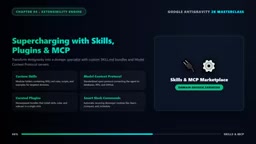
Native MCP support goes further: through MCP servers, Antigravity can directly connect to PostgreSQL databases, GitHub pull requests, Figma design files, and cloud infrastructure. The agent no longer guesses at database structure but safely inspects live table schemas and writes precise queries. This "look before you write" pattern is the key difference between agentic development and pure text generation.
What Is MCP (Model Context Protocol)?
MCP (Model Context Protocol) is an open protocol for letting AI models connect to external data sources and tools in a standardized way. You can think of MCP as the "USB interface" of the AI world: whether the backend is a database, code repository, or design tool, as long as it implements an MCP server, the agent can invoke it through a unified interface. MCP servers expose resources (such as database table schemas), tools (such as executing queries), and prompt templates, and the agent dynamically discovers and invokes these capabilities as needed for the task. Compared to letting models "guess from memory" the state of external systems, MCP lets agents read real data in real time, significantly reducing hallucinations. The protocol was originally proposed by Anthropic and has now been adopted by multiple AI development tools; Antigravity's native support is a reflection of this trend.
Hands-On Demo: From Requirements to Working Features
The tutorial tests the entire architecture with a real-world scenario: building a student career portal with live database integration. Under a traditional workflow, this would require hours of writing boilerplate code, configuring APIs, and debugging build failures. In Antigravity, you simply enter the slash command plan plus a prompt, and the agent creates an execution plan, breaks features into atomic steps, and writes the complete codebase across multiple files.
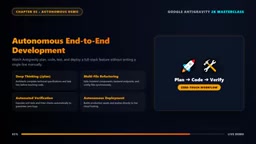
It also launches an internal terminal, runs tests, fixes syntax errors, and verifies the build passes. You can even ask it to generate marketing video assets, render thumbnails with a subagent, and push directly to a cloud repository. What would have taken an entire engineering sprint becomes a few minutes of high-level guidance. It should be noted that the above demo comes from a single YouTube tutorial source, and no other independent source has cross-validated its completeness or reproducibility, so readers should remain cautious.
Who Should Pay Attention: Repositioning the Developer Role
According to the tutorial author's view, developers who adapt to agent orchestration will surpass entire teams of traditional programmers. This judgment carries obvious promotional coloring, but the direction is worth considering: when agents handle boilerplate code, test fixes, and deployment pipelines, human value is increasingly reflected in problem decomposition, architectural decisions, and quality review. For students and freelancers, Antigravity lowers the barrier from idea to working product; for enterprise engineers, the configurability of skills and MCP lets agent behavior align with existing infrastructure.
You may not have noticed that the end of the tutorial includes a commercial promotion for a resume tool, and its performance claims and "10x advantage" statements should be regarded as marketing language. The tool's real capabilities still require more independent evaluation to verify.
Related articles
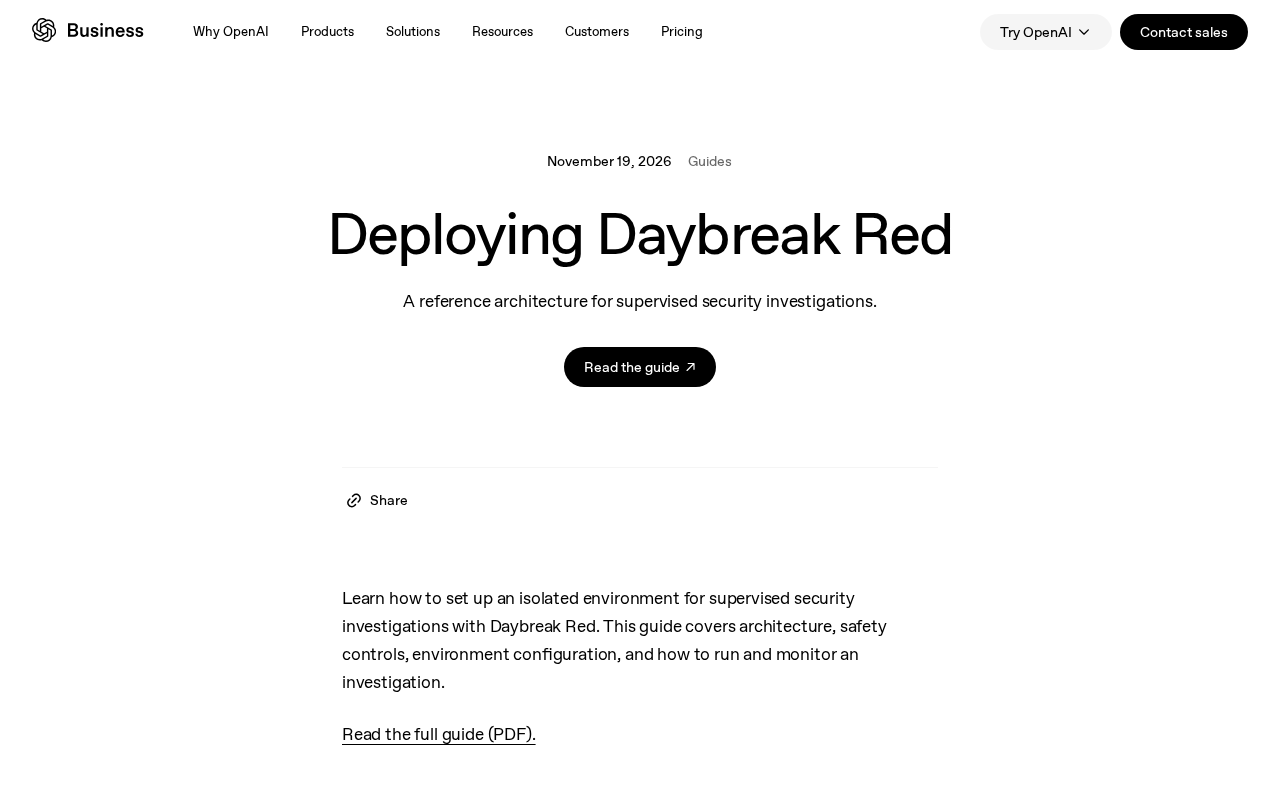
Daybreak Red Deployment Guide: A Reference Architecture for Supervised Security Investigation
A breakdown of the Daybreak Red reference architecture: security control design, deployment configuration process, and runtime monitoring for supervised security investigation.
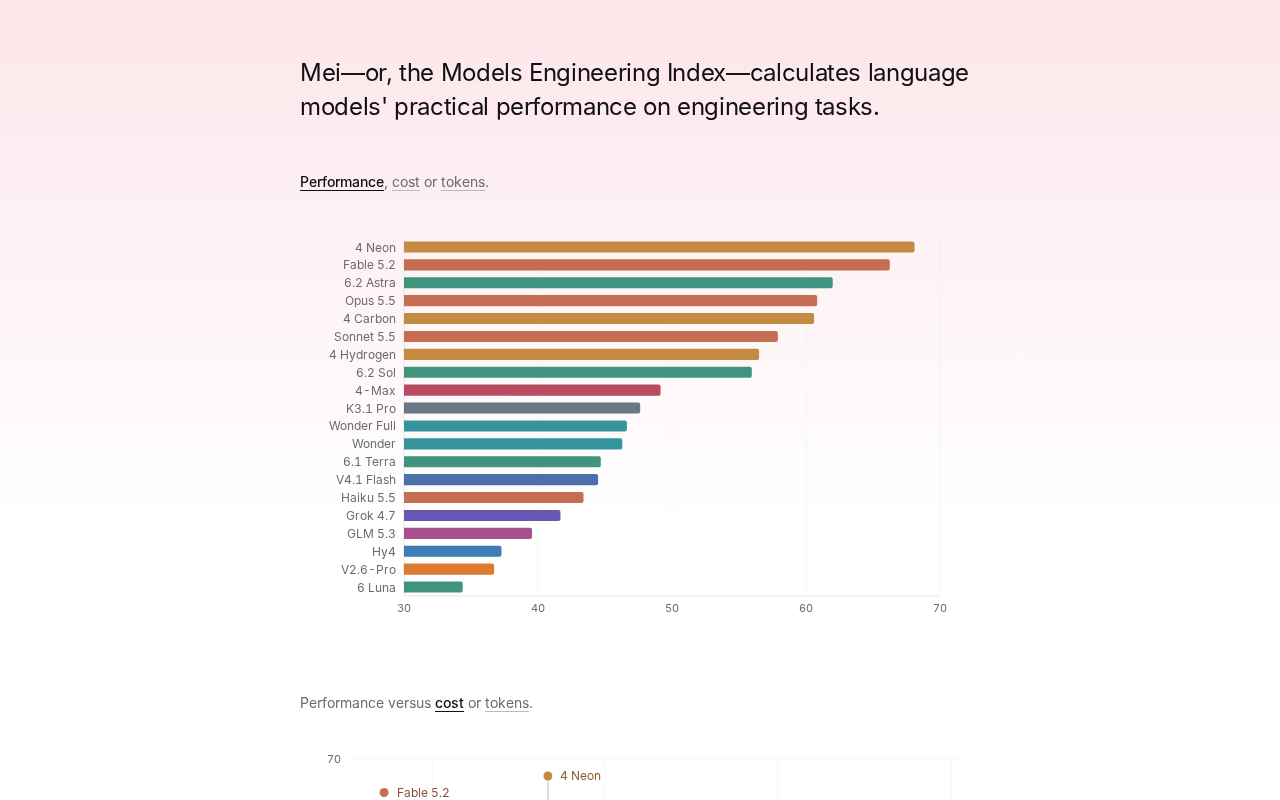
Gemini 4 Neon Tops the Models Engineering Index
Gemini 4 Neon tops the Models Engineering Index, sparking Hacker News debate over ranking credibility and evaluation methods. Here's what it means for developers.

Apple's Self-Developed AI Agent: An Agent That Can Operate Your Mac Is Coming
Apple is reportedly developing an AI agent that can operate a Mac, targeting Meta Muse, Claude, OpenAI Dots, and others. This article analyzes Apple's system-level advantages, the competitive landscape, and likely rollout paths in the agent race.