GPT-6.2 Dual Models Land on AI Gateway: How to Choose Between Astra and Sol

GPT-6.2 splits into Astra and Sol, tiered by task complexity on AI Gateway.
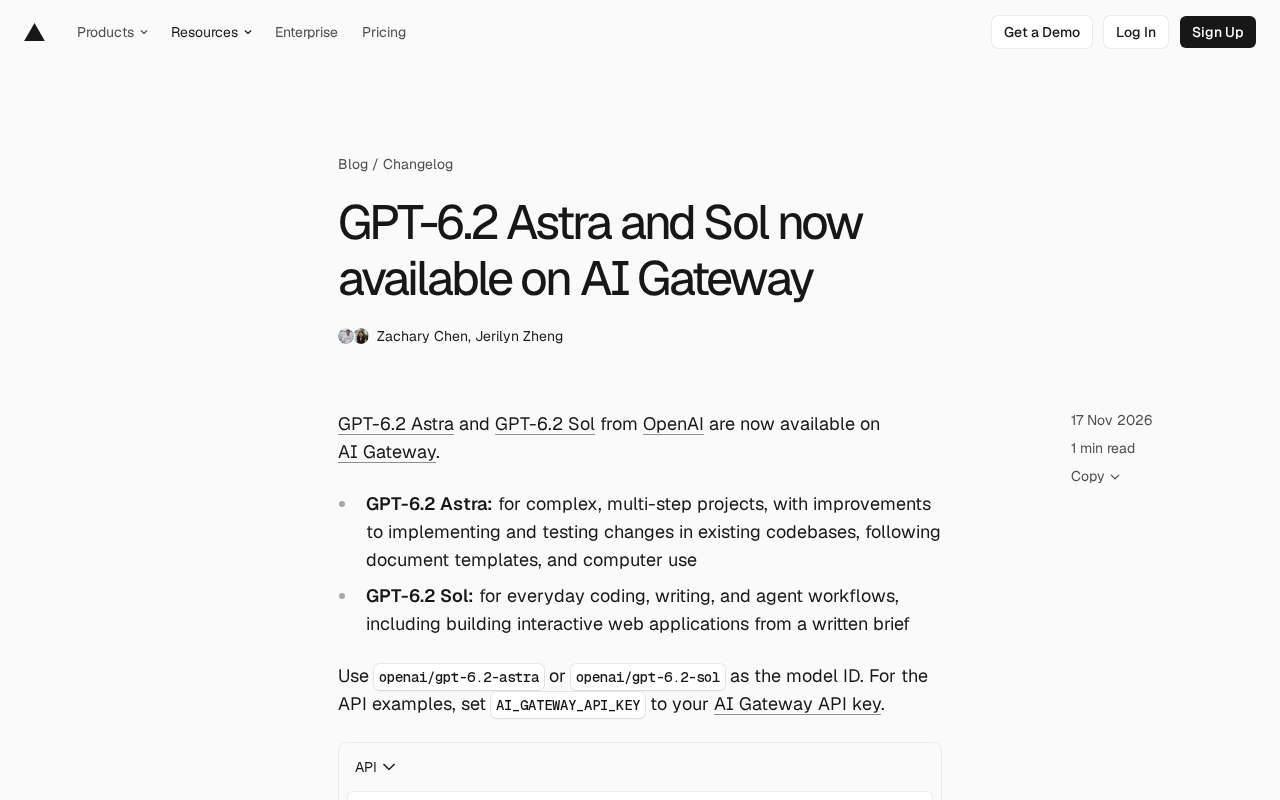
OpenAI's GPT-6.2 series launches on AI Gateway with two independent models, Astra and Sol, forming clear product segmentation. Astra targets complex multi-step projects, emphasizing changes in existing codebases, documentation template adherence, and computer use; Sol targets everyday coding, writing, and agent workflows, and can build interactive web apps from a written brief. Both are called via the openai/gpt-6.2-astra and openai/gpt-6.2-sol model IDs, compatible with Chat Completions, the Responses API, and AI SDK, with minimal migration cost. Both support fast mode and the Ultrafast service tier, with Astra's Ultrafast output token price 60% lower than the previous generation. The article argues this reflects general-purpose models evolving toward task specialization, letting developers choose by workflow rather than brand.
OpenAI's GPT-6.2 series launches on AI Gateway with two independent models at once—Astra and Sol. This isn't a simple version iteration, but a clear product segmentation: one built for complex engineering tasks, the other for everyday high-frequency workflows.
Two Models, Two Positions
Astra: Built for Complex Multi-Step Projects
GPT-6.2 Astra's positioning is very specific: handling complex, multi-step projects. The officially named improvement areas include implementing and testing changes in existing codebases, following documentation templates, and computer use. These three areas happen to correspond to the scenarios where today's AI coding assistants most often stumble—not failing to write code, but failing to modify existing code correctly, failing to follow standards, and failing to reliably operate interfaces. Astra is clearly aimed at these pain points.
computer use refers to a model's ability to directly operate GUI software by visually recognizing screen content and simulating mouse clicks and keyboard input. Unlike calling APIs, computer use lets models interact with applications that lack programming interfaces just like human users—typical scenarios include filling out forms, operating internal admin backends, and moving data across software. The technical challenges lie in the stability of locating interface elements, error accumulation over long operation sequences, and self-correction after failed operations. Astra listing computer use as a key improvement area means it needs to maintain state consistency across multi-step operations, not just achieve accurate recognition in a single screenshot.
Sol: The General Engine for Everyday Work
GPT-6.2 Sol targets everyday coding, writing, and agent workflows, with the official description specifically noting it can build interactive web apps from a written brief. This means Sol is closer to an "all-rounder": code, copywriting, and automated workflows—suitable as a default model for high-frequency calls.
The division of labor is clear: Astra handles heavy tasks, long chains, and high fault tolerance; Sol handles light tasks, fast responses, and broad coverage.
Access: Model IDs and API Compatibility
Calling is straightforward—use the model IDs in AI Gateway:
openai/gpt-6.2-astraopenai/gpt-6.2-sol
Authentication only requires setting AI_GATEWAY_API_KEY to your AI Gateway API key. Both models support Chat Completions and the Responses API, and the official example demonstrates calling Sol with AI SDK's streamText:
import { streamText } from 'ai';

const result = streamText({
  model: 'openai/gpt-6.2-sol',
  prompt: 'Draft a one-page project brief from these meeting notes.',
});
For teams already using AI SDK or OpenAI-compatible interfaces, migration cost is nearly zero—just swap the model ID.
Chat Completions and the Responses API are two interface forms provided by OpenAI. Chat Completions is the long-established conversational interface, centered on message arrays as input and output, with the broadest ecosystem compatibility; the Responses API is a newer interface design with native support for tool calls, multi-turn state management, and structured output, making it better suited for building agent-type applications. Their coexistence means developers can choose based on their existing tech stack without rewriting the calling layer for a new model. AI SDK is a unified wrapper over multiple model providers' interfaces, and streamText is its core function for streaming text generation, returning a text stream that can be consumed incrementally.
Ultrafast Service Tier: Astra's Price Cut Signal
Both models support fast mode and OpenAI's Ultrafast service tier, which trades a higher per-token price for lower latency. There are two ways to enable it: set providerOptions.openai.serviceTier to 'ultrafast' in AI SDK, or set service_tier to 'ultrafast' in Chat Completions and Responses requests.
What's worth noting is the pricing detail: GPT-6.2 Astra's Ultrafast output token price is 60% lower than GPT-6 Astra. That's a substantial reduction, indicating OpenAI is actively pushing down the cost of high-speed inference on flagship capabilities. For production scenarios requiring low latency and high throughput, this is a substantive cost structure change, not just marketing talk.
Service tier is a tiering mechanism in inference services based on latency and throughput. The default tier executes with regular queuing and scheduling; high-speed tiers reduce response time through priority scheduling, reserved compute, or more aggressive batching strategies, at the cost of a higher per-token price. The service_tier parameter lets callers declare the desired tier at the request level, so the same model can serve both cost-sensitive and latency-sensitive workloads. Understanding this is key: Ultrafast is not another model, but an acceleration channel in inference scheduling for the same model—output quality is unchanged; what changes is wait time and billing unit price.
Enabling in Coding Agents
To use these two models in coding agents like Codex and Cursor, first install the latest Vercel CLI and run setup:
npx vercel ai-gateway setup
Then select openai/gpt-6.2-astra or openai/gpt-6.2-sol in the agent. An official coding agents guide is also available for reference, and both models can be tried directly in the playground.
Coding agents refer to programming tools that can autonomously read and write files, execute commands, run tests, and iterate based on results—Codex and Cursor are representative examples. What distinguishes them from ordinary chat interfaces is that they continuously consume model calls and maintain cross-step context, so model choice directly affects task success rate and token costs. After configuring via npx vercel ai-gateway setup, the gateway-proxied model IDs appear in the agent's model list, and call requests are uniformly forwarded and billed through AI Gateway, so developers don't need to manage keys from multiple providers separately within each tool.
Selection Advice
Working backward from the official descriptions, the selection judgment can be reduced to one line: does the task span multiple steps, involve modifications to existing codebases, or require strict template adherence or computer interface operation? If the answer leans "yes," choose Astra; if it leans "no," choose Sol.
This dual-model strategy also reflects a trend: general-purpose large models are evolving toward "task specialization." Vendors no longer expect a single model to handle all workloads, but instead split different capability emphases and price tiers from the same generation base, letting developers choose models by workflow rather than by brand.
For AI Gateway users, the practical benefit is being able to switch between two capability tiers via model IDs within the same access layer, while using the Ultrafast service tier to tune latency and cost—forming a tunable inference pipeline.
Related articles

Gemini 4 Neon Released: A Balance Between Frontier Intelligence and Efficient Task Execution
Google DeepMind releases Gemini 4 Neon, focused on frontier intelligence and fast end-to-end task execution. This article breaks down its benchmark performance in coding, enterprise analysis, scientific reasoning, and cybersecurity, its four thinking levels, pricing, and safety alignment data.

Is AI the Culprit Behind Global Outages? The Trust Crisis Behind the NSA and FAA Failures
Fourth major failure in five days hits NSA classified network. Microsoft blames a software bug, FAA denies its new AI system, NSA says routine maintenance. Senator Warner suggests AI accelerates vulnerability discovery, leading to rushed fixes — while 39% of Americans already view AI negatively, exposing a deepening trust crisis.

Robot Developer Builds Custom B-rep Kernel with 3,487 Tests
A robot developer builds a custom B-rep geometry kernel with 3,487 tests, exploring why robotics needs dedicated CAD tools and the barriers to building one.