GPT-6 Astra in Action: The Workflow Revolution Where AI Takes Over the Tedious Work in Video Editing
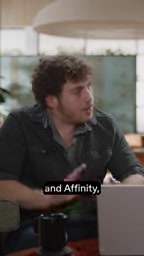
GPT-6 Astra can now deeply operate professional software like Final Cut Pro, becoming a core workflow tool for creators.
A YouTube creator integrated GPT-6 Astra into his real production environment, testing it across Final Cut Pro and Affinity. The results led him to reframe Astra from a "cool feature" to a "core workflow component." He favors the Computer Use approach — having AI operate GUI software directly rather than generating finished outputs via API. His ideal division of labor: AI handles asset prep, transcoding, color grading, and timeline organization, while the creator retains final editorial and creative control. This "AI does the grunt work, humans do the creativity" model is seen as more practical for professional creators than full automation.
From "Neat Feature" to "Core Workflow" — A Tipping Point
A YouTube creator who put GPT-6 Astra through its paces offered a telling verdict: Astra has crossed a critical threshold — shifting from "this is a cool feature" to "this is now a core part of my workflow."
The real transformation here is that the model no longer just handles simple, one-off edits. Instead, it can genuinely operate professional software with a level of depth that was previously rare. For content creators who rely on complex toolchains, this means AI has finally made its way into their actual day-to-day production pipeline — not just tech demo videos.
Real-World Testing: Final Cut Pro and Affinity Working Together
This creator's daily work revolves around two professional applications — Final Cut Pro for video editing and Affinity for thumbnail (cover image) creation. He plugged Astra directly into both real production environments and put it to the test.
The most impressive moment came during thumbnail production: Astra performed a deep selection cutout on a piece of footage, then made a series of subtle but well-judged adjustments, ultimately polishing the thumbnail in a way he had never seen before. This kind of fine-grained control over professional design software is precisely what AI tools have typically lacked.
Final Cut Pro is Apple's non-linear editing software for the professional video market, known for its Magnetic Timeline and background transcoding features — a long-standing favorite among YouTube creators and indie filmmakers. The Affinity suite (including Affinity Photo and Affinity Designer) is developed by UK-based Serif and offers a professional creative toolset that closely mirrors Adobe Photoshop and Illustrator, with a one-time purchase pricing model that has made it popular among independent creators. Both applications are closed desktop software that have not opened system-level editing interfaces to third-party AI. Astra's ability to perform precise operations like cutouts and color grading within them therefore relies on the Computer Use mechanism described below — visual perception combined with simulated input — rather than any built-in plugin or scripting support.
The Unexpected Advantage of the "Computer Use" Approach
There has long been debate within the industry about the right way for AI to integrate with software workflows. This creator admits he was previously in the "API/CLI camp" — believing the future would involve calling everything through APIs or command-line interfaces.

After hands-on testing, however, he found himself preferring the approach that Astra represents: computer use — letting the AI operate graphical interface software directly, just like a human would.
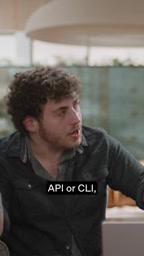
The reasoning is practical: he doesn't want AI to "one-click generate" an entire video or thumbnail. What's genuinely valuable is having AI make many passes inside existing software, methodically handling the tedious preparatory work layer by layer, while the creator retains final creative decision-making. This kind of human-AI division of labor fits the real demands of professional content creation far better than full automation does.
"Computer Use" as an AI interaction paradigm was first publicly demonstrated by Anthropic in late 2024 alongside the Claude 3.5 Sonnet update, with OpenAI, Google, and others following suit. The core idea is to let an AI model operate any graphical interface application the way a real user would — perceiving screen state through screenshots and simulating mouse clicks and keyboard input — without requiring software developers to open up a dedicated API. The advantage is remarkable universality: if software has an interface, AI can theoretically operate it. The limitations are that it depends on visual recognition, runs relatively slowly, and can still be inconsistent in pixel-level precision. The competing API/CLI approach requires software vendors to build dedicated integrations, delivering higher efficiency and reliability but extremely limited coverage. Closed professional applications like Final Cut Pro and Affinity have not provided complete external editing APIs for AI to call directly. This is precisely why the Computer Use approach holds unique practical value for professional creative software scenarios.
AI Handles the Grunt Work, Humans Handle the Creativity
The ideal workflow sketched out by this test draws a clear line between what machines and humans are each responsible for.

Astra can take care of a range of front-end "manual labor" inside Final Cut on the creator's behalf:
- Prep all the assets
- Handle all transcoding
- Execute color grading
- Lay out all the clips
- Get the timeline organized and ready to use
Once these mechanical preparatory tasks are packaged up and handled by AI, the creator can step straight into the part that actually matters — the real editorial judgment calls and creative editing work. In his own words, AI takes over the "menial busy work that comes with editing," and this kind of workflow "is actually viable now, and it's great."
What This Means for Creator Toolchains
While this is a single creator's personal experience, it reflects a trend worth paying attention to: the value of generative AI is shifting from "replacing humans on complete tasks" to "augmenting human professional workflows."
In fields like video editing and graphic design — where repetitive labor is abundant but creative judgment is equally essential — the model of "AI does the prep, humans make the decisions" may be easier to adopt in practice, and more appealing to professional users, than fully automated solutions. When AI can genuinely operate professional software like Final Cut Pro and Affinity at a deep level, it finally earns the right to be called a tool rather than a toy.
It's worth noting that the assessments above reflect one YouTube creator's subjective experience, and broader performance will need to be validated across more users and use cases.
Related articles
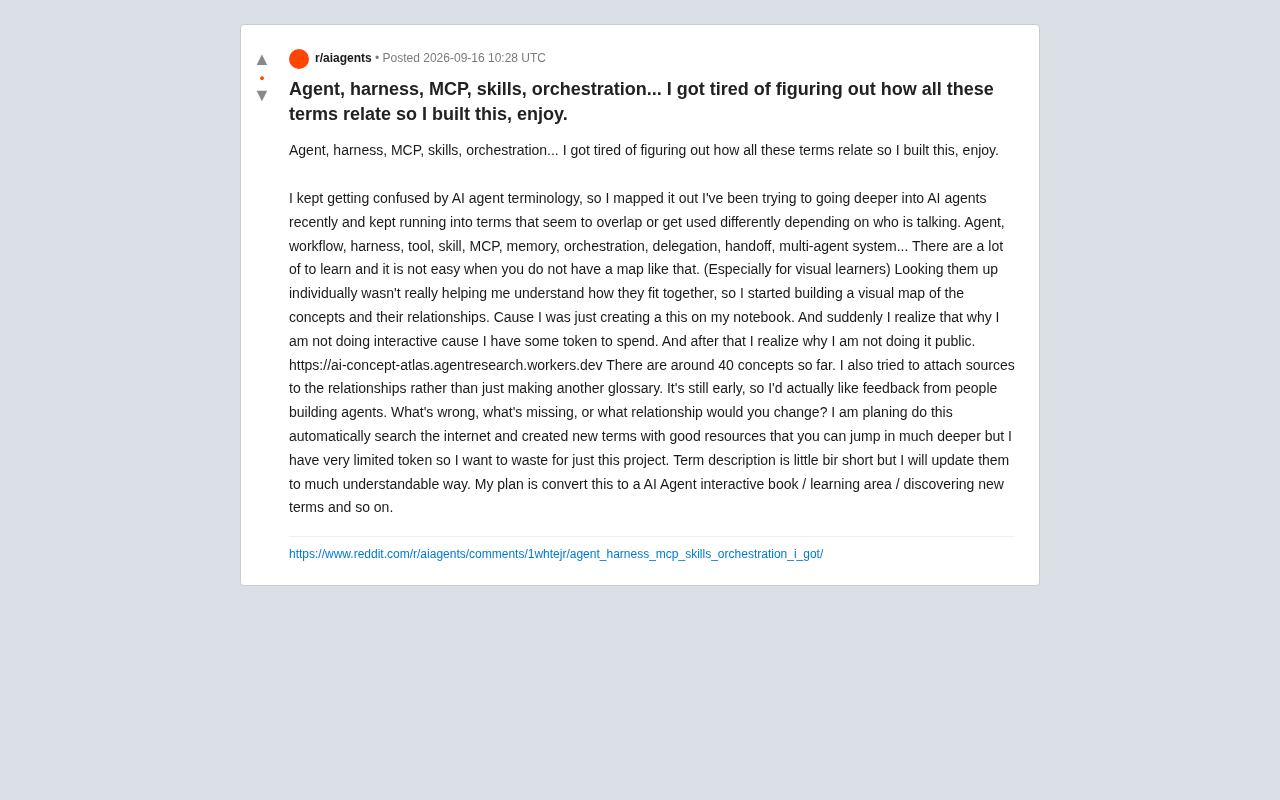
AI Agent Terminology Too Confusing? One Interactive Concept Map to Untangle 40+ Core Terms
Confused by AI Agent terms like MCP, harness, orchestration, and skills? AI Concept Atlas is an interactive map visualizing 40+ concepts and their relationships, with cited sources.
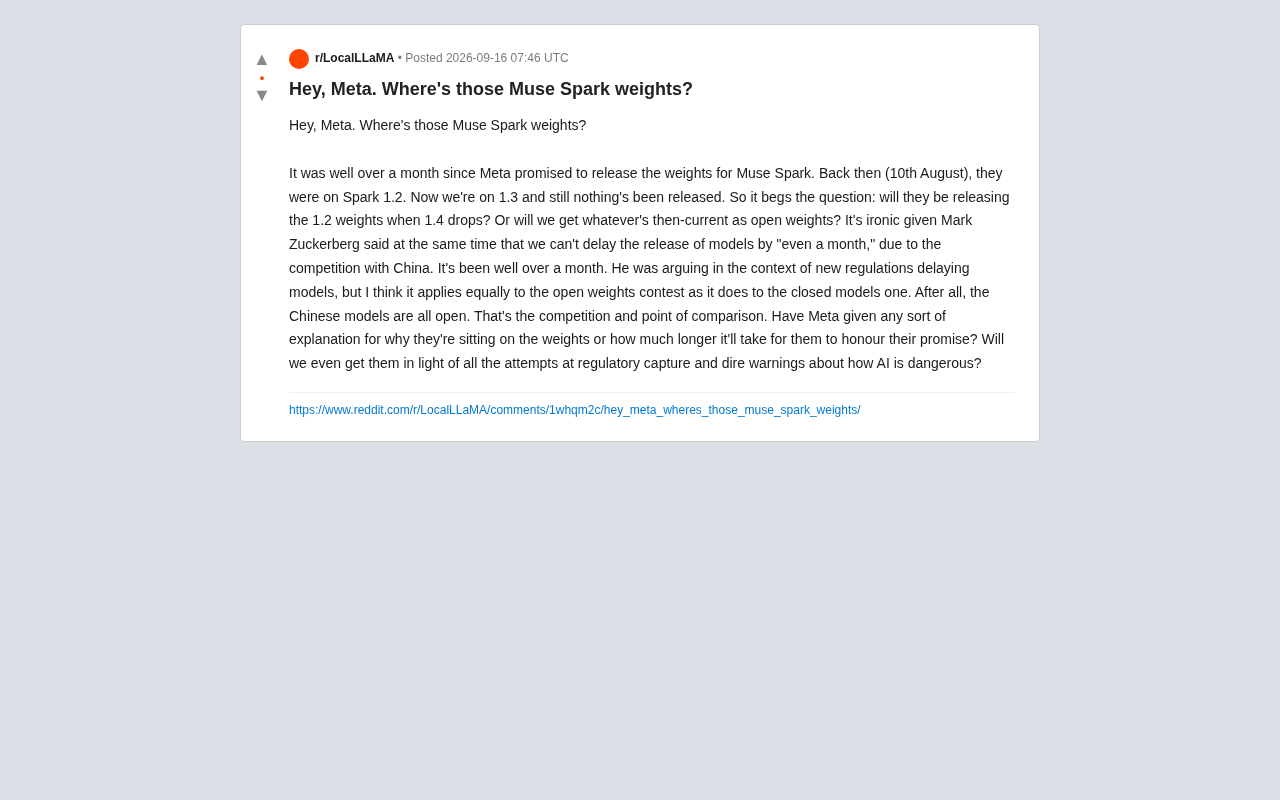
Meta's Broken Promise: Community Demands to Know Where the Muse Spark Weights Are
Meta promised to open-source Muse Spark model weights over a month ago, but still hasn't delivered. The community questions how this squares with Zuckerberg's "can't delay even a month" stance.
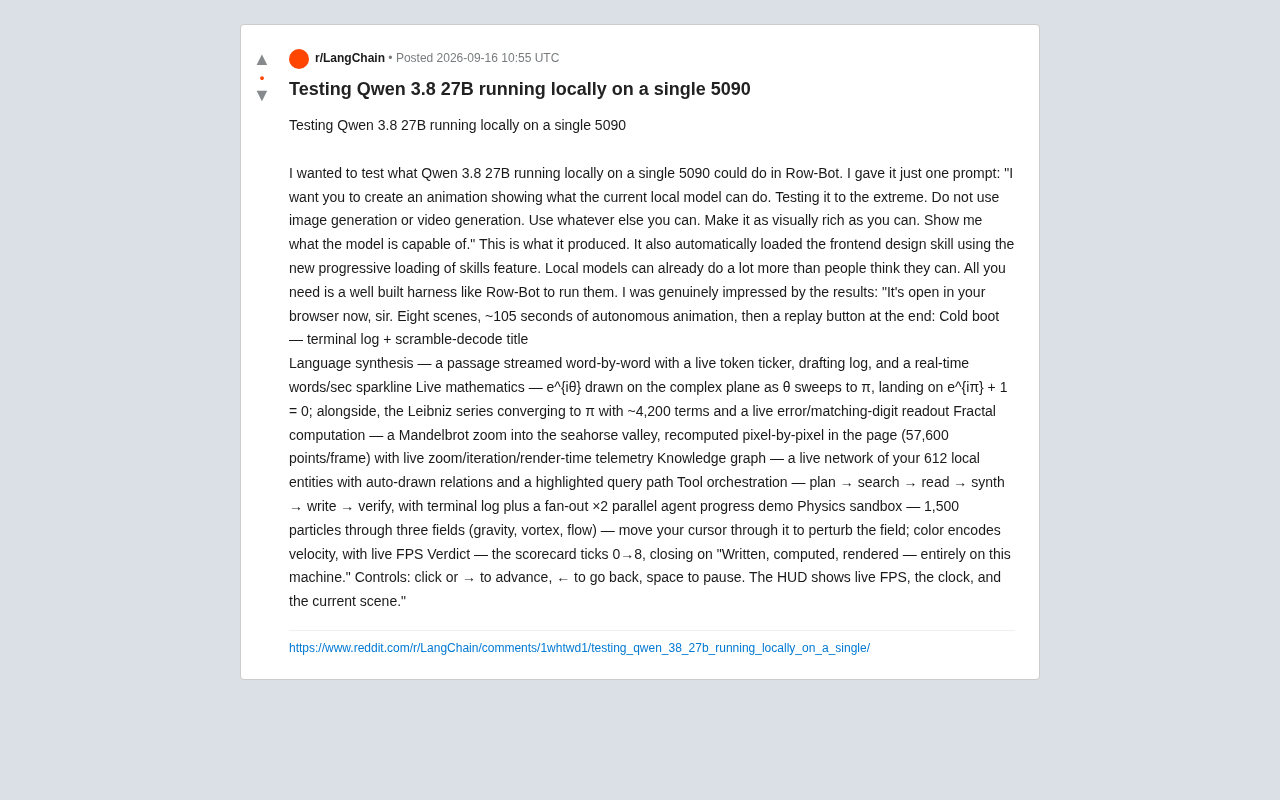
Running Qwen3 27B Locally on a Single RTX 5090: What Can It Actually Do?
A developer runs Qwen3 27B locally on a single RTX 5090 via the Row-Bot Agent framework, generating an 8-scene, 105-second interactive animation from one prompt — including real-time math, fractals, and physics.