Hardcore Roundup: Three Must-Install Self-Hosted AI Open Source Gems
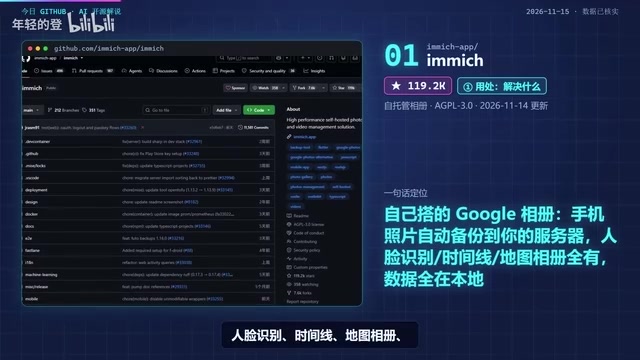
Three high-star self-hosted open source projects bring photos, monitoring, and PDF processing back to your local hard drive.
The article introduces this week's three fastest-growing self-hosted open source projects on GitHub: Immich (~119k stars, AGPL 3.0) offers a self-built Google Photos-like experience with face recognition, timeline, and map albums, keeping all data local, but requires an always-on machine and self-managed backups; Uptime Kuma (~94k stars, MIT) deploys with one Docker command, monitors websites and containers, pushes alerts, and provides a status page, but requires tuning retries and silence windows to avoid notification floods; Stirling PDF (~96k stars, MIT) performs 100+ PDF operations locally in the browser and is memory-hungry for very large files. Their common foundation is data autonomy and control, at the cost of always-on hardware, backup awareness, and basic ops skills.
Recently on GitHub, a wave of self-hosted open source projects emphasizing data sovereignty has been gaining momentum. They all point to the same principle: your data should live on your own hard drive. This week's three fastest-growing projects—Immich, Uptime Kuma, and Stirling PDF—happen to cover three high-frequency scenarios: photo management, service monitoring, and document processing—and all are free and open source.
Immich: Take Your Family Photos Back from the Big Tech Giants
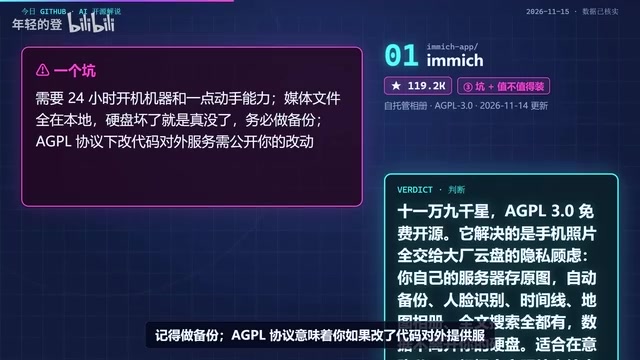
According to a Bilibili video, Immich has accumulated about 119,000 stars and uses the AGPL 3.0 license. Its positioning is straightforward: a high-performance self-hosted photo and video management solution—in short, "your own self-built Google Photos."
Its feature set is far from sparse. Phone photos can be automatically backed up to your own server, and it includes the standard capabilities of a modern photo album: face recognition, timeline, map albums, and full-text search. More importantly, all raw data stays on your local hard drive—nothing is uploaded to any third-party cloud.
Deployment is also kept minimal: the official one-click Compose file lets you clone and run docker compose up, bringing up the entire service in minutes. Install the official mobile app, scan the QR code to log in, and backups start automatically.
There are two pitfalls to think through in advance. First, it requires a machine that stays on 24/7 (a mini PC or NAS) plus some hands-on ability—complete beginners may find buying cloud storage more hassle-free. Second, all media files live on your local hard drive, so if the drive dies, they're truly gone; you must own your backup strategy. The AGPL license also means that if you modify the code and provide it as a service, you need to publish your changes.
The only cost is the electricity for that server. For users who care about privacy and don't want to hand their family photos to big tech, this is basically the strongest self-hosted photo album option available today.
AGPL 3.0 License is the third version of the GNU Affero General Public License, published by the Free Software Foundation, and is a strong copyleft license. Compared with GPL, AGPL adds a key clause: if a modified program provides services over a network (for example, as a SaaS accessed by others), the modified source code must also be disclosed to those users. This means self-hosting Immich for internal family use is unaffected, but if you operate it as a public service and modify the code, you must fulfill the open source obligation. Projects choosing AGPL typically aim to prevent cloud vendors from "freeloading" on open source results and then closing them up for profit.
Docker Compose is the official container orchestration tool from Docker. It defines multiple containers, networks, volumes, and environment variables in a YAML file called docker-compose.yml, then starts the entire service stack in dependency order with a single docker compose up command. For self-hosted projects, it solidifies the installation and configuration of multiple components—database, cache, application—into reproducible files, greatly lowering the deployment barrier. An official "one-click Compose file" means users don't need to read installation docs line by line; after cloning the repository, they can bring up the complete tech stack.
Uptime Kuma: Know the Moment Something Goes Down
Uptime Kuma has about 94,000 stars, uses the MIT license, and is a beautifully designed self-hosted monitoring tool. It monitors whether websites, APIs, and Docker containers are alive, and immediately pushes alerts via Telegram, Feishu, email, or DingTalk when something goes down.
It also has an often-underestimated capability: status pages. Visitors can open a page and intuitively see whether your services are stable—essentially transparently displaying availability to the outside world.
Deployment is likewise a single Docker command—pull the official image, mount a data volume for persistence, map ports, and open the web page to configure. Adding a monitor only requires filling in the URL and setting the heartbeat interval; for alert notifications, choose a channel and paste the token.
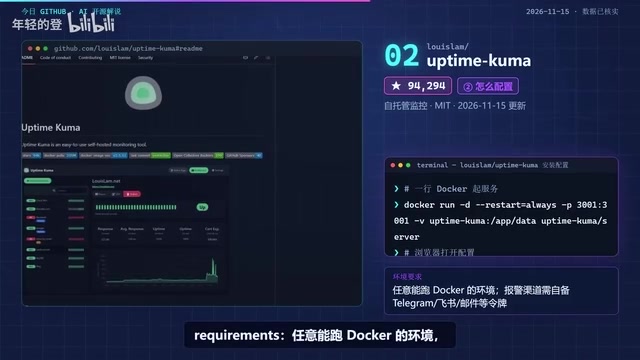
The most common pitfall in practice is notification noise: under default settings, a flapping service can flood your messages, so you need to tune retry counts and silence windows. Also recognize its boundaries—it manages reachability, not business health; an API returning 200 doesn't mean the logic is correct. Be sure to back up the data volume, or you'll have to reconfigure monitoring from scratch.
This tool is at the level of "everyone running their own services should install it." Knowing the moment something goes down is always better than hearing it from user complaints.
Status Page is a publicly visible availability display page, usually listing the current status of each service, recent heartbeat check results, and historical uptime percentages. Its difference from an internal monitoring dashboard is that it's aimed at visitors rather than operators, and is often used to transparently communicate outages and maintenance information to users. Uptime Kuma has this built in, with customizable branding, groups, and visibility scope—essentially proactively publicizing "whether services are stable," reducing user doubts caused by brief outages.
Stirling PDF: The Swiss Army Knife for Local PDF Processing
Stirling PDF has about 96,000 stars, uses the MIT license, and was called the number one PDF tool on GitHub by the video's author. Merge, split, rotate, compress, encrypt/decrypt, convert to Word, convert to images, remove passwords—100+ operations all run locally in the browser, with no files uploaded to any server.
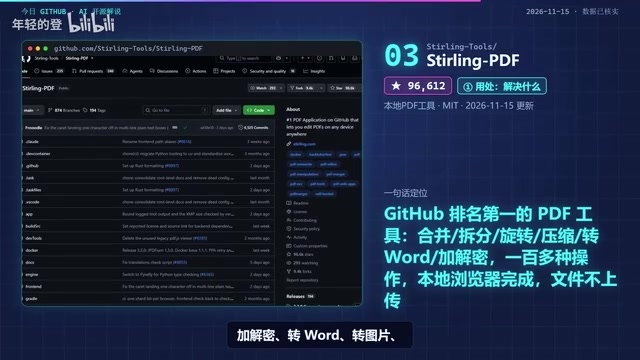
It has two usage modes: one-click Docker to bring up a local service, ready to use in the browser; or use the official web version directly—upload a file, choose an operation, and download when done. For sensitive files, local deployment is clearly more secure.
Local deployment considerations center on resources: processing very large PDFs consumes substantial memory, and a small machine will noticeably slow down. Rich functionality also means the interface takes some getting used to; beginners can start with a few experimental features. Core features are open source and free, with a few advanced modules offered in a paid tier.
Browser-local processing means files are not uploaded to a server; instead, parsing and conversion are completed inside the user's browser using WebAssembly or pure front-end JavaScript libraries. Stirling PDF executes many PDF operations locally, with only some backend-dependent features going through the server, so sensitive documents never leave the user's device. The cost of this architecture is being limited by available browser memory—processing very large PDFs of hundreds of MB can easily stutter or even fail, directly related to the "memory-hungry" phenomenon mentioned in the article.
The Common Foundation of the Three Projects
Looking at these three projects together reveals a clear main thread: self-hosting, not handing data to others. They respectively solve three concrete problems—"where to store photos," "whether services are alive," and "how to process documents"—and all use Docker to lower the deployment barrier to a level acceptable to ordinary users.
This also explains why they keep gaining stars on GitHub—against the backdrop of rising cloud subscription costs and growing privacy concerns, self-hosting has gone from a geek toy to a practical option. Of course, freedom has a price: you need a machine that stays on, basic operational awareness, and ultimate responsibility for backing up your own data.
If you can only run one first, start with Uptime Kuma—simplest to deploy with the most direct benefit; users with large photo libraries should prioritize Immich; and for those dealing with PDFs daily, Stirling PDF is almost a necessity.
Related articles
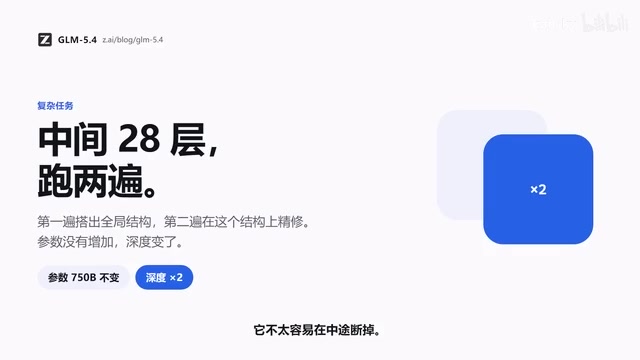
GLM-5.4 Released: How a 750B Model Achieves Stronger Reasoning
Zhipu AI releases GLM-5.4, a 750B model that boosts reasoning by running the middle 28 layers twice. GPQA Diamond rises from 47.58 to 56.26, with 1M token context and weights to be open-sourced after safety hardening.
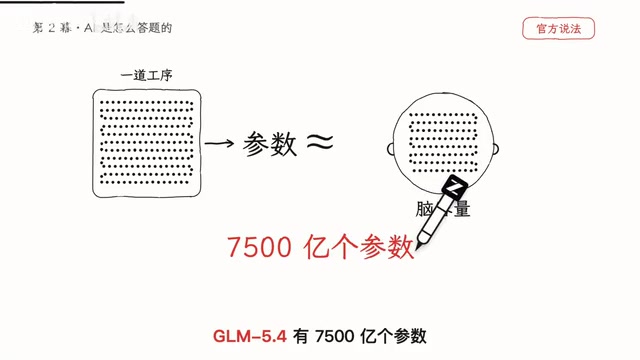
Understanding GLM 5.4 in 8 Minutes: How Loop Transformer Makes AI Smarter Without More Parameters
GLM 5.4 didn't grow its parameters yet got smarter. Using the memorizer-vs-reasoner analogy, this article explains how Loop Transformer runs the middle 28 steps twice, how gated progressive update and two other techniques stabilize the second pass, and how generalized Coding uses code to command 3D, mechanical design, and game development — with official comparison data and open questions.
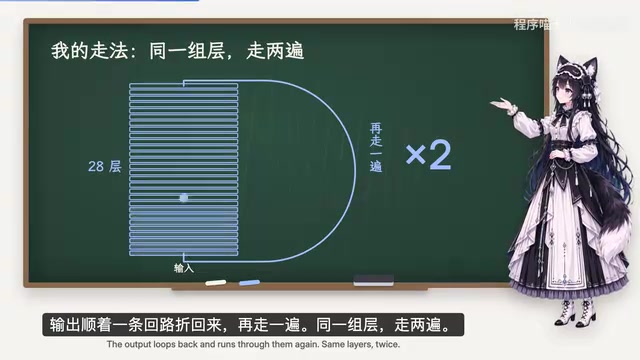
GLM-5.4 Released: An In-Depth Look at Zhipu's First Loop Transformer Flagship Model
Zhipu releases GLM-5.4, its first Loop Transformer flagship. Built on GLM-5 with 28 layers looped twice—no extra params, ~10% more compute, stronger math and long-context reasoning.