HarnessAgent Gains Image Input Across All Adapters: AI Coding Assistants Go Multimodal
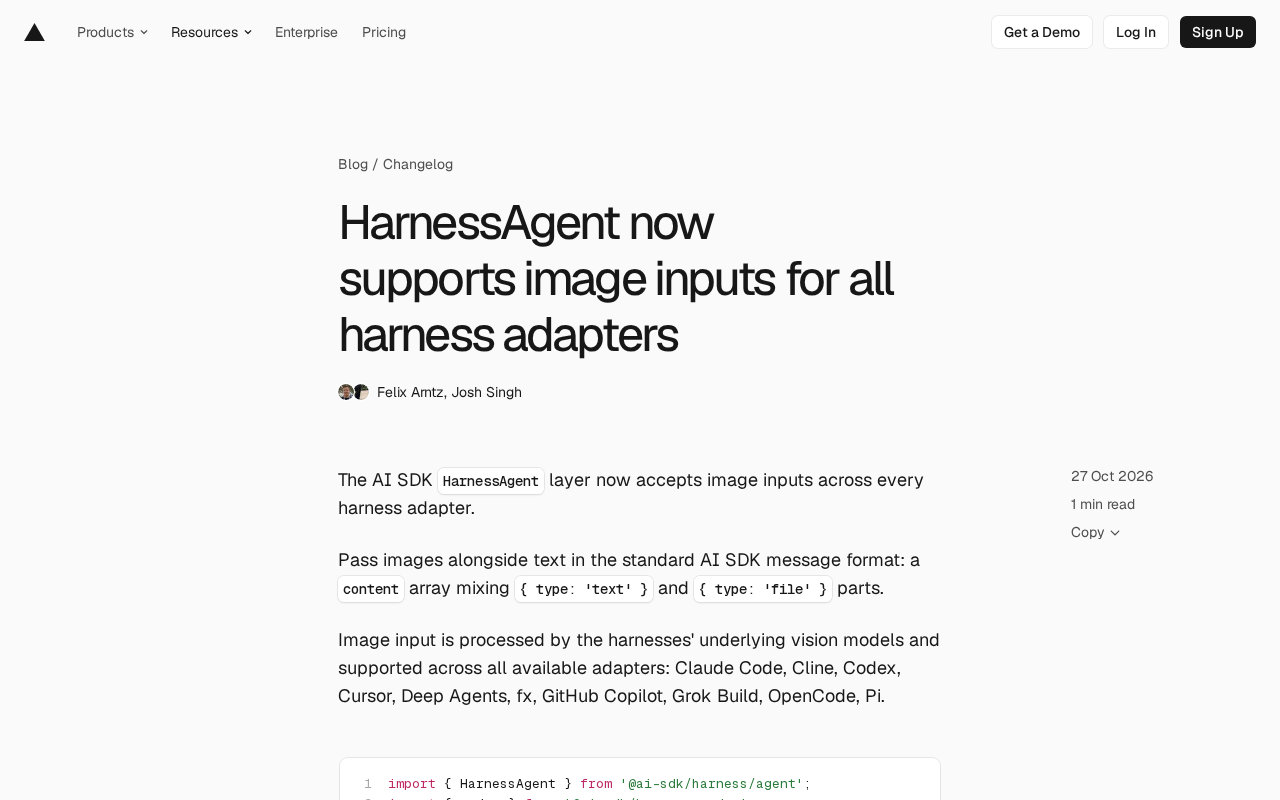
AI SDK's HarnessAgent layer now supports image input uniformly, benefiting nine coding agent adapters at once.
The AI SDK's HarnessAgent abstraction layer has been upgraded so all harness adapters can now accept image input. Developers only need to mix `{ type: 'file' }` content blocks into the content array of the standard message format to let nine mainstream coding agents—including Claude Code, Cline, Codex, Cursor, Deep Agents, fx, GitHub Copilot, Grok Build, OpenCode, and Pi—understand images. Images are handled by each harness's underlying vision model without individual adaptation. The article demonstrates how to pass text and images together using a Codex plus Vercel sandbox example, and walks through scenarios such as screenshot-to-code, error diagnosis, and chart understanding. The unified interface lowers the cost of multi-agent migration and cross-validation, but differences in visual capabilities across adapters still need to be verified independently.
The AI SDK's HarnessAgent layer recently completed a noteworthy upgrade: all harness adapters can now accept image input. This means developers only need to mix { type: 'file' } content blocks into the standard message format to let different coding agents "see" images.
One unified interface, nine adapters benefit at once
According to the official documentation, image input uses the standard AI SDK message format—the content array can hold both { type: 'text' } and { type: 'file' } parts simultaneously. Images are handled by the vision model each harness relies on underneath, so developers don't need to adapt each agent individually.
The list of covered adapters is quite long: Claude Code, Cline, Codex, Cursor, Deep Agents, fx, GitHub Copilot, Grok Build, OpenCode, Pi. For those familiar with this ecosystem, the list speaks for itself—it covers nearly all current mainstream coding agents, from command-line tools to IDE plugins.
Why unifying at the HarnessAgent layer matters
In the past, multimodal capability often depended on whether a specific tool implemented image parsing. If developers wanted to switch agents, they had to rework the transport format. HarnessAgent consolidates image input into the abstraction layer, so caller code stays the same—only the harness implementation needs to be swapped—lowering the cost of migrating between multi-agent solutions.
HarnessAgent is the abstraction layer in AI SDK aimed at coding agents. A harness refers to an adapter that wraps a specific agent tool (such as Codex or Claude Code) into a unified calling interface, so that callers can drive different tools with the same set of generate and createSession APIs. This design follows the core layering philosophy of AI SDK: model/tool differences are consolidated in the implementation layer, and business code depends only on the abstraction. So when image input is added to the abstraction layer, all harnesses implementing that interface automatically inherit the capability without needing individual modifications. This is also why this upgrade could be delivered as "one change, nine adapters benefit."
The { type: 'file' } content block is the multimodal vehicle in the standard AI SDK message format, placed alongside { type: 'text' } in the content array. The mediaType field declares the MIME type (such as image/png or image/jpeg), and the data field accepts a Buffer, Uint8Array, or base64 string. This format was originally used for direct generateText/streamText calls to vision models; HarnessAgent reusing it means the upper-layer message construction stays consistent with directly calling models, so developers' existing multimodal message code can be carried over directly.
How to write the code: passing text and images together
The official basic example uses the Codex harness to describe an image. The core structure is that when constructing messages, the user message's content is written as an array with text and files interleaved:
import { HarnessAgent } from '@ai-sdk/harness/agent';
import { codex } from '@ai-sdk/harness-codex';
import { createVercelNetworkSandboxSession } from '@ai-sdk/sandbox-vercel';
import { readFileSync } from 'node:fs';

const agent = new HarnessAgent({ harness: codex });
const sandboxSession = await createVercelNetworkSandboxSession({
  runtime: 'node24',
  ports: [4000],
  template: await agent.getSandboxTemplate(),
});
const session = await agent.createSession({ sandboxSession });

const result = await agent.generate({
  session,
  messages: [
    {
      role: 'user',
      content: [
        { type: 'text', text: 'Describe the image in one sentence.' },
        { type: 'file', mediaType: 'image/png', data: readFileSync('image.png') },
      ],
    },
  ],
});
What's notable in this code is how the sandbox session is created: createVercelNetworkSandboxSession spins up the runtime environment, and then agent.getSandboxTemplate() provides the template. Image data is passed directly as a Buffer read by readFileSync, with mediaType marked as image/png. The whole flow has no extra image preprocessing steps.
Practical scenario walkthrough
The value of image input for coding agents goes beyond demos like "describe an image." Combined with common workflows, at least a few use cases are worth trying:
- Screenshot-to-code: Hand a design mockup or a screenshot of an existing page to the agent and ask it to generate the corresponding component structure.
- Screenshot-based error diagnosis: Use a terminal or browser error screenshot as context to reduce manual copy-pasting.
- Chart and document understanding: Let the agent read architecture diagrams and flowcharts to help understand existing systems.
Whether these scenarios can be realized depends on the actual capabilities of the vision model underlying each harness. The official documentation only states that images are "handled by the underlying vision model" and does not provide performance comparisons across adapters.
createVercelNetworkSandboxSession in the example is used to spin up an isolated runtime environment with network access on Vercel, in which the coding agent executes commands and reads/writes files. agent.getSandboxTemplate() returns the sandbox image template required by that harness, ensuring the runtime has the toolchain the agent depends on. agent.createSession({ sandboxSession }) then binds the agent session to that sandbox. Image input itself does not pass through the sandbox; it is sent along with the message to the underlying vision model. The sandbox only hosts the agent's filesystem and command execution environment. Understanding this division helps clarify where image data sits in the pipeline.
A new variable in multi-agent collaboration
By pushing image capability down to the unified layer, HarnessAgent objectively makes "feeding the same image to different agents" a low-cost operation. For scenarios requiring cross-validation of results—for example, having Codex and Claude Code separately interpret the same architecture diagram—callers only need to change the harness parameter.
However, this convenience also raises a question worth watching: the vision models behind different agents differ in image understanding, and a unified interface does not equal unified output quality. The official documentation currently focuses on integration methods and does not yet cover the capability boundaries of each adapter, so actual selection still requires self-verification.
Different coding agents are bound to different underlying vision models: some rely on Claude series' multimodal capabilities, others use GPT series or other vision models. These models differ noticeably in fine-grained text recognition (such as small-font terminal screenshots), chart structure reconstruction, and UI layout inference. A unified interface only guarantees that messages are delivered, not that interpretations are consistent. When making an actual choice, it is advisable to run small-sample comparisons for target scenarios (screenshot-to-code, error diagnosis, architecture diagram understanding) and to note whether each harness has implicit limits on image size, format, or count.
Getting started
The official recommendation is to start with the HarnessAgent image input documentation. What you need to prepare: an underlying vision model that supports image input, message construction in the standard format, and a sandbox session configured as needed. For projects already using HarnessAgent, the migration cost mainly lies in rewriting existing text-only messages into the content array form.
Related articles
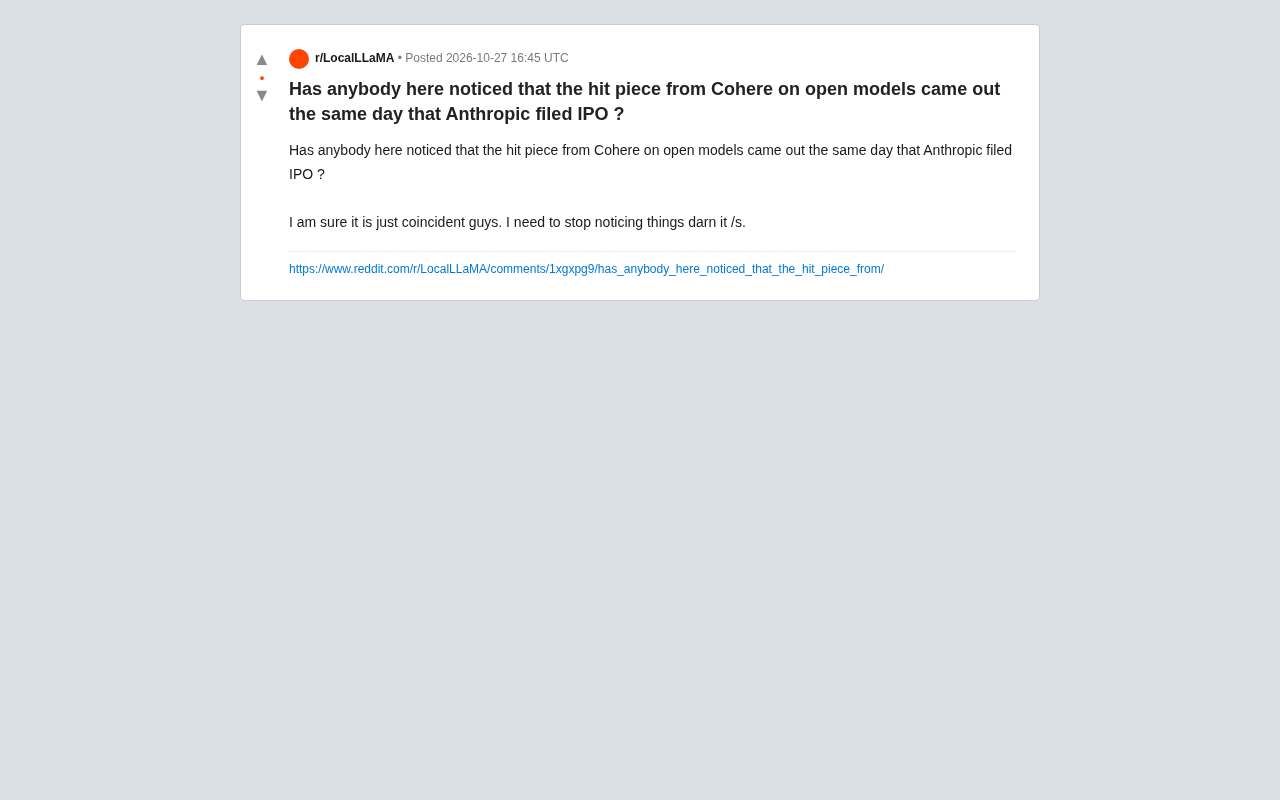
Cohere's Open-Source Critique and Anthropic's IPO on the Same Day: Coincidence or Strategy?
Reddit users spotted that Cohere's critique of open-source models was published the same day Anthropic filed for IPO, sparking debate over closed-source vendors' public comments and commercial motives.
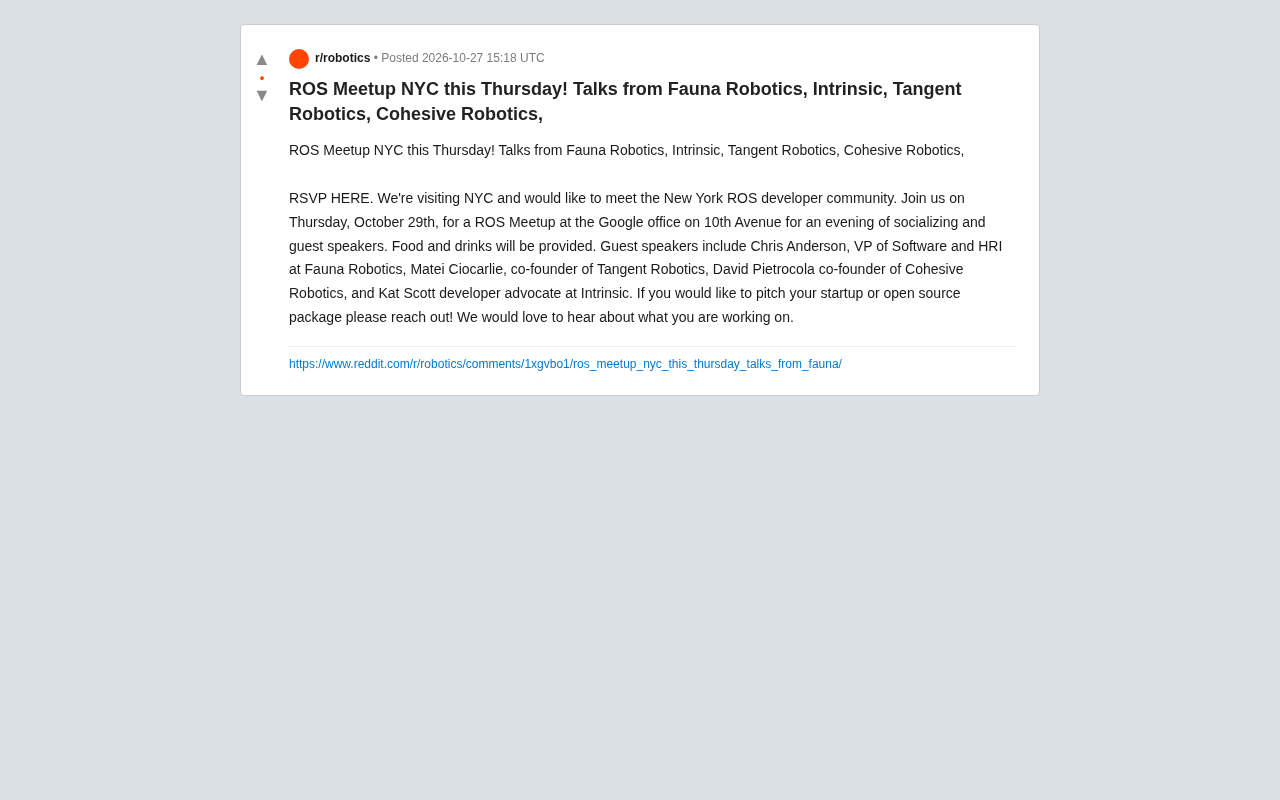
NYC ROS Developers Meetup: Talks from Four Robotics Companies
The NYC ROS developer meetup takes place Thursday at Google's office, featuring talks from Fauna Robotics, Intrinsic, Tangent Robotics, and Cohesive Robotics. Free, with food, open RSVP and call for speakers.
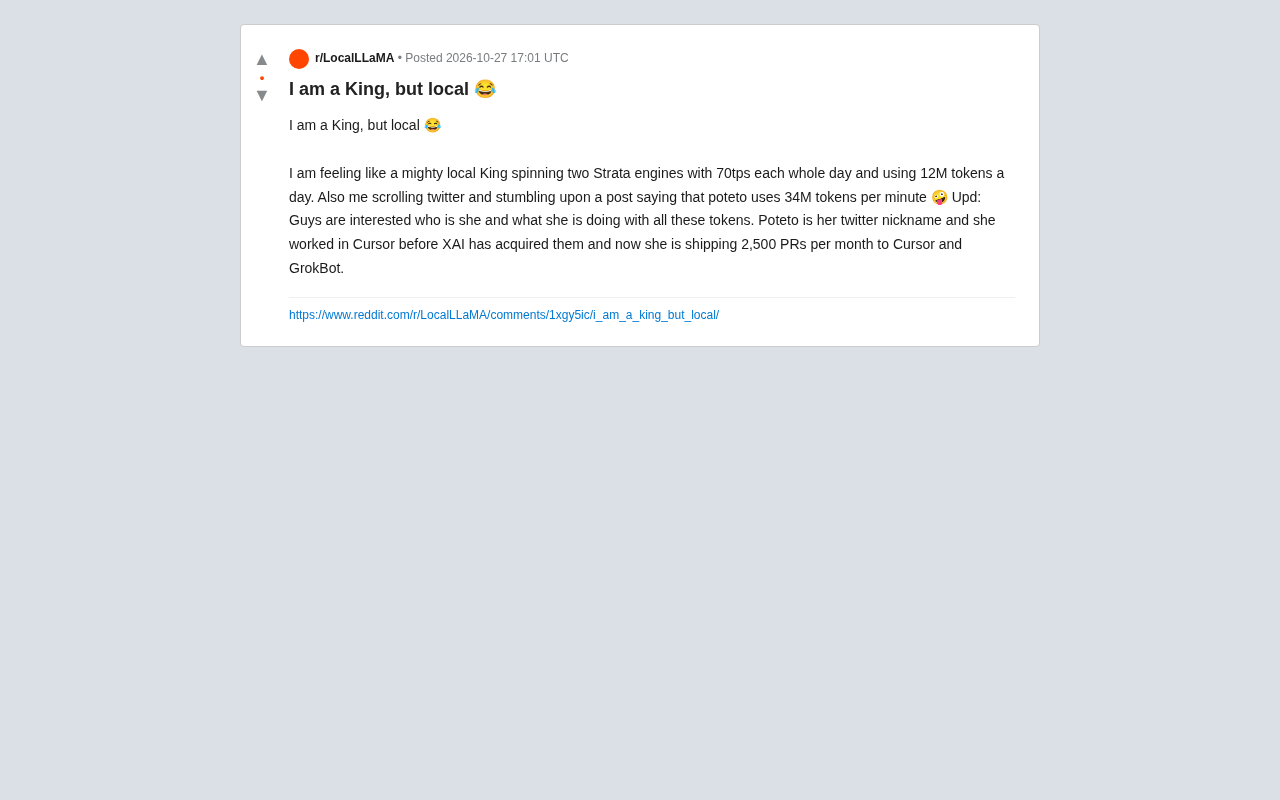
Local AI King: The Compute Gap and Competitive Anxiety Behind 12M Tokens a Day
A Reddit developer jokes about being a local AI king using 12M tokens a day—then gets humbled by someone using 34M tokens per minute. Exploring the compute gap, token anxiety, and how developers balance local vs. cloud automation.