Holeberry: An Open-Source macOS Menu Bar Tool for One-Click Pi-hole Management

Holeberry brings Pi-hole management to your macOS menu bar with one-click unblocking and dual-instance sync.
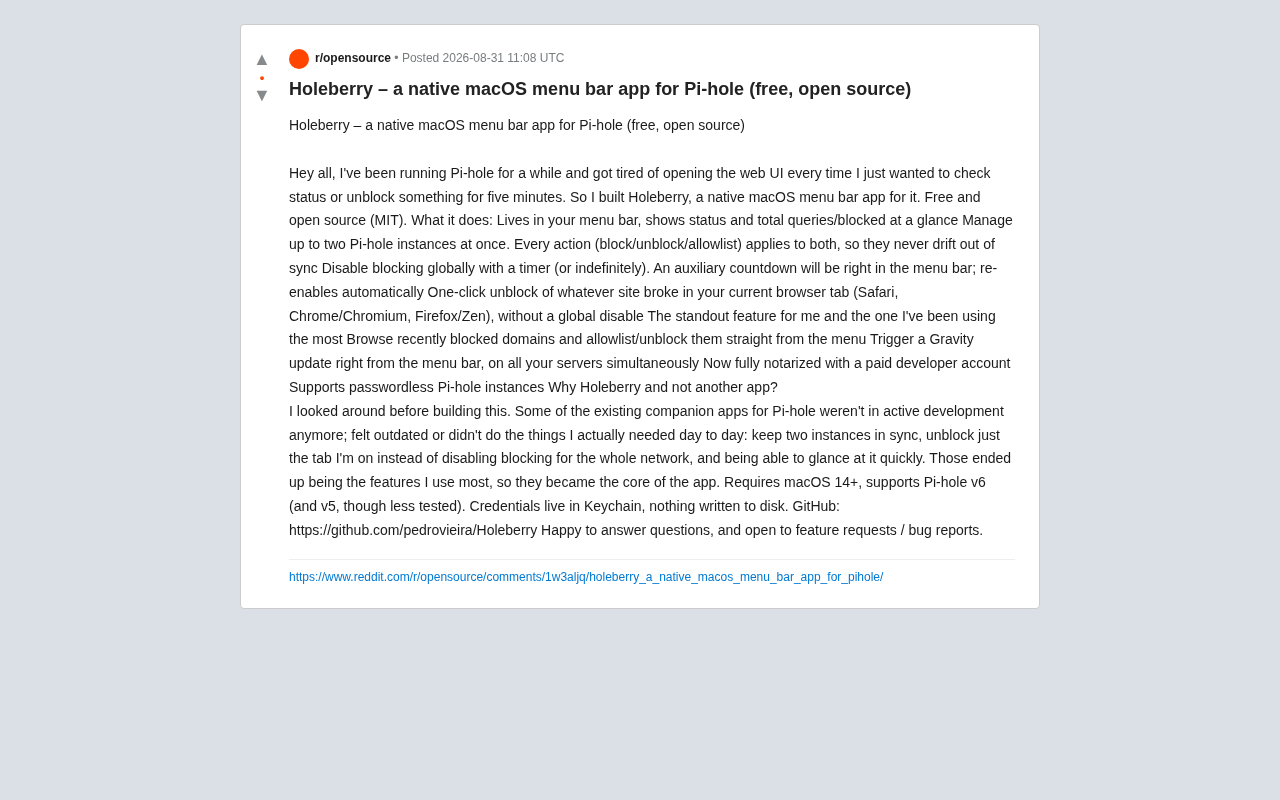
Holeberry is a free, open-source macOS menu bar app that simplifies Pi-hole management. It lets users monitor blocking status at a glance, unblock specific browser tabs without disabling network-wide protection, manage dual Pi-hole instances in sync, and trigger Gravity list updates—all from the menu bar. Built with security in mind, it stores credentials in Keychain and is fully notarized by Apple.
For longtime Pi-hole users who rely on network-level ad blocking, one of the most annoying aspects is having to open a browser and log into the Web admin interface just to check the status or temporarily unblock a website. Developer Pedro Vieira clearly felt the same frustration, so he built Holeberry: a native macOS menu bar app designed specifically for managing Pi-hole. It's completely free and open source (MIT license), and is now available on GitHub.
What Is Pi-hole, and Why Does It Need a Dedicated Management Tool?
Pi-hole is a DNS-level network-wide ad blocker originally designed to run on a Raspberry Pi, later expanded to support various Linux distributions and Docker container deployments. It works by acting as the local network's DNS server—when a device requests resolution for a known advertising or tracking domain, Pi-hole returns an empty address (such as 0.0.0.0 or NXDOMAIN), blocking ad content at the network level before it even loads. Unlike browser extensions (such as uBlock Origin), Pi-hole's blocking applies to every device on the network—including smart TVs, IoT devices, and in-app ads on mobile phones—without needing to install software on each individual device.
Because Pi-hole is a server-side service, the only official way to manage it day-to-day is through a browser-based Web admin interface. This is acceptable for occasional configuration tweaks, but for frequent tasks like checking status or unblocking domains, the experience is clunky. This is exactly the problem Holeberry was built to solve.
Holeberry's Design Philosophy: Ditching the Clunky Web Admin Interface
The logic behind Holeberry is crystal clear: free high-frequency operations from the cumbersome Web UI and bring them to the easily accessible menu bar. The developer shared on Reddit that before starting the project, he researched existing Pi-hole companion apps and found numerous issues—some projects had been abandoned, some had outdated interfaces, and most critically, none of them addressed the features he actually needed on a daily basis.
So he turned his most common needs directly into Holeberry's core features: keeping two Pi-hole instances in sync, unblocking only the current browser tab rather than disabling blocking for the entire network, and being able to glance at blocking status at a moment's notice. This "scratch your own itch" development approach often produces tools with an exceptional user experience.
Holeberry Core Features in Detail
Always in the Menu Bar, Pi-hole Status at a Glance
Holeberry lives in the macOS menu bar, constantly displaying the current blocking status, total query count, and number of blocked requests. No need to open a browser—a quick glance at the menu bar tells you everything about your network protection.
Dual-Instance Synchronized Management
For users running primary and backup Pi-hole instances, Holeberry supports managing up to two instances simultaneously. All operations (blocking/unblocking/whitelisting) are applied to both devices in sync, preventing configuration "drift"—a persistent headache for many Pi-hole high-availability deployments.
To understand the value of this feature, you need to understand the context of dual Pi-hole deployments. In home or small office networks, DNS is the foundation of all network access—if the sole Pi-hole goes down, no device can resolve domain names, effectively "disconnecting" the entire network. Many advanced users therefore deploy two Pi-hole instances (typically running on two Raspberry Pis or two Docker containers) and configure both DNS addresses in the router's DHCP settings for redundancy. But this deployment creates an ongoing pain point: whitelists, blacklists, and custom DNS records on both Pi-holes need to be manually kept in sync. The community has developed tools like Gravity Sync and Orbital Sync to synchronize the Gravity database, but routine temporary whitelist operations still need to be performed separately on each admin interface. Holeberry's dual-instance sync feature is designed precisely for this scenario—one action, both instances updated, completely eliminating the burden of manual synchronization.
Timed Blocking Disable with Auto-Restore
Users can globally disable ad blocking and set a countdown timer (or choose to disable indefinitely). The menu bar displays the countdown in real time, and blocking automatically re-enables when the timer expires. This design satisfies the need to temporarily disable blocking while avoiding the embarrassing situation of forgetting to turn it back on, leaving your network unprotected for an extended period.
One-Click Unblock for the Current Browser Tab
This is the developer's personal favorite and most frequently used feature: when a website isn't loading properly due to Pi-hole blocking, Holeberry can unblock the site corresponding to the current browser tab with a single click—without disabling blocking for the entire network. It supports Safari, Chrome/Chromium, Firefox/Zen, and other major browsers. This precise unblocking approach is far more elegant than the traditional "disable everything for a few minutes" method.
Advanced Capabilities and Security Design
Browse Recent Blocked Queries and Quickly Whitelist
The developer specifically highlights that Holeberry allows users to browse recently blocked domains directly from the menu and instantly whitelist or unblock them. This feature makes troubleshooting "which domain got falsely blocked" incredibly intuitive.
Remotely Trigger Gravity List Updates
Users can trigger a Gravity update directly from the menu bar, executing it across all servers simultaneously, without logging into each admin interface individually.
Gravity is Pi-hole's core blocklist management mechanism. Pi-hole maintains one or more remotely subscribed domain blacklists (blocklists), which are community-maintained and contain hundreds of thousands or even millions of known advertising, tracking, and malicious domains. When a user performs a Gravity update (equivalent to running the pihole -g command on the server), Pi-hole re-downloads the latest domain lists from all subscribed remote sources, deduplicates and merges them, then writes the results to the local Gravity database (a SQLite database in v6). This process is similar to antivirus software updating its virus definitions—regularly updating the Gravity list ensures Pi-hole can block the latest emerging advertising and tracking domains. Previously, users had to either SSH into the server manually to run the command or operate through the Web interface, but Holeberry simplifies this to a single click in the menu bar.
Privacy and Security Safeguards
On the security front, Holeberry does an excellent job:
-
The app has been fully notarized through a paid developer account, so installation doesn't require bypassing macOS security restrictions. Notarization is a security mechanism Apple introduced starting with macOS 10.14.5—before distributing an app, developers must submit the built application to Apple's automated service for a security scan. Once Apple confirms the app contains no known malware, it issues a "ticket." When a user downloads and runs a notarized app, macOS's Gatekeeper verifies the ticket online and only allows the app to run after confirmation. Non-notarized apps trigger a security warning when opened, requiring users to manually go to "System Settings > Privacy & Security" and click "Open Anyway" to run them. Holeberry has completed the full signing and notarization process, meaning users can install and use it as smoothly as an App Store application.
-
All credentials are stored in the Keychain, never written to disk in any form. Keychain is the system-level credential manager built into macOS and iOS, provided by Apple's security framework, using AES-256-GCM encryption to protect stored data. Applications can securely store passwords, API tokens, certificates, and other sensitive information through the Keychain Services API. This data is saved in encrypted form within the system keychain database and protected by the user's login password and (on supported hardware) the Secure Enclave chip. Compared to storing credentials as plaintext or simply encoded values in configuration files, using Keychain storage means that even if an attacker gains disk access, they cannot directly read this sensitive information.
-
Supports password-free Pi-hole instances.
For the privacy-conscious Pi-hole user community, these details are significant differentiators.
System Requirements and Download
Holeberry requires macOS 14 (Sonoma) or later, primarily supports Pi-hole v6, and is also compatible with v5 (though less thoroughly tested). It's worth noting that Pi-hole v6 is a major version update released in late 2024, introducing a new embedded web server (replacing the previously required lighttpd), a rewritten API architecture, and a more efficient SQLite database backend compared to v5. Holeberry prioritizes adaptation to v6's new API, meaning it can fully leverage the performance and feature improvements of the new version.
The project is open source on GitHub at github.com/pedrovieira/Holeberry. The developer welcomes community feature requests and bug reports.
Conclusion: A Must-Try Management Tool for Pi-hole Users on macOS
Holeberry is a textbook example of an excellent "scratch your own itch" open-source project. Instead of piling on flashy features, it focuses on the most genuine daily pain points of Pi-hole users—quickly checking status, precisely unblocking individual pages, and syncing multiple instances. For macOS users already running Pi-hole, a lightweight, native, free, and privacy-conscious menu bar tool like this is virtually impossible to pass up. And its free, open-source nature gives the community the opportunity to collectively drive its continued evolution.
Related articles

DeepCell: One-Click AI Generation of Documents, Spreadsheets, and Slides
DeepCell tops Product Hunt with one-click generation of documents, spreadsheets, and slides, using the .deepcell format for linked updates, designed for System 2 tasks like modeling and sales reviews.

Doneas: 15-Minute Daily Accountability Calls That Keep Indie Developers From Procrastinating
Doneas is a daily accountability tool for indie developers: plan tasks on Monday, join a 15-minute call with five builders each day, and log deliveries on a public progress page. This article analyzes its core mechanics, effectiveness, and potential issues around retention and matching.

Fastlane 2.0: Fully Automated AI Ad Campaigns, From Creative to Optimization
Fastlane 2.0 is an AI ad automation tool: enter your website and it learns your brand, generates video and image ads, and runs and optimizes them on Meta, TikTok, Instagram, and YouTube.