I Built an AI Skill That Edits Videos End to End
A YouTuber packaged seven post-production tasks into one AI skill, enabling automatic editing after recording and cross-platform distribution.
A YouTuber found editing became manual labor due to heavy retakes, so he split video post-production into seven tasks and packaged them into one AI skill. After recording, five tasks—denoising, audio optimization, retake removal, transcription, and subtitle generation—run fully automatically; titles, descriptions, Instagram captions, and cover videos use prompts so AI produces first drafts and humans finalize them. The workflow serves both YouTube and Instagram, and its core value is merging scattered actions into one trigger rather than a breakthrough in any single capability. The article also notes limitations: implementation and accuracy are not disclosed, and retake identification standards and subtitle proofreading remain potential weaknesses.
For video creators, the most time-consuming part is often not shooting but editing. A YouTuber shared his solution on "day two of making videos": packaging the entire post-production workflow into an AI skill, handing recorded footage to AI for processing, and barely touching the timeline himself.
Pain point: Retakes turn editing into manual labor
According to the creator, one reason he used to hate making videos was editing. Because he wasn't yet comfortable speaking to camera, he needed many retakes, and each retake meant removing bad takes one by one in post. Watching himself mess up over and over was draining in itself.
This pain point is very representative: talking-head content quality depends heavily on fluency, fluency is built through retakes, and retakes in turn multiply editing workload. The traditional fix is hiring an editor or buying templates, but the former costs money and the latter can't solve repetitive work like "deleting bad takes one by one."
In talking-head videos, "retakes" usually mean recording the same segment repeatedly due to slips of the tongue, pauses, or dissatisfaction with delivery. In traditional editing, removing retakes relies on manually comparing the timeline to judge which version is the final take and which are discarded ones. The technical difficulty of automatically removing retakes is this: you can't just split by silence, because there is often no obvious silence between retakes; a more reliable method is to combine speech transcription text with semantic similarity comparison to identify repeated-content segments and keep the last or most complete version. This judgment standard directly determines whether the final video flows smoothly, and it is also the most core hidden threshold for this kind of automated skill.
One skill strings together seven post-production tasks
His idea was to break editing into automatable steps and hand them all to one AI skill. According to the video, this skill covers seven things:
- Remove background noise
- Optimize audio quality
- Delete all retaken segments
- Generate text transcription from spoken content
- Generate subtitles from the transcription
- Generate YouTube titles and descriptions, plus Instagram captions
- Create Instagram cover videos
Among these seven, the first five are "seamless"—after recording, no extra operation is needed, and the skill automatically runs denoising, audio enhancement, bad-take removal, transcription, and subtitles. In other words, the most mechanical parts that rely most on frame-by-frame judgment are fully delegated.
The "skill" mentioned here does not refer broadly to some editing feature, but to packaging a set of fixed operations into an automation module that can be called once. In the context of AI Agents, a skill is usually composed of prompts, tool-call sequences, and judgment rules; the user only needs to provide a trigger condition (such as "recording complete"), and the system executes subtasks like denoising and transcription in a preset order. It sits between a "general AI assistant" and a "traditional script": more flexible than a script because it can handle unstructured content; more controllable than a general assistant because the workflow boundaries are predefined by the creator. This packaging method allows personal experience to be reused and also reduces dependence on proficiency with editing software.
Human-machine division of labor: the first five are fully automatic, the last two rely on prompts
The sixth and seventh items involve creative judgment, and the author's approach is to keep human intervention. He needs to "give the AI a little prompting" to get satisfactory titles, descriptions, captions, and covers. This design is actually more pragmatic than full automation: copy and covers carry account tone and click-through rate, so letting go completely is too risky; but after giving direction, letting AI produce a first draft saves time while retaining control.
One detail: the output of this workflow is not limited to YouTube. Titles and descriptions target YouTube, while captions and cover videos target Instagram, showing that the skill was designed with multi-platform distribution of the same material in mind. For individual creators, this means one recording session can produce cross-platform content at relatively low cost.
The role of the prompt here is to convey creative intent to the AI, not to write code. The creator uses short instructions to explain account tone, target audience, or keyword preferences, and the AI generates first drafts of titles, descriptions, and social media captions accordingly. Compared with a fully automated workflow, the prompt step introduces "directional constraints": for the same transcript, different prompts may produce very different title styles. This also explains why the author keeps copy and covers semi-automatic—they affect click-through rate and account identity, and humans need to make the final choice on the AI's first draft rather than letting the model decide on its own.
Implications for AI video tools
This kind of "personally customized skill" and general-purpose editing software on the market take two different paths. General tools provide features, and users assemble the workflow themselves; this skill solidifies the creator's fixed workflow, triggered by recording. Its value lies not in how strong any single capability is, but in merging seven scattered actions into one action.
The limitations are also obvious. The material does not disclose how the skill is implemented, which models are used, or its accuracy, nor does it explain the criteria for deleting retakes—whether it splits by silence segments or can recognize semantic repetition—which directly affects final video quality. In addition, the accuracy of transcription and subtitles in scenarios with technical terms or accents still requires manual proofreading.
For creators who want to replicate this, a feasible path is to first map out your own post-production checklist, hand over the parts with clear rules and high repetition (denoising, bad-take removal, transcription, subtitles) to automation, and keep the parts requiring aesthetic and strategic judgment (titles, covers, captions) as "AI drafts, human finalizes." This YouTuber's approach provides a reference dividing line.
Related articles
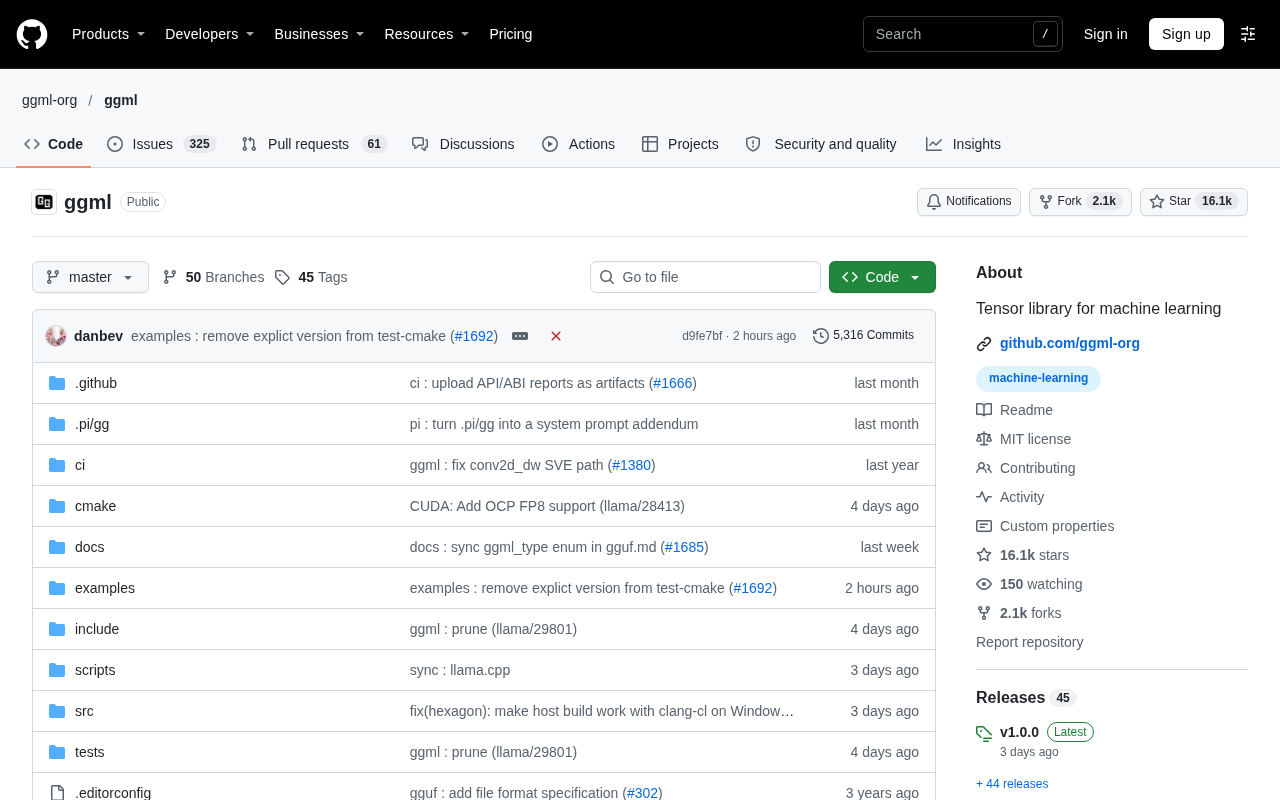
GitHub Daily · November 16: Agent Skills Explode, Evaluation and Security Become the New Battleground
GitHub Daily Nov 16: NVIDIA's SkillEvaluator leads growth, Claude-BugHunter packs 82 security skills, and ggml anchors local inference—agent ecosystem is stratifying.
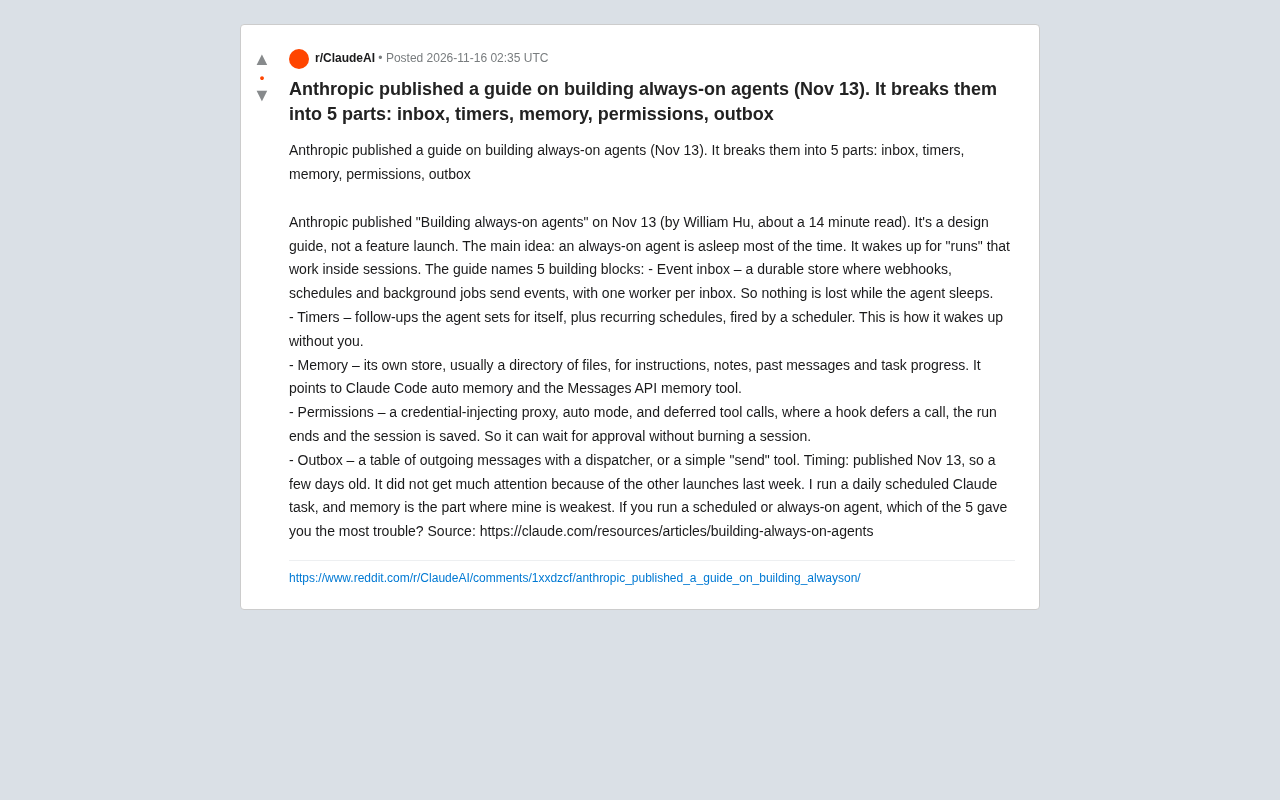
Anthropic's Always-On Agent Design Guide: Breaking Down the Five Core Modules
Anthropic's *Building always-on agents* design guide breaks always-on agents into five modules: event inbox, timers, memory, permissions, and outbox. Here's a module-by-module breakdown of their roles and engineering trade-offs, plus why developer feedback on Reddit points to memory as the weakest link.
The AI Era: A Recursive Starting Point
Starting from a popular Reddit thread title, this article explores the recursive loop paradigm in AI development, analyzing self-reference in data, code, and evaluation, and discussing consensus and divergence across perspectives.