Invoice AI: Snap a Photo, Get Business Intelligence — An Open-Source AI Analyst Arrives

Open-source Invoice AI turns invoice photos into conversational business analytics with OCR, validation, and a Gemma 4 assistant.
Invoice AI, submitted by dotsource123 to Hacktoberfest, helps budget-strapped small businesses turn invoice photos into conversational intelligence. PaddleOCR extracts fields; a validation layer cross-checks totals against subtotals and tax, flags suspicious results for manual review, and keeps unconfirmed invoices out of analysis while separating purchases/sales and currencies; a FastAPI + SQLAlchemy backend and Streamlit dashboard support a Gemma 4 assistant that queries data via predefined read-only tools rather than arbitrary SQL. Fully open-source and deployed on Render, it remains a hackathon prototype with gaps in multi-page invoices, handwriting recognition, and batch review.
Invoice AI: Snap a Photo, Get Business Intelligence — An Open-Source AI Analyst Arrives
A corner grocery store owner has hundreds of photos of purchase and sales invoices stored on their phone. In the past, these photos were only used for tax filing and archiving; now, an open-source project called Invoice AI turns them into conversational business intelligence. Developer dotsource123 submitted this tool to the Hacktoberfest Open Source AI Challenge, and its core logic is straightforward: snap an invoice, upload it, tag it as a purchase or sale, and then ask the AI about your business in natural language.
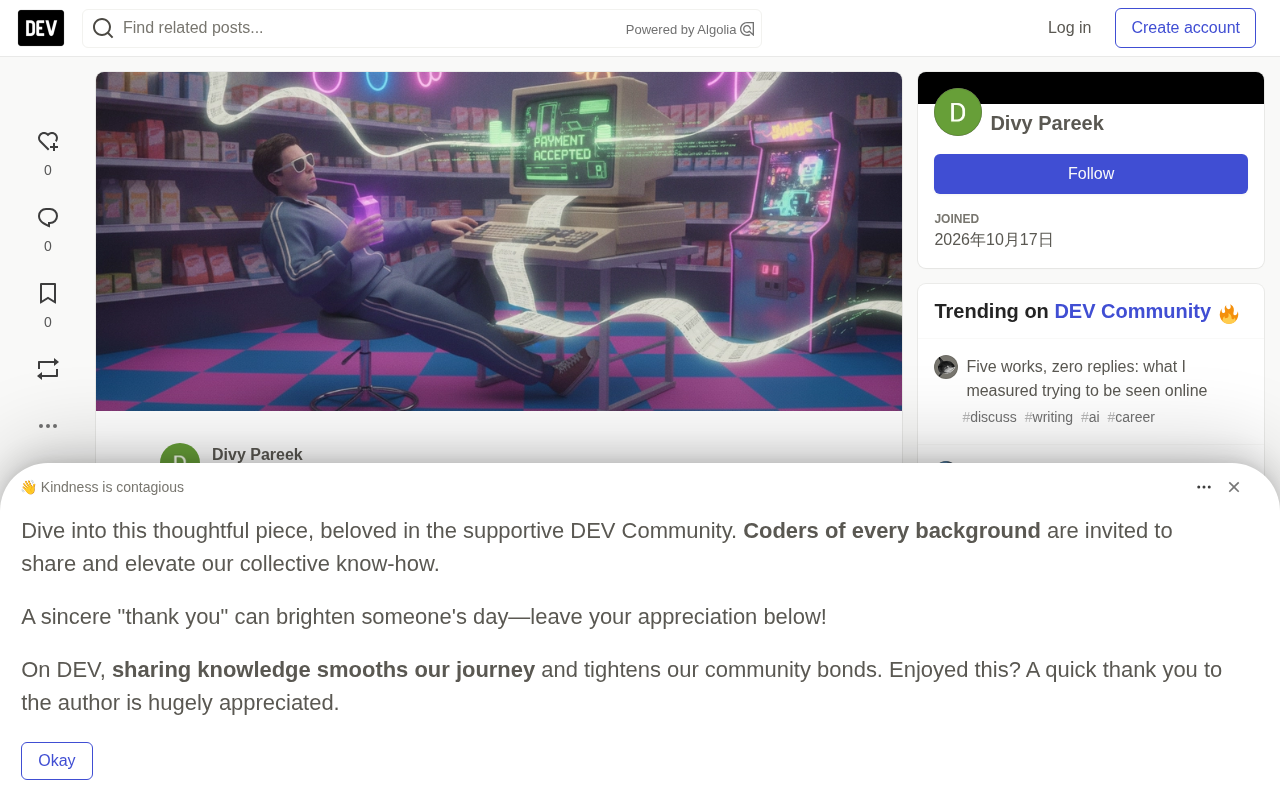
It Solves a Real Pain Point for Small Business Owners
Small businesses typically don't have the budget to hire a dedicated business analyst, nor can they afford expensive analytics platforms. Invoice data sits in photo albums or drawers, unable to be transformed into actionable judgments like "which supplier is eating up the most cost" or "how are sales trending this month." Invoice AI attempts to fill this gap: using open-source OCR to convert invoice images into structured data, validating it before storing it in a database, and then having a Gemma 4-based conversational assistant query the data through read-only tools and provide natural language answers.
According to the author's project description, users simply photograph an invoice on their phone, upload it, and select whether it's a sales invoice or a purchase invoice — the system then automatically handles the rest. The entire process requires no knowledge of SQL, spreadsheets, or programming.
A Three-Step Pipeline: From Pixels to Business Insights
OCR Extraction: Powered by PaddleOCR
The project uses PaddleOCR to extract text from invoice images, then applies processing logic to identify key fields such as vendor information, invoice number, date, subtotal, tax, and total. This step converts unstructured images into structured data ready for the database. Choosing PaddleOCR over commercial APIs aligns with the project's overall open-source philosophy and lowers the long-term cost barrier.
PaddleOCR is an open-source optical character recognition library within Baidu's PaddlePaddle ecosystem. It supports multiple languages including Chinese and English, table and layout analysis, and provides complete modules for detection, recognition, and orientation classification. Its hallmarks are lightweight models, fast inference, and pre-trained models that developers can call directly — no need to train from scratch to get usable text extraction. Compared to commercial OCR APIs, PaddleOCR allows local deployment and offline operation, avoiding per-call billing costs and the privacy concerns of uploading invoice images to third parties. For documents like invoices with fixed fields, PaddleOCR is typically paired with rule-based or template-based post-processing logic that maps recognized text fragments to specific fields like vendor and amount — which is exactly how Invoice AI's extraction layer works.
Validation Layer: Don't Blindly Trust AI's Extraction Results
This is the most engineering-worthy design in the entire project. The author clearly recognizes a real risk: if a 310 on an invoice is misread as 103, all subsequent analysis will be distorted — "garbage in, garbage out."
Therefore, Invoice AI doesn't treat OCR results as facts directly. The system cross-checks the invoice total against subtotals and tax amounts, flags ambiguous or inconsistent extraction results, and waits for manual review. Unconfirmed invoices don't enter the confirmed invoice analysis pool. Additionally, the system distinguishes purchase invoices from sales invoices to avoid mixing expenses and income, and different currencies are isolated to prevent misleading aggregate numbers.
The significance of this validation mechanism extends beyond a single project: it demonstrates that in document AI scenarios, "human-in-the-loop" remains an effective approach against hallucinations and recognition errors — especially when outputs directly affect business decisions.
Human-in-the-loop refers to a design pattern that retains human confirmation or correction steps within automated workflows. In document AI scenarios, model outputs carry uncertainty — particularly when critical numbers like amounts and dates are misrecognized, errors amplify through the data pipeline. Human-in-the-loop converts unreliable automated results into trustworthy data by having users review before data enters the database or analysis. It doesn't contradict "full automation": the system can still batch-process and only escalate low-confidence or cross-validation-failing items to humans, balancing efficiency and accuracy. Invoice AI's approach of keeping unconfirmed invoices out of the analysis pool is a concrete implementation of this idea and a common engineering practice for handling model hallucinations and recognition bias.
Analysis Layer: FastAPI + Streamlit + Gemma 4
The backend uses FastAPI with SQLAlchemy, handling invoice extraction, validation, storage, and dashboard analytics. The author wrote reusable analysis functions to compute metrics like invoice summaries, vendor spending, and monthly trends. The frontend dashboard is built with Streamlit, displaying total purchase spending, recorded sales, invoice counts, spending by vendor, monthly trends, and invoice-level details.
The real interaction entry point is the Gemma 4 model integrated on Ollama Cloud.
Function calling / tool use is a mechanism for large language models to interact with external systems: developers pre-define functions and their parameter structures, the model understands user intent and outputs a structured call request, the program executes the function and returns results to the model, which then generates answers based on real data. This way the model doesn't directly access the database or freely write queries — access is confined to predefined functions, reducing injection and misuse risks and making each answer correspond to a traceable execution path. Invoice AI's assistant uses exactly this pattern, encapsulating summary, vendor-based, and monthly trend analyses as read-only functions for the model to select and call as needed.
The Gemma 4 Assistant: Not a Chatbot, But an Analyst With Tools
The key difference between this assistant and ordinary chatbots lies in its tool-calling architecture. When users ask "which supplier accounts for the most of my spending," "how are my monthly purchases changing," "find invoices from a specific vendor," "summarize my purchase and sales invoices," or "which items correspond to the highest purchase amounts," the assistant selects appropriate read-only Python functions from predefined business tools — backed by SQLAlchemy queries — retrieves the data, and then generates evidence-based natural language answers.
The author particularly emphasizes a security design: the model does not generate and execute arbitrary SQL queries. Its access to business data is confined to predefined tools and validated parameter ranges. This reduces injection risks and makes answers more traceable — each answer corresponds to a deterministic query path rather than the model improvising.
From a product experience perspective, this design upgrades the assistant from "a chatty interface" to "an analyst that can fetch data and explain it." Users don't need to learn query syntax — they just describe what they want to know in everyday language.
Open-Source Stack and Deployment: Why This Combination Matters
The project is built around open-weight models, open-source OCR, and Python frameworks. The author notes that choosing open-weight models means the entire application isn't locked into proprietary closed-source model APIs, making customization and experimentation easier. Using Ollama Cloud lets users avoid running large language models locally, lowering the hardware barrier.
For deployment, the project is hosted on Render, with both the FastAPI backend and Streamlit dashboard accessible via the cloud — no local environment setup required. The project provides both online demo frontend/backend URLs and a GitHub repository, so developers can inspect implementation details directly.
The demonstrative value of this tech stack lies in connecting document extraction, data validation, analytical queries, and natural language interaction into a complete open-source pipeline, with each link using mature and replaceable components. For developers wanting to build similar document intelligence applications, this is a reusable architecture reference.
Open-weight models refer to large models whose parameters are publicly released and can be downloaded, self-deployed, or fine-tuned — as opposed to closed-source models accessible only through vendor APIs. The benefit of using open-weight models is that applications aren't tied to a single vendor, enabling offline operation, cost control, and domain-specific customization experiments; the trade-off is bearing the compute and operational costs of inference yourself. Ollama, mentioned in the article, is a tool for running open-weight models locally, while Ollama Cloud moves this runtime environment to the cloud, letting developers call models without their own GPUs. Gemma is Google's open-weight model series, which Invoice AI uses as the brain of its conversational assistant, working with open-source components like PaddleOCR to form a tech stack that doesn't depend on proprietary APIs.
Limitations and Directions Worth Watching
Frankly, the project is currently positioned as a hackathon entry and is still far from a production-grade product. Invoice format diversity, multi-page invoice handling, handwriting recognition accuracy, and multi-user permission systems are all challenges encountered in real-world deployment. While the validation mechanism reduces the probability of errors entering the analysis layer, it still relies on users reviewing each invoice individually — the experience in batch scenarios needs further refinement.
However, its core approach holds: small businesses don't have to wait for expensive SaaS platforms for business intelligence — open-source models plus reasonable engineering constraints can already produce usable prototypes. When the "photo → validate → conversational query" path becomes smooth enough, even the humblest shop can have its own data analyst.
One-line Summary
Open-source project Invoice AI uses OCR plus validation and a Gemma 4 assistant to turn invoice photos into conversational business analytics.
Paragraph Summary
Invoice AI is a tool submitted by developer dotsource123 to the Hacktoberfest Open Source AI Challenge, aiming to help small businesses without analyst budgets turn invoice photos into conversational business intelligence. The process has three steps: PaddleOCR extracts fields like vendor, amount, and date; a validation layer cross-checks totals against subtotals and tax, flags suspicious results for manual review, keeps unconfirmed invoices out of the analysis pool, distinguishes purchases from sales, and isolates currencies; the analysis layer consists of a FastAPI + SQLAlchemy backend and Streamlit dashboard, with a Gemma 4 assistant querying data through predefined read-only tools without generating arbitrary SQL. The project is entirely open-source and deployed on Render, but as a hackathon entry, it still has production gaps in multi-page invoices, handwriting recognition, and batch review experience.
Related articles

GPT-Next Leak, Gemini 4 Argon Imminent: AI News Roundup
GPT-Next leak suggests extreme efficiency; OpenAI's 28-day shipping pledge boosts speed 50%; Gemini 4 Argon nears release; Anthropic subscription value report sparks debate.

GPT-Next Leaked, Gemini 4 Argon Speeds Up, Fable 5.5 May Launch Today
OpenAI's GPT-Next model leaks, expected to be extremely low-cost and possibly part of the 28-day release plan; Gemini 4 Argon internal testing accelerates, NanoBanana 2.1 is live; Semi Analysis tests show Claude Max's equivalent API value is about 5 times that of ChatGPT Pro; Fable 5.5 may launch today.

Gemini 4 Argon Launches Globally: Key Highlights from the AI Daily Brief
Google opens Gemini 4 Argon globally across Pro and Ultra subscriptions and the API, and demonstrates robot control. This article rounds up open-source models, Agent infrastructure, cost transparency, and safety governance updates.