KiCad 10 Brings a New Twist to AI-Assisted PCB Design

KiCad 10 introduces AI-assisted PCB design, positioned in the short term as a co-pilot rather than autopilot.
KiCad 10 attempts to bring AI assistance into the open-source EDA toolchain, covering repetitive and error-prone areas like layout optimization, intelligent DRC, and component selection. The article notes that PCB design's core pain point isn't inability to draw but missing errors after drawing correctly—differential pair length matching, impedance matching, and power/signal integrity constraints rely heavily on human experience. Unlike Altium and Cadence, KiCad's open-source nature and community data are differentiators. But the hardware community isn't enthusiastic because PCB errors are extremely costly—a failed tape-out means weeks of delay and significant losses, making engineers' trust threshold for AI far higher than for code. Data privacy and local inference determine enterprise adoption. Conclusion: AI is a co-pilot for catching omissions, flagging risks, and accelerating repetitive tasks, while final decisions still need human sign-off.
When PCB Design Meets AI: KiCad 10's New Experiment
Recently on Hacker News, a post about "AI-assisted PCB design for KiCad 10" sparked discussion among quite a few hardware developers. The post itself wasn't particularly hot—21 upvotes and 4 comments—but the trend it points to is worth paying attention to: AI is penetrating from purely software domains into hardware design toolchains.
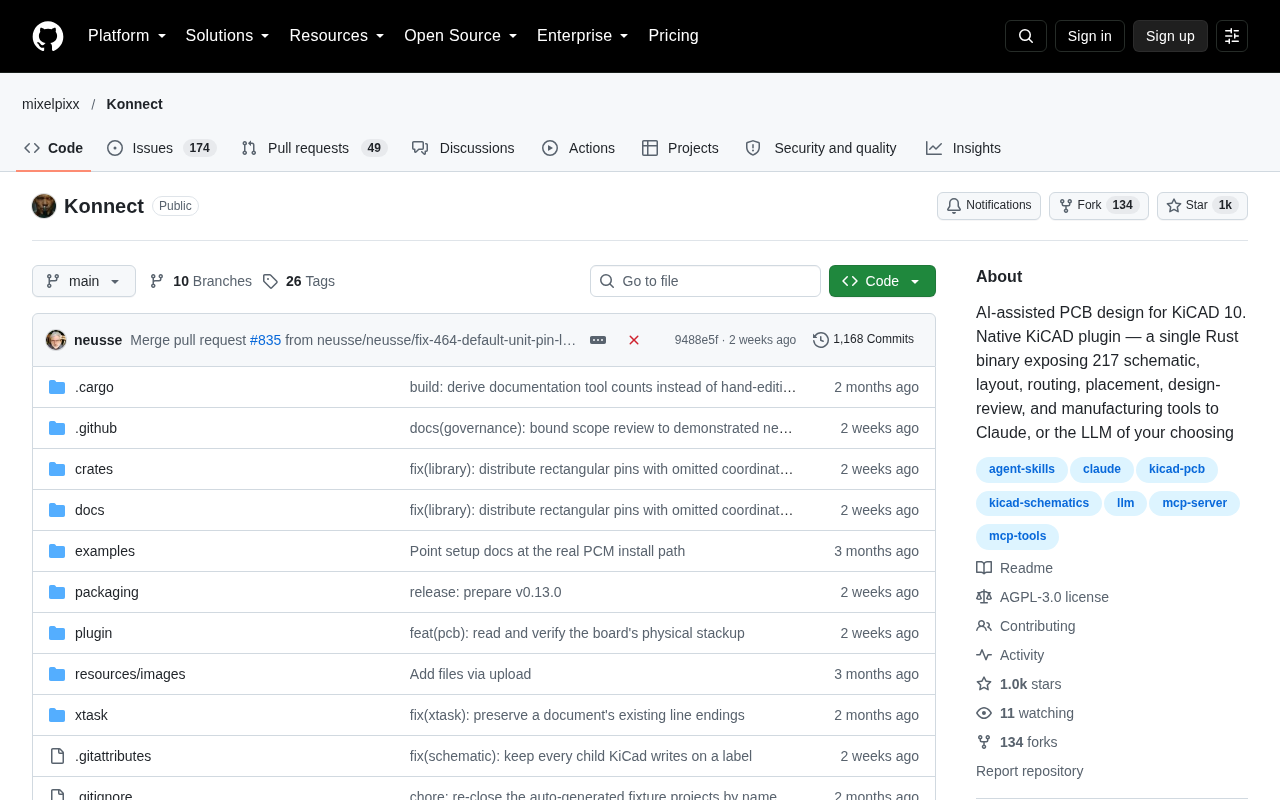
KiCad, as a representative of open-source EDA tools, has long been the top choice for small and medium-sized teams and independent developers. Its 10th major version introduces AI-assisted capabilities into the existing workflow, attempting to address the highly repetitive yet error-intolerant aspects of PCB design.
What Exactly Can AI Do for PCB Engineers?
The core pain point of PCB design isn't "can't draw it," but rather "drew it right but didn't catch the errors." A typical four-layer board design involves hundreds of net connections, thousands of pads, and a large number of implicit constraints—differential pair length matching, impedance matching, power integrity and signal integrity requirements. In traditional workflows, these checks rely heavily on engineer experience and manual rule setup.
The entry points for AI assistance mainly focus on several directions:
Layout suggestions and auto-routing optimization—not replacing engineers in making decisions, but providing real-time alerts about potential signal integrity issues during routing. For example, when a high-speed signal trace is too long or crosses a split ground plane, the tool can proactively flag the risk.
Intelligent design rule checking (DRC)—traditional DRC is based on hardcoded rules, while AI can learn design patterns from project history and identify areas where risks actually exist but aren't covered by rules.
Component selection and footprint matching—during the schematic phase, AI can recommend alternative components based on electrical parameters and supply chain information, reducing design rework caused by shortages.
Differential pair length matching is a fundamental constraint in high-speed digital design: differential signals transmit information through the voltage difference between two traces. If the two traces have different lengths, the signals arrive at the receiver at different times, and this time difference converts into common-mode noise, weakening noise immunity and causing bit errors in severe cases. In engineering practice, the length difference between the two traces is typically required to be kept within a few mils to tens of mils, with allowable timing skew calculated based on trace propagation speed.
Impedance matching targets signal integrity: PCB traces themselves have characteristic impedance (commonly 50 ohms single-ended, 90 or 100 ohms differential). If the source, trace, and load impedances are mismatched, signals will reflect at discontinuities, causing ringing and overshoot. Engineers need to control impedance near target values through stackup design, trace width, and dielectric thickness. Interfaces like USB, HDMI, and DDR all have explicit specifications for this. These constraints are coupled with each other on multilayer boards, which is exactly where manual checks are most likely to miss things and where automated tool alerts are most valuable.
Design rule checking (DRC) is a category of geometric and electrical verification that EDA tools automatically perform after layout completion, used to detect issues such as insufficient trace width, too-close spacing, overlapping pads, and unconnected nets. Traditional DRC relies entirely on rule files pre-set by engineers; it won't proactively discover hidden risks outside those rules. A recent approach involves introducing machine learning models that learn from completed projects "what kinds of layouts tend to have problems," thereby providing probabilistic risk alerts beyond hard rules. Such models don't replace rule checking but serve as a supplementary layer, bringing experiential judgment into the automated workflow.
The AI Path for Open-Source EDA: Opportunities and Concerns
KiCad embracing AI has a natural advantage: it's a fully open-source project with a large community of contributors, and design data (with user permission) can be used to train models that better fit real engineering scenarios. This differentiates it from commercial tools like Altium and Cadence—the latter also have AI features, but they're typically locked behind expensive subscriptions.
However, judging from the discussion volume on the HN post, the hardware community isn't wildly enthusiastic about this. One possible explanation: the cost of PCB design errors is too high. A failed tape-out can mean weeks of delay and tens of thousands of dollars in losses, which makes engineers' trust threshold for "AI suggestions" far higher than for letting AI help write a piece of code.
Another practical issue is data privacy. Enterprise PCB design files often contain core product information. If AI features require uploading design data to the cloud for processing, many teams will outright refuse. As an open-source tool, KiCad would be more readily accepted if it can achieve local inference or on-device models.
Local inference and on-device models refer to performing neural network computations on the user's own machine rather than sending data to cloud servers. For work like PCB design that involves core product secrets, local inference means design files never leave the company's internal network, fundamentally eliminating data leakage concerns. There are typically two implementation approaches: one is using smaller models that can run offline, and the other is deploying distilled or quantized versions of general-purpose large models locally. The trade-off is that model capabilities are often weaker than cloud-based large models, and there are certain hardware requirements. For KiCad, which markets itself on openness and privacy, whether it can provide a usable local inference solution directly determines whether enterprise users are willing to enable this feature.
Will Hardware Engineers Use It?
Based on community feedback, acceptance of AI-assisted PCB design is still at an early stage. Some developers are taking a wait-and-see approach, believing that current AI capabilities in spatial reasoning and electromagnetic field understanding are not yet sufficient for complex board-level design; others believe that in simple boards and educational scenarios, AI assistance can significantly lower the barrier to entry.
A pragmatic assessment: in the short term, AI's most valuable role in PCB is as a "co-pilot" rather than "autopilot." It helps you catch omissions, flag risks, and accelerate repetitive operations, but final design decisions still need human sign-off.
For teams already using KiCad, it's worth watching how this feature actually performs—especially whether it can run locally, whether it supports custom rule sets, and its performance impact on large projects. These details determine whether AI assistance is just a nice bonus or truly transforms the workflow.
One-line Summary
KiCad 10 introduces AI-assisted PCB design, positioned in the short term as a "co-pilot" rather than autopilot.
Paragraph Summary
KiCad 10 attempts to bring AI assistance into the open-source EDA toolchain, covering highly repetitive and error-prone areas such as layout and routing optimization, intelligent DRC, and component selection. The article points out that the core pain point of PCB design isn't being unable to draw it, but drawing it right while missing errors—implicit constraints like differential pair length matching, impedance matching, and power/signal integrity rely heavily on human experience. Compared to commercial tools like Altium and Cadence, KiCad's open-source nature and community data are its differentiating advantages. But the hardware community's reaction isn't enthusiastic, because PCB errors are extremely costly—a failed tape-out can bring weeks of delay and tens of thousands of dollars in losses, making engineers' trust threshold for AI suggestions far higher than for writing code. Data privacy and local inference capabilities determine whether enterprises will adopt it. The conclusion: in the short term, AI is a "co-pilot" responsible for catching omissions, flagging risks, and accelerating repetitive operations, while final decisions still require human sign-off.
Related articles

M&M's Spent Millions Replacing Artificial Blue Dye — Why Is It So Hard?
Mars spent millions trying to replace artificial blue dye in M&M's with spirulina, but thick material clogs pipes and residue risks mold, forcing a full production-line rebuild. Here's the engineering behind the reformulation.
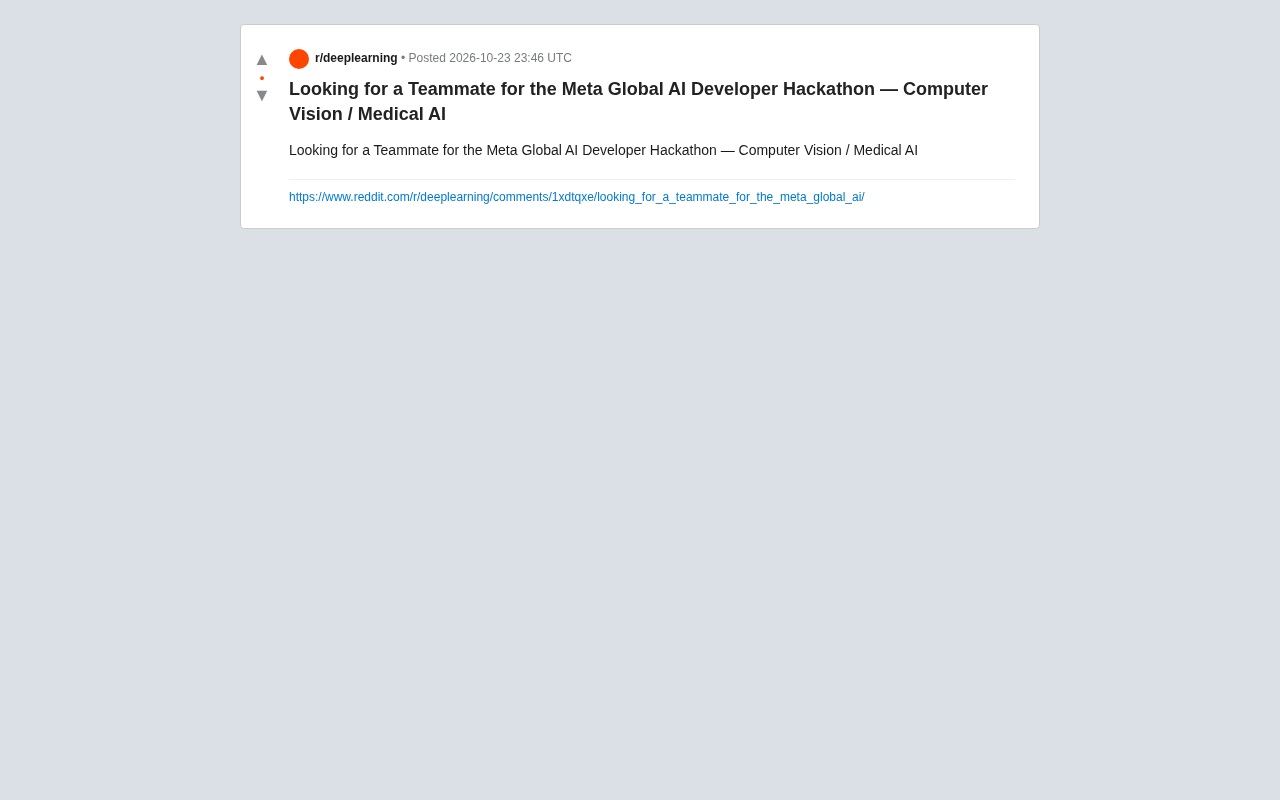
Teammate Wanted for Meta Global AI Developer Hackathon: Computer Vision & Medical AI
A Reddit developer seeks teammates for the Meta Global AI Developer Hackathon, focusing on computer vision and medical AI. This article analyzes the track logic, skills-complementarity needs, and topic selection strategy behind this teaming signal.
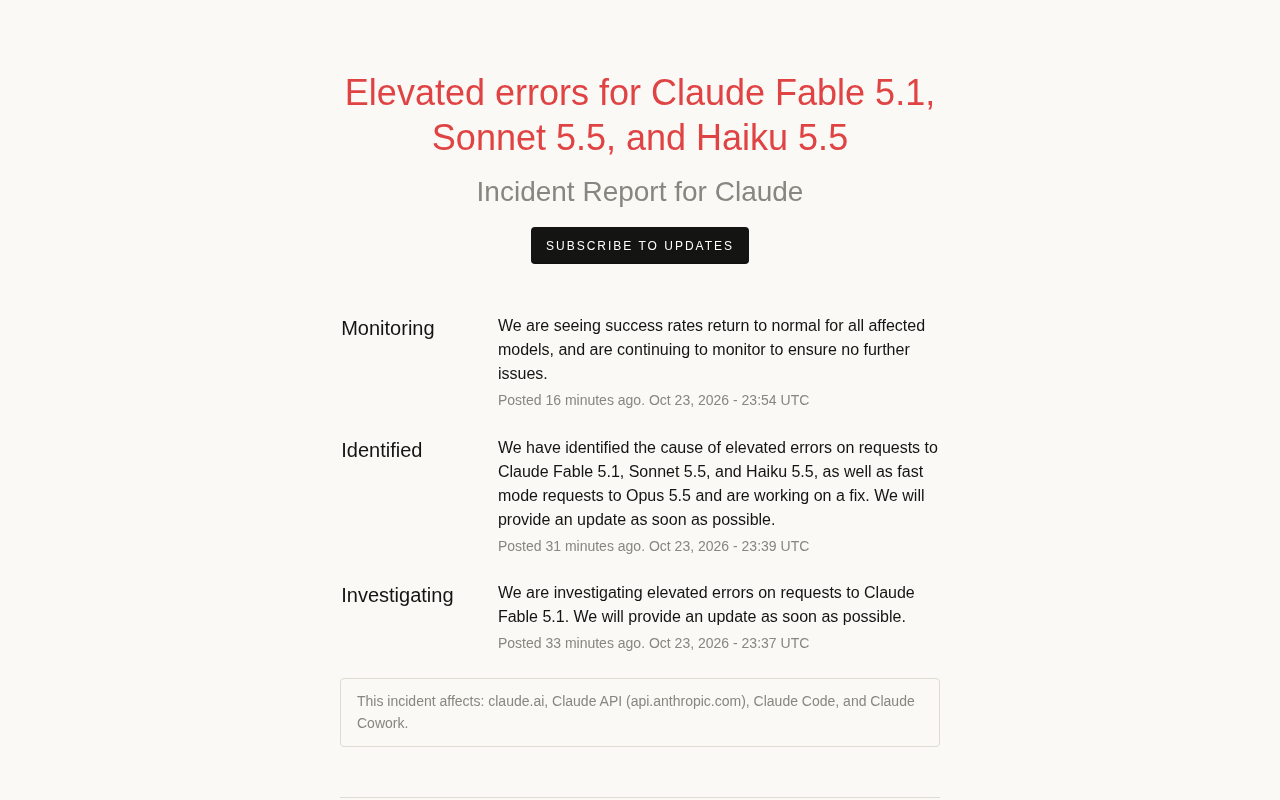
Multiple Claude Models Hit by Errors: A Postmortem of Fable 5.1, Sonnet 5.5, and Haiku 5.5
Claude Fable 5.1, Sonnet 5.5, Haiku 5.5, and Opus 5.5 fast mode saw elevated errors; Anthropic identified and resolved the issue in 17 minutes. This postmortem covers the timeline, the technical reasons for the multi-model cascading failure, and practical lessons for retry and degradation strategies.