Kling 4.0 Fully Open: Building a Repeatable Video Workflow

Kling 4.0 is fully open—the key is building a repeatable video workflow with clear scene briefs and well-defined reference responsibilities.
Kling 4.0 has officially launched and is fully open, offering web, MCP, and CLI access, with HDR 4K/1080p output and enterprise API coming soon. The article argues that the real question for creators has shifted from "can I use it" to "how do I turn model capabilities into a complete scene that can be reviewed, revised, and delivered." It recommends starting from a specific scene with a clear ending, preparing a reference kit with clear responsibilities, assigning each reference to a specific moment, planning action and audio rhythm with beats, and iterating through precise revision requests. MCP and CLI offer different paths for team integration, but API docs still need verification. The bottom line: the most convincing progress is a scene that can be understood, revised, and completed.
Kling AI has officially released Kling 4.0. According to its official announcement, the model is now fully open through a new web creation experience, with MCP and CLI access also available. The Kling official announcement lists HDR 4K/1080p output and enterprise and developer API access as "coming soon." For creators, the key question has shifted from "can I use it" to "how do I turn its capabilities into a complete scene that can withstand review, revision, and delivery."
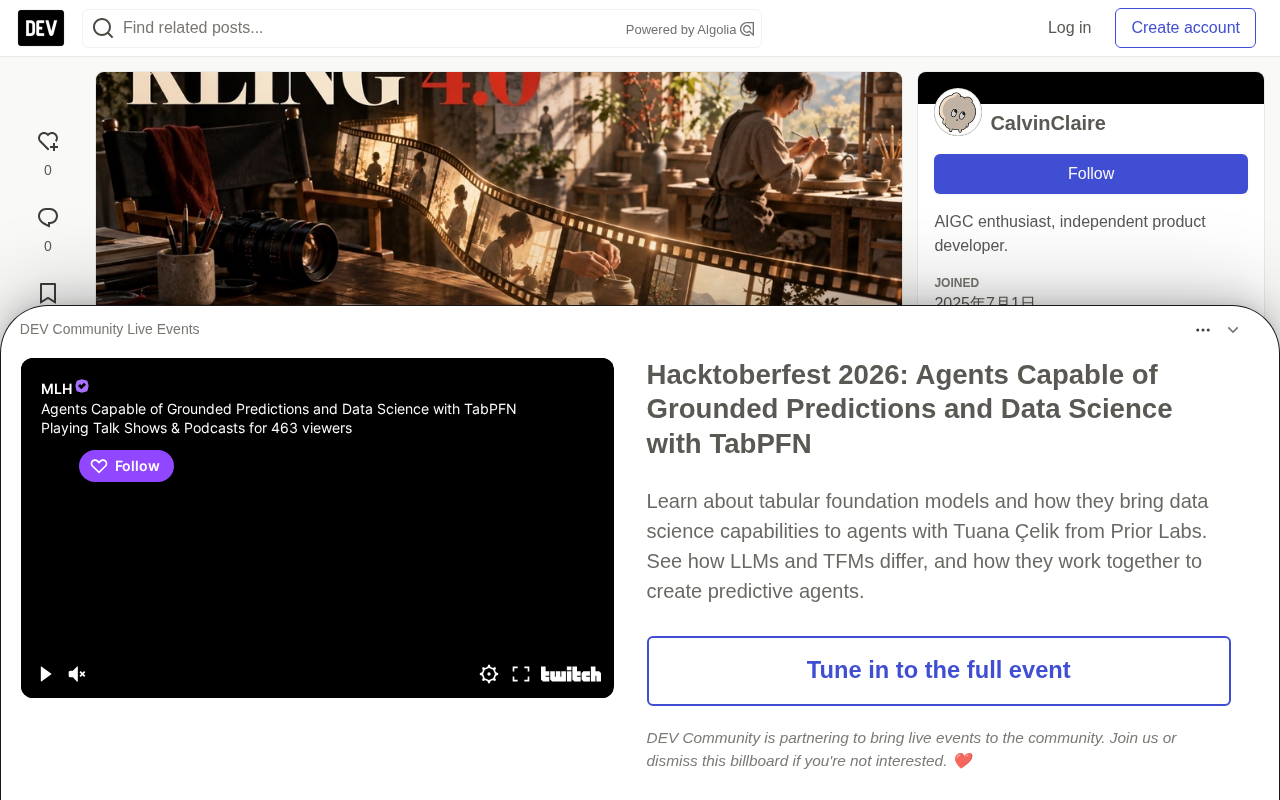
The Release Changes the Starting Point
Previously, discussion around Kling 4.0 focused on access and the next release window. Now that it's fully launched, the more practical starting point is the specific piece you need to produce. A product launch, an artist profile, and a short dialogue scene may all use the same model, but their requirements for footage are completely different.
In an artist profile, recognizable hands, believable object handling, and dialogue pacing may matter more than dramatic camera movement. A product film requires objects to remain identifiable across compositional changes. A recurring character demands continuity across angles, lighting, and motion. Each task maps to a different creative brief and review checklist.
So the release should be judged through a series of decisions: what must stay stable, what should move, when the important action happens, and which detail needs to change in the next version. These decisions apply equally whether you're working through a browser or connecting your creation to a larger tool workflow.
Start with a Scene That Has a Clear Ending
Picture a short film about a ceramicist: she walks into a warm studio, picks up a rust-red teapot from the workbench, turns toward the window, places it on a folded cloth, and then speaks with a visitor. This scene contains a character, an object, actions, shifts in attention, and a clear final composition.
This is a stronger brief than a vague request for something "cinematic." It tells the viewer what they should understand and provides concrete checkpoints: Do the teapot's handle and lid stay consistent? Is the grip believable? Is the window light stable? Does the final action have enough time to complete before the dialogue begins?
Write delivery requirements next to the scene. A vertical social post needs different framing than a horizontal website film. If titles will be added in the editor, leave room for them. If the footage will be cut into a larger sequence, decide which action must complete within this shot and which can carry across a cut.
References Need Clear Responsibilities
A practical approach to Kling 4.0 is to prepare a small reference kit before opening the creation controls. For the studio film, that might include a clear character image, two views of the teapot, a scene image, and a brief description of the intended motion and sound.
The technical specifications the model has published describe richer multimodal referencing. The creative value comes from explaining what each reference contributes: a character image establishes appearance and wardrobe, a product image establishes geometry and surface, a scene image establishes space and lighting, a motion reference establishes timing or camera behavior. More materials can also introduce conflicts—a wide studio photo and a close-up portrait may imply different lighting. Before adding another reference, ask what uncertainty it resolves.
Multimodal Reference is one of the core capabilities of current video generation models, meaning the model can simultaneously accept different types of input—images, text, audio—and use them to constrain the generated result. The specs Kling 4.0 has published mention support for richer multimodal referencing, which means creators can provide independent control signals for character appearance, product geometry, scene lighting, and motion trajectory.
The practical value of this capability depends on consistency between references. When multiple references point to the same visual attribute (for example, two character photos under different lighting conditions), the model may produce "signal conflicts," causing identity drift or lighting jumps when the angle changes. The practical approach, therefore, is to assign a single responsibility to each reference: a portrait handles only face and wardrobe, a product photo handles only shape and material, a scene image handles only spatial layout and light source direction.
Understanding this mechanism helps explain why "more material is always better" doesn't hold—the quality of a reference kit depends on how clearly responsibilities are divided, not on quantity.
Keep Continuity Visible During Planning
Continuity is easiest to discuss when important features have names. In the studio example, the teapot's rust-red glaze, curved handle, rounded lid, and spout direction are useful anchors. The artist's sage apron and the window position belong to the same continuity plan. These details give collaborators something concrete to check.
A simple contact sheet can help with planning. Place reference views next to a rough scene plan and mark the moments when objects rotate, are partially hidden, or change hands. These are informative moments because the model must preserve identity while also representing motion and contact. Concept storyboards are planning examples whose purpose is to show the relationship between composition and action: establish the room, make the object handling readable, then land on the interaction.
Give Each Reference a Scene Position
References become more useful when they're tied to specific moments. The teapot views matter when the artist rotates it. The scene image matters when a wider shot shows the workbench and window. The character reference does its work through a head turn or a shift from medium shot to close-up.
This makes feedback more precise. Instead of asking for something "better overall," you can identify an object change during rotation, an unexpected shift in room layout, or camera movement that hides an action. Clear observations suggest clear next-step instructions. There's also a practical reason to keep the reference kit stable across revisions: if every attempt changes the prompt, the object image, the scene duration, and the camera instruction, it's hard to tell which decision made the difference.
Thirty Seconds Needs Rhythm
The model guidelines Kling has published describe native generation of up to 30 seconds with support for up to ten keyframe images. These controls become useful when you decide which moments carry the scene. The studio film might use four beats: enter, pick up, examine, set down the teapot. Four beats don't require four cuts or four evenly spaced frames.
Consider how long each action needs to be understood. A hand approaching a handle needs space before contact. A careful rotation needs a shot that lets the viewer see the object. The final placement needs a brief hold. If every action starts simultaneously, an even longer clip can still feel rushed. Audio belongs in this plan. Decide whether the dialogue starts during movement or after the object is placed. During review, listen once without watching and watch once without sound; each pass reveals timing issues that aren't obvious when attention is divided.
Make the Second Version Answer One Question
The most useful revision request names both the intended change and the features that should remain stable. For example: slow the camera approach during the teapot examination while keeping the artist, the object, the studio lighting, and the final position on the cloth. This creates an understandable goal for the next version.
Review the result against that request before making another change. If the camera improves but the handle changes, the revision introduced a new problem. If the object stays stable but the action becomes unreadable, the next decision might involve timing or shot size. Record notes in scene language rather than vague quality scores. This is where iteration costs become informative: log the attempts that didn't work, the wait times, and the manual cleanup needed for a usable version.
Web, MCP, and CLI Serve Different Working Habits
The full release announcement specifically includes MCP and CLI access. For teams, this makes tool integration part of the release story: briefs, source material, generation steps, and review notes can be treated as connected parts of the production process. The announcement itself does not establish a universal command syntax or public API contract.
Start with the web interface when you need to understand the available controls and inspect results directly. If you later use MCP or CLI, keep the same briefs, asset names, and review standards. API access remains a separate item on the release roadmap. Before designing an automated production pipeline around it, once access launches, verify the actual developer documentation, supported operations, authentication, limits, and billing. Connector entry points and enterprise APIs are different integration commitments.
MCP (Model Context Protocol) is an open protocol standard proposed and open-sourced by Anthropic in late 2024, designed to unify how AI models interact with external tools and data sources. In video generation scenarios, MCP allows Kling 4.0 to be plugged in as a "tool node" into clients that support the protocol, such as Claude and Cursor, enabling creators to invoke model capabilities without leaving their existing working environment.
CLI (Command Line Interface) is an access method for developers who are comfortable with scripting and batch operations. Compared to a graphical interface, CLI is better suited for embedding generation steps into existing automation pipelines—for example, submitting batch render jobs or integrating with version control systems.
The difference in positioning comes down to this: MCP emphasizes "context-aware intelligent collaboration," while CLI emphasizes "orchestratable mechanical execution." For teams, which integration to choose depends on the shape of the existing toolchain—if you're already using an MCP-supporting AI editor, migration costs are lower; if you need to connect video generation to CI/CD or a custom platform, CLI is usually the more direct path.
A Useful First Session Ends with a Repeatable Brief
Start with a manageable scene and save the chosen model, duration, aspect ratio, output settings, prompt, and reference set. Review the complete clip for identity, object contact, camera intent, sound, and ending. Then make one focused revision and compare it against the baseline.
Keep the working brief short enough to understand but specific enough that another person can judge whether the result follows it. A clear brief is an asset that can be reused when the model or interface changes. Before delivery, check the export in the target settings: look at the first frame, the last frame, readable details, audio levels, and any cropping required by the target application. Keep original results and selected edits separate so that later revisions don't require rebuilding the entire project.
Kling 4.0's official release creates the moment to establish this habit. Pick one scene, give references clear roles, plan the important moments, and let the next version solve a specific problem. The most convincing sign of progress is a scene that can be understood, revised, and completed.
One-line Summary
Kling 4.0 is fully open—the key is building a repeatable video workflow with clear scene briefs and well-defined reference responsibilities.
Paragraph Summary
Kling 4.0 has officially launched and is fully open, offering three access methods—web, MCP, and CLI—with HDR 4K/1080p output and enterprise API coming soon. The article argues that for creators, the real question has shifted from "can I use it" to "how do I turn model capabilities into a complete scene that can be reviewed, revised, and delivered." The author recommends starting from a specific scene with a clear ending (such as a ceramicist short film), preparing a reference kit with clear responsibilities, assigning each reference to a specific moment, using beats to plan action and audio rhythm within 30 seconds, and iterating through revision requests that specify what changes and what stays stable. MCP and CLI offer different paths for team integration, but API documentation still needs verification. The bottom line: the most convincing sign of progress is a scene that can be understood, revised, and completed.
Related articles

Random Pruning of the DPO Computation Graph: 1.4x Training Speedup and Lower Peak Memory
DPO training too slow and memory-hungry? This paper proposes a random pruning framework for the DPO computation graph, sampling independently across position, sequence, and branch dimensions; branch pruning achieves a 1.426x step-time speedup and cuts training time by about 30%, with in-depth attribution of memory and time gains.

Why Does JEPA Underperform MLM in Longitudinal EHR Representation Learning?
New study compares JEPA and MLM for longitudinal EHR representation learning on MIMIC-IV: three JEPA variants train stably without collapse but underperform MLM; target size, not heterogeneity, drives prediction error.

Transfer Learning + Visible Light Communication: A New Approach to Energy-Efficient Indoor Positioning
A study proposes a transfer learning-based visible light communication indoor positioning method, achieving 47% accuracy improvement on the BOSCH factory dataset, 67.5% model efficiency under high noise, and introducing the ME composite metric for energy-efficient positioning in energy-constrained industrial IoT scenarios.