LangGraph Agent Cost Control: recursion_limit Counts Steps, Only Dollar Limits Manage Money

recursion_limit only controls steps, not costs; implement dollar-per-minute limits at the gateway and solve latching and run isolation issues.
The article points out that LangGraph's `recursion_limit` only terminates graph execution by step count, but the cost per step can vary a hundredfold depending on context length and model, making it ineffective for controlling dollar spending. The author proposes implementing dollar-per-minute limits at the API gateway layer and encountered two pitfalls: first, the limit must be "latched," continuously rejecting requests for a set duration after triggering (returning 429 and Retry-After) to avoid the loop restarting after the window resets; second, each graph call must be assigned a unique run ID to achieve per-run isolated limits, preventing one runaway run from dragging down all users. When implementing in LangChain, you also need to catch `openai.RateLimitError` and gracefully return "stopped: spend limit," and you can combine it with a total run budget for dual control.
When your LangGraph agent gets stuck in a loop, recursion_limit can only stop it based on step count, but the cost of a single step can vary wildly. A developer shared his solution on Reddit: use dollar-per-minute limits at the gateway as a safety net, and he solved two practical deployment pitfalls.
Why recursion_limit Isn't Enough
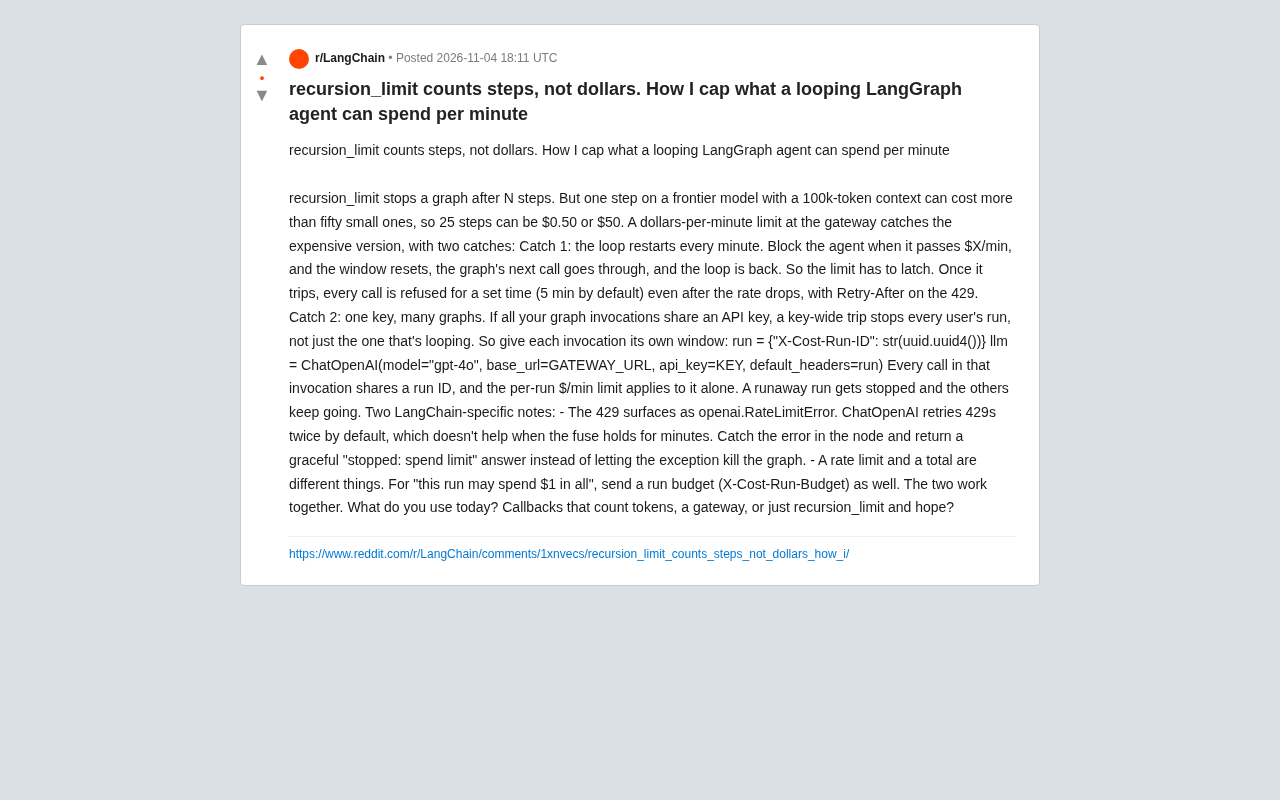
recursion_limit stops graph execution after N steps, which sounds like a safety net. The problem is that the cost per step isn't uniform. As the original post points out: on frontier models, a single call with a 100k token context can cost more than fifty small calls. So the same 25 steps could result in a bill of $0.50 or $50.
This means that if you rely solely on step limits, you can't answer the critical question: "How much is this agent spending per minute?" For production environments, especially multi-user agent applications, the risk of runaway costs is very real.
What is recursion_limit?
In LangGraph, a graph consists of nodes and edges, and execution advances step by step along the edges. recursion_limit is a configuration parameter of the graph executor that limits the maximum number of steps (i.e., node executions) allowed from the start node to the end node. When the execution step count reaches this limit, LangGraph throws a GraphRecursionError, forcibly terminating the graph run to prevent infinite loops. The default value is typically 25.
This parameter was designed to prevent graphs from getting stuck in infinite loops, not to control costs. It only cares about "how many steps have been taken" and is completely unaware of how many tokens or dollars each step actually consumes. Therefore, for cost-sensitive production scenarios, recursion_limit can only serve as a fallback safety net, not a replacement for real budget control.
Dollar-per-Minute Limits at the Gateway
The idea is straightforward: enforce a dollar-per-minute limit at the API gateway layer. Every LLM call goes through the gateway, which accumulates costs, and when a call causes the cost to exceed a threshold (e.g., X dollars per minute), subsequent requests are rejected.
But this developer hit two pitfalls and provided solutions.
Pitfall 1: The Limit Must Be "Latched"
The first issue is window reset. If you simply reset the counter at the start of each minute, then after the agent is blocked for exceeding the limit, once the one-minute window refreshes, the next call will be allowed through again, and the loop continues.
So the limit must be latched: once triggered, all calls are rejected for a set duration (default 5 minutes), even if the rate has dropped. The gateway should return a 429 status code with a Retry-After header telling the client when it can retry.
Pitfall 2: One Key, Multiple Graphs
The second issue is more subtle. If all graph calls share the same API key, then a key-level limit trigger will stop all users' runs, not just the one stuck in a loop.
The solution is to give each call an independent window. The original post provides a code example:
run = {"X-Cost-Run-ID": str(uuid.uuid4())}
llm = ChatOpenAI(model="gpt-4o", base_url=GATEWAY_URL, api_key=KEY, default_headers=run)
This way, each graph call uses a unique run ID, and the gateway can calculate dollars per minute separately per run ID, stopping runaway calls while other calls continue.
What is an API Gateway?
An API gateway is an intermediate layer between clients and backend services, responsible for request routing, authentication, rate limiting, monitoring, and other functions. In LLM applications, gateways are typically used to uniformly proxy calls to model providers like OpenAI and Anthropic, thereby centralizing access control, cost tracking, and rate limiting.
Implementing dollar-per-minute limits at the gateway layer rather than in application code has several advantages: first, all calls (regardless of which graph or user they come from) go through the same entry point, making unified metering easier; second, the gateway can adjust policies independently of application logic without code changes; third, the gateway inherently has the ability to circuit-break and reject requests. Common open-source LLM gateways include LiteLLM, Portkey, etc., which provide built-in support for cost accumulation and budget limits.
What is the Retry-After header?
Retry-After is a response header in the HTTP protocol used when the server returns 429 (Too Many Requests) or 503 (Service Unavailable) to tell the client how long to wait before retrying. Its value can be a number of seconds (e.g., Retry-After: 300 means retry after 5 minutes) or an HTTP date-time timestamp.
In the gateway solution described in this article, when the dollar-per-minute limit is triggered and latched, the gateway returns a 429 status code with a Retry-After header, and the client (i.e., LangChain's ChatOpenAI) can decide whether to retry and how long to wait. However, since ChatOpenAI retries 429s a limited number of times by default, developers still need to catch RateLimitError within nodes and perform graceful degradation to avoid meaningless retry consumption.
Two Implementation Details in LangChain
When implementing this solution in LangChain/LangGraph, there are two points to note.
First, 429 errors are thrown as openai.RateLimitError. ChatOpenAI retries 429s twice by default, but when the circuit breaker lasts for several minutes, retries are meaningless. You should catch this error within the node and return a graceful "stopped: spend limit" response instead of letting the exception kill the entire graph.
Second, rate limits and total limits are two different things. If you also want to control "this run can spend at most $1 total," you need to send a run budget (X-Cost-Run-Budget) as well. Use both together: the per-minute limit prevents sudden runaway spending, and the total budget prevents long-term cumulative overspending.
What's Your Solution?
The original author ends with a question: What are you using now? Token-count-based callbacks, a gateway, or just relying on recursion_limit and hoping for the best?
This question is worth considering for every developer deploying agents. Cost control is not optional, especially when agents can loop autonomously. From community discussions, the gateway approach is becoming the consensus, but the details in implementation—latching, run isolation, error handling—often determine success or failure.
If you're building production applications with LangGraph, take a moment to check: when your agent runs out of control, will your bill run out of control too?
One-line Summary
recursion_limit only controls steps, not costs; you need dollar-per-minute limits at the gateway layer and solve the latching and run isolation issues.
Paragraph Summary
The article points out that LangGraph's recursion_limit only terminates graph execution by step count, but the cost per step can vary a hundredfold depending on context length and model, making it ineffective for controlling dollar spending. The author proposes implementing dollar-per-minute limits at the API gateway layer and encountered two pitfalls: first, the limit must be "latched," continuously rejecting requests for a set duration after triggering (returning 429 and Retry-After) to avoid the loop restarting after the window resets; second, each graph call must be assigned a unique run ID to achieve per-run isolated limits, preventing one runaway run from dragging down all users. When implementing in LangChain, you also need to catch openai.RateLimitError and gracefully return "stopped: spend limit," and you can combine it with a total run budget for dual control.
Related articles

DeepSeek Harness Quick Start Guide: From Installation to 5 Real-World Cases
What is DeepSeek Harness? Based on a Bilibili tutorial, this article covers how this AI Agents software works, installation and setup, four working modes, and five real-world cases: a 3D racing game, official website, music player, science animation, and self-developed plugin—plus token money-saving tips.

Breaking Down DeepSeek's Super-agent Architecture: How Router+Worker Solves the Multi-Session Management Bottleneck
An analysis of DeepSeek's Super-agent paper: how the Router+Worker two-tier architecture uses Fast Pass, Chain of Recall, and storage-compute separation to solve multi-AI-session management bottlenecks, and how much it truly alleviates the human attention bottleneck and what engineering trade-offs it makes.

19K Stars in 5 Days: Why DeepSeek's Open-Source AI Programmer Went Viral
DeepSeek's open-source AI programmer hit 19K GitHub stars in 5 days. Why it went viral: the agent boom, AI writing its own code, and the shift from Q&A tools to AI employees.