Lanshare: An Open-Source LAN Peer-to-Peer File Transfer Tool — A Practical Analysis
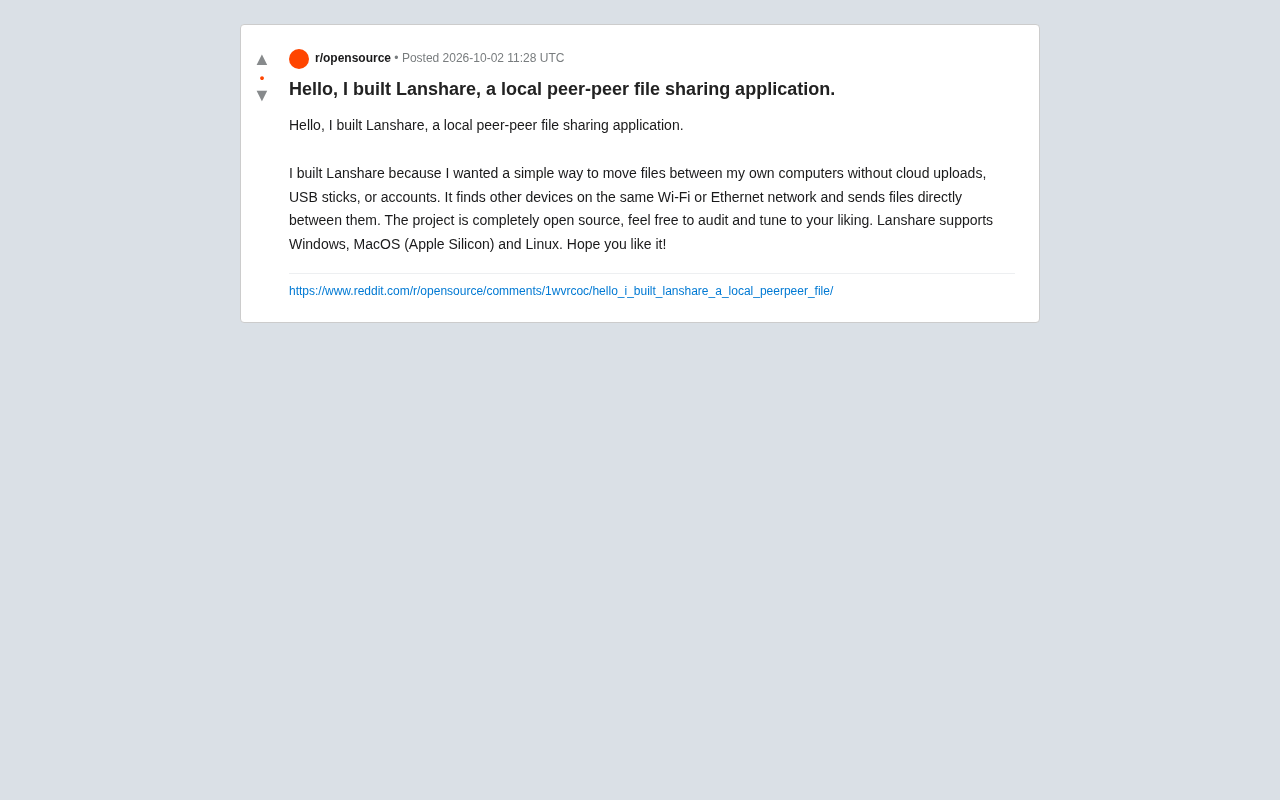
Lanshare is an open-source, cross-platform LAN P2P file transfer tool — no cloud, no accounts, data stays local.
Lanshare is an open-source tool shared by a developer on Reddit, designed for direct peer-to-peer file transfers between devices on the same Wi-Fi or Ethernet network. It requires no accounts, no cloud services, and no USB drives — data stays entirely within the local network, balancing both speed and privacy. It supports Windows, macOS (Apple Silicon), and Linux, making it viable in mixed-device environments. Being fully open source allows users to audit the code and verify its security independently. The article also notes that encryption details, mobile support, and advanced features like resumable transfers have yet to be clearly documented.
Built for Local Transfer
Shuttling files back and forth between cloud storage and USB drives is a frustratingly common reality for many users. A developer on Reddit recently shared their new project, Lanshare — an open-source application focused on peer-to-peer file transfers over a local area network. Its core premise is refreshingly straightforward: move files between your own devices without uploading to the cloud, without plugging in a USB drive, and without registering for any account.
According to the developer's post, Lanshare automatically discovers other devices on the same Wi-Fi or Ethernet network and transfers files directly between them. The entire process bypasses third-party servers, keeping data entirely within the local network. For users who prioritize privacy or operate in network-restricted environments, this design philosophy is a compelling alternative.
Why Local Peer-to-Peer Transfer Matters
Privacy and Speed Advantages Without the Cloud
Most mainstream file sync solutions rely on cloud services: files are uploaded to a server first, then downloaded to another device. This model works well across different networks, but feels unnecessary when transferring between devices under the same roof — files take a long detour, consuming bandwidth and exposing data to third parties along the way.
Lanshare's local peer-to-peer approach keeps data flowing only within the LAN. Transfer speeds are limited solely by the local network bandwidth (typically far faster than the round-trip of uploading then downloading over the internet), and file contents never pass through any external server, fundamentally reducing the risk of privacy exposure.
Actual transfer speeds within a LAN are capped by the physical medium: a 100 Mbps Ethernet connection peaks at roughly 12.5 MB/s, Gigabit Ethernet at around 125 MB/s, and Wi-Fi 6 can reach several hundred MB/s under ideal conditions. By contrast, most home broadband connections offer upload speeds of only a few tens of Mbps — meaning the bottleneck in a cloud-relay scenario lies not in the local network, but in the internet connection itself. Even over Wi-Fi 5, a direct LAN transfer is often several times faster than a cloud-mediated one. For moving multi-gigabyte video footage or design files, this difference is immediately noticeable.
Zero Accounts, Zero Dependencies
The developer specifically highlighted the "no accounts" aspect. Many similar tools require login credentials or tie users to a particular ecosystem. Lanshare positions itself as a pure utility: open it and it works, automatically discovers devices, and lets you send files with a simple selection. This low-friction approach hits the nail on the head for users who just want to "move this file to another computer."
Cross-Platform Support and Open-Source Nature
Supporting All Three Major Desktop Platforms
According to the original post, Lanshare currently supports Windows, macOS (Apple Silicon), and Linux. The explicit mention of Apple Silicon for the macOS version indicates optimization for Apple's in-house chips. Multi-platform coverage makes it practical in mixed-device environments — for example, transferring files between a Windows workstation and a MacBook.
Fully Open Source: Auditable and Customizable
The developer emphasizes that the project is "fully open source" and welcomes users to "audit and tune to your liking." For a file transfer tool, open source is particularly meaningful — security is no longer a matter of trusting the developer, but something the community can verify collectively. Users who want to confirm the tool isn't silently uploading data, or who wish to add custom features, can go straight to the source code.
Security audits of open-source file transfer tools typically focus on two core questions: first, whether the transfer is encrypted — i.e., whether other devices on the same network could intercept data in plaintext; and second, whether the program exhibits any "phone home" behavior, sending data to external servers without the user's knowledge. Since the original post does not explicitly detail the encryption protocol used by Lanshare, interested users can verify this by reviewing the network layer implementation in the source code. Common tools in this category use TLS or libsodium-based encryption to protect in-LAN transfers — an important benchmark when evaluating the security of any such tool.
Ideal Use Cases
Based on its feature set, Lanshare is well-suited for the following scenarios:
- Multi-device personal users: Anyone with multiple computers at home or on their desk who frequently needs to transfer files between them;
- Privacy-sensitive situations: When you'd rather not have files pass through any cloud service or third party;
- Network-restricted environments: When external internet access is limited or unavailable, but the local network is functioning;
- Developers and enthusiasts: Users willing to review source code, compile from scratch, or build on top of the project.
It's worth noting that the original post provides limited information. Details around transfer encryption, real-world speed benchmarks, mobile platform support, and advanced capabilities like large file handling and resumable transfers have not been explicitly addressed. Users who are curious are encouraged to consult the project's source code and documentation directly for a more accurate picture of its capabilities.
Conclusion
Lanshare represents a "back to local" philosophy: in an era where cloud services are ubiquitous, it revisits the most direct path between devices. Its combination of open source, cross-platform support, and peer-to-peer architecture tackles a specific and common frustration. As a newly released personal project, its maturity and feature completeness remain to be seen — but its clear focus and open-source ethos give privacy-conscious and efficiency-driven users plenty of reason to give it a try.
Related articles

Uber Deploys ChatGPT Work Company-Wide: AI in the Workplace Enters the Scaled Implementation Phase
Uber deploys ChatGPT Work to 30,000+ employees, extending it from engineering to all roles. We analyze its expert-engineer pairing, end-to-end automation, and questions of AI control and power concentration—insights for scaling AI in the workplace.

Shift at Midnight Hands-On: When "ID Verification" Becomes Alien Hunting
Shift at Midnight blends ID verification with horror survival in a four-player co-op game. We break down its inspection mechanics and chaotic humor.

Zelensky Recounts the Outbreak of War: I Need Ammunition, Not a Ride
Zelensky recalls the first day of war in a YouTube interview: farewell to family, rejecting Biden's evacuation offer with "I need ammunition, not a ride," and how Bucha shaped his stance on compromise and peace talks.