LG Smart TVs Continue Listening to Audio and Scanning LAN Devices After Screen Is Turned Off
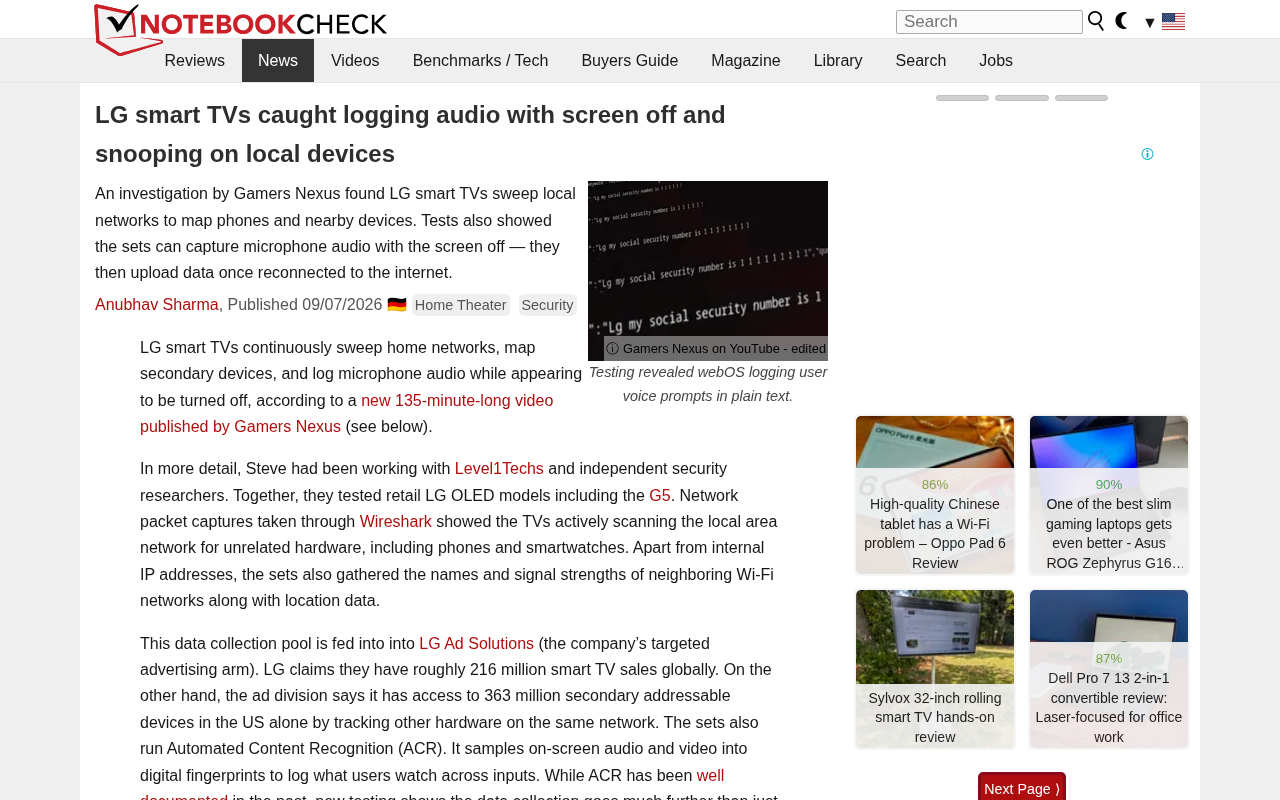
LG smart TVs keep listening and scanning your network even when the screen is off.
LG smart TVs have been caught continuously recording audio and scanning local network devices even after the screen is turned off. This behavior raises serious privacy and legal concerns under GDPR and CCPA frameworks. The article examines the technical mechanisms behind LG's surveillance, analyzes legal compliance risks, and provides practical countermeasures including VLAN isolation, disabling network features, and considering open-source smart home alternatives.
Incident Overview: LG TVs Still Monitoring in the Background After Screen Off
Recently, LG smart TVs were found to have a serious privacy issue: even when the screen is turned off, the TV continues to record audio data and scan devices on the user's local network. This discovery has drawn widespread attention in the tech community, garnering 312 upvotes and 179 comments on Hacker News, reflecting deep concerns about privacy and security in smart home devices.
This isn't the first time smart TVs have been embroiled in privacy controversies, but LG's newly exposed behavior is particularly alarming — the device continues running surveillance functions in the background while users believe it's been turned off. This design fundamentally violates users' reasonable expectations.

Technical Details: How LG TV Surveillance Works
Audio Collection After Screen Off
According to Notebookcheck's report, LG smart TVs do not actually enter a sleep state after the screen is turned off. Instead, they continue running their audio collection modules. This means the TV's built-in microphone may remain active at all times, continuously capturing ambient sound.
This design was likely originally intended to support voice wake-up functionality, allowing users to turn the TV back on via voice commands. Voice Wake-up technology, also known as Hotword Detection, is a key technology that enables hands-free activation of smart devices. It works as follows: the device's microphone continuously captures ambient audio, but only runs a lightweight speech recognition model on a local chip, specifically designed to detect a particular wake word (such as 'Hey Siri' or 'OK Google'). Only after the wake word is detected does it activate the full speech recognition system and upload subsequent audio to the cloud for processing. Ideally, audio captured before wake word detection should be immediately discarded — neither stored nor uploaded. However, in practice, some manufacturers 'optimize' recognition performance by continuously buffering audio clips or uploading more data than necessary, which creates privacy risks.
But several key questions are cause for concern:
- Are users adequately informed about this mechanism?
- How is the collected audio data processed and stored?
- Is the audio data uploaded to cloud servers?
These questions currently have no clear answers. The core issue with LG TVs is that this listening mechanism continues to run even when the screen is off, with a complete lack of transparency.
Local Network Device Scanning
Even more troubling is the discovery that LG TVs actively scan other devices on the same local network. This network scanning behavior may be intended for device discovery and smart home interconnection, but it also poses a serious security risk.
Through network scanning, the TV can identify other smart devices, computers, phones, and more on the LAN, obtaining information such as device types and MAC addresses. A MAC address (Media Access Control Address) is a network device's physical address — globally unique, consisting of 48 binary digits, typically represented as 12 hexadecimal characters (e.g., 00:1A:2B:3C:4D:5E). The first 24 bits are called the OUI (Organizationally Unique Identifier), assigned by IEEE to device manufacturers, while the remaining 24 bits are assigned by the manufacturer. By scanning the LAN to obtain MAC addresses, one can identify device manufacturers, models, and other information, and thereby infer device types and capabilities. For example, an attacker could use MAC addresses to determine which brands of smart devices, routers, and computers exist on a network, providing intelligence for targeted attacks. If this data is misused or leaked, attackers could map out a complete device topology of the user's home, laying the groundwork for further intrusion.
Privacy and Legal Compliance Analysis
Severe Lack of User Informed Consent
The most critical issue is the right to informed consent. Most consumers are unaware when purchasing and using LG smart TVs that the device continues collecting data after the screen is turned off. Even if the privacy policy mentions this, these lengthy and complex legal documents are rarely read or understood.
This information asymmetry severely violates users' right to informed consent. Under privacy regulatory frameworks like the EU's GDPR and California's CCPA, companies must inform users of data collection practices in a clear, explicit manner and obtain explicit consent. GDPR (General Data Protection Regulation) took effect in 2018 and is one of the strictest data protection regulations in the world. Its core principles include: lawfulness of data processing, transparency, purpose limitation, data minimization, accuracy, storage limitation, integrity, and confidentiality. Violating companies can face fines of up to 4% of global annual revenue or €20 million. CCPA (California Consumer Privacy Act) took effect in 2020, granting California residents the right to know, the right to delete, the right to opt out, and the right to non-discrimination. Both regulations require companies to obtain explicit user consent before collecting personal data and to explain data usage in clear, understandable language. LG's practices likely violate privacy protection laws in multiple jurisdictions.
Violation of the Data Minimization Principle
Modern privacy protection regulations universally require companies to follow the data minimization principle — collecting only the minimum data necessary to fulfill a specific function. Data Minimization is one of the core principles of modern privacy protection, requiring data controllers to collect, process, and retain only the minimum amount of personal data necessary to achieve a specific legitimate purpose. This principle is embodied in GDPR Article 5, CCPA, and China's Personal Information Protection Law, among other regulations. Specific requirements include: defining a specific purpose before collecting data, collecting only data directly related to that purpose, not pre-collecting data for potential future uses, and promptly deleting data once the purpose has been achieved.
In the smart TV context, if the goal is simply to support voice wake-up functionality, it should theoretically only require local wake word detection — there's no need for continuous audio recording or network device scanning. Persistent audio monitoring and device scanning clearly exceed what's necessary for the TV's basic functions, constituting excessive data collection and a textbook violation of the data minimization principle.
User Response Strategies: How to Protect Your Privacy
Immediately Actionable Protective Measures
For users who already own an LG smart TV, the following measures can effectively reduce privacy risks:
-
Network Isolation: Place the smart TV on a separate VLAN to restrict its ability to access other devices on your home network. A VLAN (Virtual Local Area Network) is a network isolation technology that creates multiple logically independent network segments on physical network equipment. By placing a smart TV in a separate VLAN, you can effectively restrict its ability to access other devices on your home network. Implementation requires a router that supports VLAN functionality — create an independent VLAN subnet in the router's management interface and configure firewall rules to block inter-VLAN communication. This way, even if the TV performs a network scan, it can only see devices within the same VLAN and cannot obtain the full topology of your home network. For standard home routers that lack VLAN functionality, the guest network feature can achieve a similar isolation effect.
-
Disable Network Features: If you don't need internet-connected features, simply disconnect the TV from Wi-Fi or unplug the Ethernet cable
-
Physically Cover the Microphone: For built-in cameras and microphones, use physical covers to prevent unauthorized data collection
-
Check Privacy Settings: Navigate to the TV's settings menu and disable voice recognition, data collection, and related options
-
Firmware Downgrade: If possible, roll back to an earlier firmware version (though this may affect other features). Firmware is software embedded in hardware devices that controls basic device functions. A firmware downgrade refers to rolling back the device's firmware to an earlier version. For smart TVs, downgrading may remove data collection features added by the manufacturer in newer versions, but it also carries multiple risks: 1) Security vulnerability risk — older versions may contain known security flaws; 2) Feature loss — new features and optimizations will be removed; 3) Compatibility issues — apps may stop working; 4) Warranty void — unauthorized firmware modifications may invalidate the warranty; 5) Bricking risk — improper operations could render the device unbootable. Some manufacturers actively prevent downgrades through digital signature verification or forced update mechanisms. Therefore, firmware downgrading should be a last resort and requires a certain level of technical expertise.
Considerations When Purchasing a Smart TV
This incident also provides important guidance for future purchasing decisions. When choosing a smart TV, prioritize:
- The brand's track record on privacy protection and information transparency
- Whether detailed and user-friendly privacy controls are provided
- Whether internet connectivity and data collection can be completely disabled
- Whether the device supports local operation to reduce dependence on cloud services
Industry Reflection: How to Solve the Smart Home Privacy Dilemma
This LG incident is just the tip of the iceberg when it comes to smart home privacy issues. From Amazon Echo to Google Nest, from smart locks to smart speakers, virtually all connected devices face the challenge of balancing feature convenience with privacy protection.
The industry needs to establish stricter self-regulatory standards, and regulators need to step up enforcement. Only when the cost of privacy violations is high enough will companies truly prioritize user data protection. That said, the tech community should also develop more open-source, auditable smart home solutions that give users genuine control over their own data.
Open-source smart home systems offer core advantages of transparency, auditability, and user control. Notable projects include: Home Assistant (supports over 2,000 device integrations, can run entirely locally without cloud services), OpenHAB (Java-based, cross-platform, modular design), and Domoticz (lightweight, suitable for low-power devices like Raspberry Pi). The advantages of these systems include: 1) Fully open-source code that the community can audit for backdoors; 2) Data stored on the user's own server with no risk of privacy leaks; 3) No dependence on vendor cloud services, avoiding device bricking when services are discontinued; 4) Support for custom automation rules and device coordination; 5) Community-driven development with continuous feature improvement. However, open-source solutions do have a learning curve: they require some technical ability to configure, the user experience may not match commercial products, and device compatibility needs to be verified on a case-by-case basis. For privacy-conscious technical users, open-source solutions are the ideal choice.
For everyday consumers, raising privacy awareness and mastering basic cybersecurity knowledge has become an essential course in the digital age. While enjoying the convenience that smart devices bring, we must always remain vigilant about potential privacy risks.
Related articles

Vibe Coding Full-Stack in Practice: AI Programming from Beginner to Enterprise Deployment
From Cursor to Claude Code, this Bilibili AI programming course uses four progressive projects to cover full-stack development, open-source secondary development, and team collaboration. The article analyzes the shock to frontend roles, the efficiency shift from 50 people to 5, and the methodology required for enterprise-grade projects.

David Blaine's Global Quest for Real Magic: From South Africa to Japan and India
David Blaine travels to South Africa, Japan, and India in his Do Not Attempt special, documenting Spinning drivers, black mamba rescuers, iaijutsu masters, and ascetics—exploring the boundary between magic and real human极限 challenges.

Is a Touchscreen MacBook Coming? Vergecast Reveals Apple Executive's Response
Vergecast podcast reveals a conversation between a reporter and Apple executive John Ternus about a touchscreen MacBook and Apple Pencil support. Ternus says iPad is the best device for a stylus, while the reporter bets MacBook will eventually support Apple Pencil.